Headlights - Adjust - NA (Tool Method)
Correction code 1740015017400150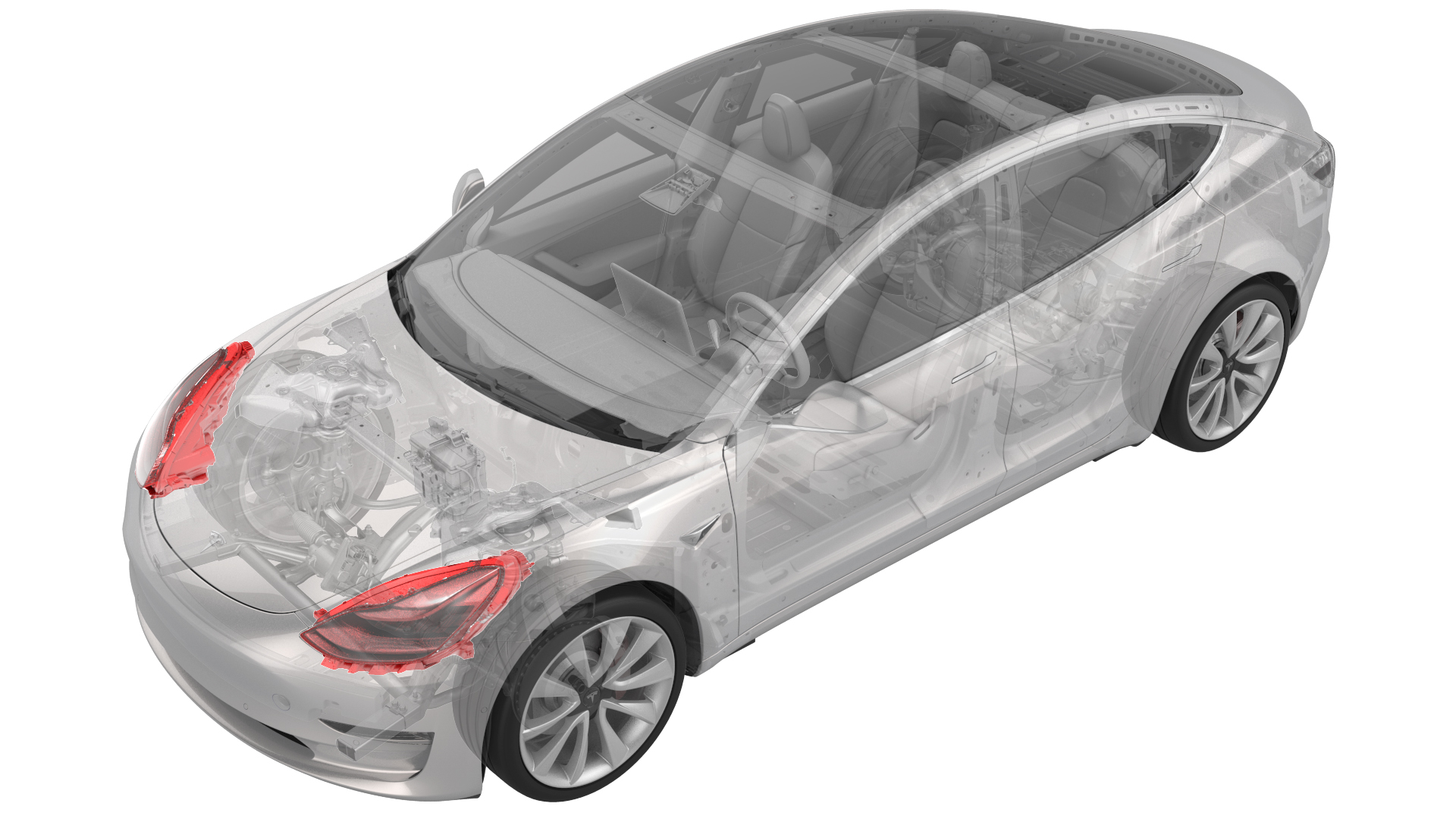
Adjust Headlights Using a Headlight Tester
Special tools required for this procedure:
| Supplier | Part Number | Description |
| Tesla | 1133367-00-A | Beissbarth Headlight Tester, Model 815 |
-
Turn on the alignment laser near the top of the tool, and then rotate the tool as necessary to align the laser with the base of both hood struts.
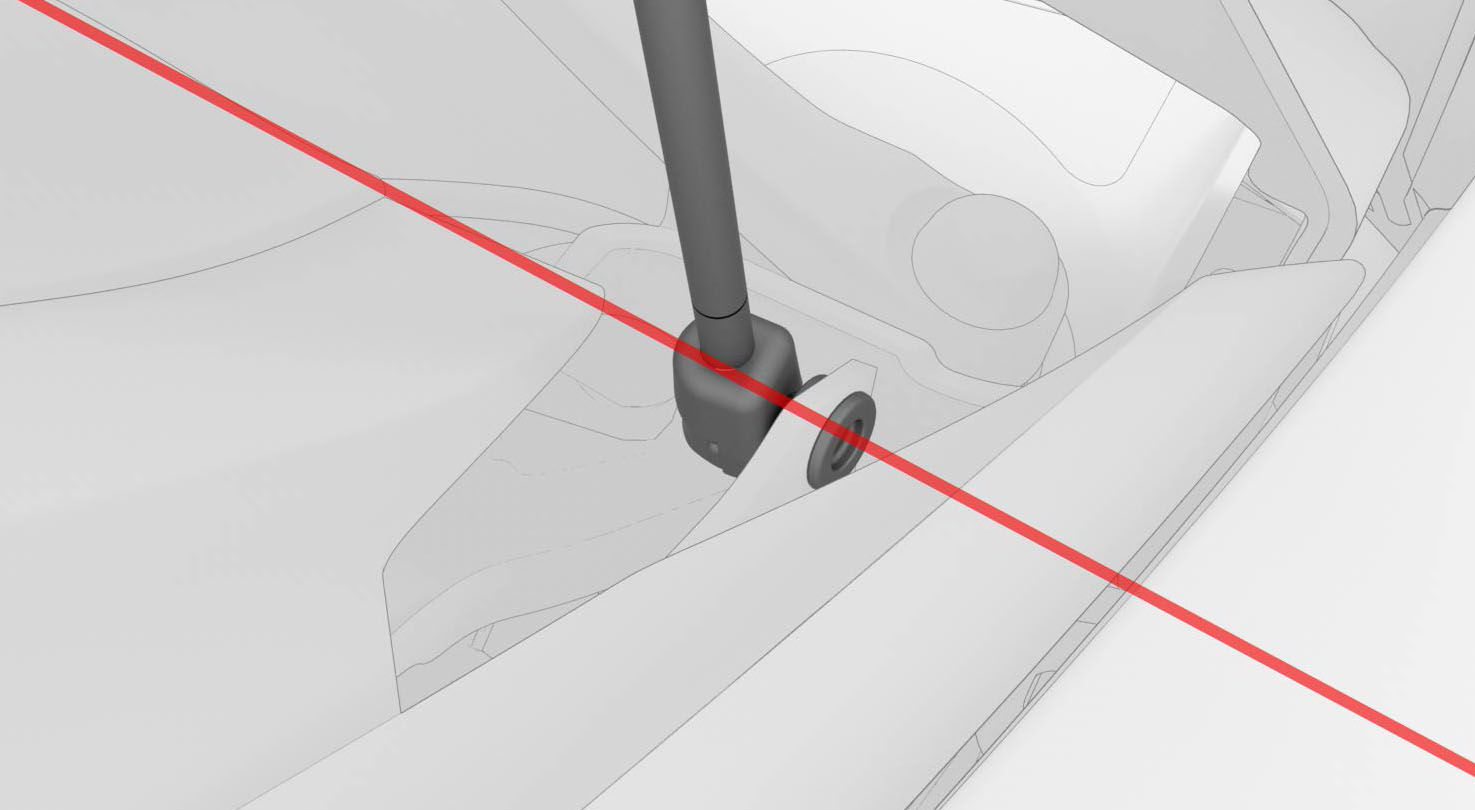 LH Hood Strut
 -
On the steering wheel, use the left scroll wheel to adjust the beam level: Target 0.00" +/- 1.0"
 Caution:Do not sit in the vehicle, as this will affect headlight alignment.Note: There might be a delay between the scroll wheel input and actual headlight adjustment output.
 -
On the steering wheel, use the right scroll wheel on the steering wheel to adjust the beam level: Target 0.00" +/- 1.0"
Caution:Do not sit in the vehicle while using the scroll wheel as this will affect headlight alignment.Note: There might be a delay between the scroll wheel input and actual headlight adjustment output.
| 1 | Park the vehicle on a level surface. | ||
| 2 | Make sure that all 4 tires are inflated to specification. | ||
| 3 | Open the front trunk hood. | ||
| 4 | On the touchscreen, enter headlight adjustment mode: Controls > Service > Adjust Headlights. | ||
| 5 | Turn on the headlights. | ||
| 6 | Position the headlight tester tool ~11 in. (30 cm) from the front of the LH headlight lens. | ||
| 7 | Connect the headlight tester tool to an electrical outlet, and then turn on the headlight tester tool. | ||
| 8 | Adjust the knobs on the base of the headlight tester tool until the tool is leveled, as indicated by the bubble gauge on the tool. Note: The bubble must be entirely inside of the center ring in order to properly align the headlights.
| ||
LH Hood Strut
| 9 | Turn on the alignment laser near the top of the tool, and then rotate the tool as necessary to align the laser with the base of both hood struts. | |
| 10 | On the headlight tester tool, select Test US, then select Applications >Free Test. | ||
| 11 | On the headlight tester tool, select Headlight, and then use the + or - buttons to change the Headlight type to "VOR". | ||
| 12 | On the headlight tester tool, select Light, and then use the + or - buttons to change the Light type to "LED." | ||
| 13 | On the headlight tester tool, select Inclination, and then use the + or - buttons to set the inclination. Note: Inclination information is located on the headlight.
| ||
| 14 | On the headlight tester tool, select Height.
| ||
| 15 | On the headlight tester tool, select OK. | ||
| 16 | Choose settings to test and adjust the fog lights, if necessary. See Light - Fog - Front (Adjust). Note: Or click OK to skip the Fog Light setup screen.
| ||
| 17 | On the headlight tester tool, select Laser to turn on the headlight laser guide. | ||
| 18 | On the headlight tester tool, select Left low beam, and then select Low beam near the bottom of the screen. Note: The "L" and "R" indicators at the bottom of the screen are reversed. For example, "L" is on the right side and "R" is on the left side.
| ||
| 19 | Adjust the headlight laser guide crosshair to line up with the vertical and horizontal marks on the LH headlight. Note: Or place a piece of paper against the LH headlight, and then adjust the tool to place the headlight laser guide crosshair over the brightest spot on the paper.
| ||
| 20 | On the headlight tester tool, select Laser to turn off the headlight laser guide. | ||
| 21 | On the steering wheel, use the left scroll wheel to adjust the beam level: Target 0.00" +/- 1.0" Caution: Do not sit in the vehicle, as this will affect headlight alignment.
Note: There might be a delay between the scroll wheel input and actual headlight adjustment output.
| ||
| 22 | On the headlight tester tool, select Save to record the results. | ||
| 23 | Roll the headlight tester tool to the RH headlight, and then position the tool ~30 cm from the front of the RH headlight lens. | ||
| 24 | On the headlight tester tool, select Right low beam, and then select Low beam near the bottom of the screen. Note: Make sure that High beam is not selected.
Note: The "L" and "R" indicators at the bottom of the screen are reversed. For example, "L" is on the right side and "R" is on the left side.
| ||
| 25 | Adjust the headlight laser guide crosshair to line up with the vertical and horizontal marks on the RH headlight. | ||
| 26 | On the headlight tester tool, select Laser to turn off the headlight laser guide. | ||
| 27 | On the steering wheel, use the right scroll wheel on the steering wheel to adjust the beam level: Target 0.00" +/- 1.0" Caution: Do not sit in the vehicle while using the scroll wheel as this will affect headlight alignment.
Note: There might be a delay between the scroll wheel input and actual headlight adjustment output.
| ||
| 28 | On the headlight tester tool, select Save to record the results. | ||
| 29 | Test and adjust the fog lights, if necessary. See Light - Fog - Front (Adjust). | ||
| 30 | On the headlight tester tool, select Save again to view test results. | ||
| 31 | Close the front trunk hood. | ||
| 32 | On the touchscreen, select Done. |