Brake Pad Kit - Rear (Base Brakes) (Remove and Replace)
Correction code 3301080233010802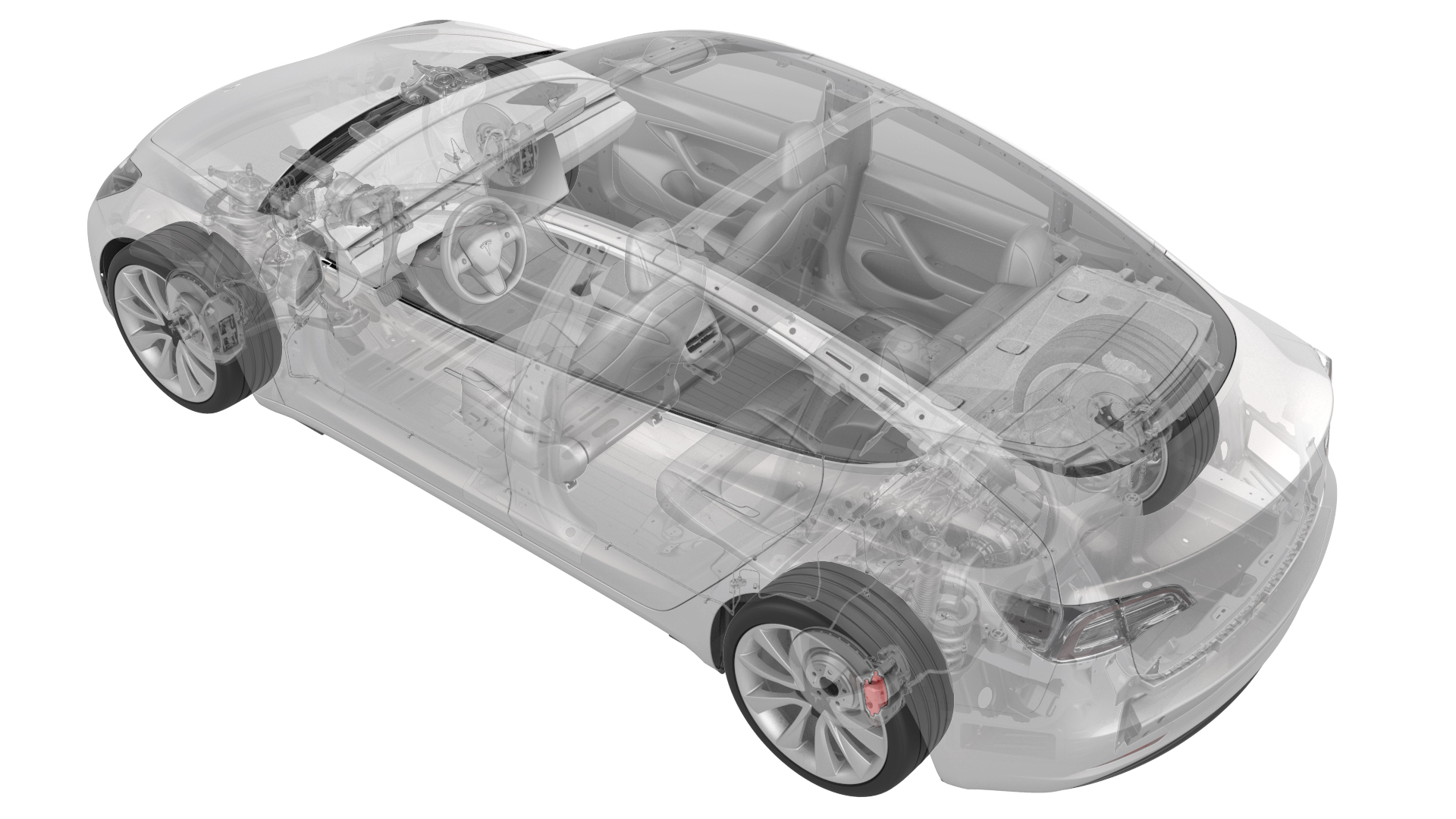
- 1134520-00-A Kit, EPB Release, Handheld
- 1129348-00-AXP-10 Power Supply, XP-10
SPECIAL TOOLS
Kit, EPB Release, Handheld (1134520-00-A) |
XP-10 Power Supply, XP-10 (1129348-00-A) |
Remove
-
Remove the bolts that attach the LH rear brake caliper to the LH rear brake caliper bracket.
 Torque 26.5 Nm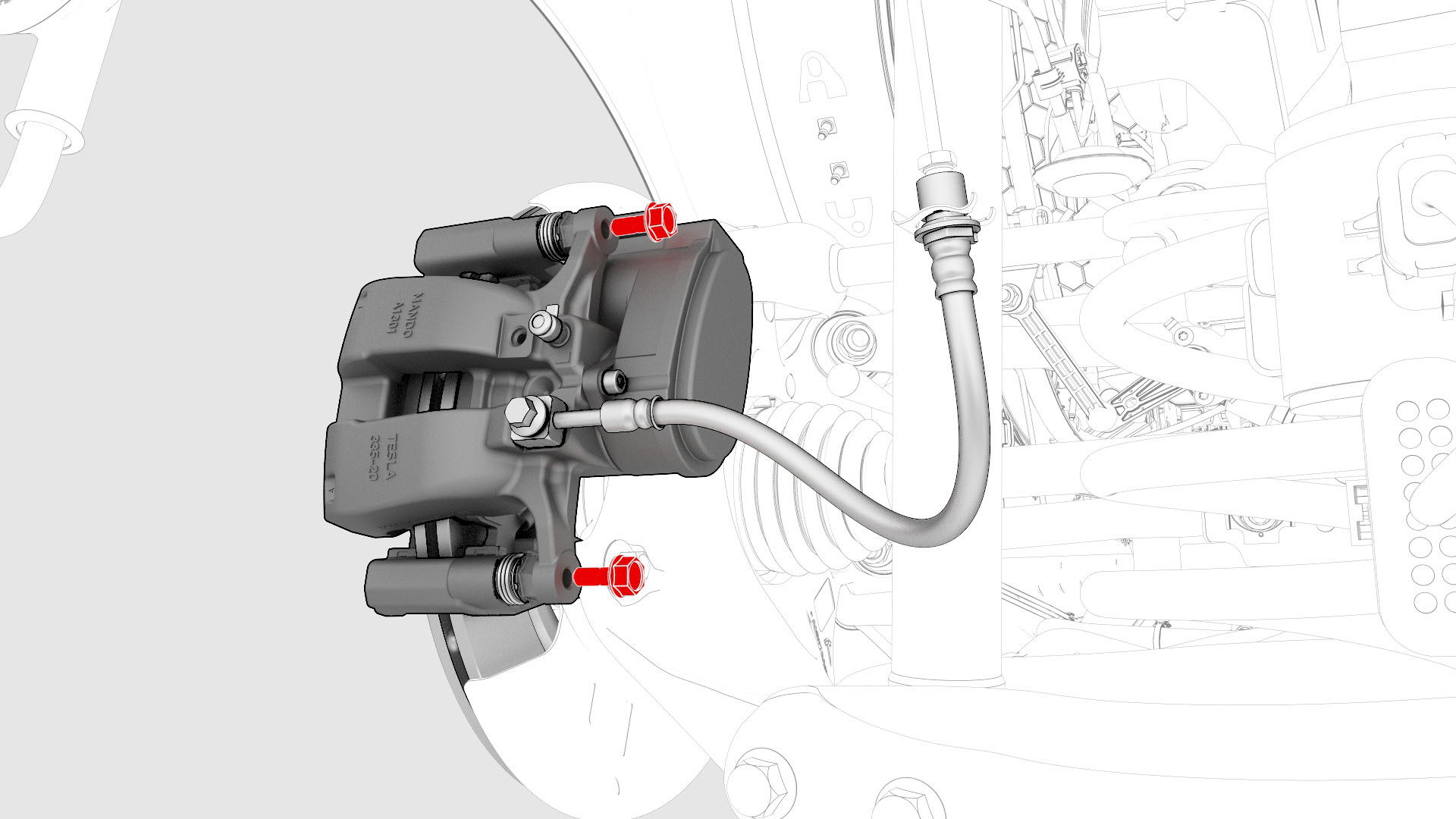
-
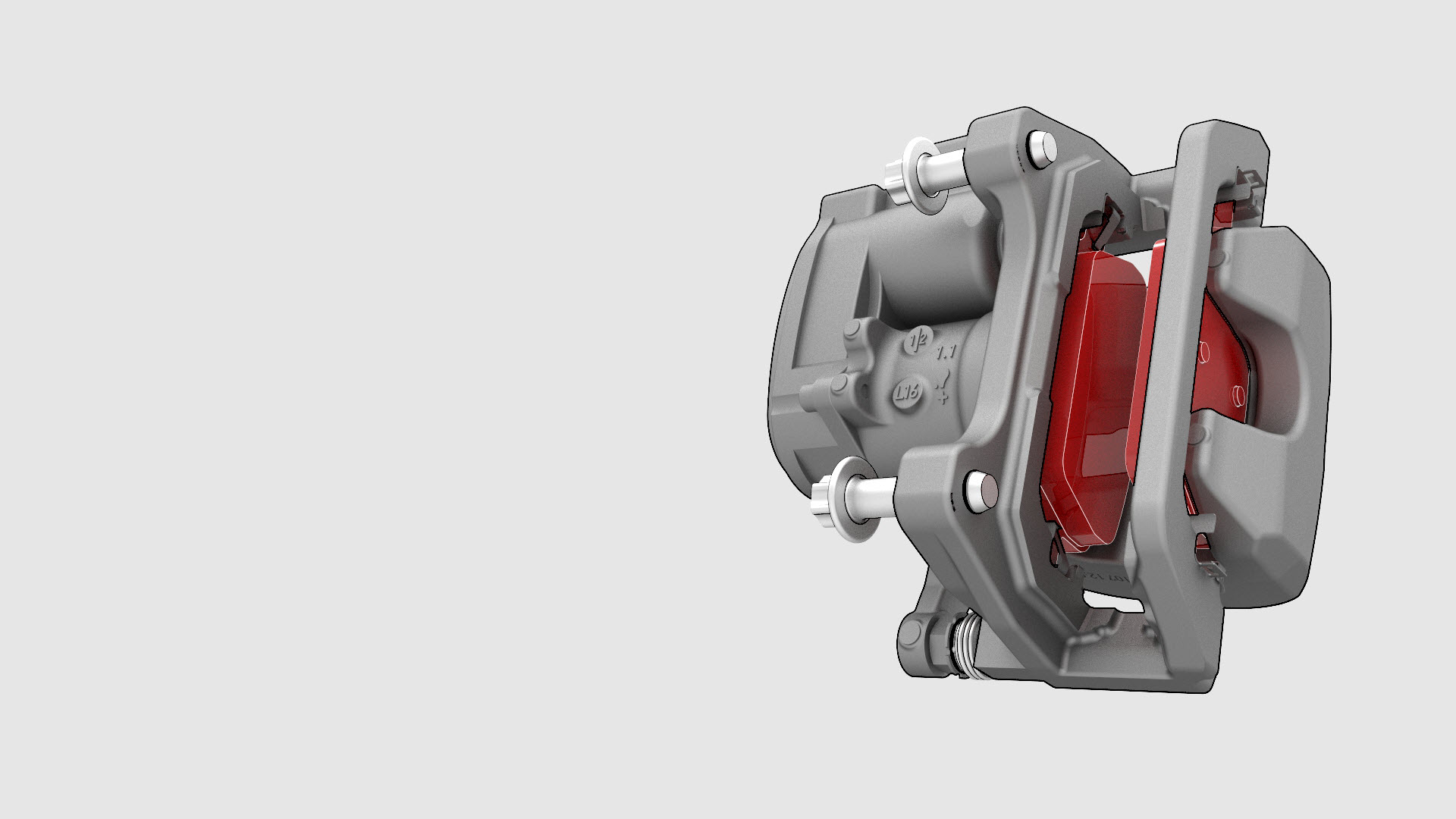
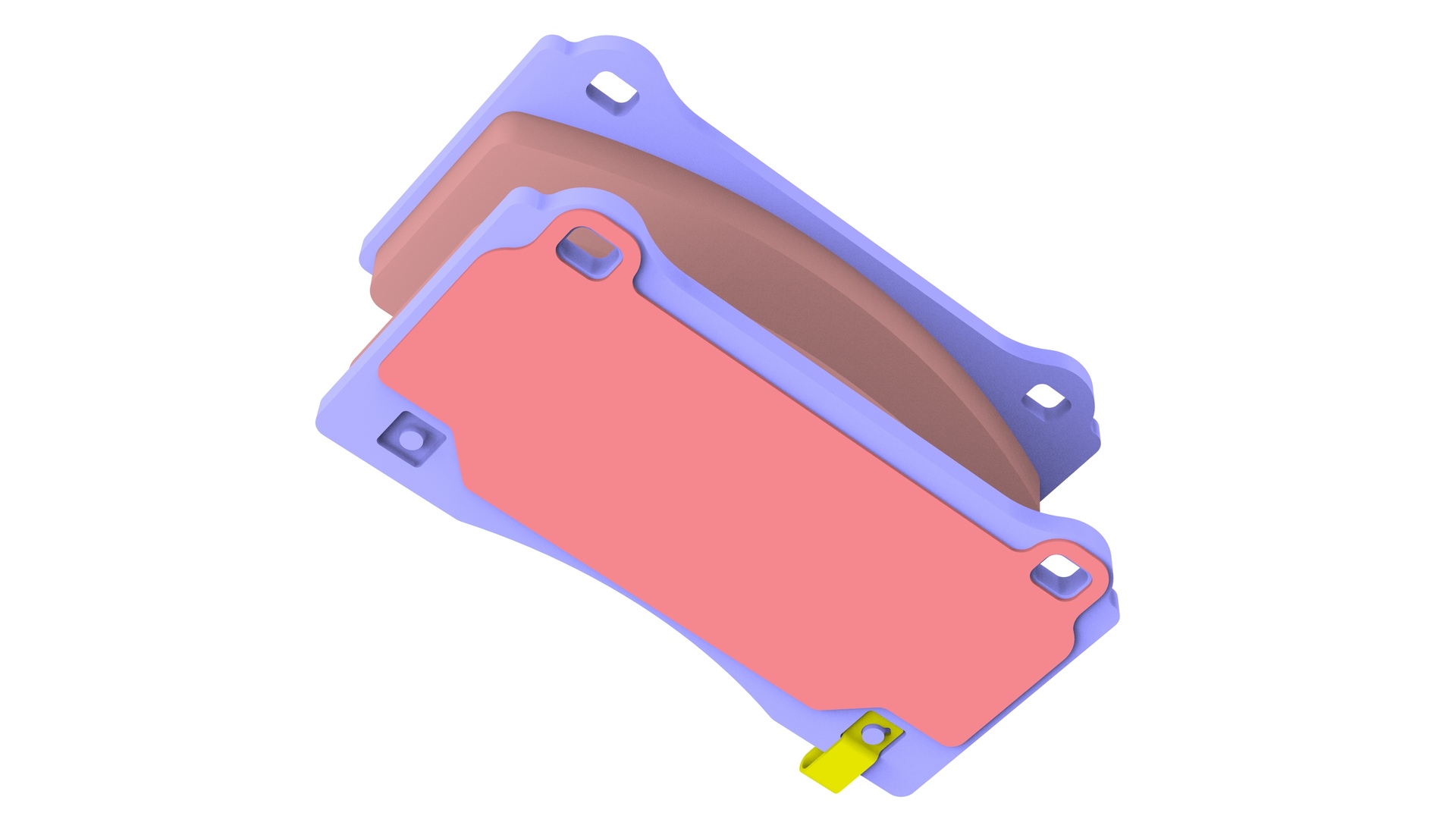
Remove the brake pads from the LH rear brake caliper bracket.
-
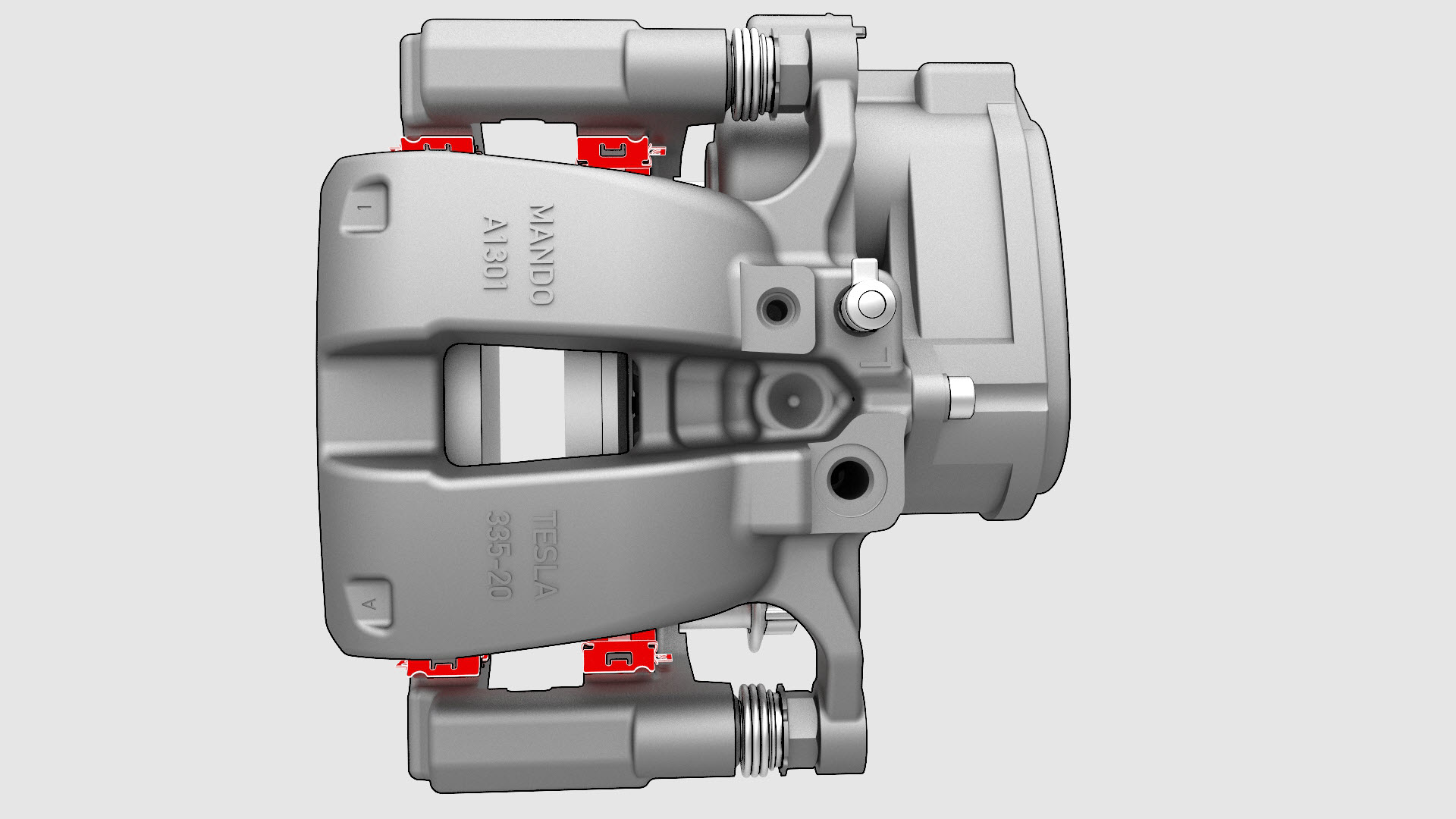
Remove the caliper abutment clips from the LH rear brake caliper bracket.
-
Repeat step 1 through step 10 for the RH rear brake pad removal.
| 1 | Remove the LH rear wheel. See Wheel (Remove and Install). | ||
| 2 | Use Toolbox to place the vehicle into EPB Service Mode. See Release Parking Brake Using Toolbox. | ||
| 3 | Remove the bolts that attach the LH rear brake caliper to the LH rear brake caliper bracket. Torque 26.5 Nm | |
| 4 | Use a brake caliper S-hook to hang the LH rear brake caliper on the body. | ||
| 5 | Remove the brake pads from the LH rear brake caliper bracket. | |
| 6 | Remove the caliper abutment clips from the LH rear brake caliper bracket. | |
| 7 | Repeat step 1 through step 10 for the RH rear brake pad removal. |
Install
-
Apply an even layer of Silaramic lubricant to the abutment clips.
-
Install the brake pads on the LH rear brake caliper bracket.
 Tip: During installation, press the brake pads toward the brake rotor.Note: Use the caliper spreader tool to push the caliper piston back into the caliper, if more room is needed.
 -
Install the bolts that attach the LH rear brake caliper to the LH rear brake caliper bracket.
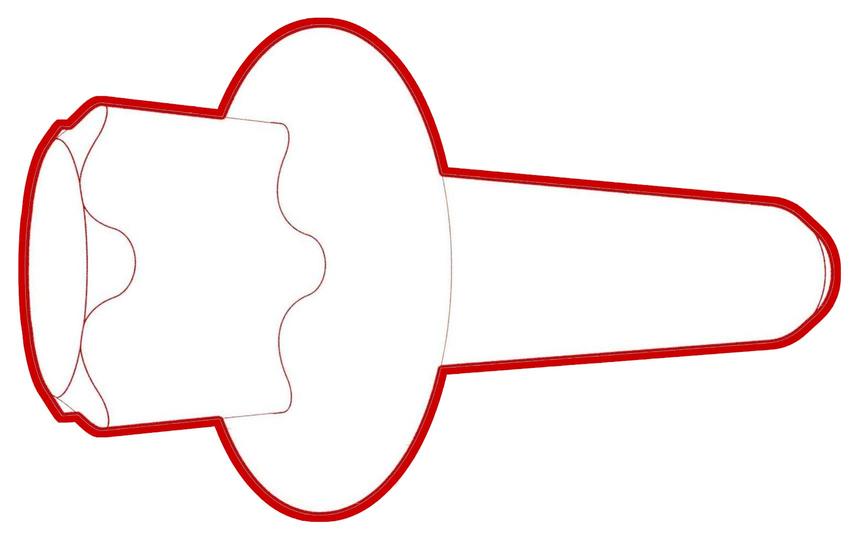 Torque 26.5 Nm
| 1 | Install the caliper abutment clips. | ||
| 2 | Apply an even layer of Silaramic lubricant to the abutment clips. | |
| 3 | Install the brake pads on the LH rear brake caliper bracket.Tip: During installation, press the brake pads toward the brake rotor. Note: Use the caliper spreader tool to push the caliper piston back into the caliper, if more room is needed.
| ||
| 4 | Install the bolts that attach the LH rear brake caliper to the LH rear brake caliper bracket. Torque 26.5 Nm | |
| 5 | Install the LH rear wheel. See Wheel (Remove and Install). | ||
| 6 | Repeat step 1 through step 5 for the RH rear brake pad installation. | ||
| 7 | Apply the parking brake by touching the Park button on the touchscreen. | ||
| 8 | Pump the brake pedal to seat the pads against the brake rotor until the brake pedal feels firm. | ||
| 9 | Check the brake fluid level and top off the brake fluid reservoir, if necessary. | ||
| 10 | Perform vehicle road test using a series of ABS-active stops and make sure proper brake pedal feel and performance is achieved. |