Bumper - Rear (Remove and Replace)
Correction code 1001310210013102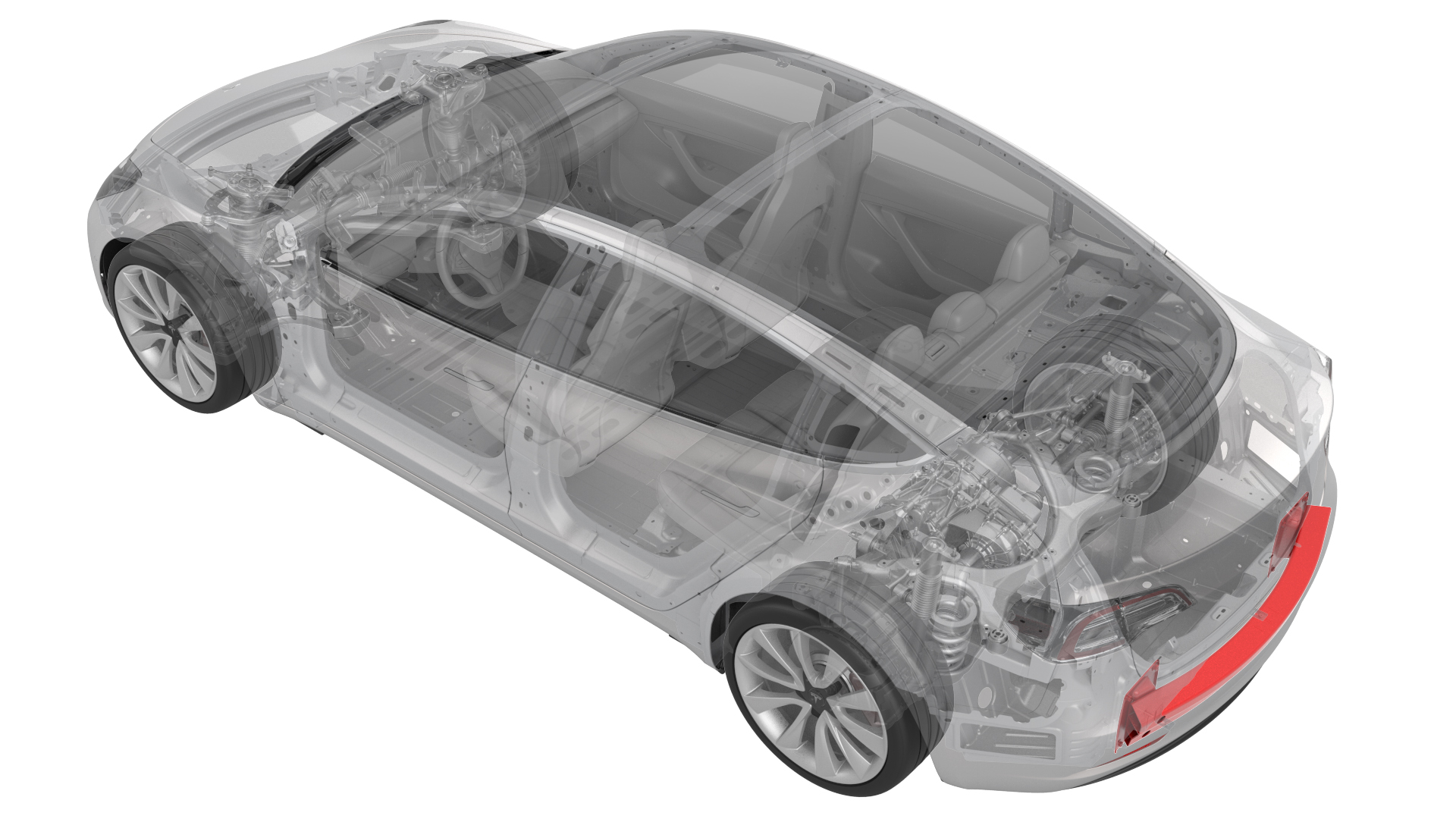
Remove
-
Release the clips that attach the rear Bluetooth passive entry antenna electrical harness to the rear center bracket assembly.
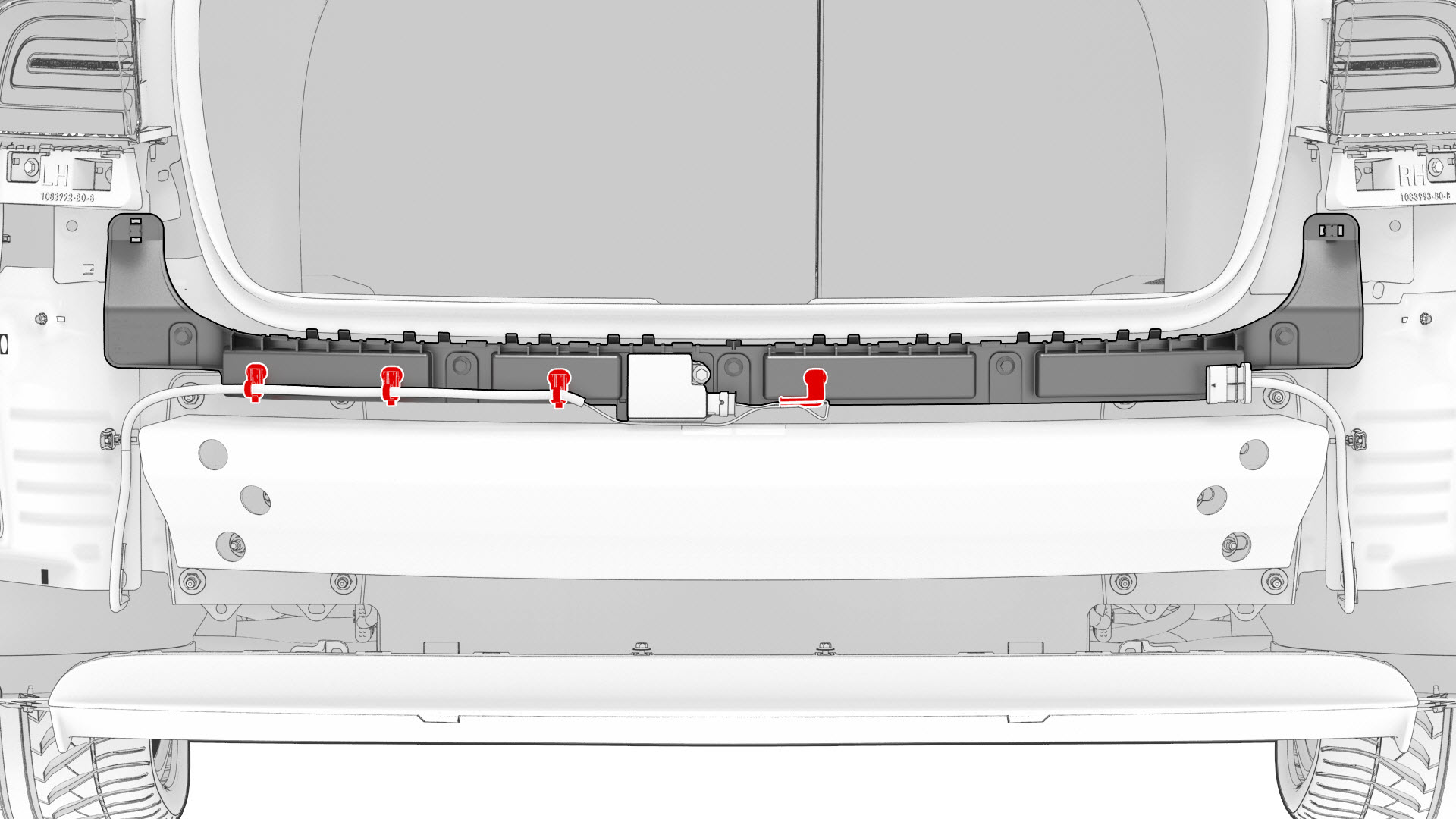
-
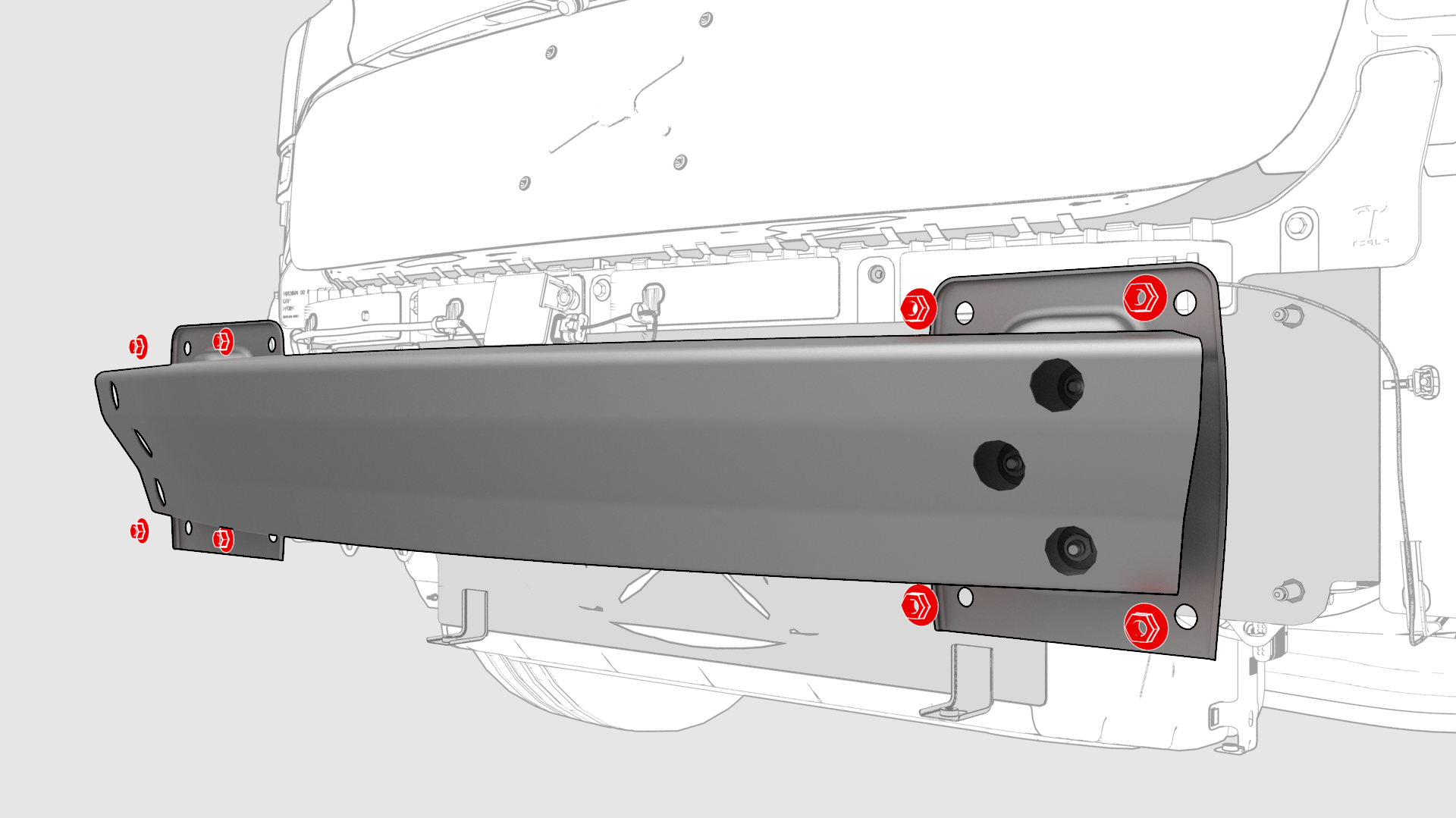
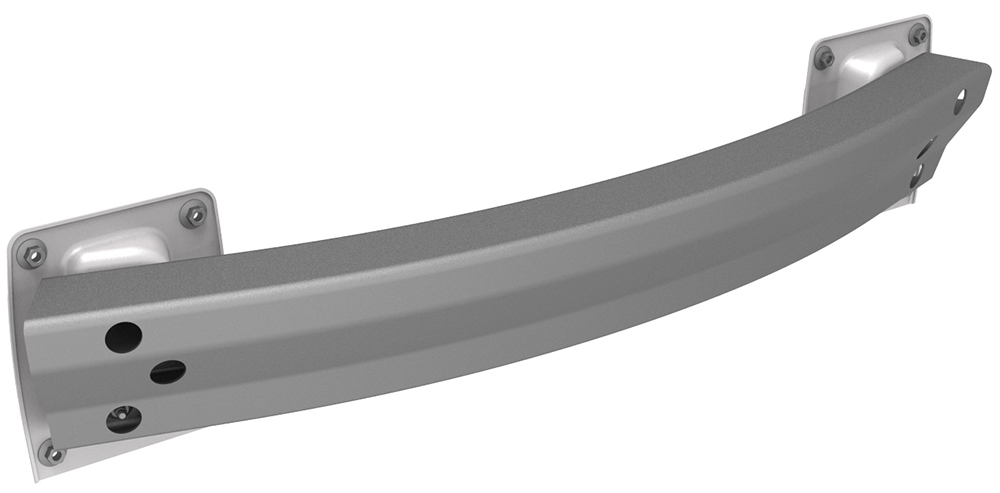
Remove the nuts that attach the rear bumper to the body, and then remove the bumper from the vehicle.
| 1 | Remove the rear fascia. See Fascia - Rear (Remove and Install). | ||
| 2 | Release the clips that attach the rear Bluetooth passive entry antenna electrical harness to the rear center bracket assembly. | |
| 3 | Remove rear Bluetooth passive entry antenna. See Antenna - Bluetooth Passive Entry - Rear (Remove and Replace). | ||
| 4 | Remove the center rear bracket. See Bracket - Rear - Center (Remove and Replace). | ||
| 5 | Remove the nuts that attach the rear bumper to the body, and then remove the bumper from the vehicle. |
Install
-
Position the rear bumper on the body, and then install the nuts that attach the rear bumper to the body.
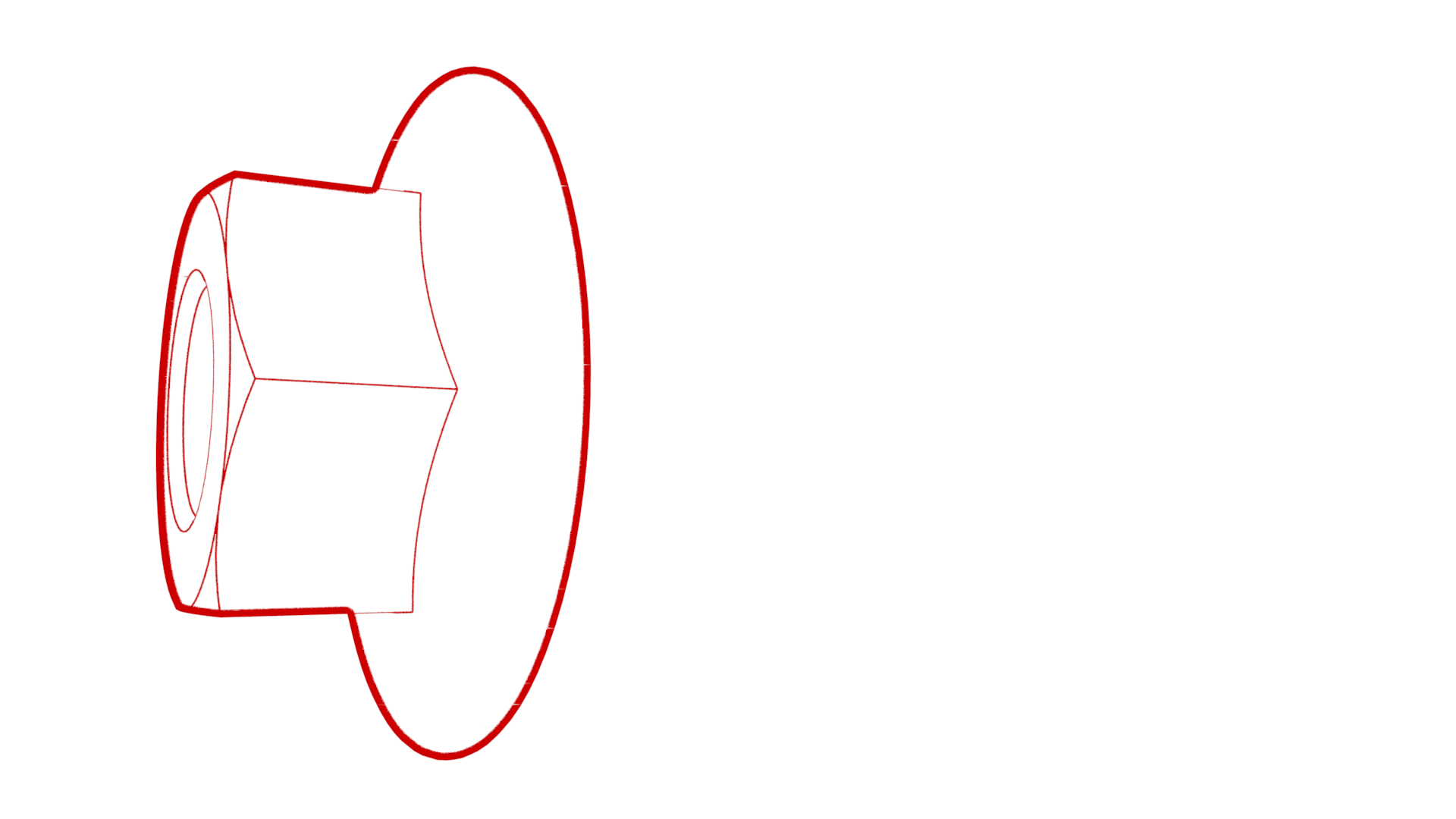 Torque 60 Nm
 -
Install the clips that attach the rear Bluetooth passive entry antenna electrical harness to the rear center bracket assembly.
| 1 | Position the rear bumper on the body, and then install the nuts that attach the rear bumper to the body. Torque 60 Nm | |
| 2 | Install the center rear bracket. See Bracket - Rear - Center (Remove and Replace). | ||
| 3 | Install rear Bluetooth passive entry antenna. See Antenna - Bluetooth Passive Entry - Rear (Remove and Replace). | ||
| 4 | Install the clips that attach the rear Bluetooth passive entry antenna electrical harness to the rear center bracket assembly. | |
| 5 | Install the rear fascia. See Fascia - Rear (Remove and Install). |