USB Hub - Center Console - Front (Remove and Replace)
Correction code 2126040221260402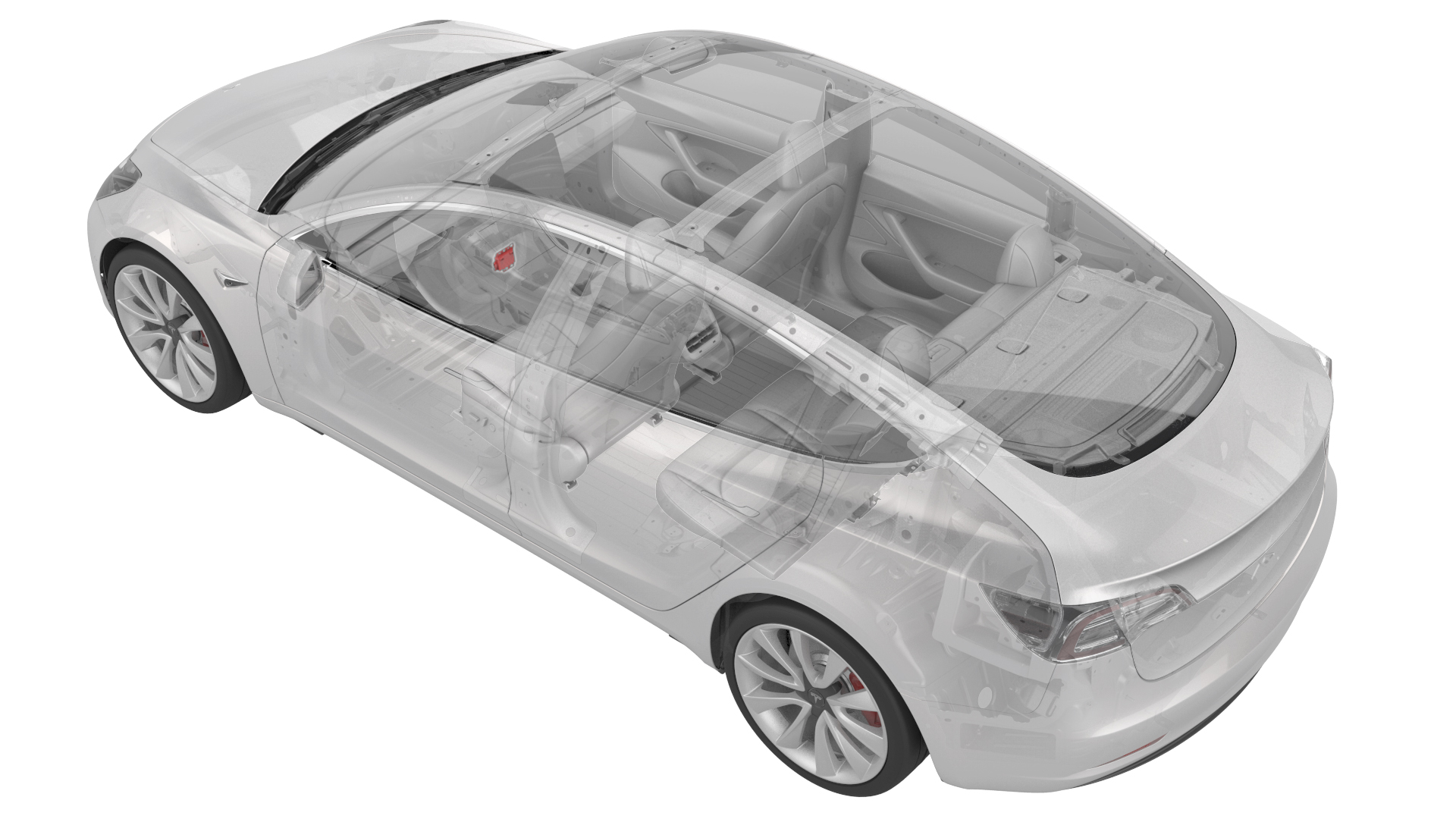
Remove
-
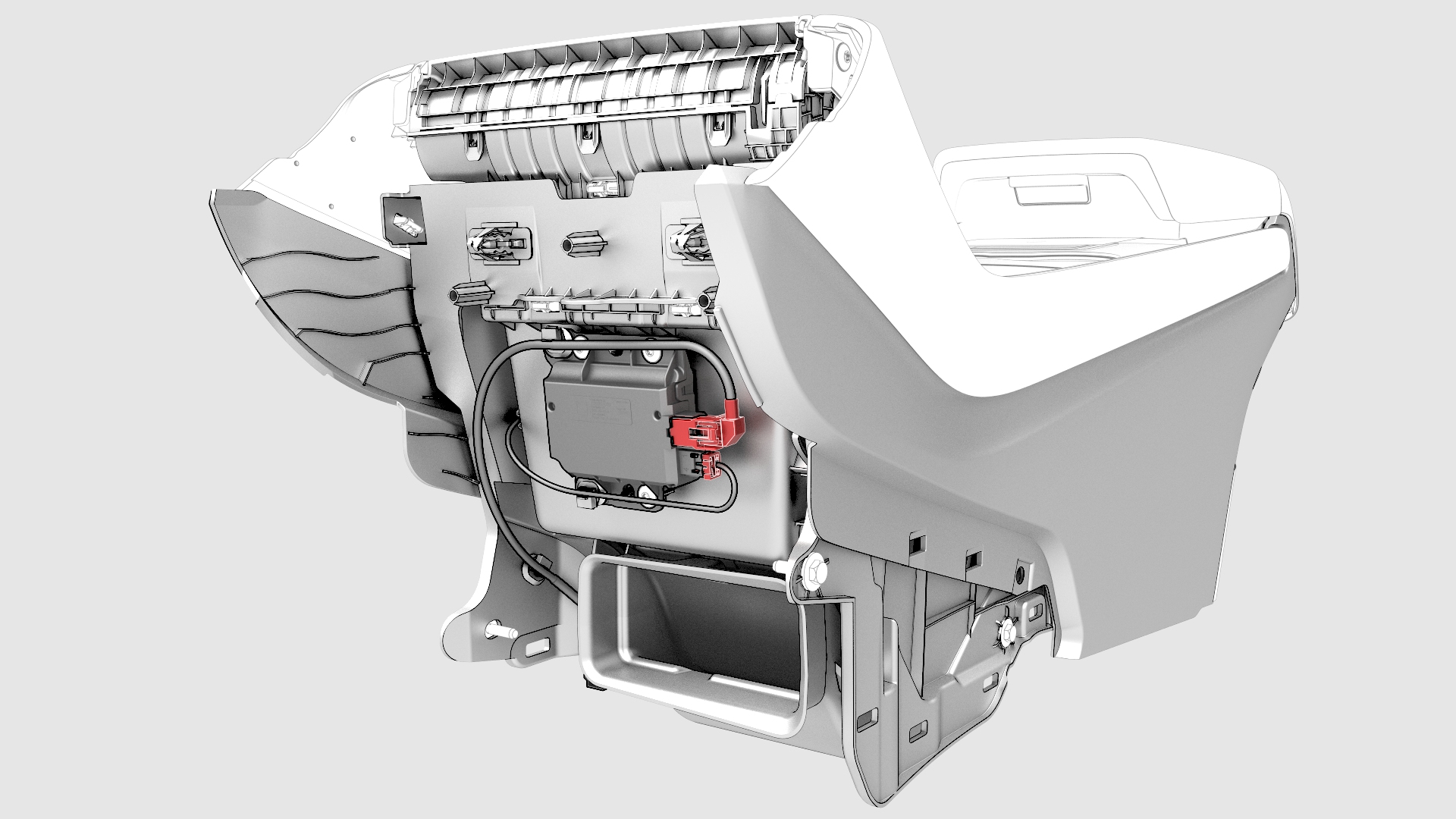
Disconnect the electrical wiring harness connector from the USB hub.
-
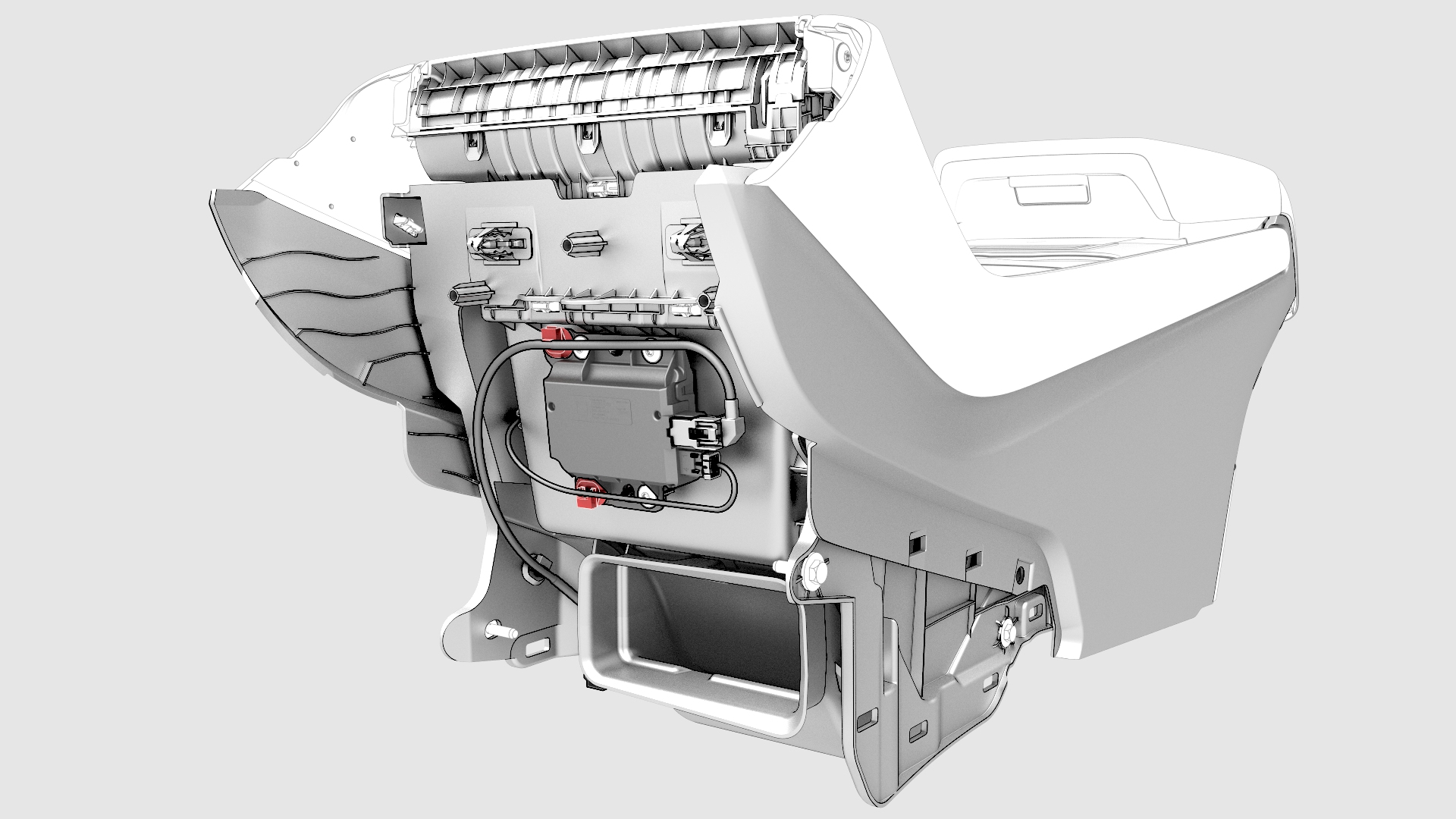
Release the clips that attach the electrical harness to the USB hub.
-
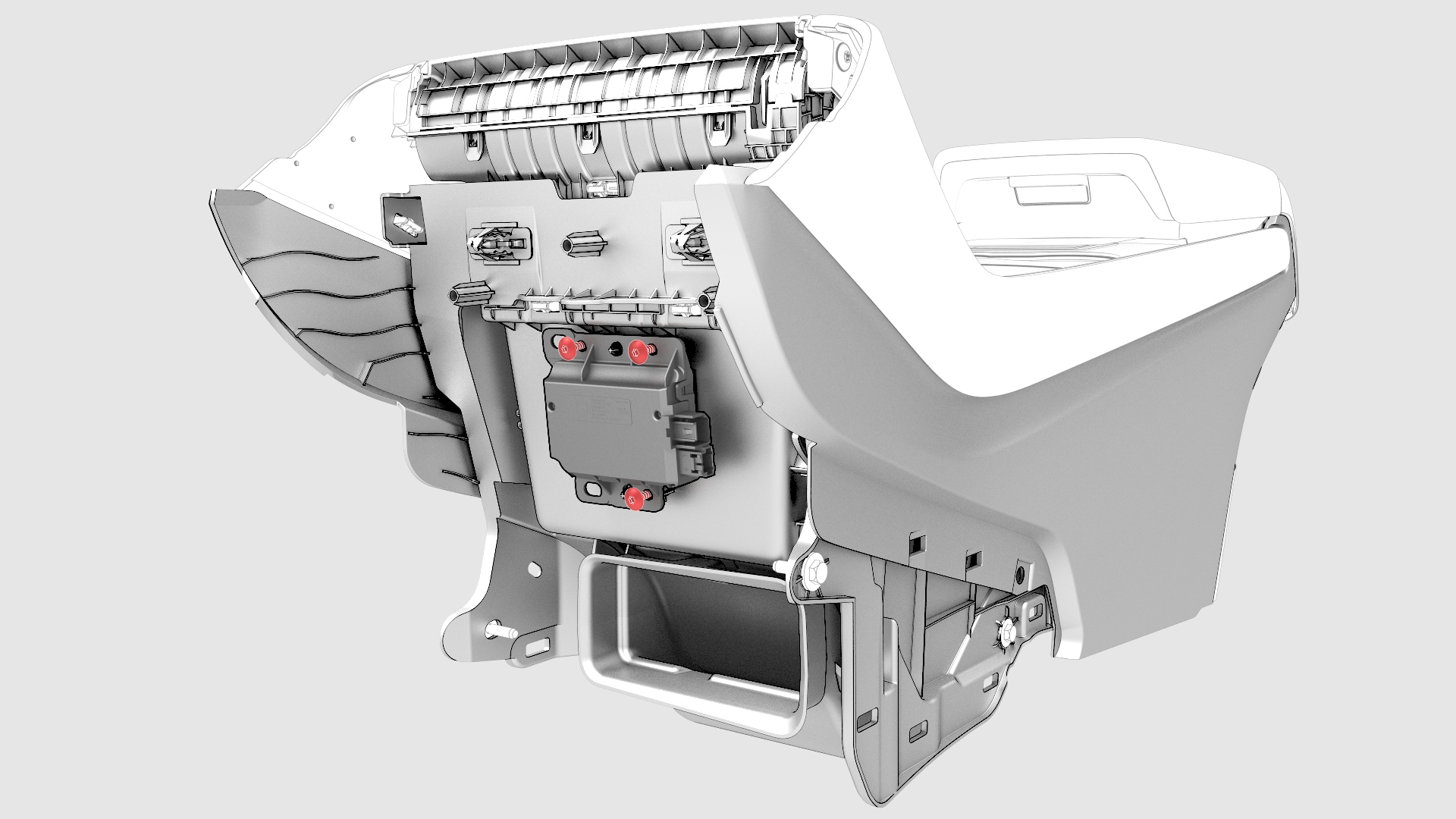
Remove the bolts that attach the USB hub to the center console, and then remove the USB hub from the center console.
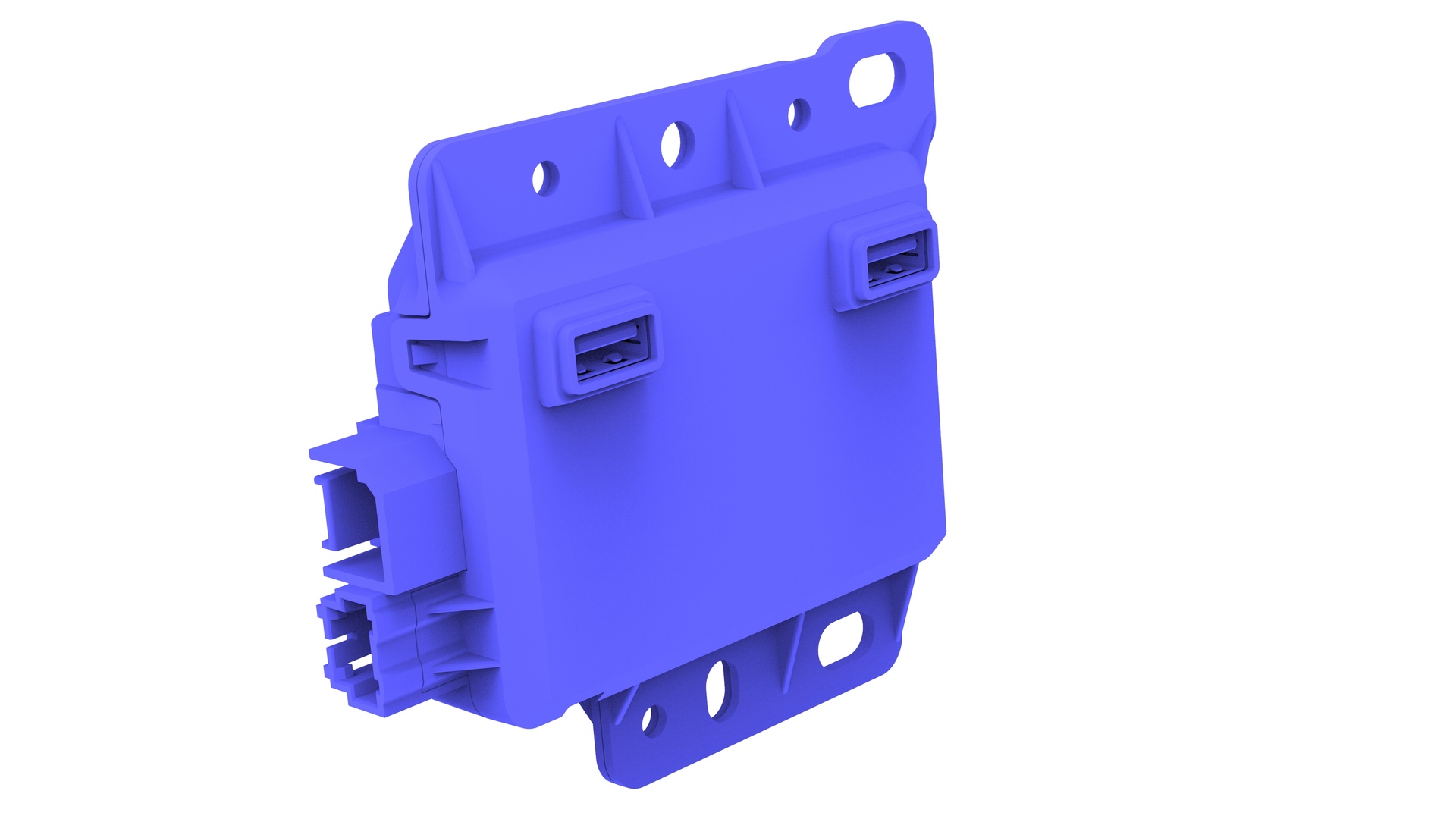
| 1 | Remove the center console. See Center Console (Remove and Install). | ||
| 2 | Disconnect the electrical wiring harness connector from the USB hub. | |
| 3 | Release the clips that attach the electrical harness to the USB hub. | |
| 4 | Remove the bolts that attach the USB hub to the center console, and then remove the USB hub from the center console. |
Install
Installation procedure is the reverse of removal.