Bushing - Rear Drive Unit - Rear (Remove and Replace)
Correction code 4001260240012602
DRAFT
from-cad Warning:
This procedure was derived from pre-production computer models, and might not reflect the real-world situation. Warnings and cautions might be missing. Follow safety requirements and use extreme caution when working on or near high voltage systems and components.
Do not redistribute this content. Provide corrections and feedback to servicemanualfeedback@tesla.com.
- 1137785-00-AKit, Drive Unit Bushing R&R, Model 3
SPECIAL TOOLS
Kit, Drive Unit Bushing R&R, Model 3 (1137785-00-A) |
Remove
-
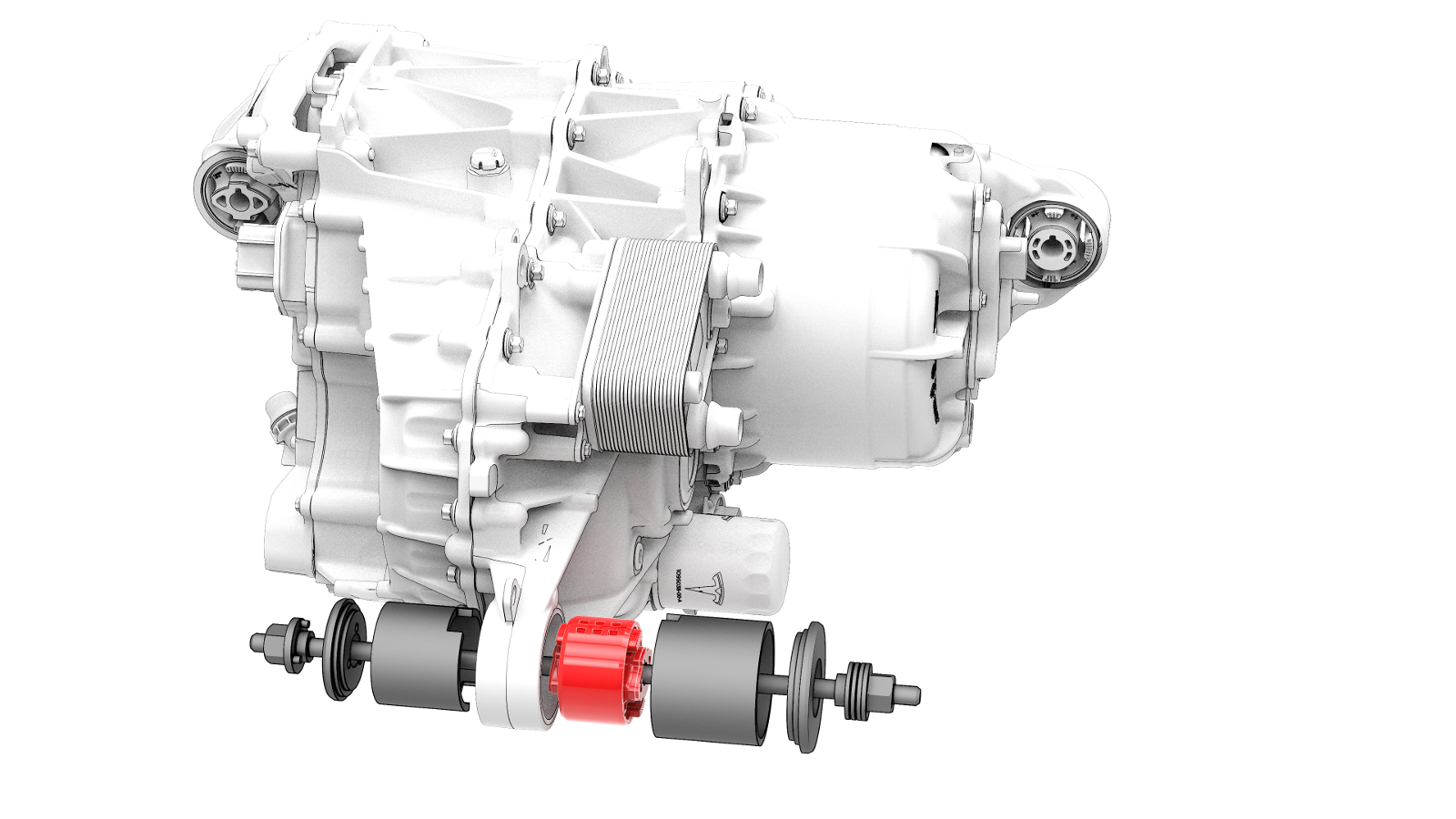
Install the drive unit bushing tool onto the rear bushing.
-
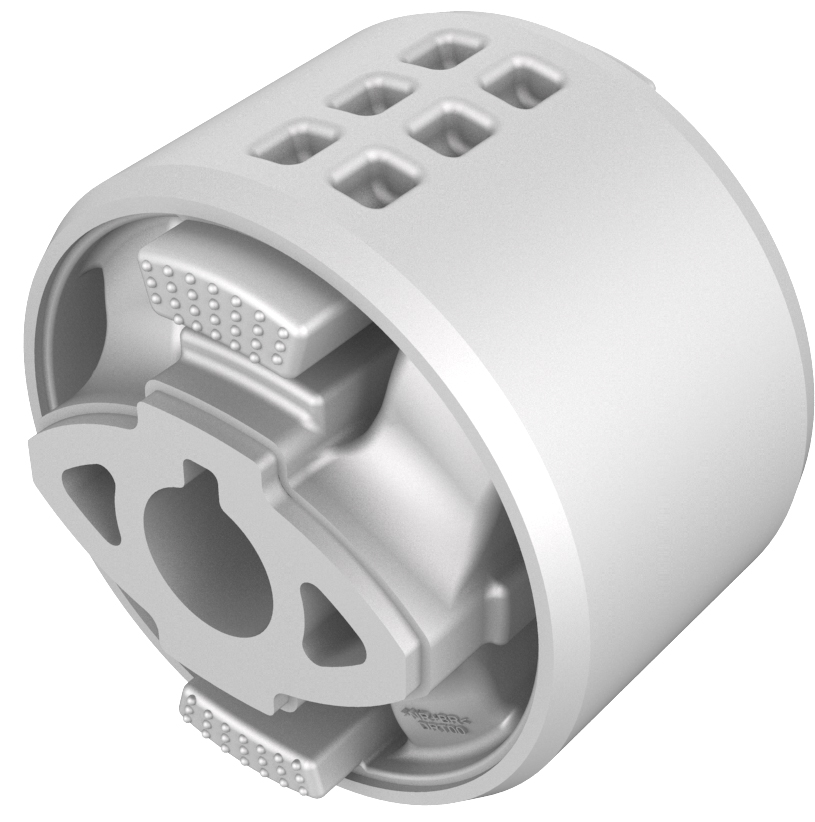
Separate the bushing tool, and then remove it from the drive unit.
| 1 | Remove the rear drive unit. See Drive Unit - Rear (Remove and Install). | ||
| 2 | Install the drive unit bushing tool onto the rear bushing. | |
| 3 | Turn the nut on the thrust washer to remove the bushing from the drive unit. | ||
| 4 | Separate the bushing tool, and then remove it from the drive unit. |
Install
-
Set up the bushing tool to press in the new bushing.
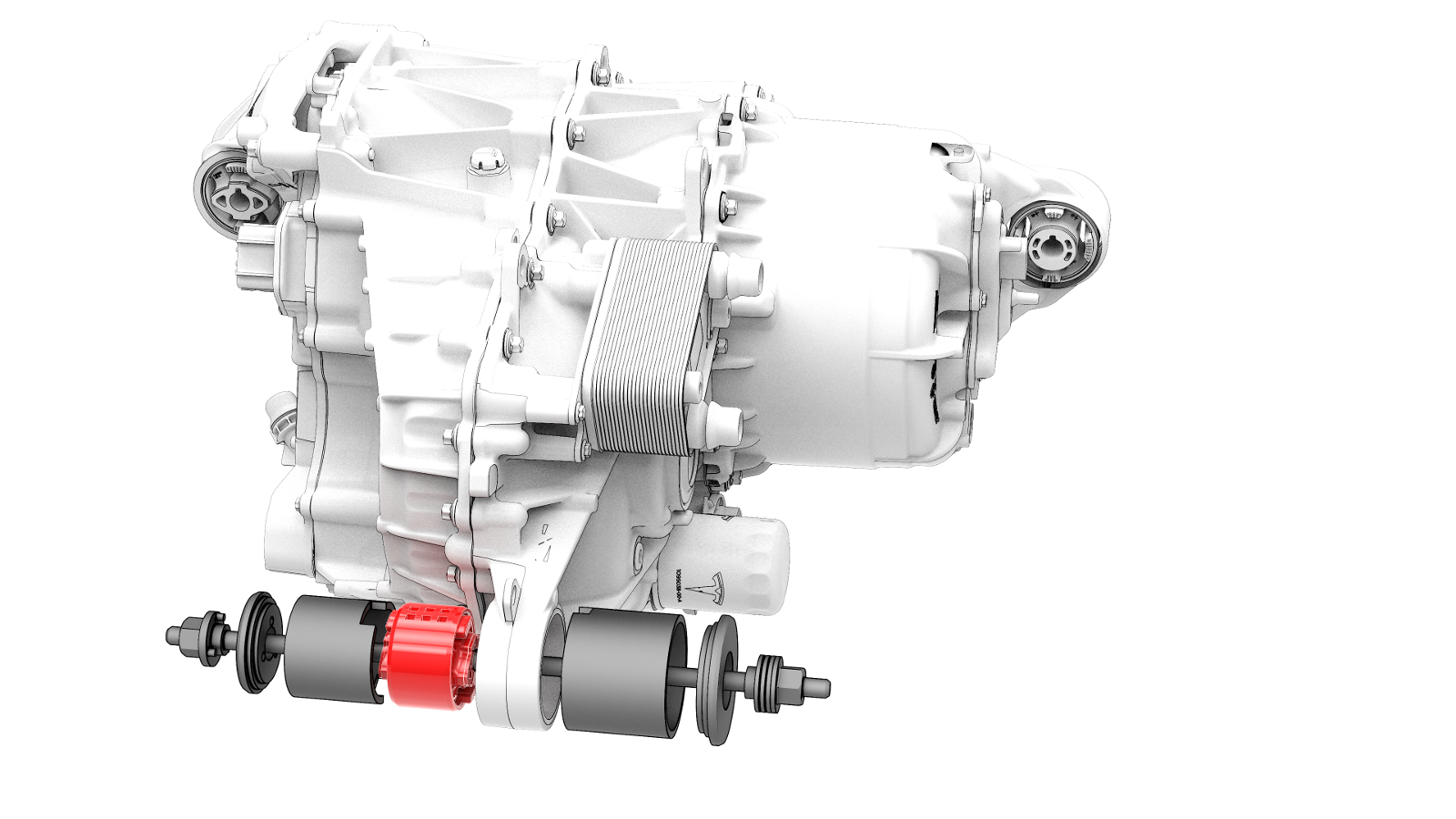
| 1 | Set up the bushing tool to press in the new bushing. | |
| 2 | Turn the nut on the thrust washer to press the new bushing into the drive unit. | ||
| 3 | Separate the bushing tool, and then remove it from the drive unit. | ||
| 4 | Install the rear drive unit. See Drive Unit - Rear (Remove and Install). |