Module - HomeLink Transmitter (Remove and Replace)
Correction code 1715420217154202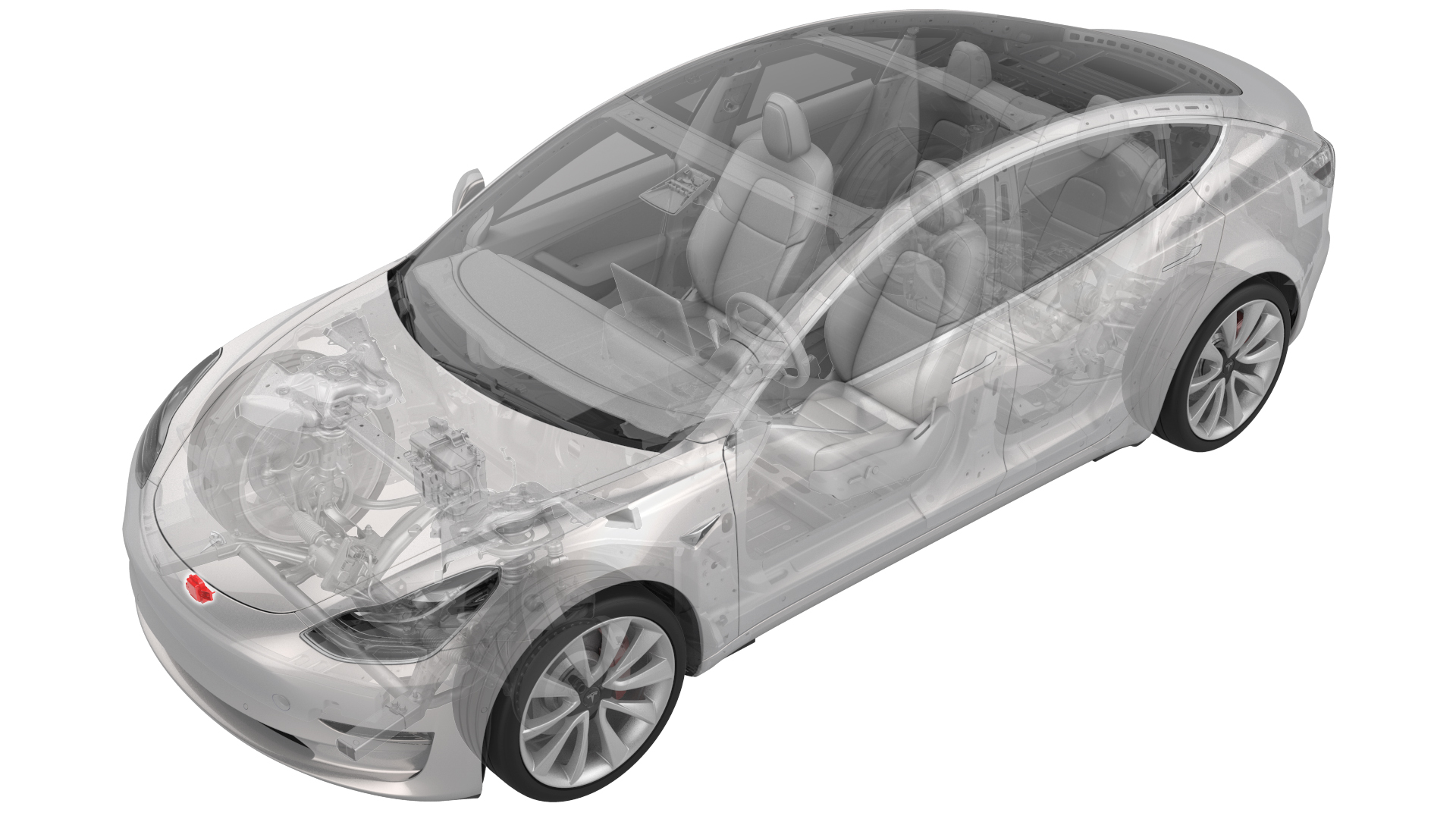
Remove
-
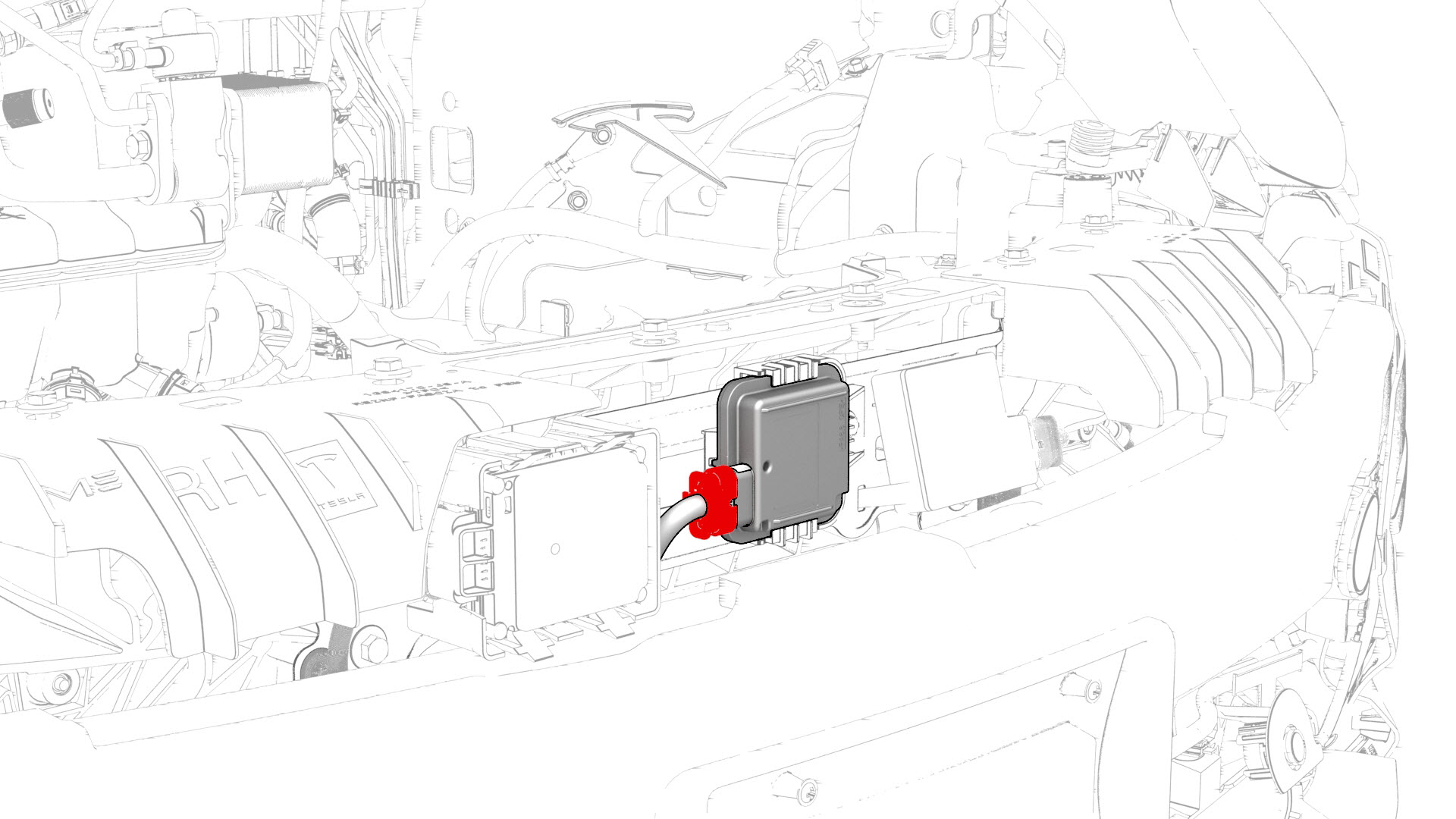
Disconnect the electrical connector from the HomeLink transmitter module.
-
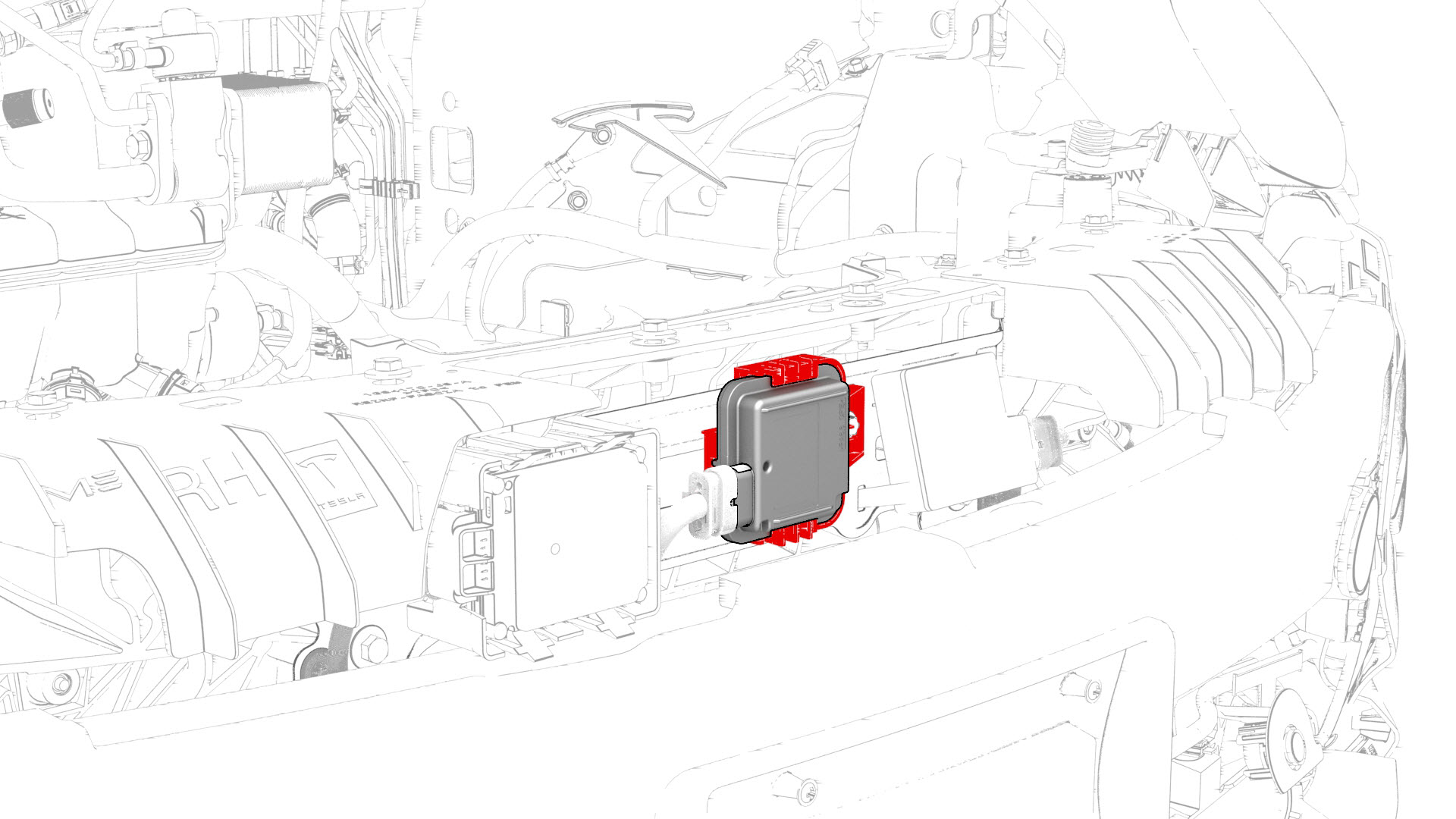
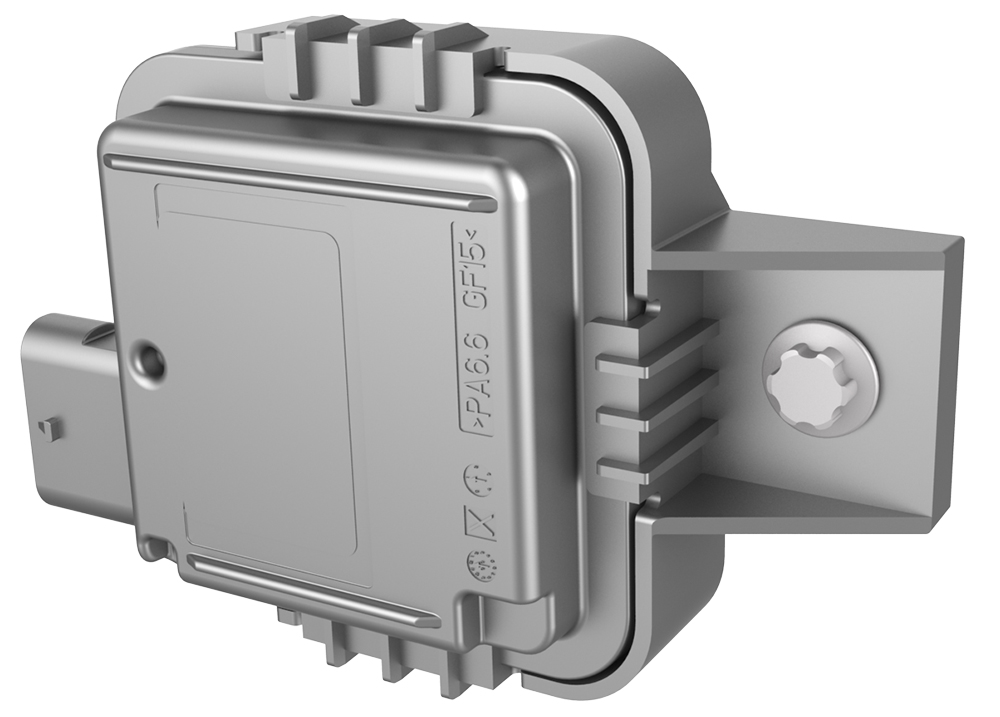
Release the tab, and then slide the HomeLink transmitter module to the right to remove it from the vehicle.
| 1 | Remove the front fascia. See Fascia - Front (Remove and Install). | ||
| 2 | Disconnect the electrical connector from the HomeLink transmitter module. | |
| 3 | Release the tab, and then slide the HomeLink transmitter module to the right to remove it from the vehicle. |
Install
-
Install the HomeLink transmitter module on the bracket.
-
Connect the electrical connector to the HomeLink transmitter module.
| 1 | Install the HomeLink transmitter module on the bracket. | |
| 2 | Connect the electrical connector to the HomeLink transmitter module. | |
| 3 | Install the front fascia. See Fascia - Front (Remove and Install). | ||
| 4 | Update the vehicle firmware. | ||
| 5 | Connect a laptop with Toolbox to the vehicle. | ||
| 6 | In Toolbox, type "HOMELINK" in the search field, click on "TEST-SELF_ VCFRONT_X_HOMELINK," and then select Run. | ||
| 7 | Disconnect the laptop from the vehicle. |