Cover - Airbag - Knee - Driver (Remove and Replace)
Correction code 1405600214056002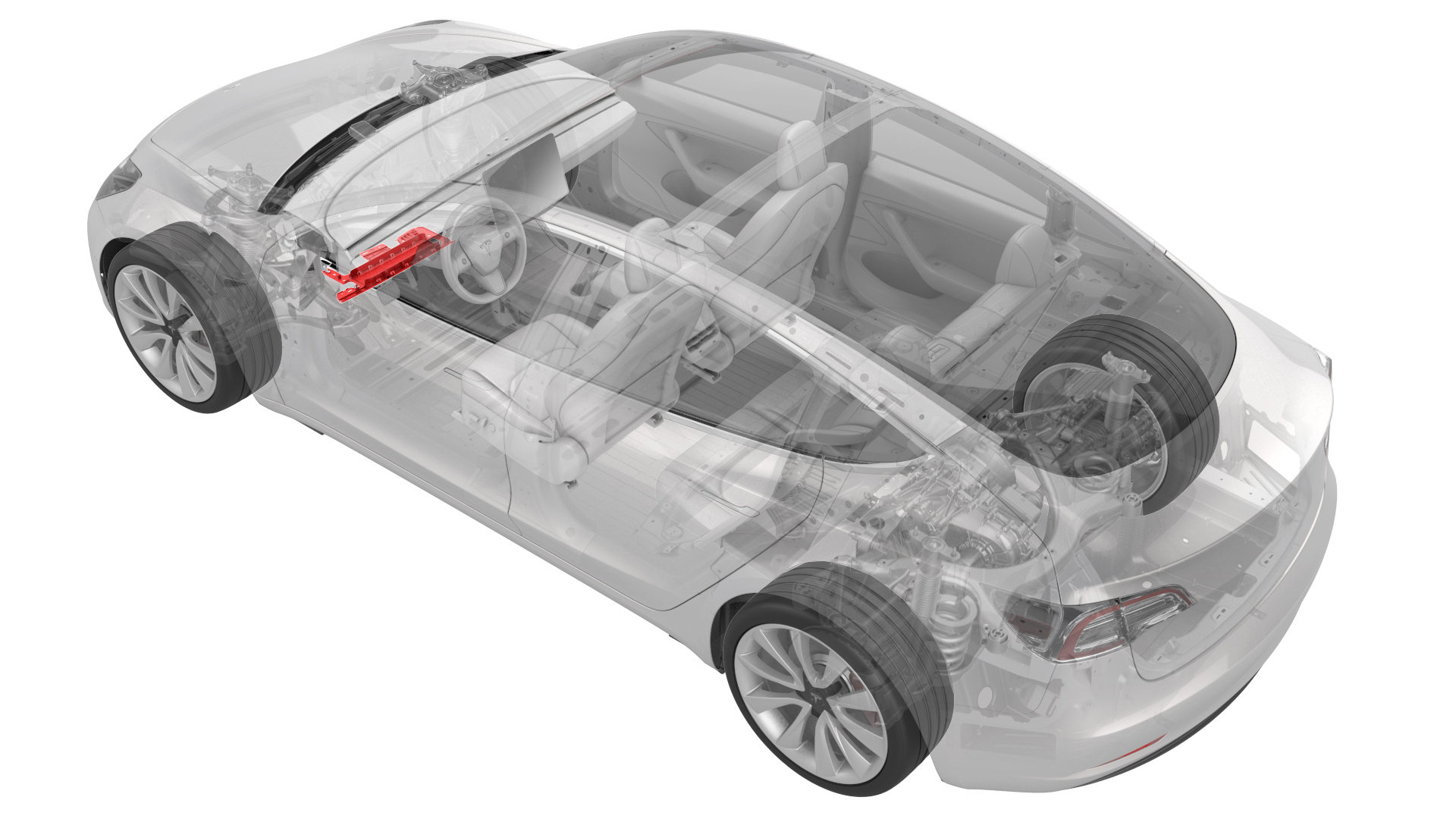
from-rc
Note:
This procedure was formulated using a release candidate or production model. Follow safety requirements and use extreme caution when working on or near high-voltage systems and components.
Provide corrections and feedback to servicemanualfeedback@tesla.com.
Remove
-
Use a flat head screwdriver to apply pressure along the rear edge of the airbag assembly, and while doing so, flex the knee airbag cover surround to release each of the 5 airbag tabs from the cover.
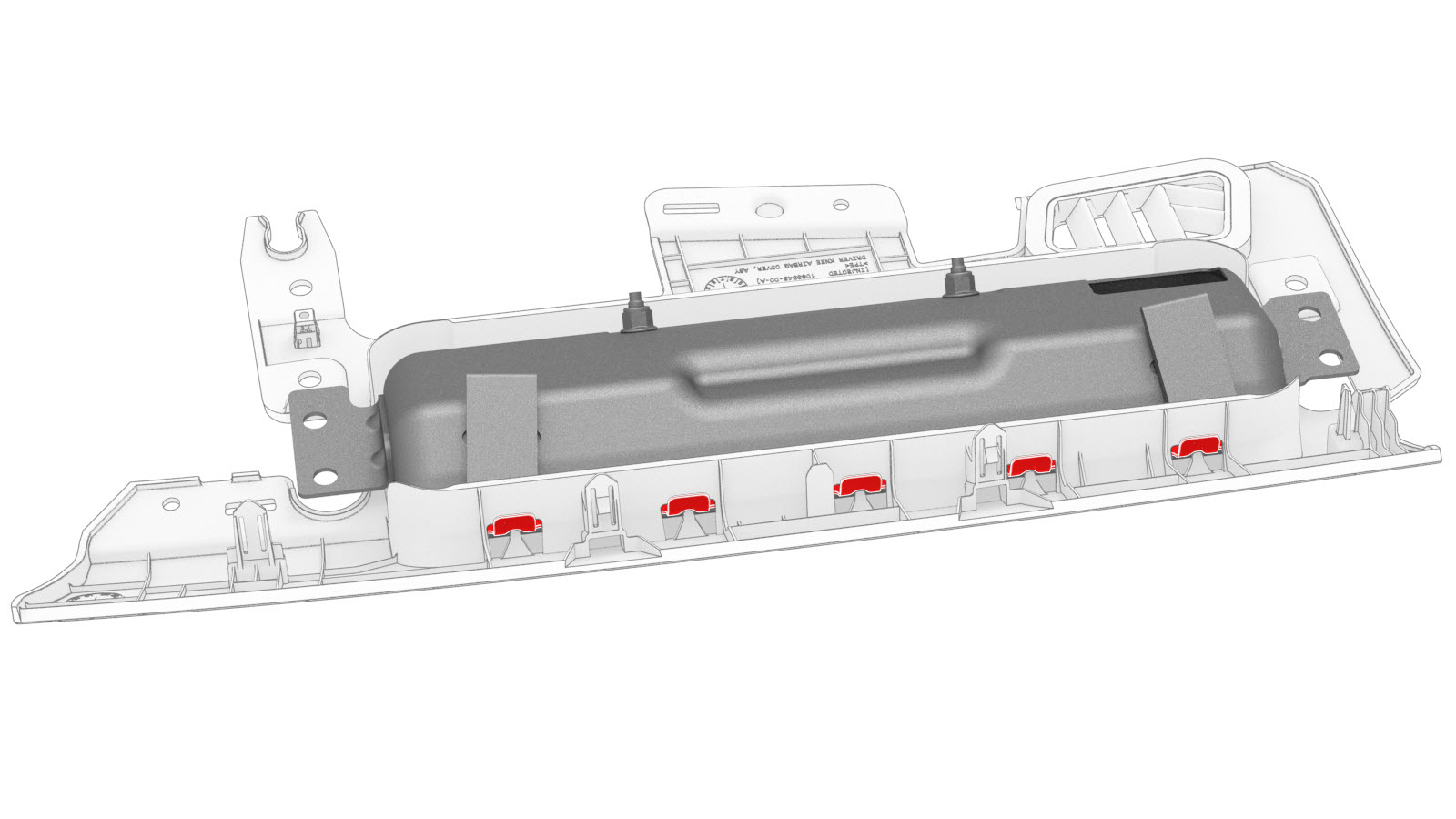
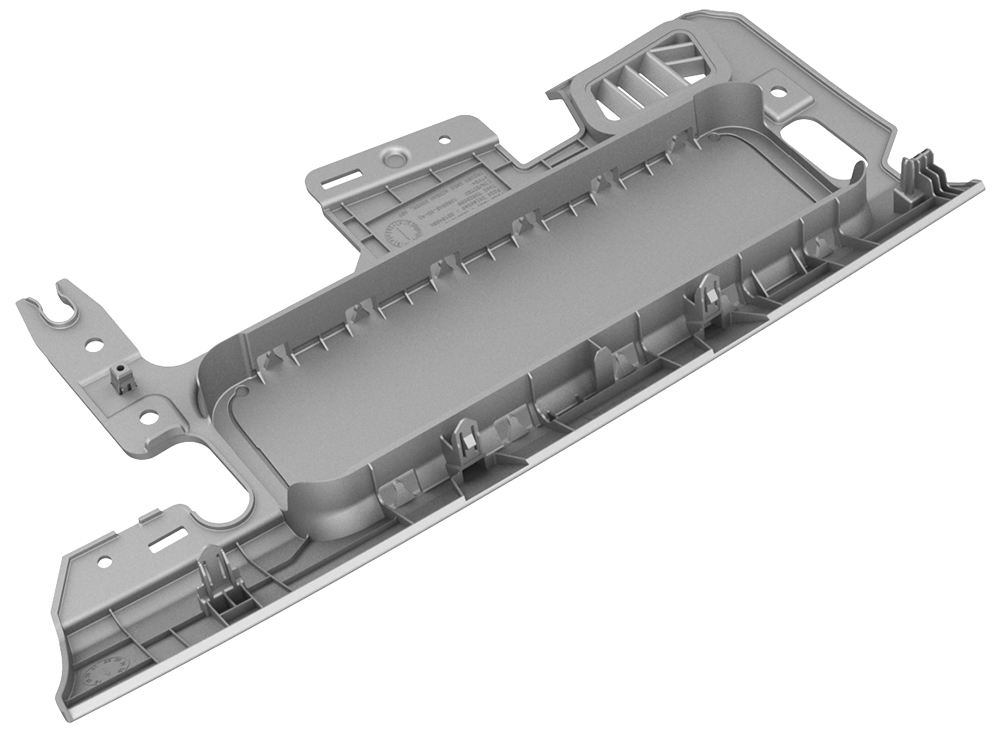
| 1 | Remove the driver knee airbag. | ||
| 2 | Use a flat head screwdriver to apply pressure along the rear edge of the airbag assembly, and while doing so, flex the knee airbag cover surround to release each of the 5 airbag tabs from the cover. |
Install
| 1 | Install the driver knee airbag into the cover. Note: Push the tabs into the cover from the side facing the bulkhead, and then push down the remaining tabs into the cover until fully seated.
|
| 2 | Pivot the airbag into the cover until the 5 tabs at the rear of the airbag lock into place |
| 3 | Install the driver knee airbag assembly. See Airbag - Knee - Driver (Remove and Install). |