Busbar - DCDC Ground (Remove and Replace)
Correction code 1710240217102402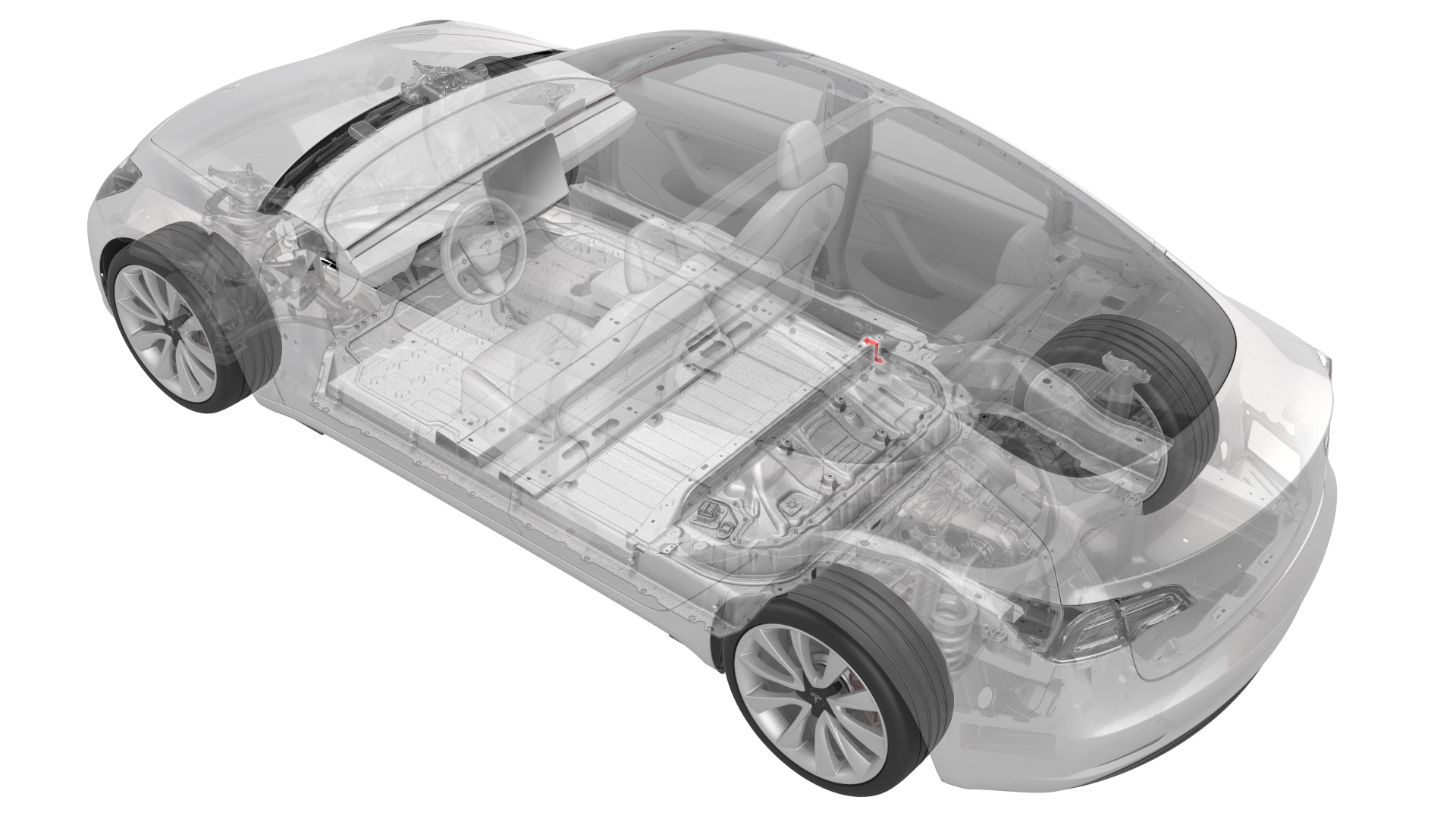
Remove
-
Remove and discard the nut that attaches the DCDC ground busbar to the HV battery at the DCDC passthrough.
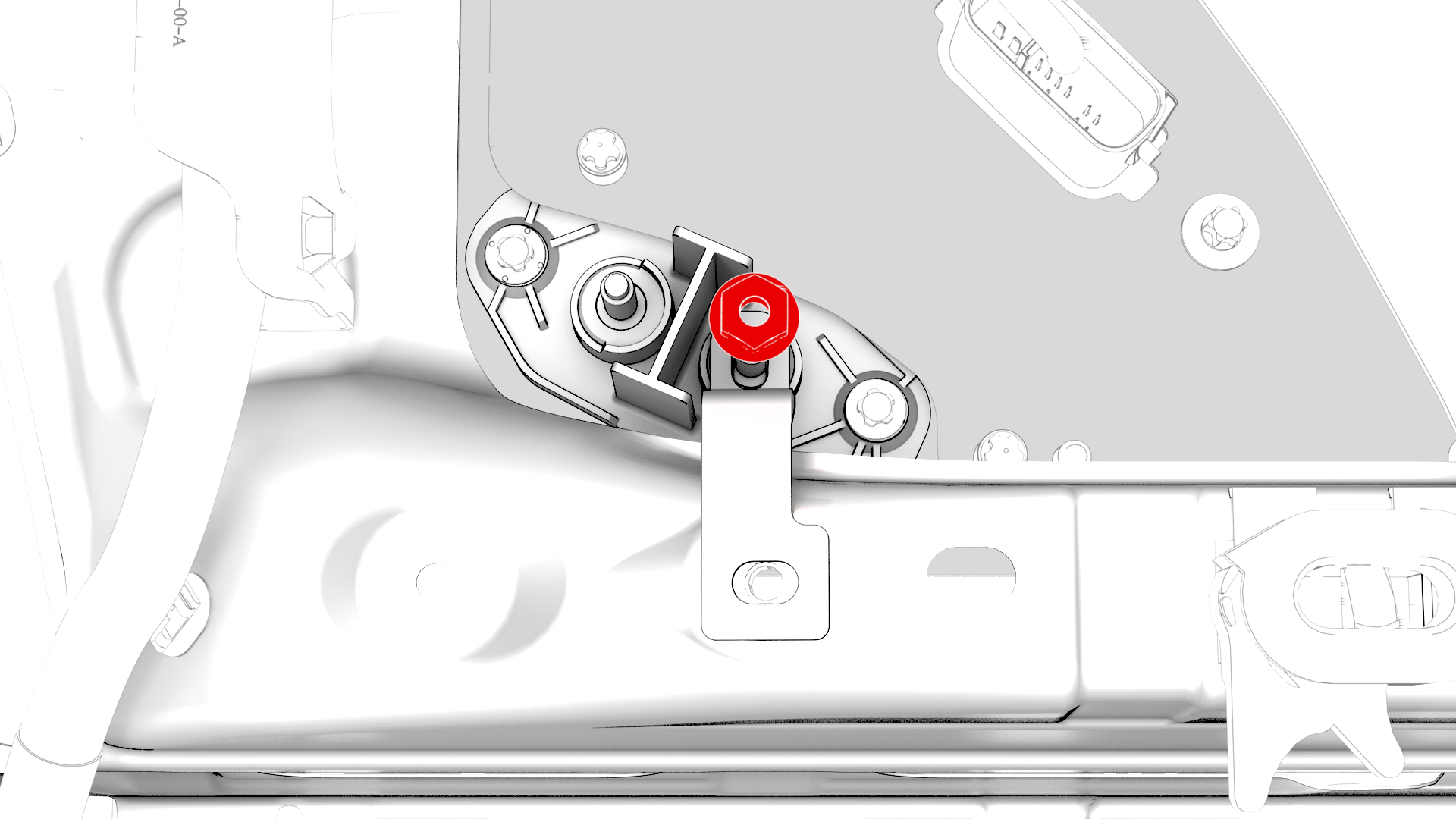
-
Remove the bolt that attaches the DCDC ground busbar to the body, and then remove the DCDC ground busbar from the vehicle.
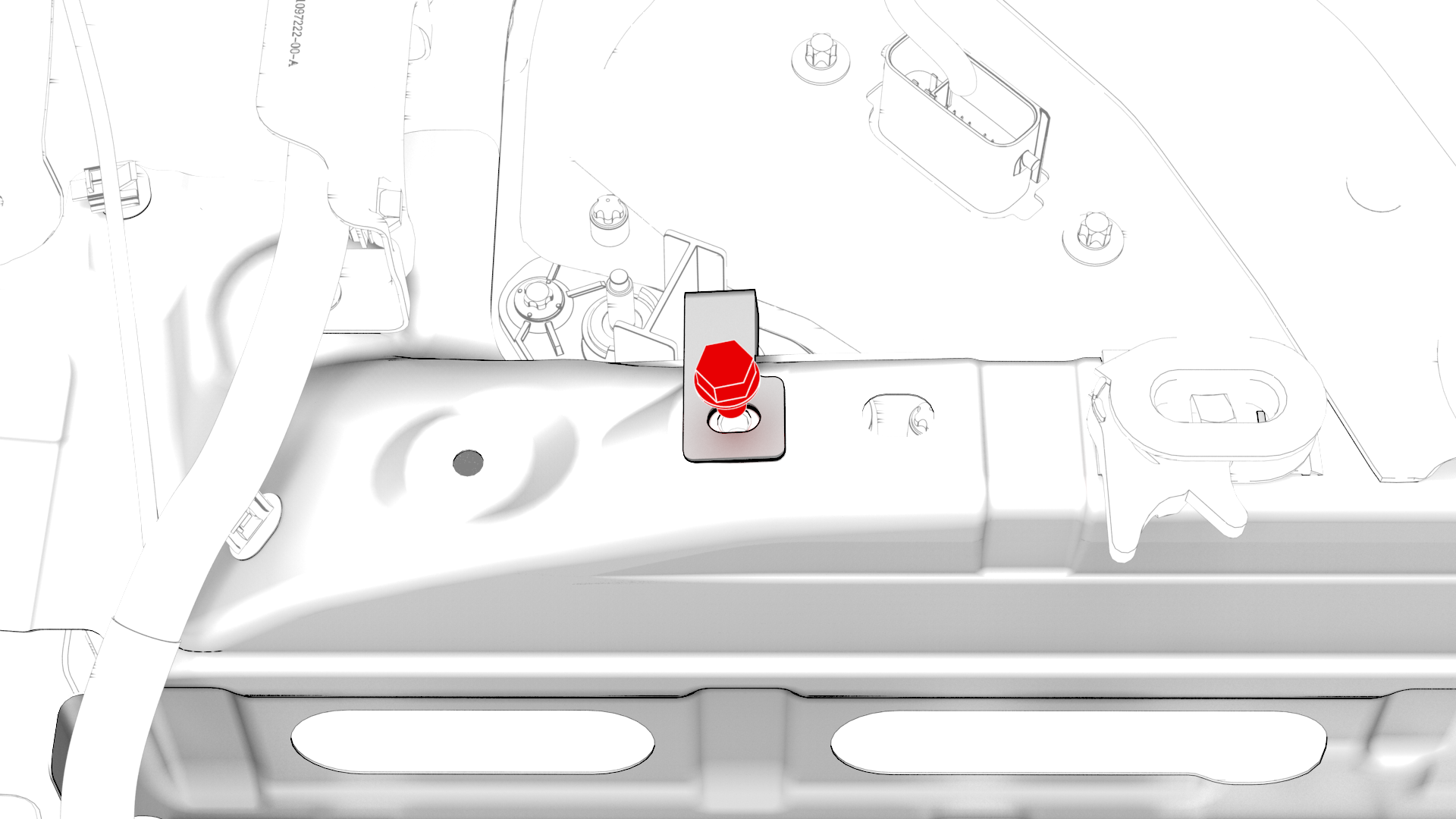
| 1 | Disconnect 12V power. See 12V Power (Disconnect and Connect). | ||
| 2 | Remove and discard the nut that attaches the DCDC ground busbar to the HV battery at the DCDC passthrough. | |
| 3 | Remove the bolt that attaches the DCDC ground busbar to the body, and then remove the DCDC ground busbar from the vehicle. |
Install
-
Install the DCDC ground busbar onto the ground terminal of the DCDC passthrough, and then hand-tighten a new nut that attaches the DCDC ground busbar to the DCDC passthrough.
-
Install the bolt that attaches the DCDC ground busbar to the body, and mark the bolt with a paint pen after it is torqued.
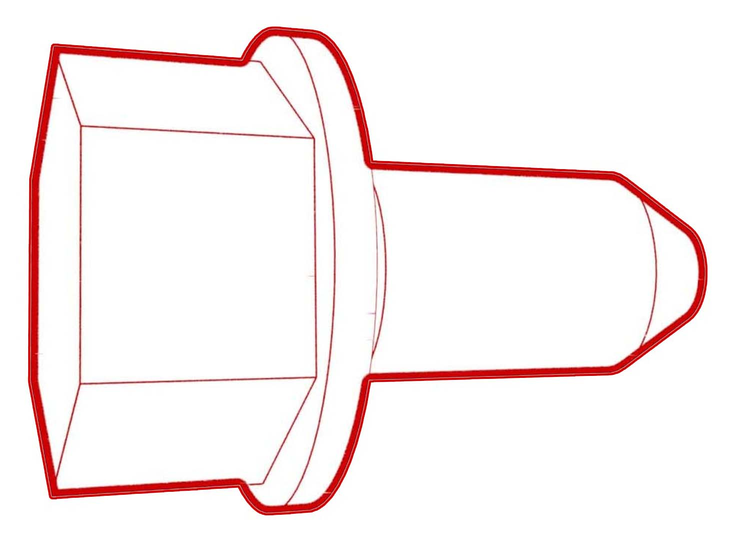 Torque 20 Nm
 -
Tighten the nut that attaches the DCDC ground busbar to the DCDC passthrough, and then mark the nut with a paint pen after it is torqued.
 Torque 15 Nm
| 1 | Use an IPA wipe to clean the mating surfaces of the DCDC ground busbar and the DCDC passthrough. | ||
| 2 | Install the DCDC ground busbar onto the ground terminal of the DCDC passthrough, and then hand-tighten a new nut that attaches the DCDC ground busbar to the DCDC passthrough. | |
| 3 | Install the bolt that attaches the DCDC ground busbar to the body, and mark the bolt with a paint pen after it is torqued. Torque 20 Nm | |
| 4 | Tighten the nut that attaches the DCDC ground busbar to the DCDC passthrough, and then mark the nut with a paint pen after it is torqued. Torque 15 Nm | ||
| 5 | Connect 12V power. See 12V Power (Disconnect and Connect). |