Sensor - Wheel Speed - ABS - Rear - LH (Remove and Replace)
Correction code 3310070233100702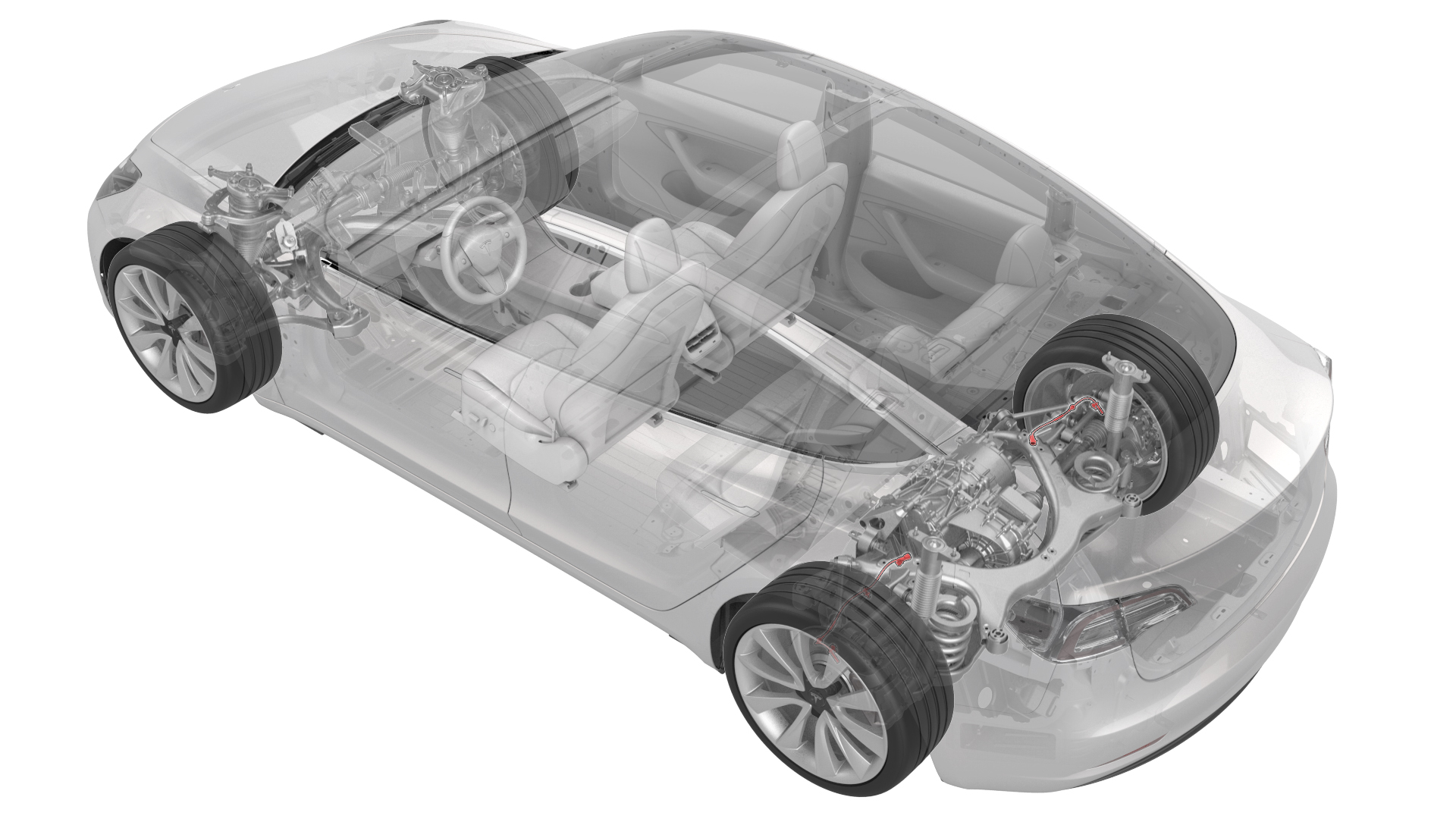
Remove
-
Release the clip that attaches the rear ABS wheel speed sensor connector to the subframe, and then disconnect the subframe harness from the connector.
 Tip: Use a mechanical pickup tool to hold the connector in place, and then release the connector clip with a screwdriver.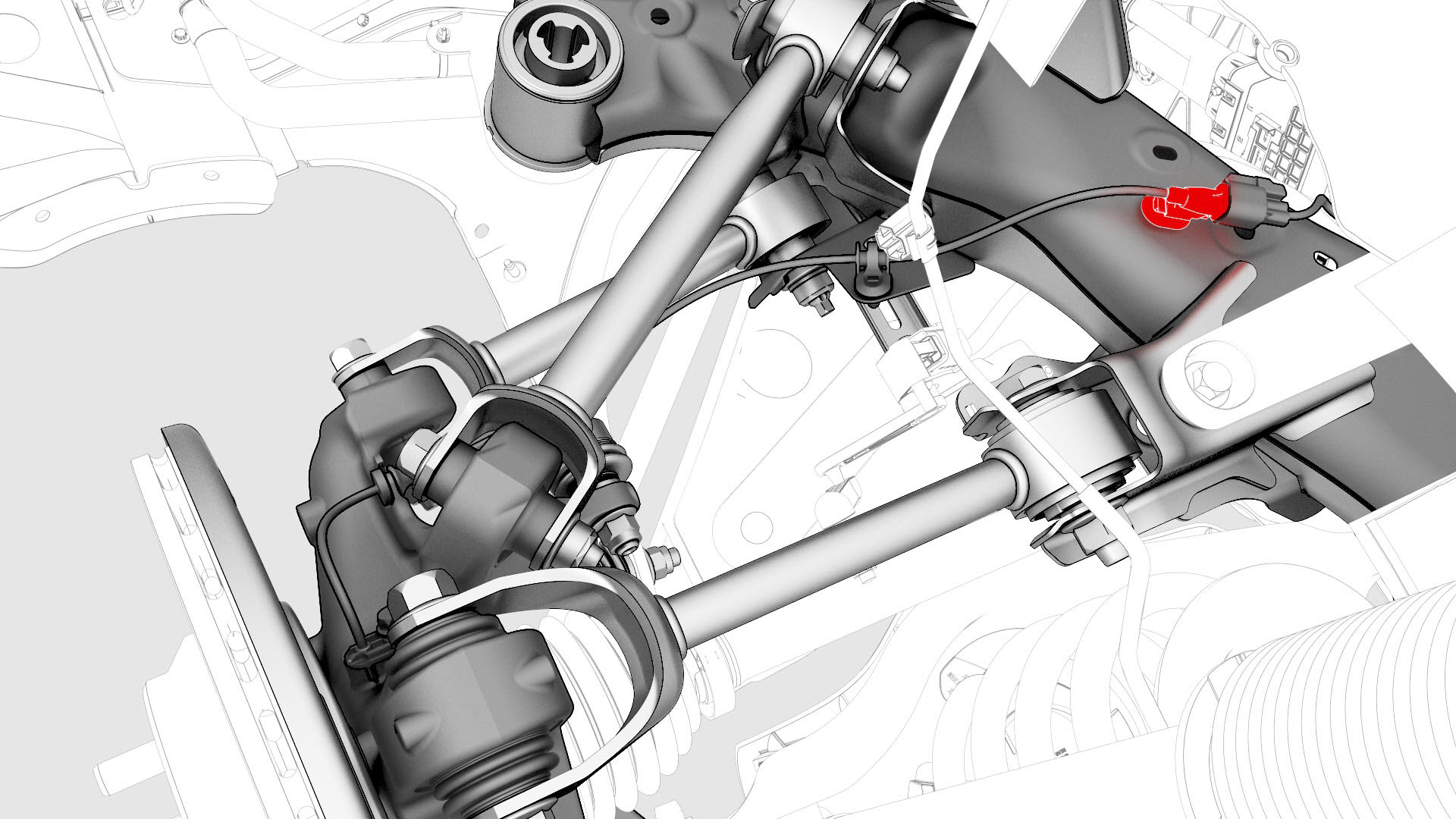
-
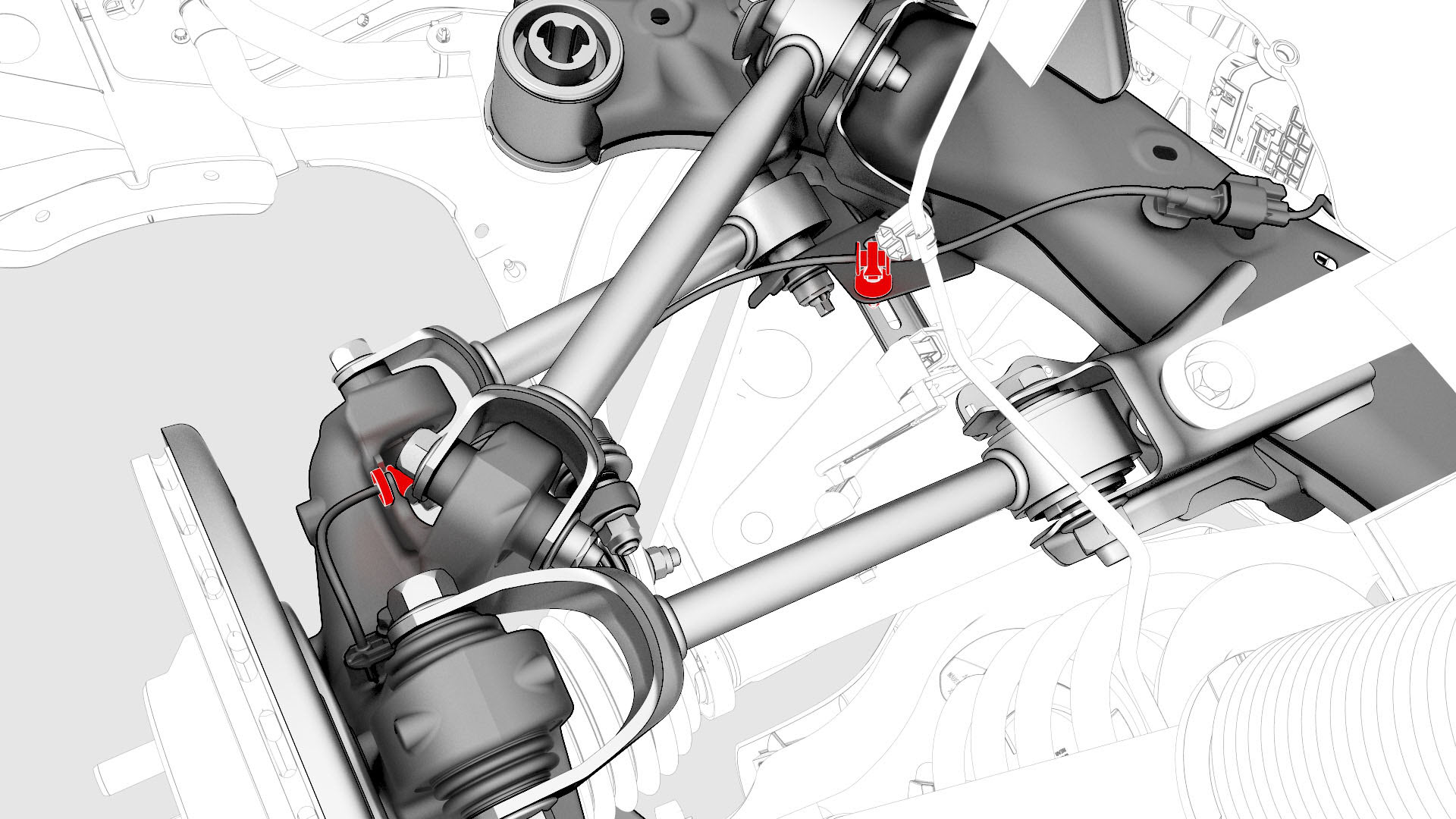
Release the clip and remove the grommet that attach the rear LH ABS wheel speed sensor cable to the rear knuckle and bracket.
-
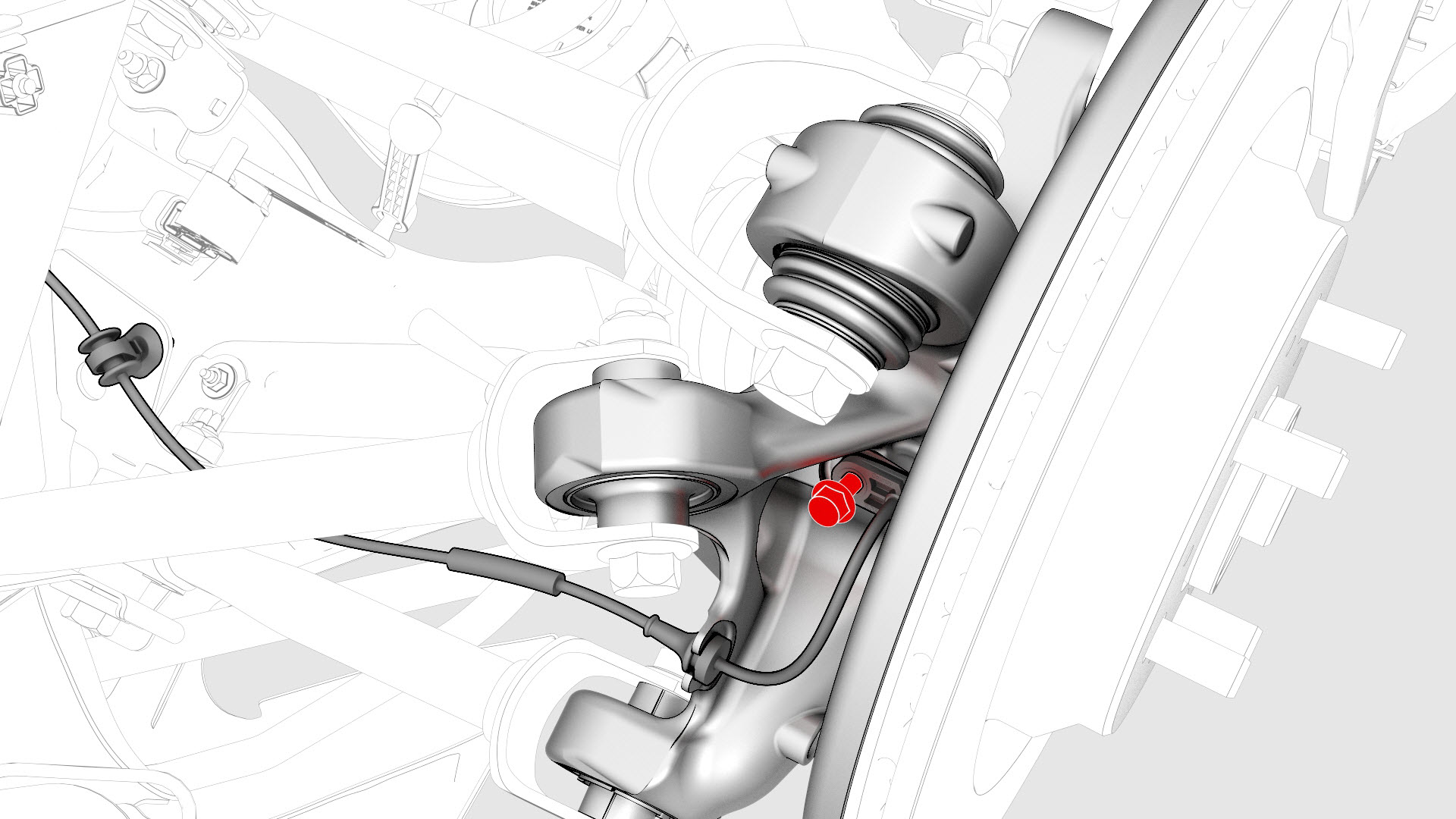
Remove and discard the bolt that attaches the rear LH ABS wheel speed sensor to the knuckle, and then remove the sensor from the vehicle.
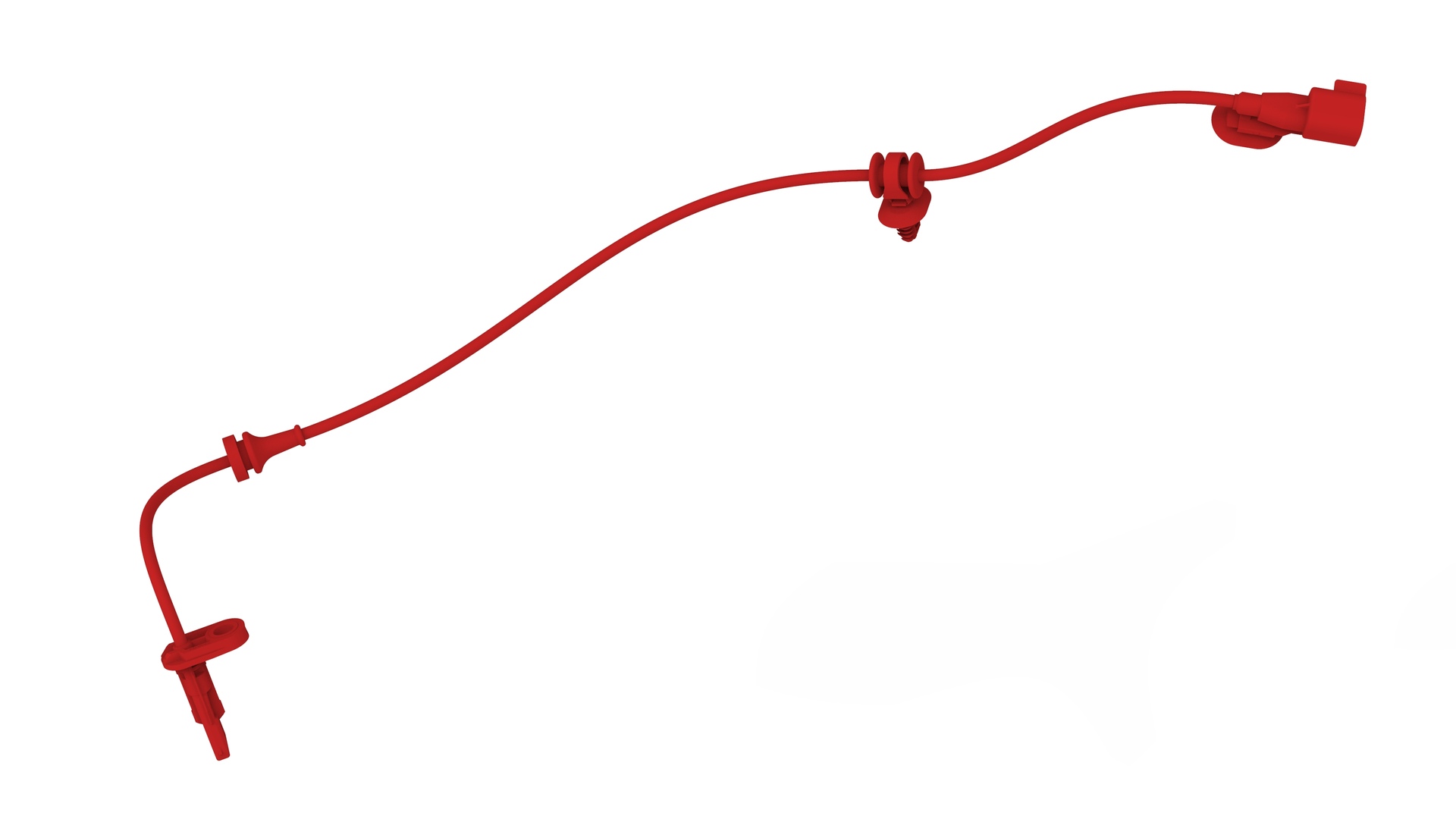
| 1 | Remove the rear LH wheel. See Wheel (Remove and Install). | ||
| 2 | Release the clip that attaches the rear ABS wheel speed sensor connector to the subframe, and then disconnect the subframe harness from the connector.Tip: Use a mechanical pickup tool to hold the connector in place, and then release the connector clip with a screwdriver. | |
| 3 | Release the clip and remove the grommet that attach the rear LH ABS wheel speed sensor cable to the rear knuckle and bracket. | |
| 4 | Remove and discard the bolt that attaches the rear LH ABS wheel speed sensor to the knuckle, and then remove the sensor from the vehicle. |
Install
-
Install the rear LH ABS wheel speed sensor to the knuckle, and then install a new bolt to attach the sensor to the knuckle.
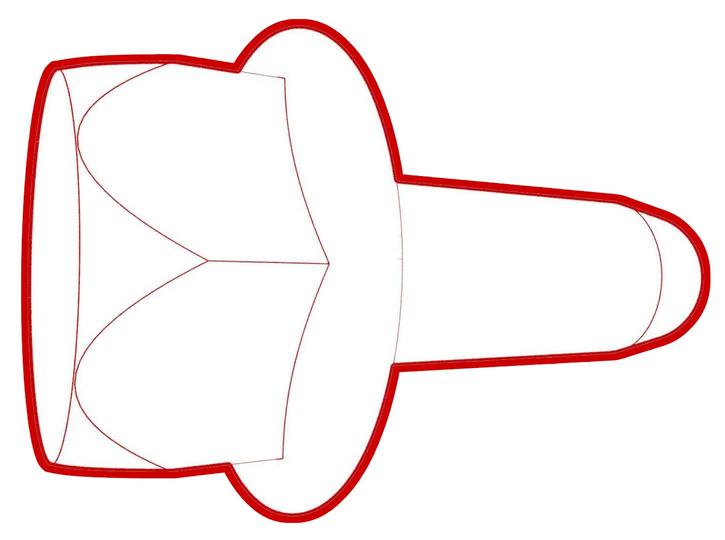 Torque 5 Nm
 -
Fasten the clip and install the grommet that attach the rear LH ABS wheel speed sensor cable to the rear LH knuckle and bracket.
 Caution:Perform a push-pull check on the clip and grommet to make sure they are securely fastened to the knuckle and bracket.
 -
Connect the subframe harness to the rear ABS wheel speed sensor connector, and then fasten the clip that attaches the connector to the subframe.
| 1 | Install the rear LH ABS wheel speed sensor to the knuckle, and then install a new bolt to attach the sensor to the knuckle. Torque 5 Nm | |
| 2 | Fasten the clip and install the grommet that attach the rear LH ABS wheel speed sensor cable to the rear LH knuckle and bracket. Caution: Perform a push-pull check on the clip and grommet to make sure they are securely fastened to the knuckle and bracket.
| |
| 3 | Connect the subframe harness to the rear ABS wheel speed sensor connector, and then fasten the clip that attaches the connector to the subframe. | |
| 4 | Install the rear LH wheel. See Wheel (Remove and Install). |