Steering Wheel (Remove and Replace)
Correction code 3205180232051802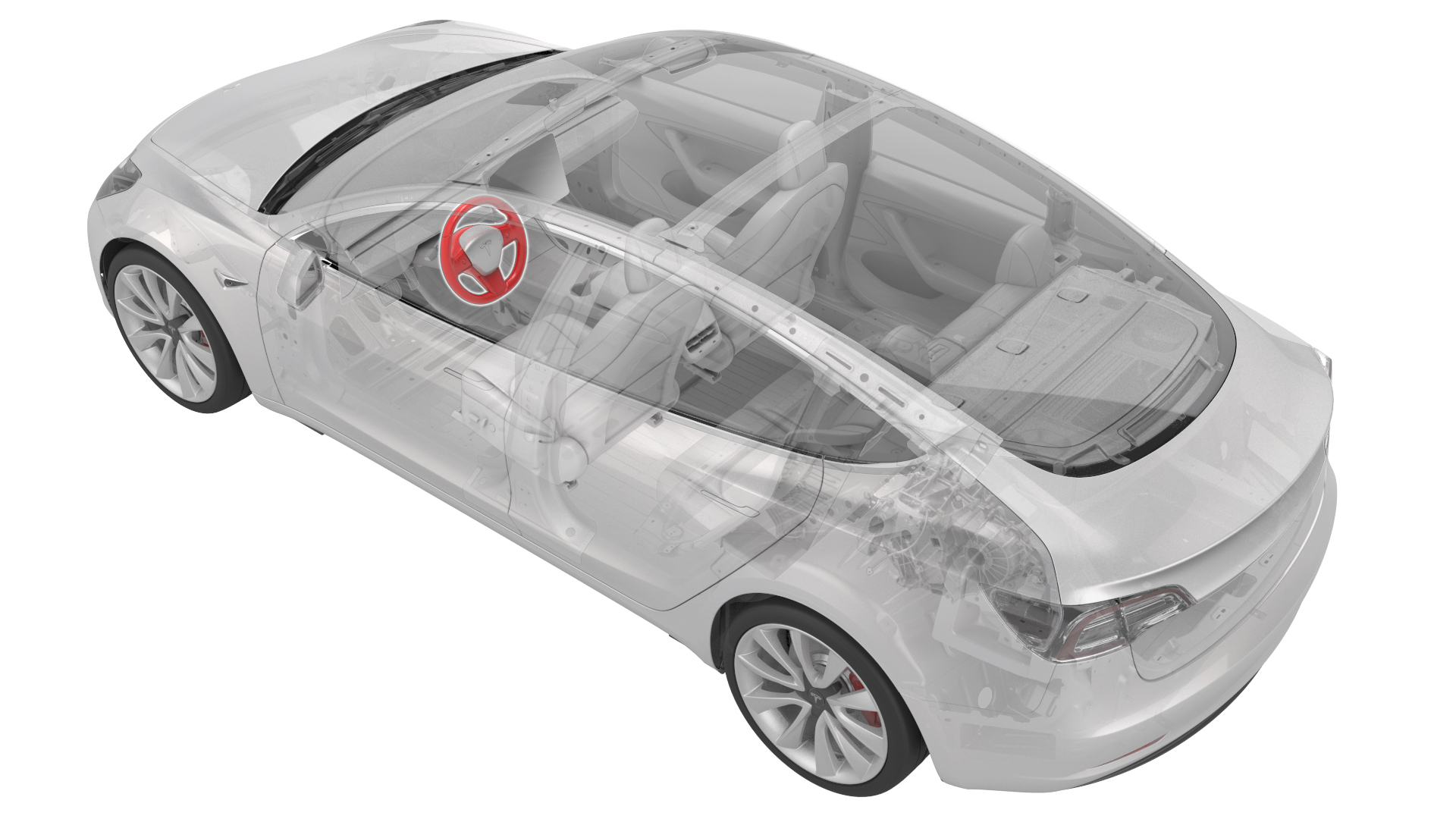
Remove
Remove the steering wheel. See Steering Wheel (Remove and Install).
Install
| 1 | Install the steering wheel. See Steering Wheel (Remove and Install). |
| 2 | Update the vehicle firmware. |
| 3 | Connect a laptop with Toolbox to the vehicle. |
| 4 | In Toolbox, type "SCCM" in the search field, then click on "PING-TP_ SCCM," and then select Run. Note: Make sure that "Actions" is selected, if not already.
|
| 5 | In Toolbox, type "VCLEFT" in the search field, then click on "TEST-SELF_ VCLEFT_X_SWC", and then select Run. Note: Make sure that "Actions" is selected, if not already.
|
| 6 | In Toolbox, type "COLUMN" in the search field, then click on "TEST-SELF_ VCLEFT_X_STEERING-COLUMN", and then select Run. Note: Make sure that "Actions" is selected, if not already.
|
| 7 | In Toolbox, click on "PROC-VCLEFT_ X_STEERING-COLUMN-CALIBRATION", and then select Run. |
| 8 | Disconnect the laptop from the vehicle. |