Tesla Badge - Rear (Remove and Replace)
Correction code 1205070212050702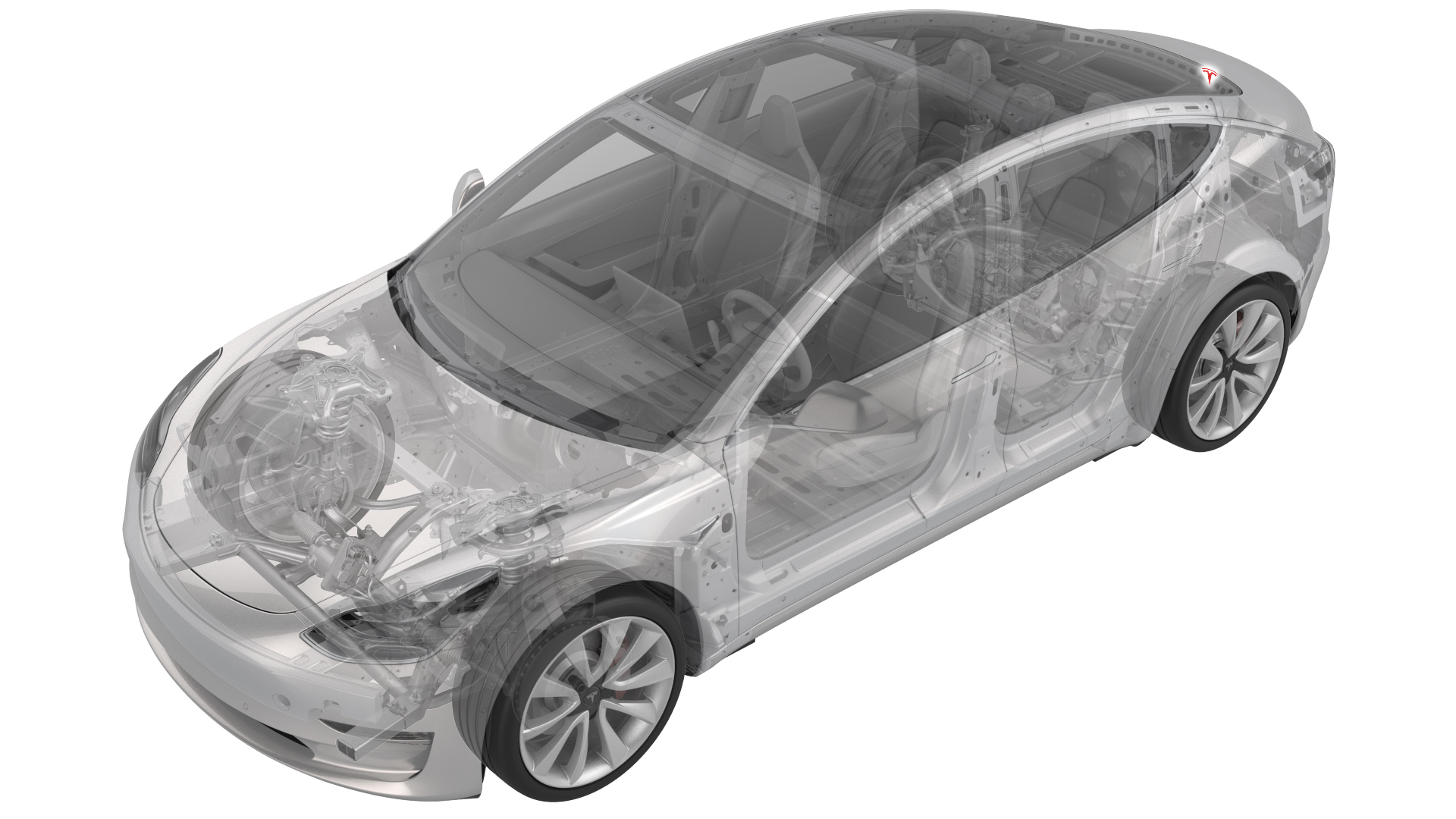
- 1453028-00-AKit, Badge Removal
- 1134703-00-A Fixture, Rear Badge, Model 3
SPECIAL TOOLS
Kit, Badge Removal (1453028-00-A) |
Fixture, Rear Badge, Model 3 (1134703-00-A) |
Remove
-
Move the badge removal tool in a sawing motion to separate the rear Tesla badge from the trunk lid.

| 1 | Prepare the badge removal tool with approximately 60 centimeters of monofilament line. |
| 2 | Raise the trunk lid, and position the badge removal tool so that the monofilament line cuts under a corner of the rear Tesla badge. |
| 3 | Move the badge removal tool in a sawing motion to separate the rear Tesla badge from the trunk lid. |
| 4 | Use IPA wipes to clean all adhesive residue and debris from the trunk lid surface. |
Install
| 1 | Open the trunk lid partially to accommodate the rear badge fixture. |
| 2 | Install the rear badge fixture over the rear-view camera and onto the trunk lid, and then attach the fixture in place with tape. |
| 3 | Peel the adhesive backing from the trunk badge, align the badge protective film to the locating posts of the fixture, and then press the badge to the trunk. |
| 4 | Remove the protective film from the badge, and then remove the fixture from the trunk lid. |
| 5 | Replace the protective film over the badge, use a seam roller to wet-out the badge, and then remove the protective film. |
| 6 | Use an IPA wipe to clean the badge and any remaining debris. Note: Make sure that all edges of the badge are securely affixed to the trunk lid surface.
|
| 7 | Close the trunk lid. |