Module - Steering Column Control (Remove and Replace)
Correction code 3201100232011002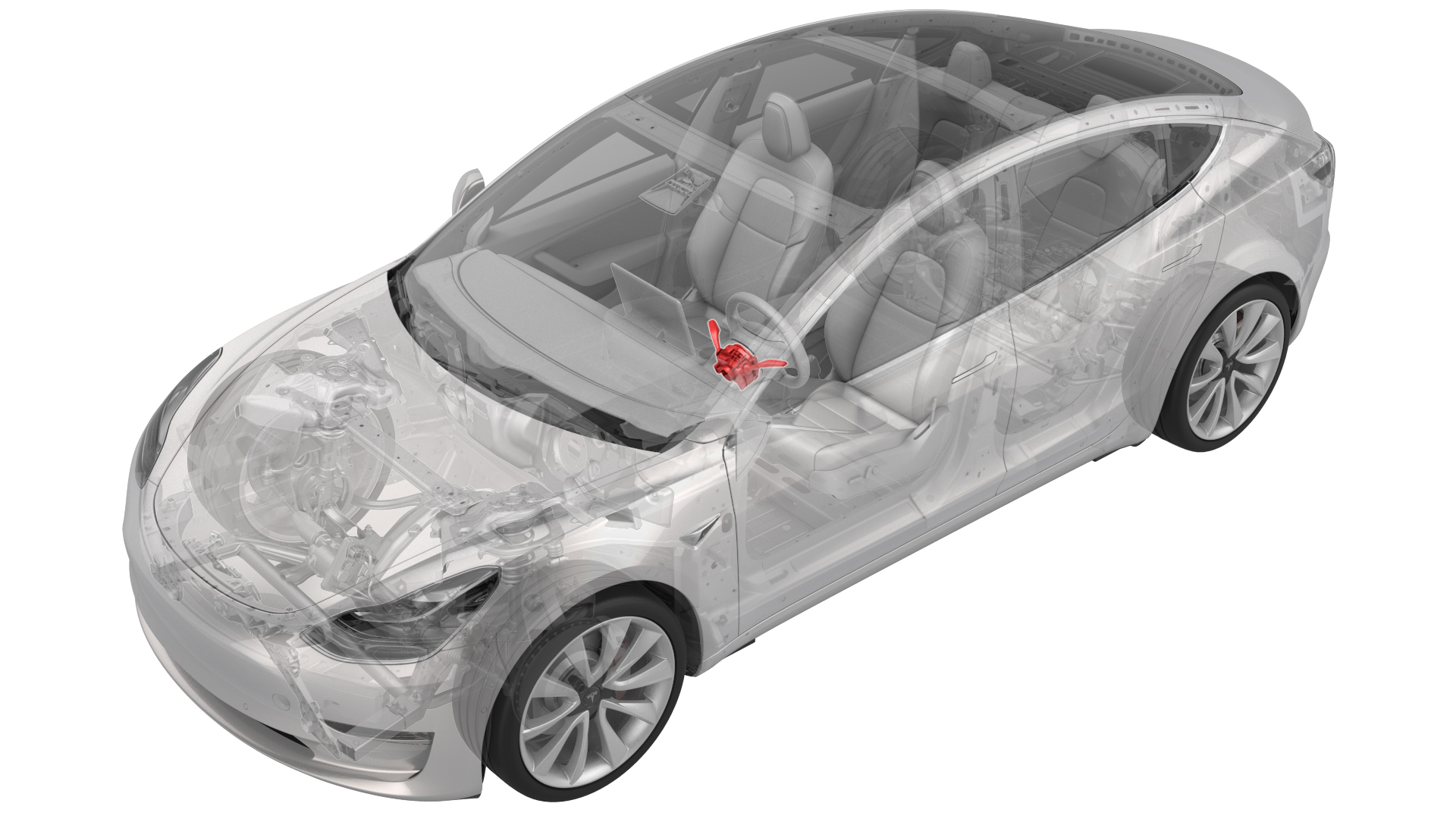
Remove
-
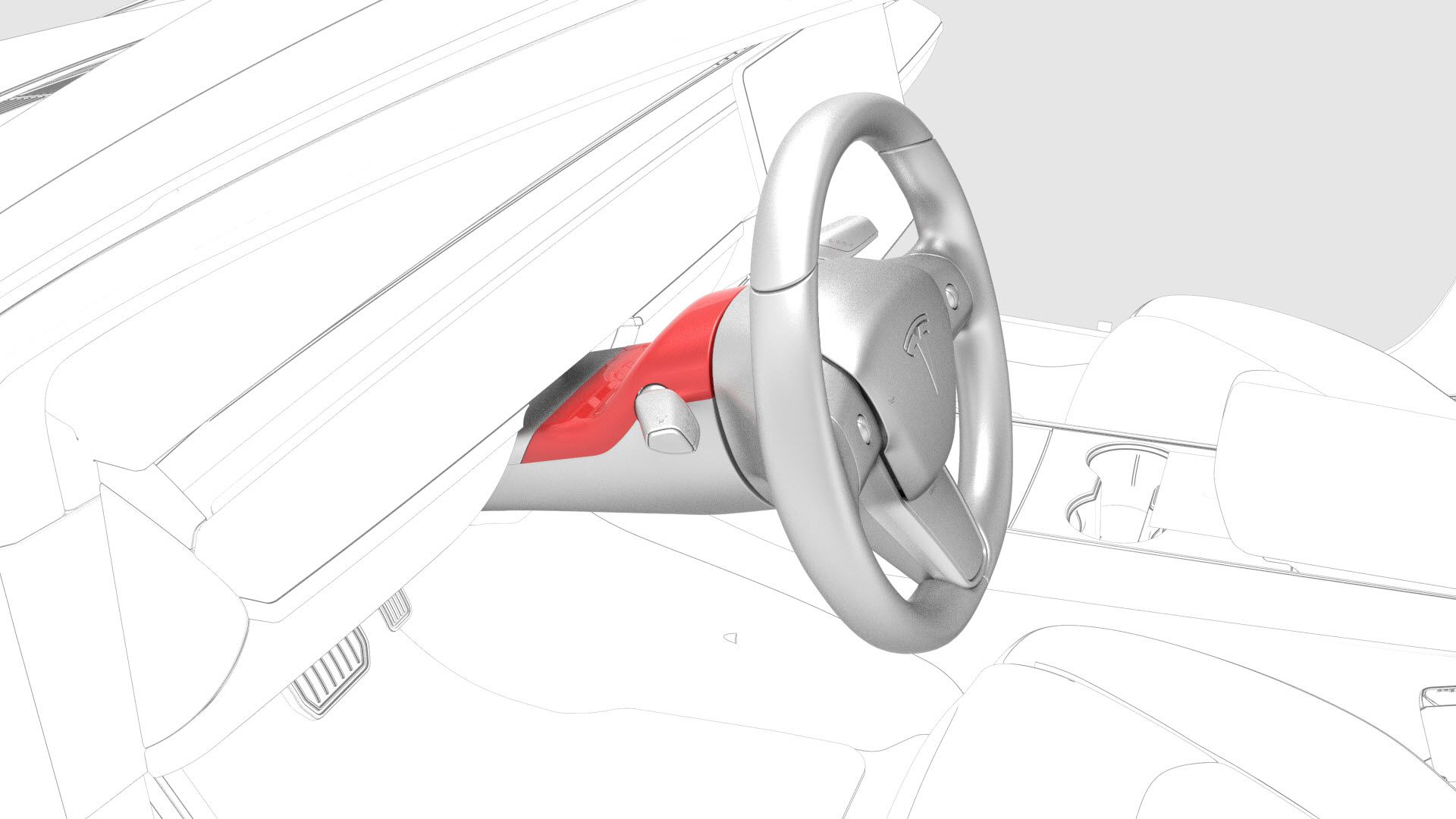
Release the clips that attach the steering column upper shroud to the lower shroud, and then pull the upper shroud up.
-
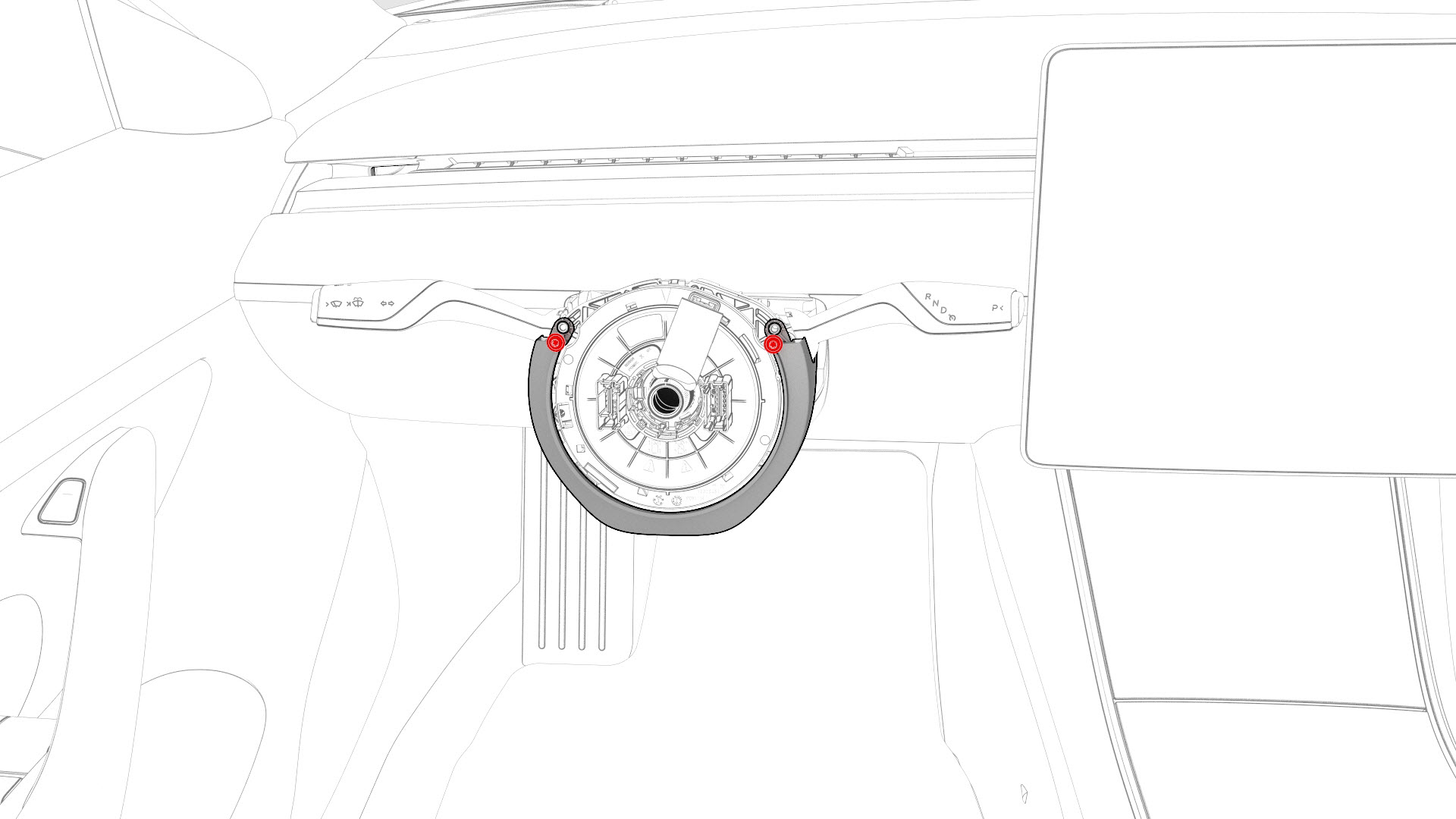
Remove the upper screws that attach the steering column lower shroud to the steering column.
-
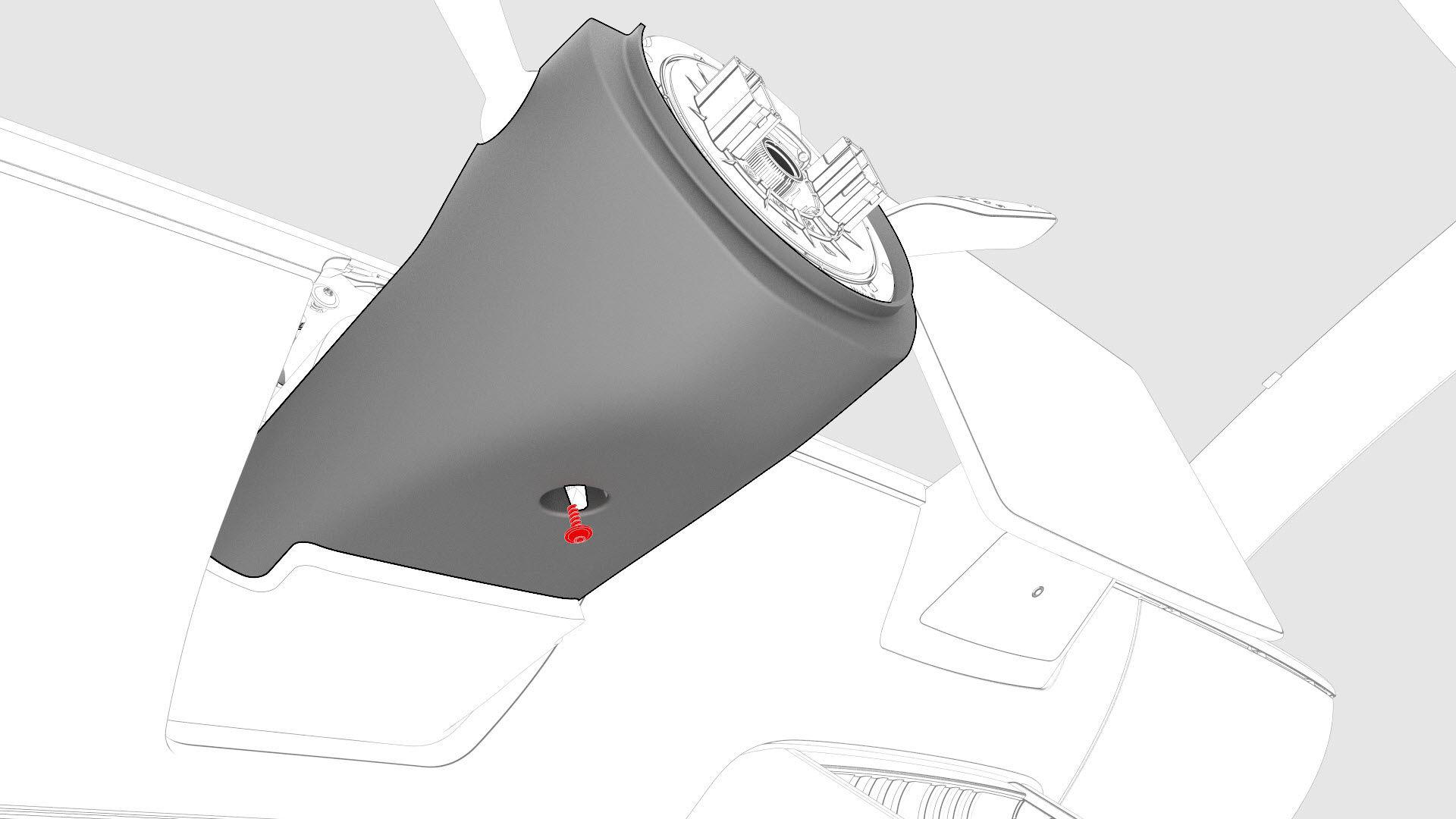
Remove the lower screw that attaches the steering column lower shroud to the steering column, and then remove the lower shroud from the vehicle.
-
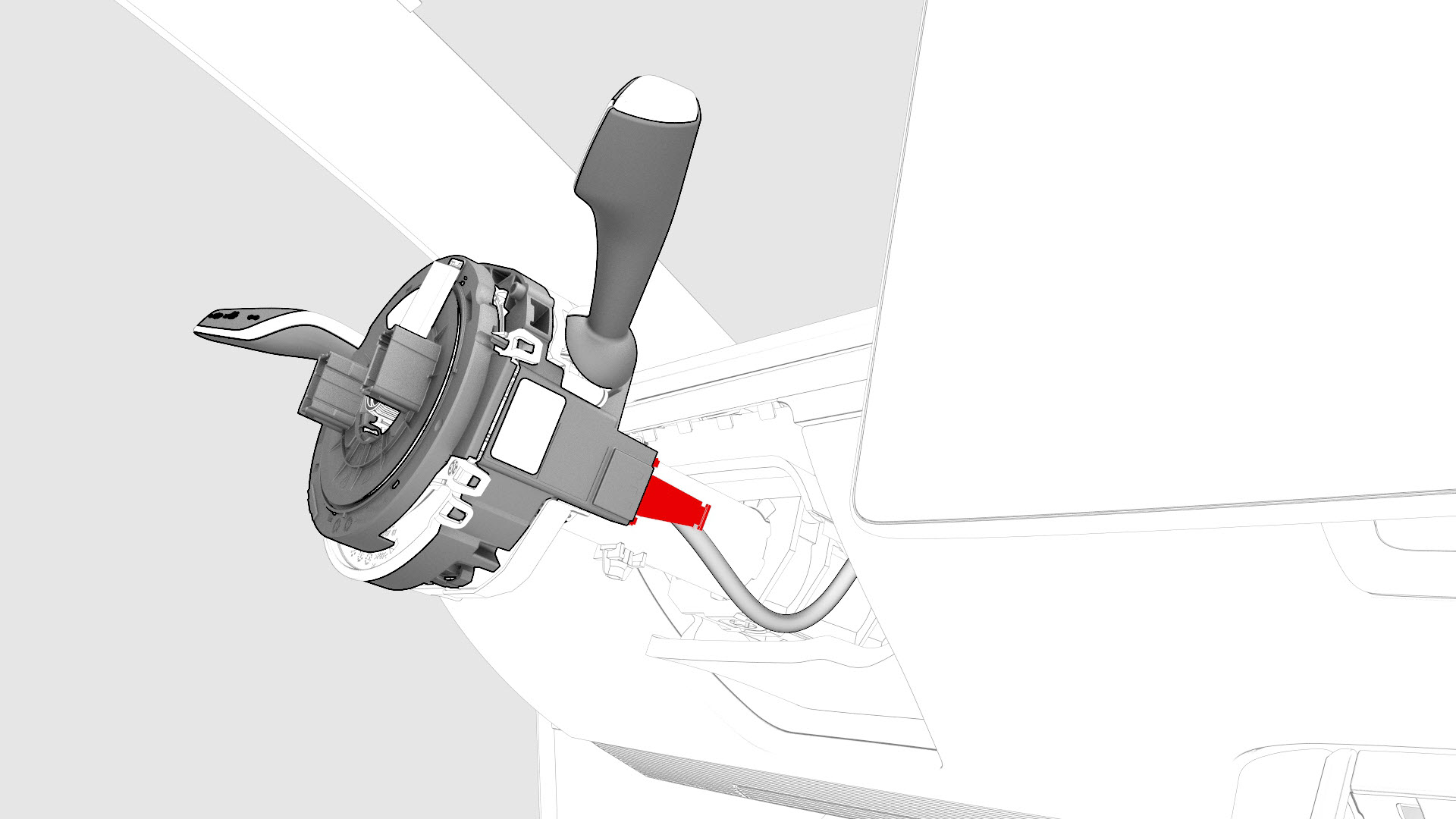
Remove and discard the retaining clip from the steering column control module electrical connector, and then disconnect the electrical connector from the steering column control module.
-
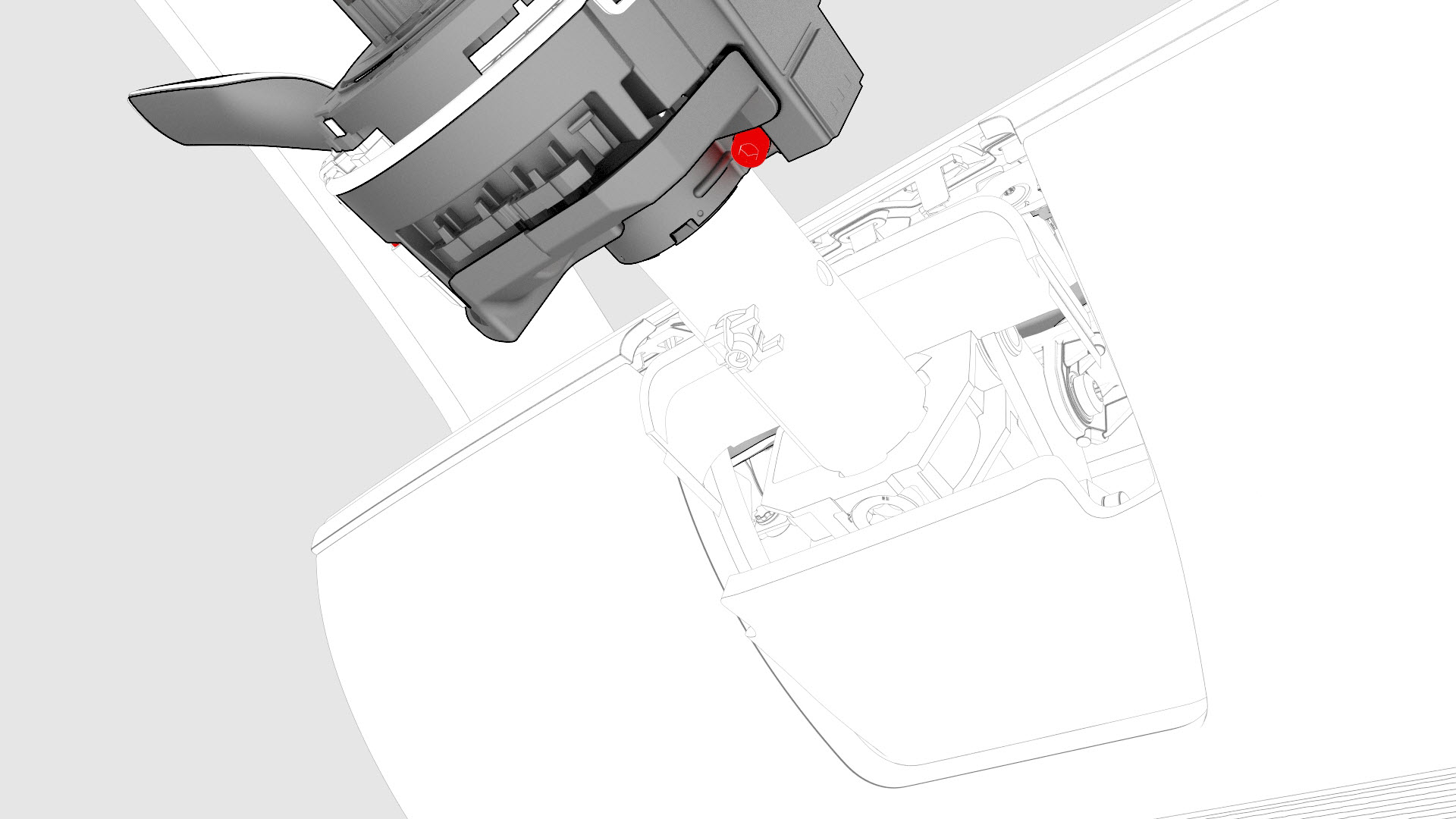
Remove the fastener that attaches the steering column control module to the steering column.
-
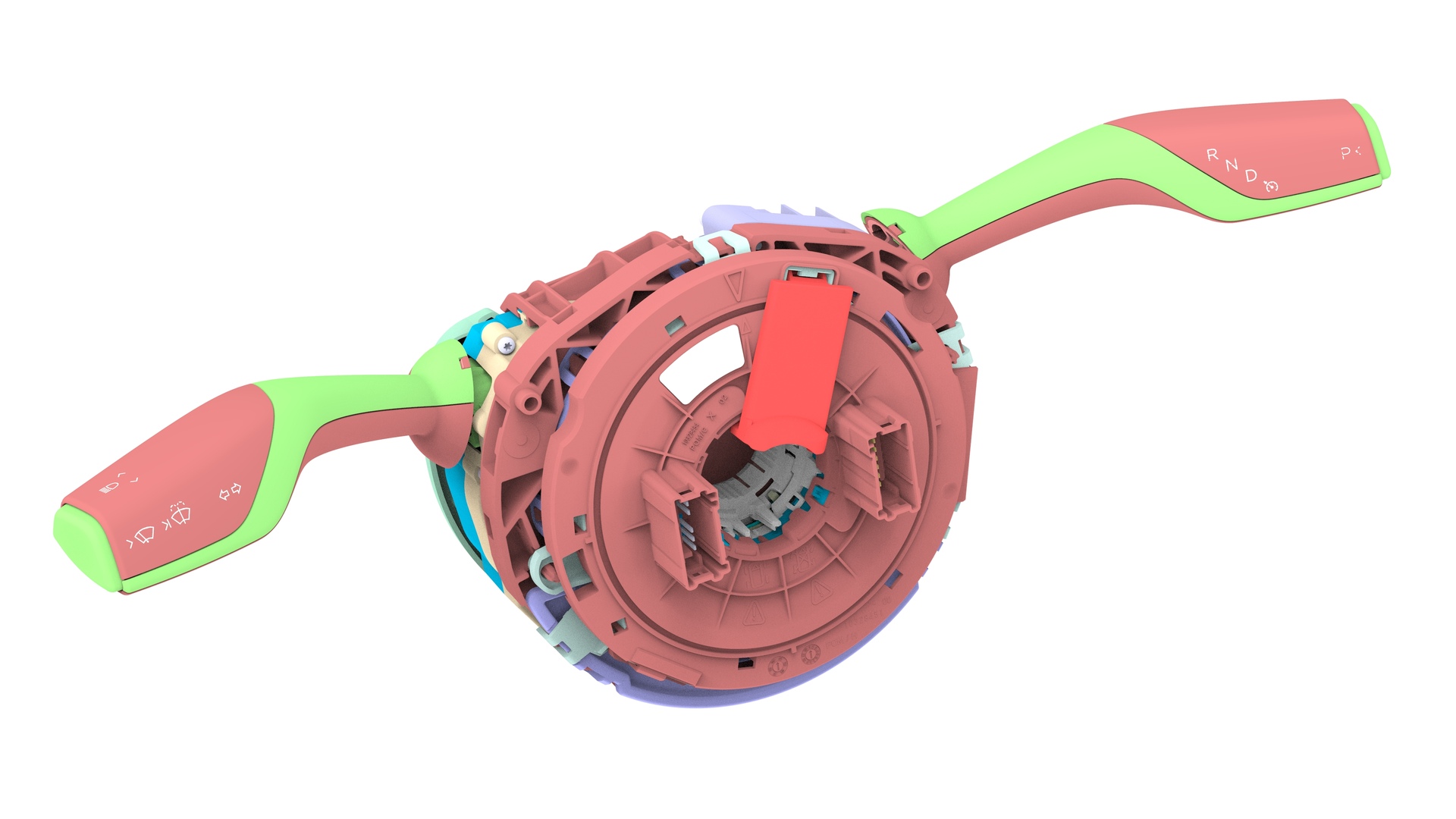
Remove the steering column control module from the steering column.
| 1 | Remove the 2nd row lower seat cushion. See Seat Cushion - Lower - 2nd Row (Remove and Replace). | ||
| 2 | Remove the rear underhood apron. See Underhood Apron - Rear (Remove and Replace). | ||
| 3 | Disconnect 12V power. See 12V Power (Disconnect and Connect). | ||
| 4 | Remove the driver airbag. See Airbag - Driver (Remove and Replace). | ||
| 5 | Remove the steering wheel. See Steering Wheel (Remove and Install). | ||
| 6 | Release the clips that attach the steering column upper shroud to the lower shroud, and then pull the upper shroud up. | |
| 7 | Remove the upper screws that attach the steering column lower shroud to the steering column. | |
| 8 | Remove the lower screw that attaches the steering column lower shroud to the steering column, and then remove the lower shroud from the vehicle. | |
| 9 | Remove and discard the retaining clip from the steering column control module electrical connector, and then disconnect the electrical connector from the steering column control module. | |
| 10 | Make sure that the loop in the clock spring is visible and the black square on the steering column control module indicates that the clock spring is in the center position. | ||
| 11 | Remove the fastener that attaches the steering column control module to the steering column. | |
| 12 | Remove the steering column control module from the steering column. |
Install
-
Install the fastener that attaches the steering column control module to the steering column.
 Torque 9 Nm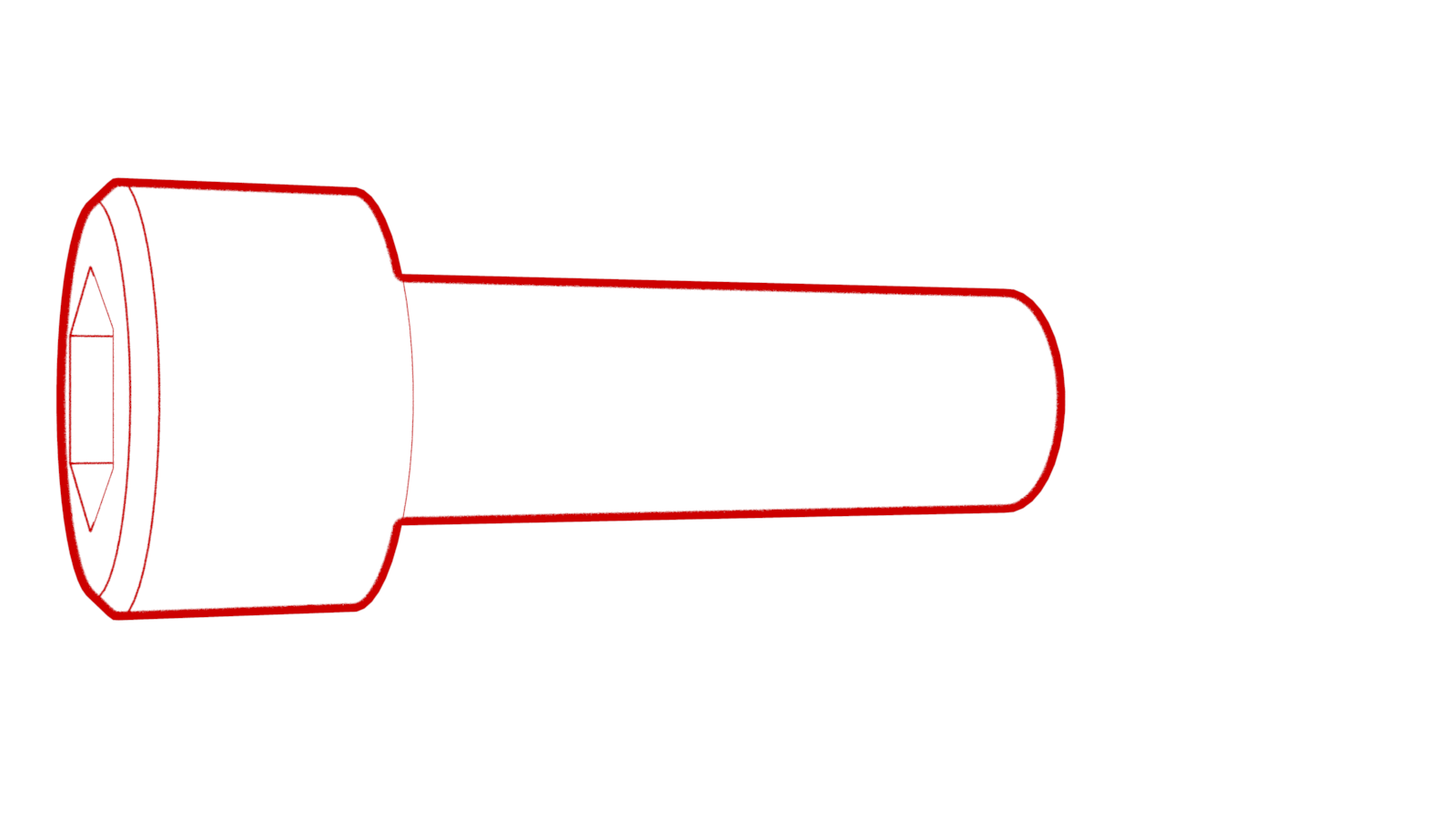
-
Connect the electrical connector to the steering column control module.
-
Install the lower screw that attaches the steering column lower shroud to the steering column.
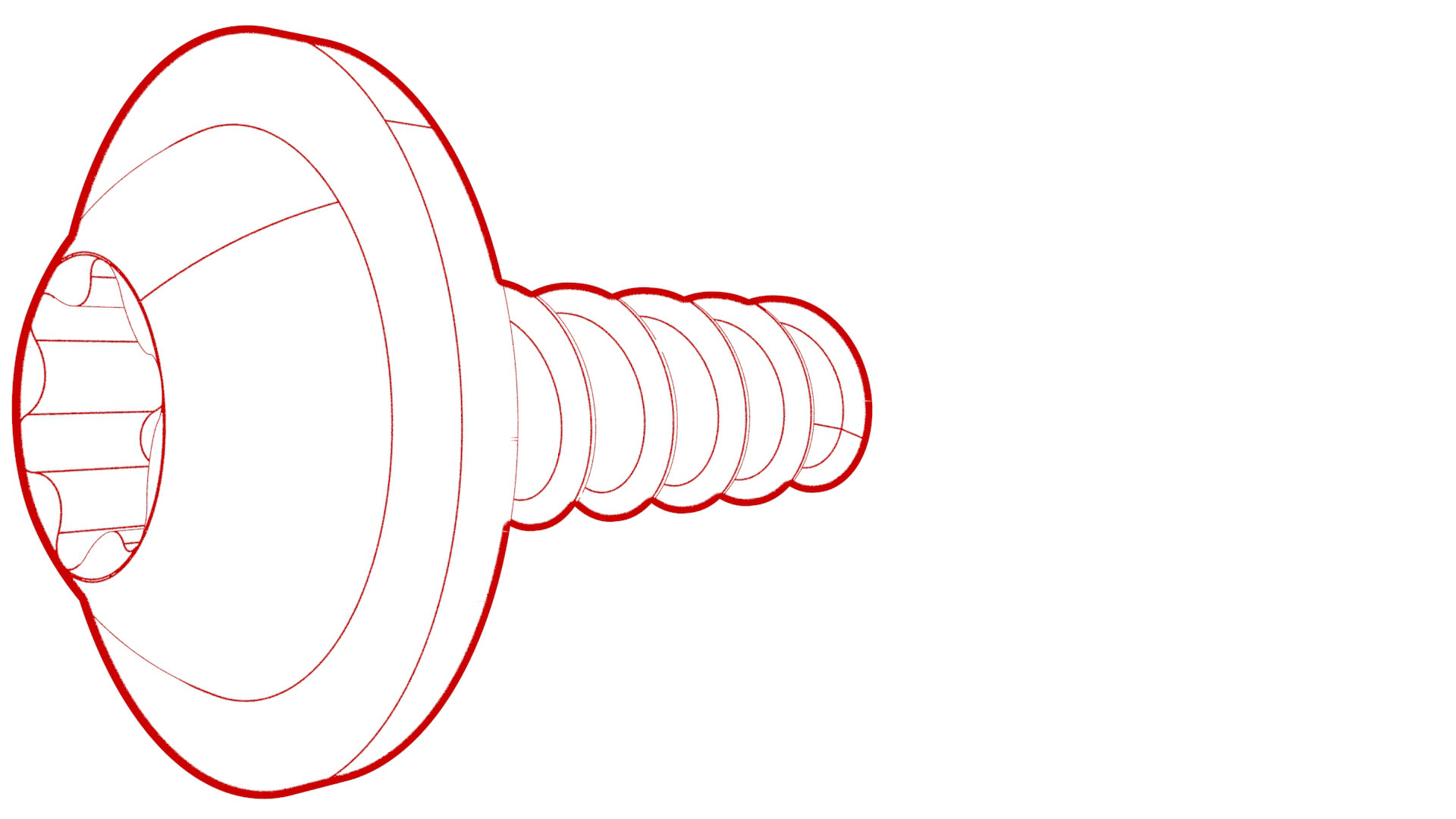 Torque 1.5 Nm
 -
Install the upper screws that attach the steering column lower shroud to the steering column.Torque 1.5 Nm
-
Install the clips that attach the steering column upper shroud to the lower shroud.
| 1 | Install the fastener that attaches the steering column control module to the steering column. Torque 9 Nm | |
| 2 | Install an orange plastic retaining clip (1028053-00-A) on the steering column control module electrical connector. | ||
| 3 | Connect the electrical connector to the steering column control module. | |
| 4 | Perform a push-pull-push test to make sure that the steering column control module electrical connector is seated properly. | ||
| 5 | Install the lower screw that attaches the steering column lower shroud to the steering column. Torque 1.5 Nm | |
| 6 | Install the upper screws that attach the steering column lower shroud to the steering column. Torque 1.5 Nm | |
| 7 | Install the clips that attach the steering column upper shroud to the lower shroud. | |
| 8 | Remove the red locking tab from the new steering column control module by lifting it off. | ||
| 9 | Install the steering wheel. See Steering Wheel (Remove and Install). | ||
| 10 | Install the driver airbag. See Airbag - Driver (Remove and Replace). | ||
| 11 | Connect 12V power. See 12V Power (Disconnect and Connect). | ||
| 12 | Update the vehicle firmware. | ||
| 13 | Connect a laptop with Toolbox to the vehicle. | ||
| 14 | Using Toolbox, type "SCCM" in the search field, click on "PING-TP_ SCCM," and then select Run. | ||
| 15 | Using Toolbox, type "VCLEFT" in the search field, click on "TEST-SELF_ VCLEFT_X_SWC," and then select Run. | ||
| 16 | Using Toolbox, type "COLUMN" in the search field, click on "TEST-SELF_ VCLEFT_X_STEERING-COLUMN," and then select Run. | ||
| 17 | Using Toolbox, type "COLUMN" in the search field, click on "PROC-VCLEFT_ X_STEERING-COLUMN-CALIBRATION," and then select Run. | ||
| 18 | Disconnect the laptop from the vehicle. | ||
| 19 | Install the rear underhood apron. See Underhood Apron - Rear (Remove and Replace). | ||
| 20 | Install the 2nd row lower seat cushion. See Seat Cushion - Lower - 2nd Row (Remove and Replace). |