Antenna - GPS (Remove and Replace)
Correction code 2132010221320102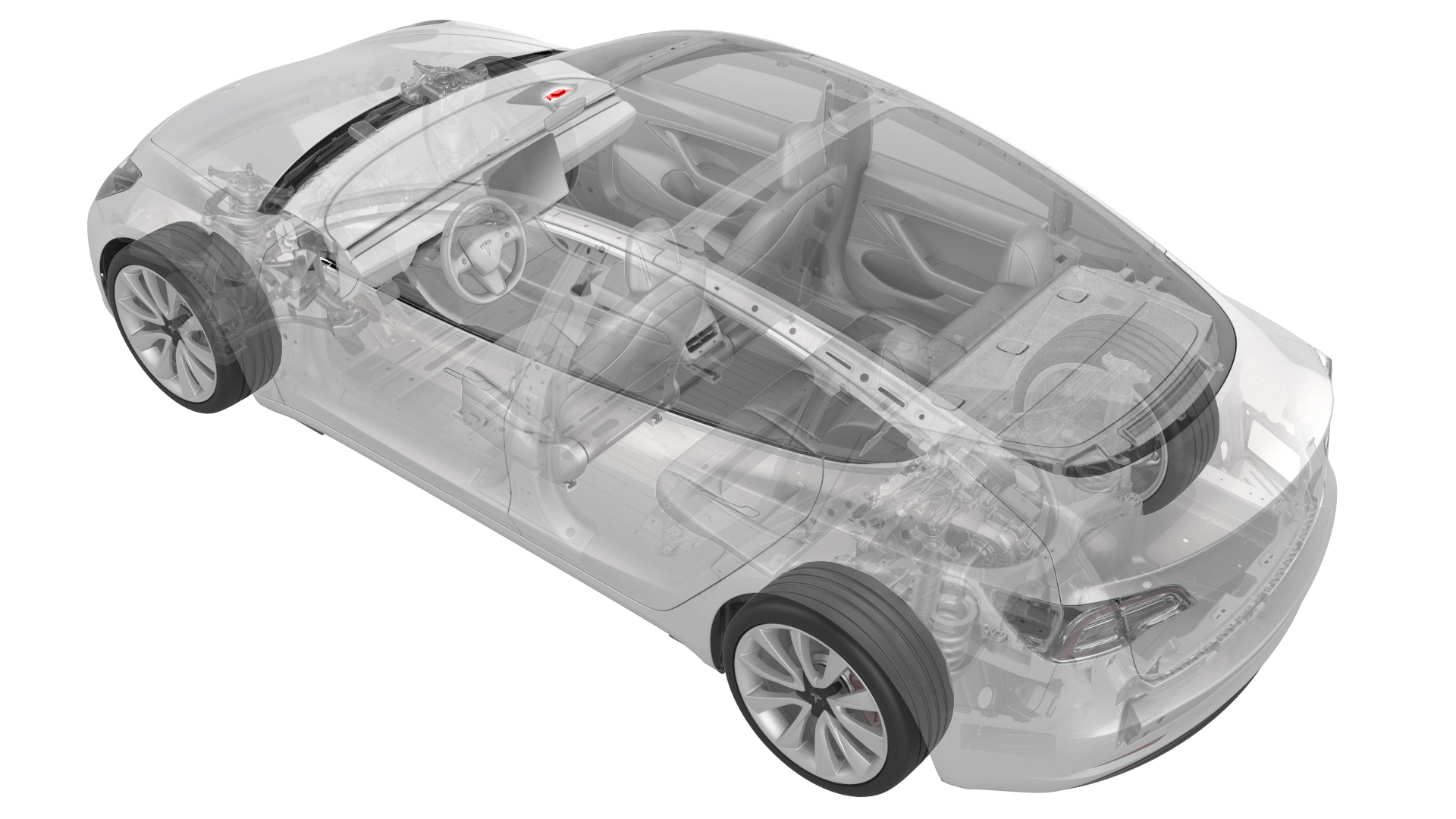
Remove
-
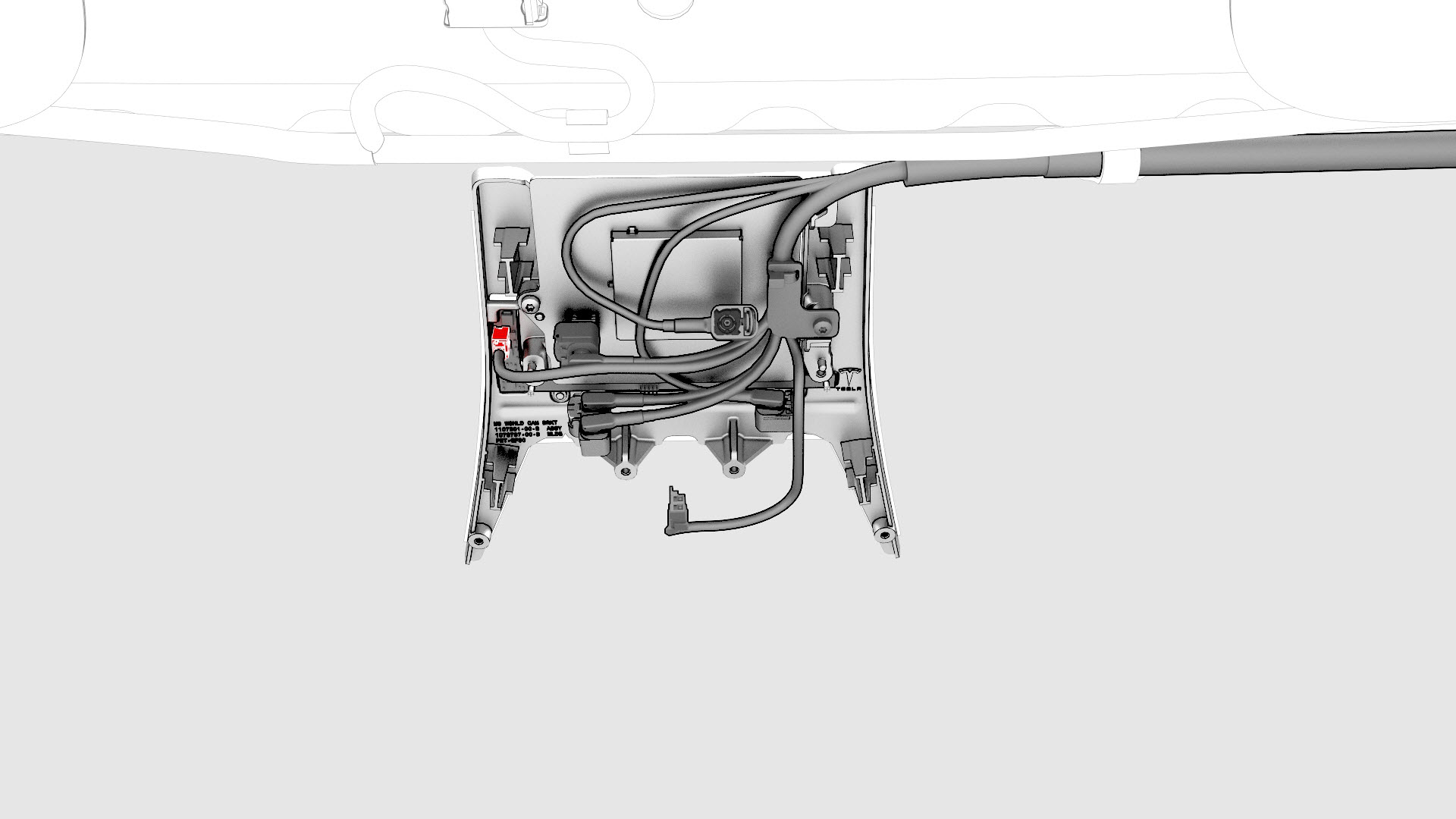
Disconnect the electrical harness from the humidity and temperature sensor connector.
-
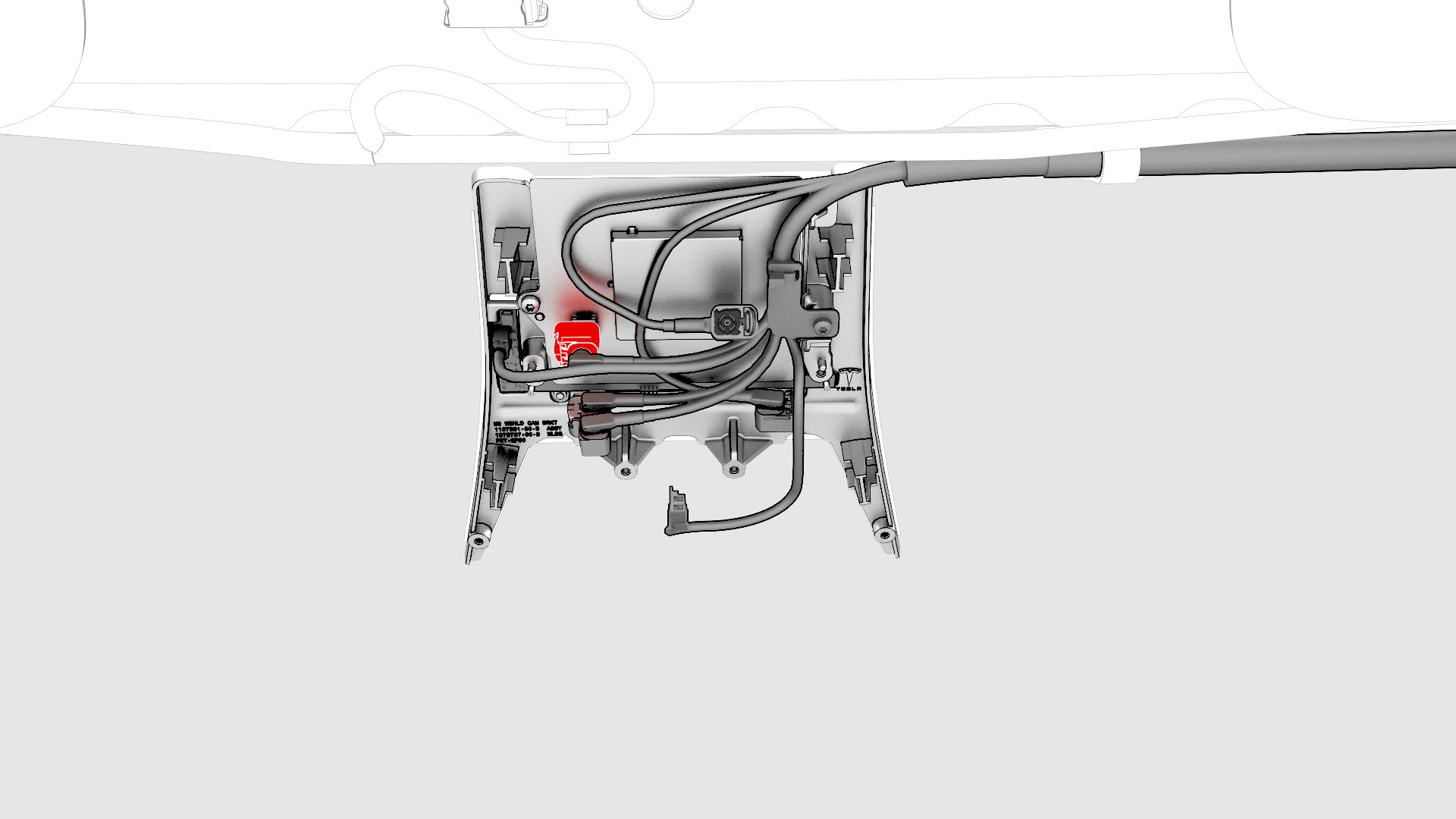
Disconnect the electrical harness from the GPS antenna connector.
-
Remove the screw that attaches the electrical harness to the windshield bracket, and then move the electrical harness aside.
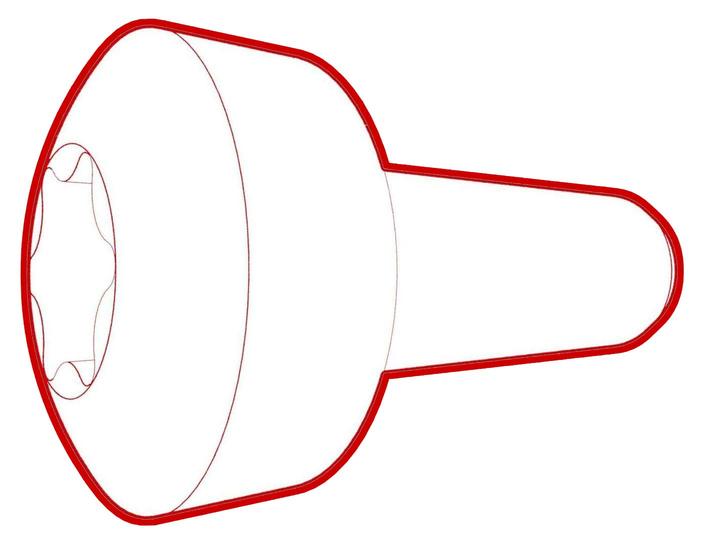 Torque 1 Nm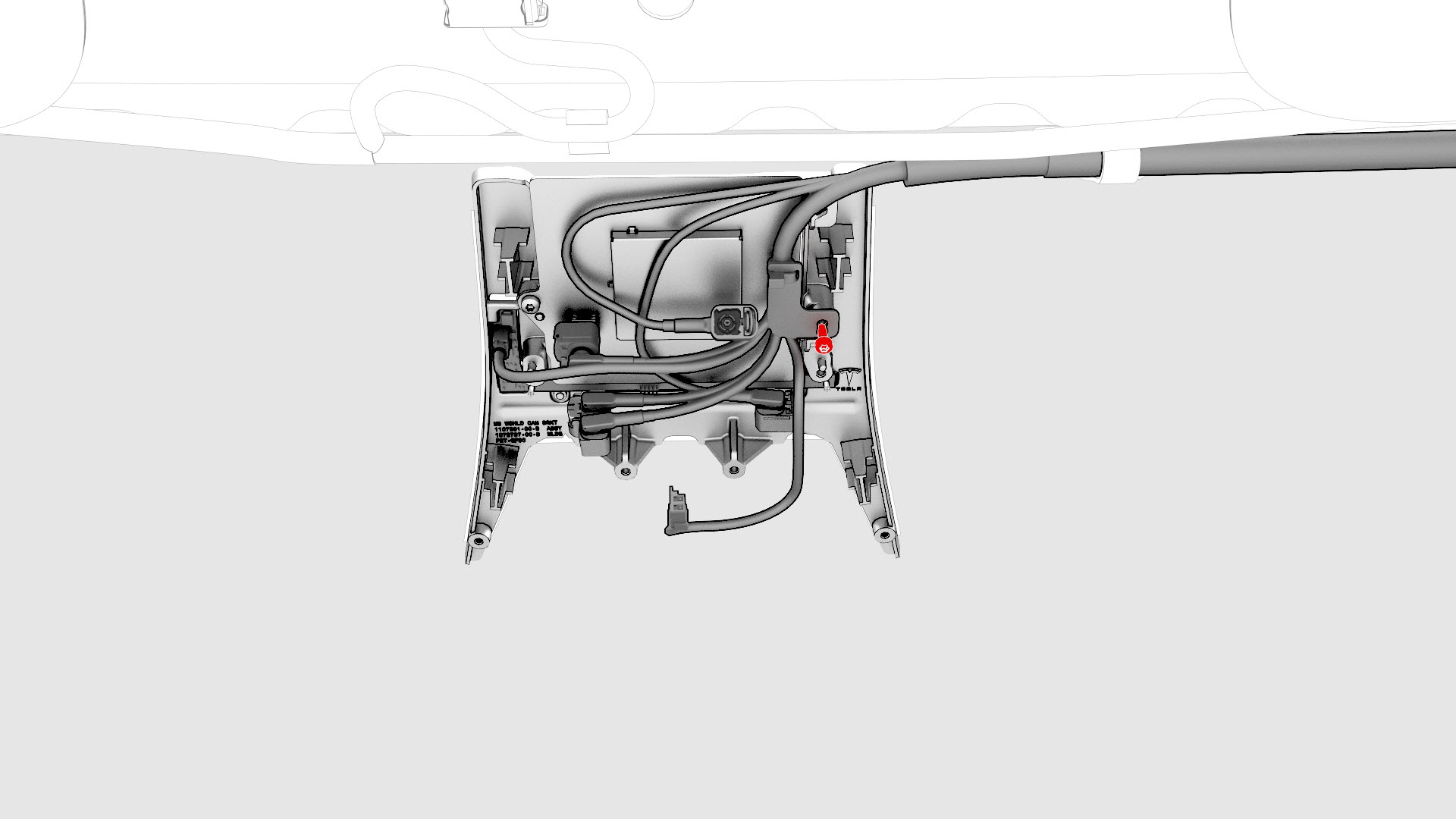
-
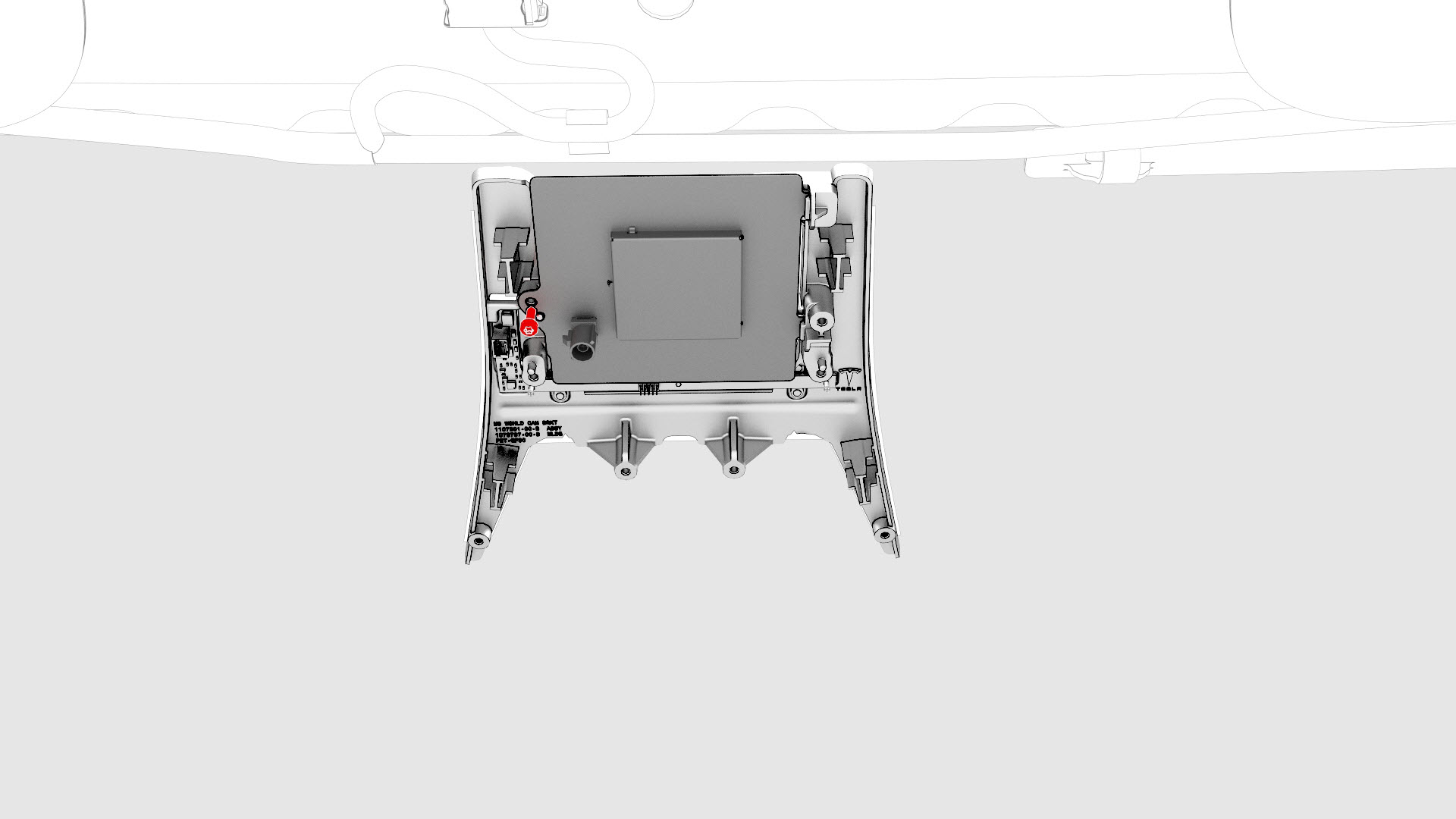
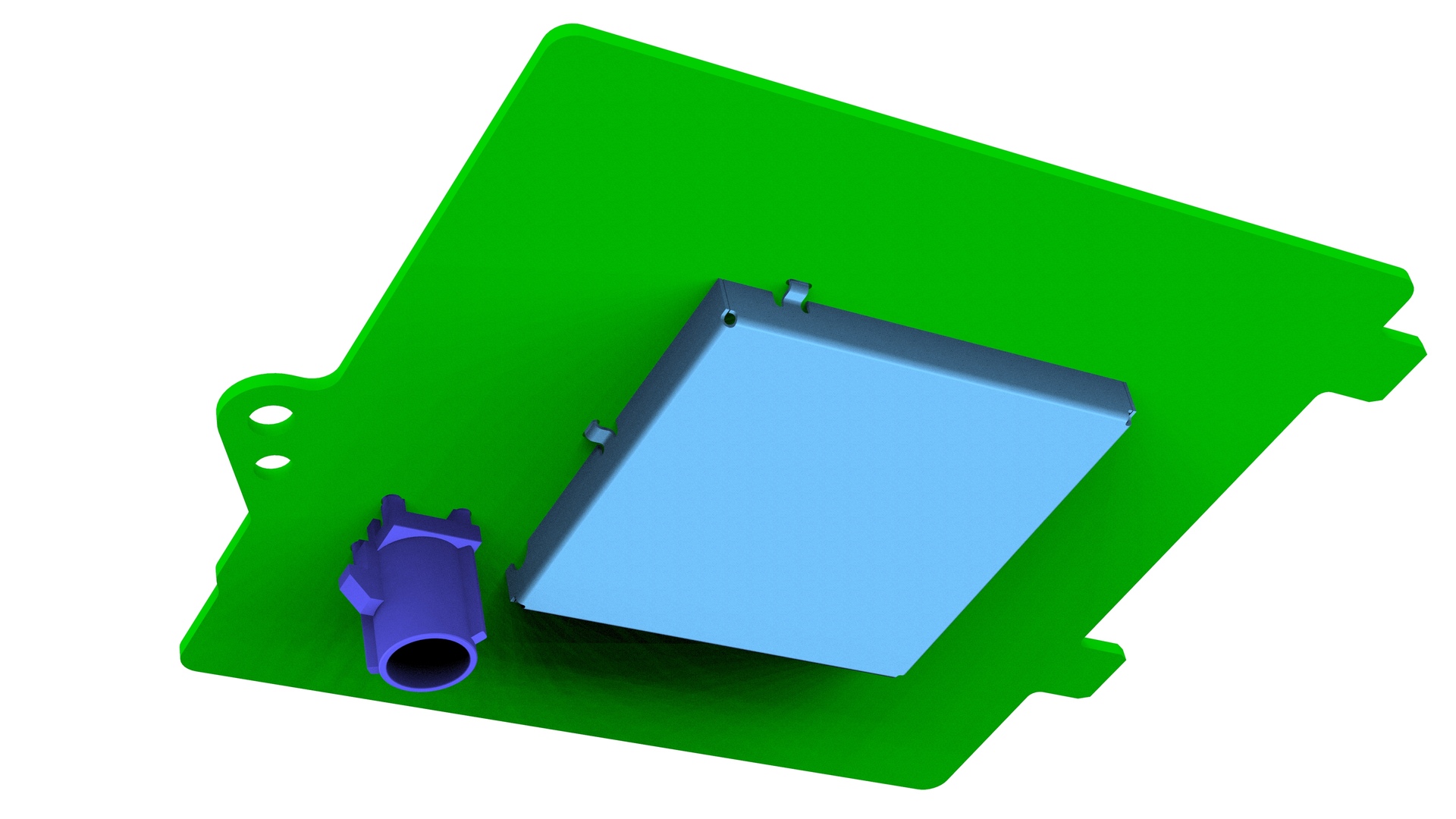
Remove the screw that attaches the GPS antenna to the bracket, and then remove the GPS antenna from the vehicle.Torque 1 Nm
| 1 | Remove the forward facing camera. See Camera - Forward Facing (Remove and Replace). | ||
| 2 | Disconnect the electrical harness from the humidity and temperature sensor connector. | |
| 3 | Disconnect the electrical harness from the GPS antenna connector. | |
| 4 | Remove the screw that attaches the electrical harness to the windshield bracket, and then move the electrical harness aside. Torque 1 Nm | |
| 5 | Remove the screw that attaches the GPS antenna to the bracket, and then remove the GPS antenna from the vehicle. Torque 1 Nm |
Install
Installation procedure is the reverse of removal, except for the following:
After the installation of the new GPS antenna, perform the forward facing camera target calibration. See Camera - Forward Facing (Target Calibration).