Antenna - Bluetooth Passive Entry - Front (Remove and Replace)
Correction code 1745110217451102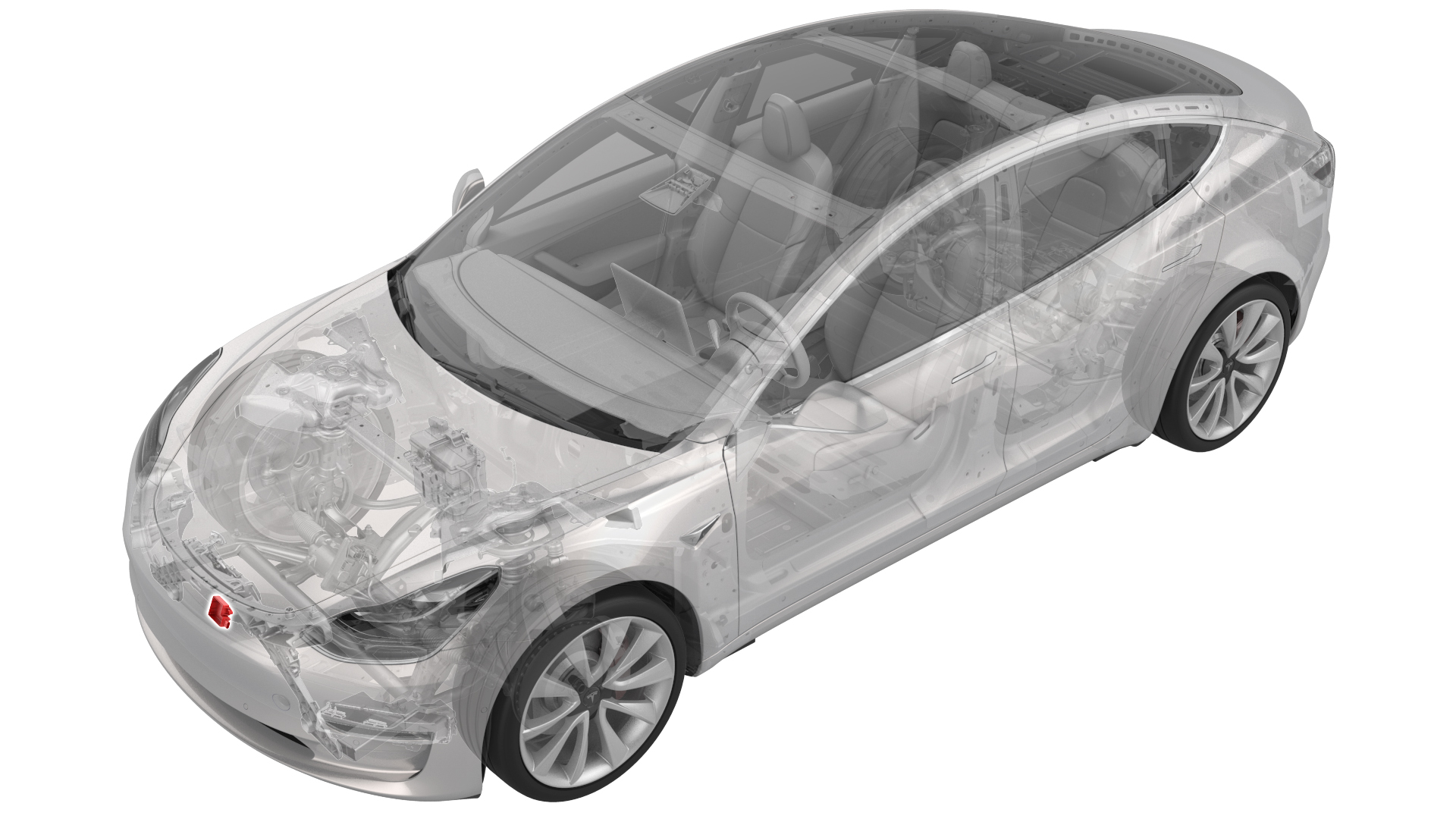
Remove
-
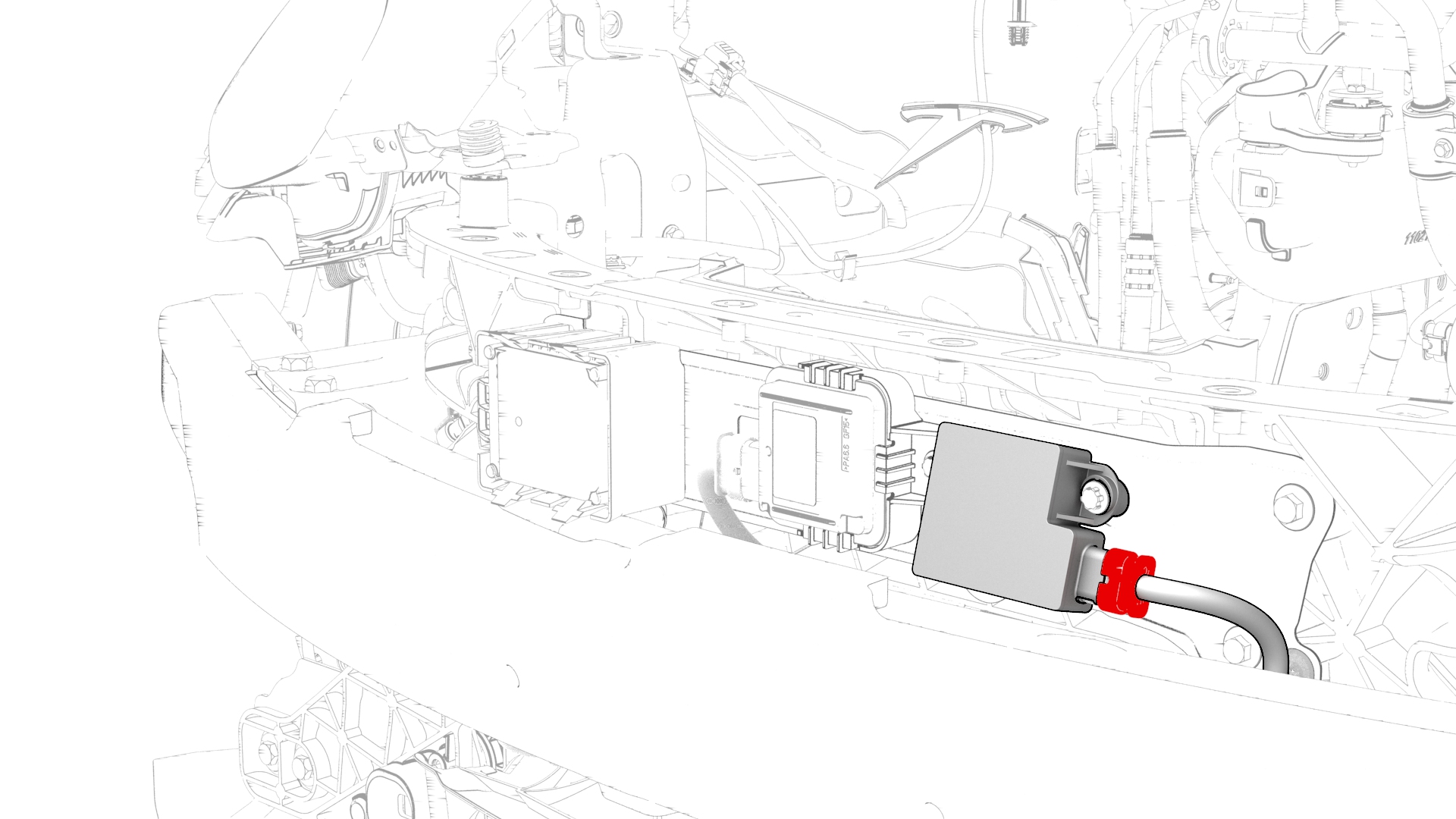
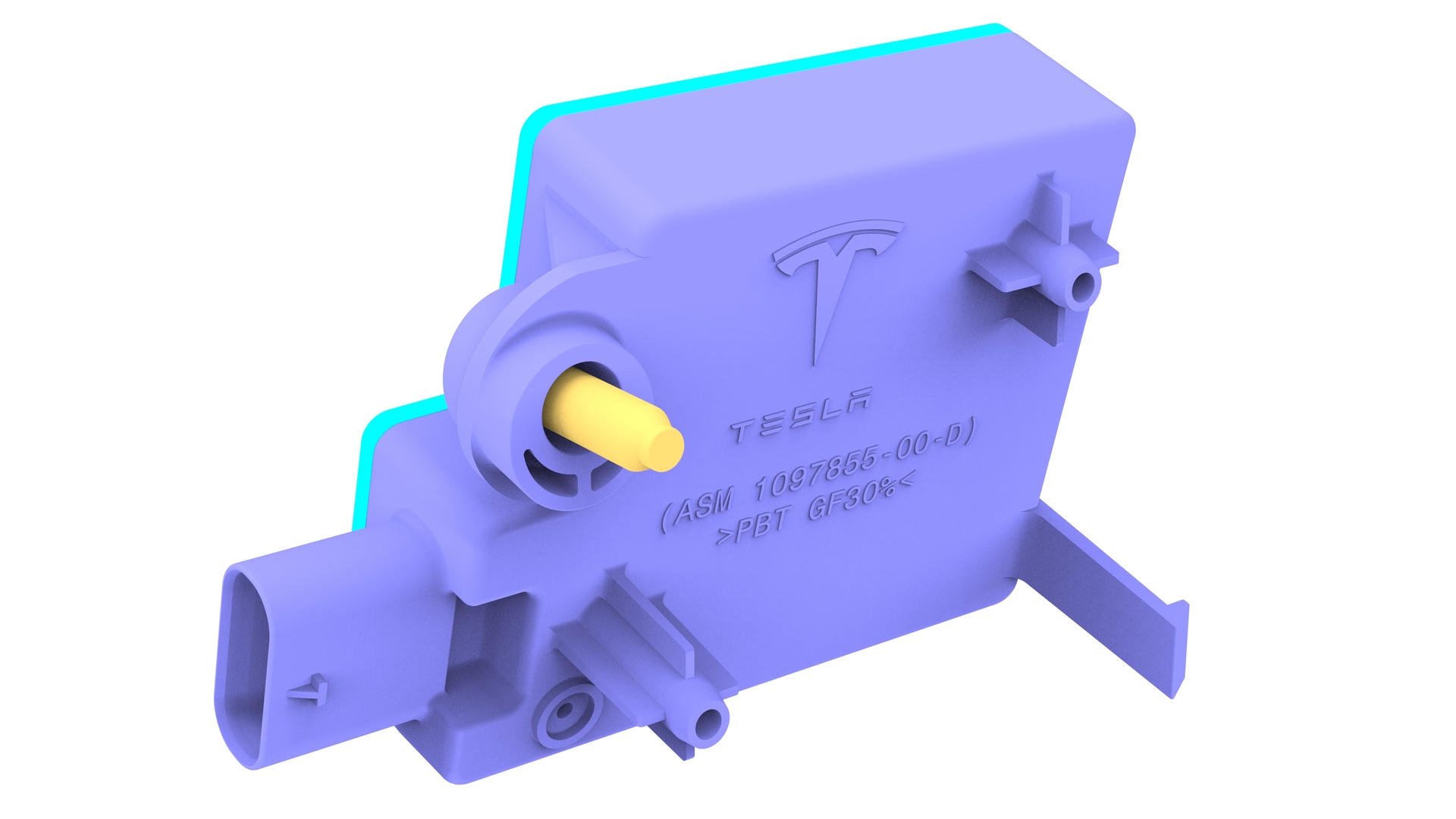
Disconnect the electrical connector from the front Bluetooth passive entry antenna connector.
-
Remove the bolt that attaches the front Bluetooth passive entry antenna to the front end carrier, and then remove the antenna from the front end carrier.
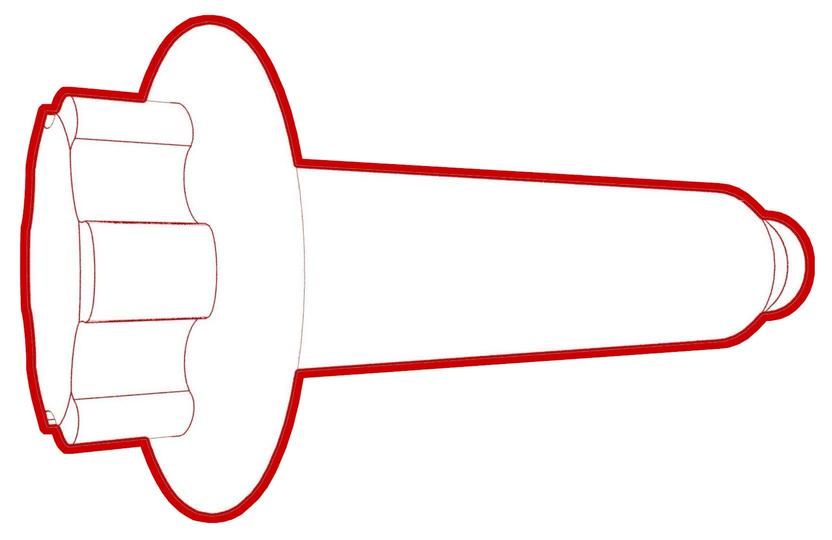 Torque 9 Nm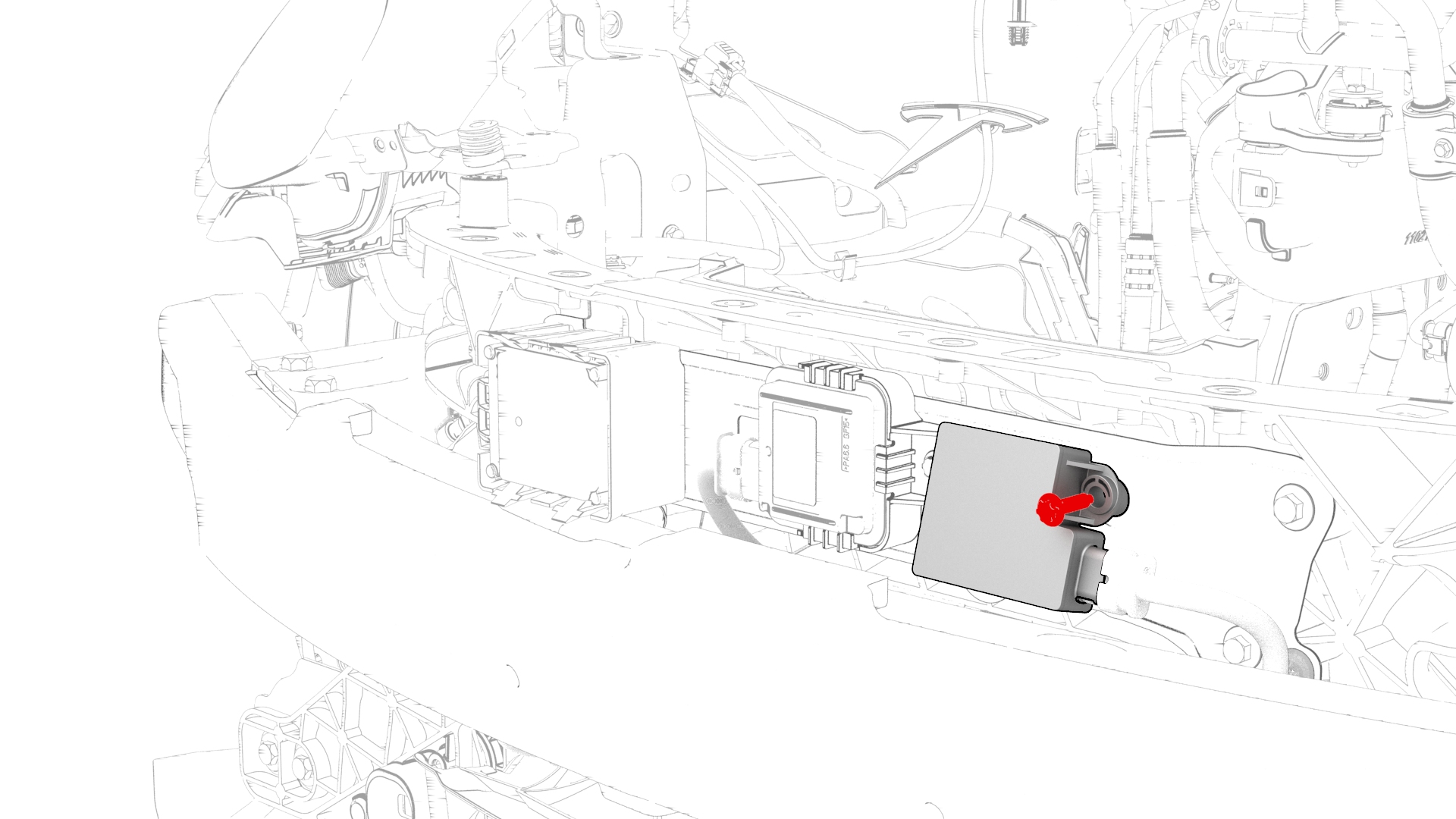
| 1 | Raise and support the vehicle. See Raise Vehicle - 2 Post Lift. | ||
| 2 | Remove the rear underhood apron. See Underhood Apron - Rear (Remove and Replace). | ||
| 3 | Remove the cabin intake duct. See Duct - Cabin Intake (Remove and Replace). | ||
| 4 | Remove the hood latch cover. See Cover - Hood Latch (Remove and Replace). | ||
| 5 | Remove the underhood storage unit. See Underhood Storage Unit (Remove and Replace). | ||
| 6 | Remove the front aero shield panel. See Panel - Aero Shield - Front (Remove and Replace). | ||
| 7 | Remove the front fascia valance. See Valance - Front Fascia (Remove and Replace). | ||
| 8 | Remove the front fascia. See Fascia - Front (Remove and Install). | ||
| 9 | Disconnect the electrical connector from the front Bluetooth passive entry antenna connector. | |
| 10 | Remove the bolt that attaches the front Bluetooth passive entry antenna to the front end carrier, and then remove the antenna from the front end carrier. Torque 9 Nm |
Install
Installation procedure is the reverse of removal.