Airbag - Knee - Driver (Remove and Install)
Correction code 2001020120010201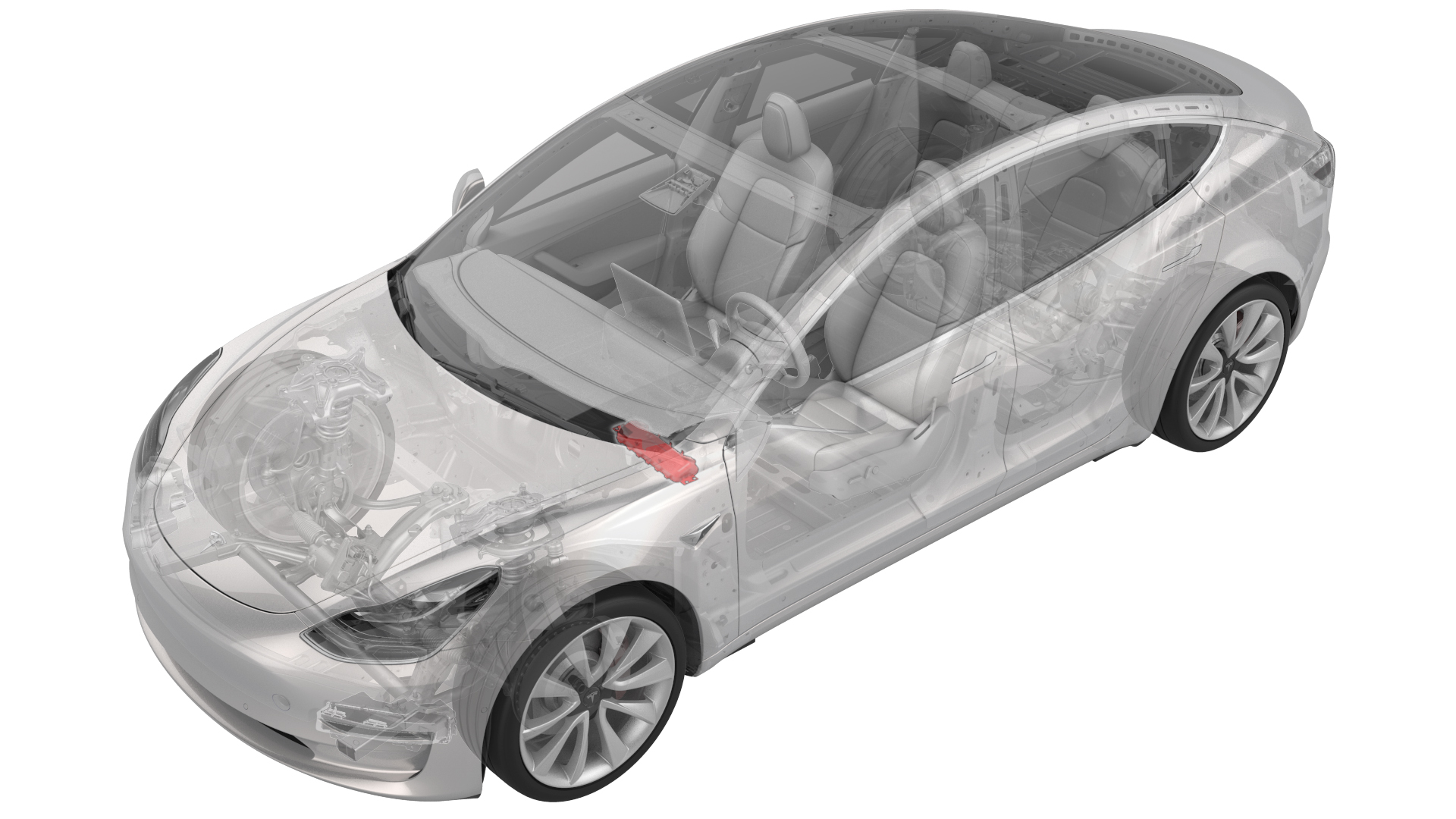
Remove
-
Remove the T20 bolts (x2) that attach the driver knee airbag to the vehicle.
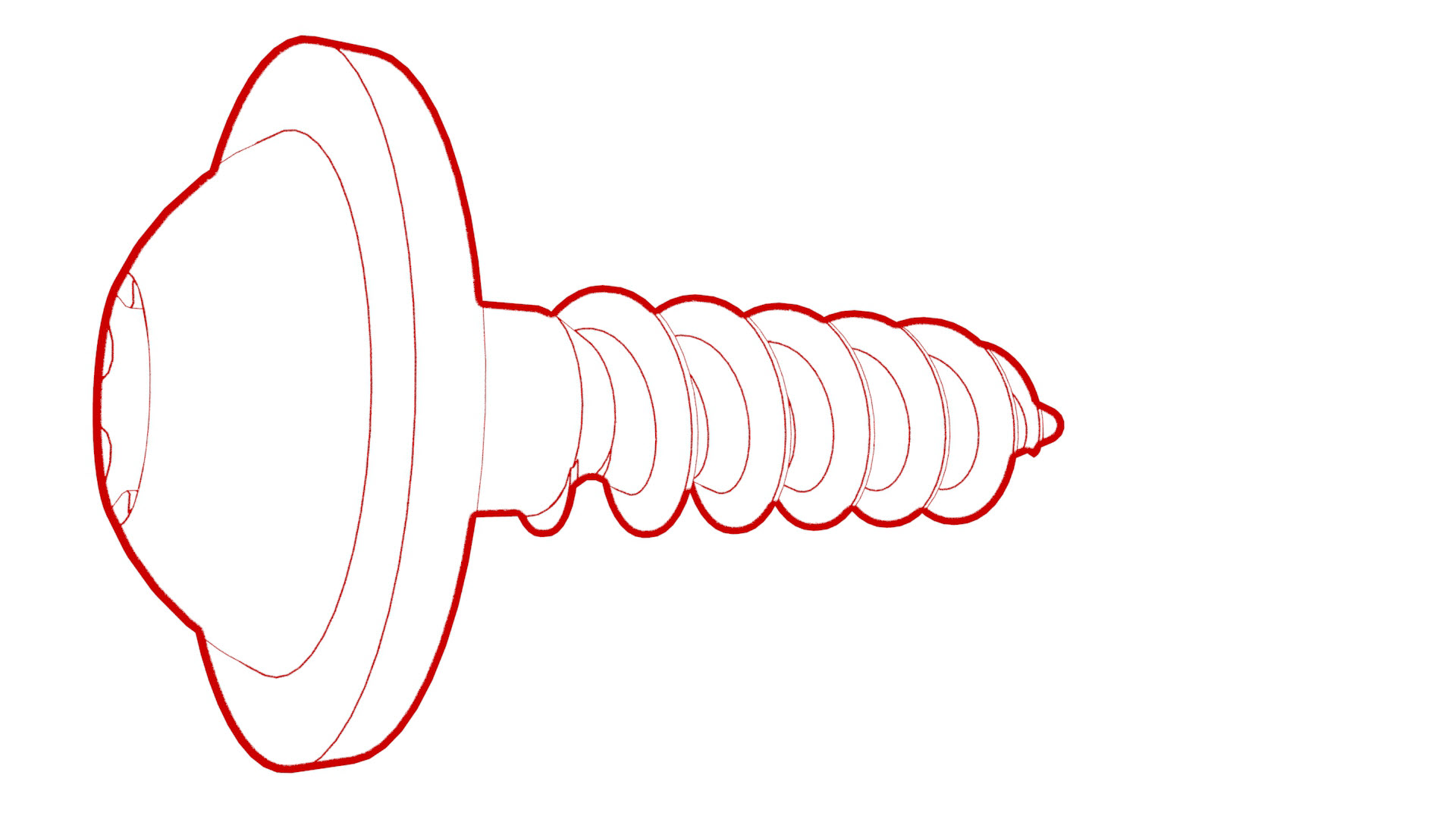 Torque 2 Nm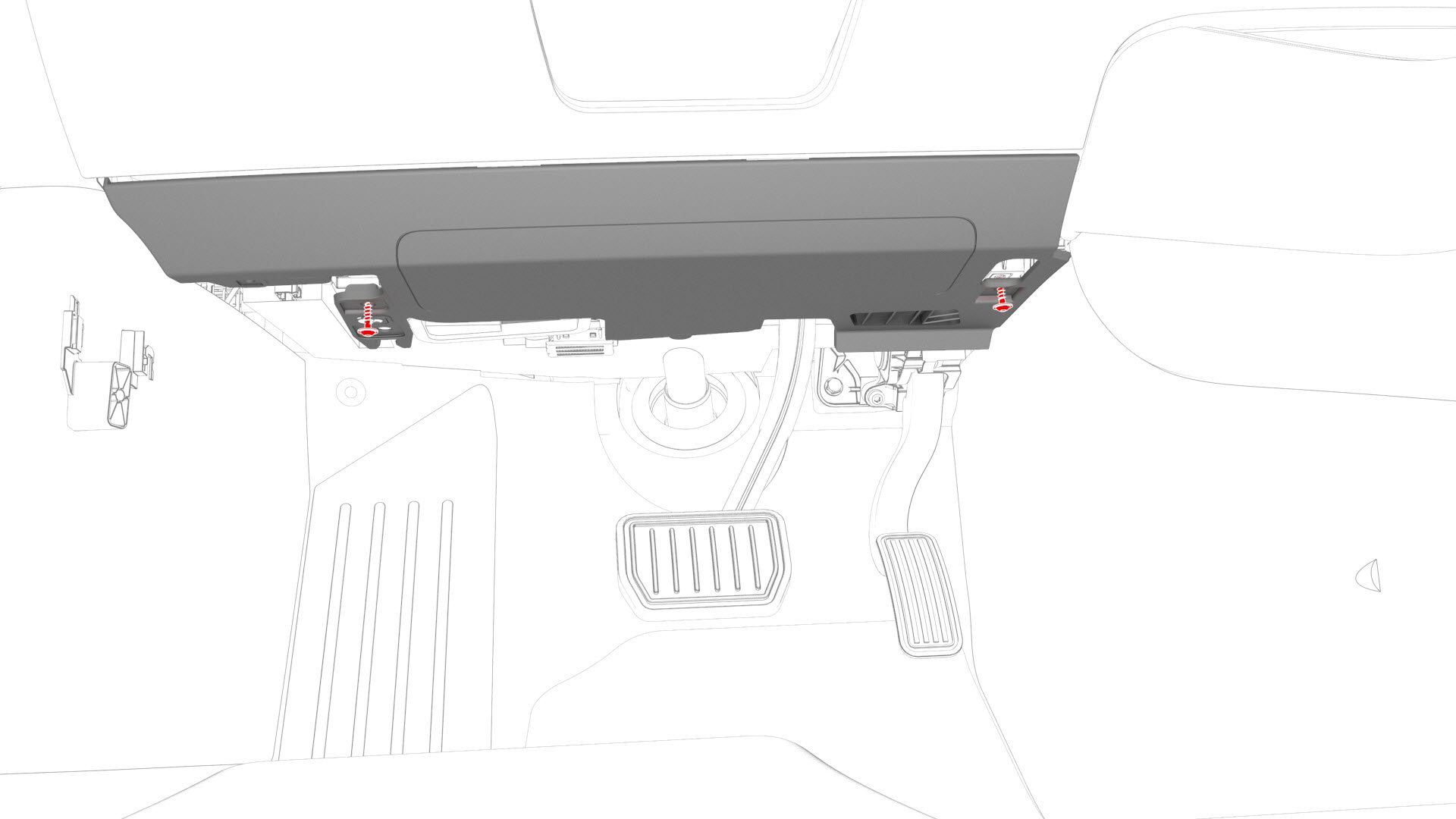
-
Remove and discard the bolts (x4) that attach the driver knee airbag to the instrument panel.or
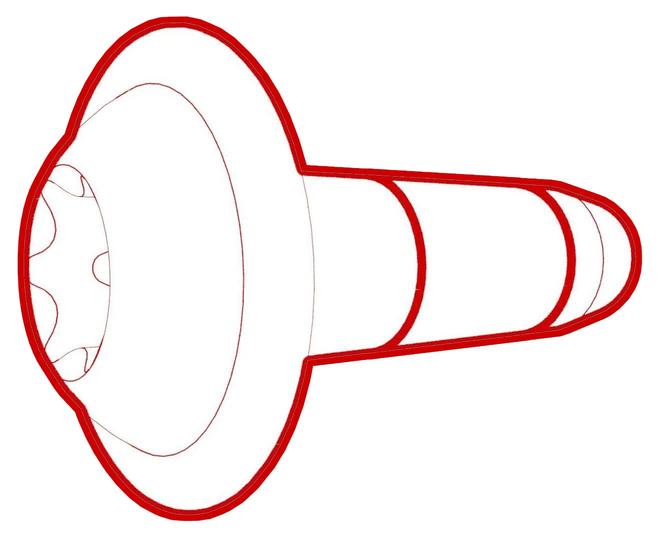 Torque 8 Nm
 Torque 8 Nm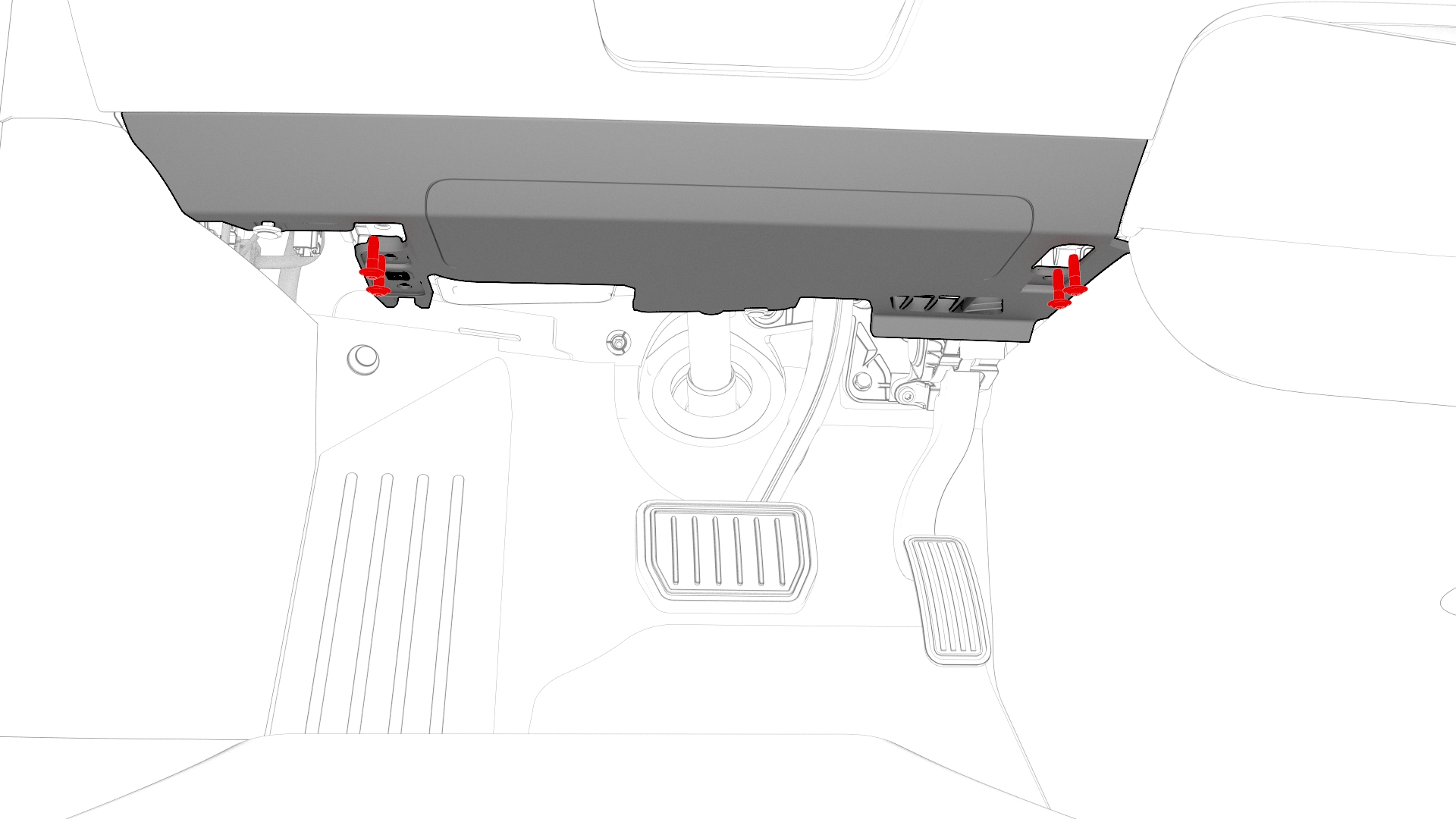
-
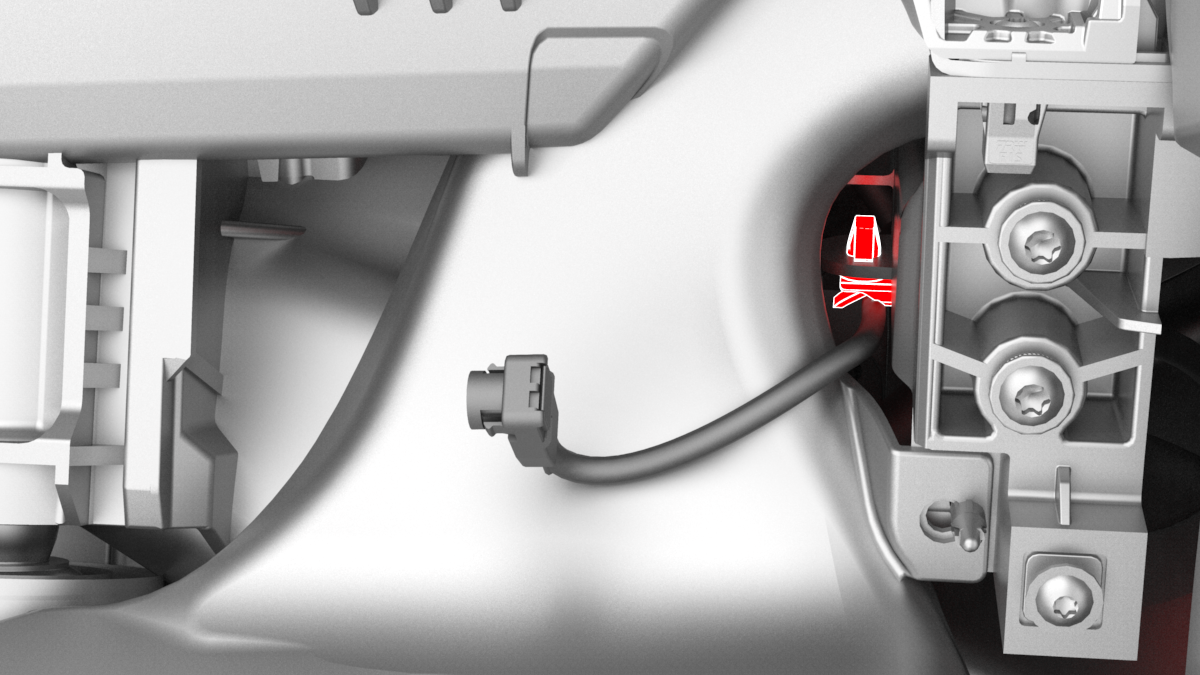
Release the clip that attaches the driver knee airbag electrical harness to the lower instrument panel.
-
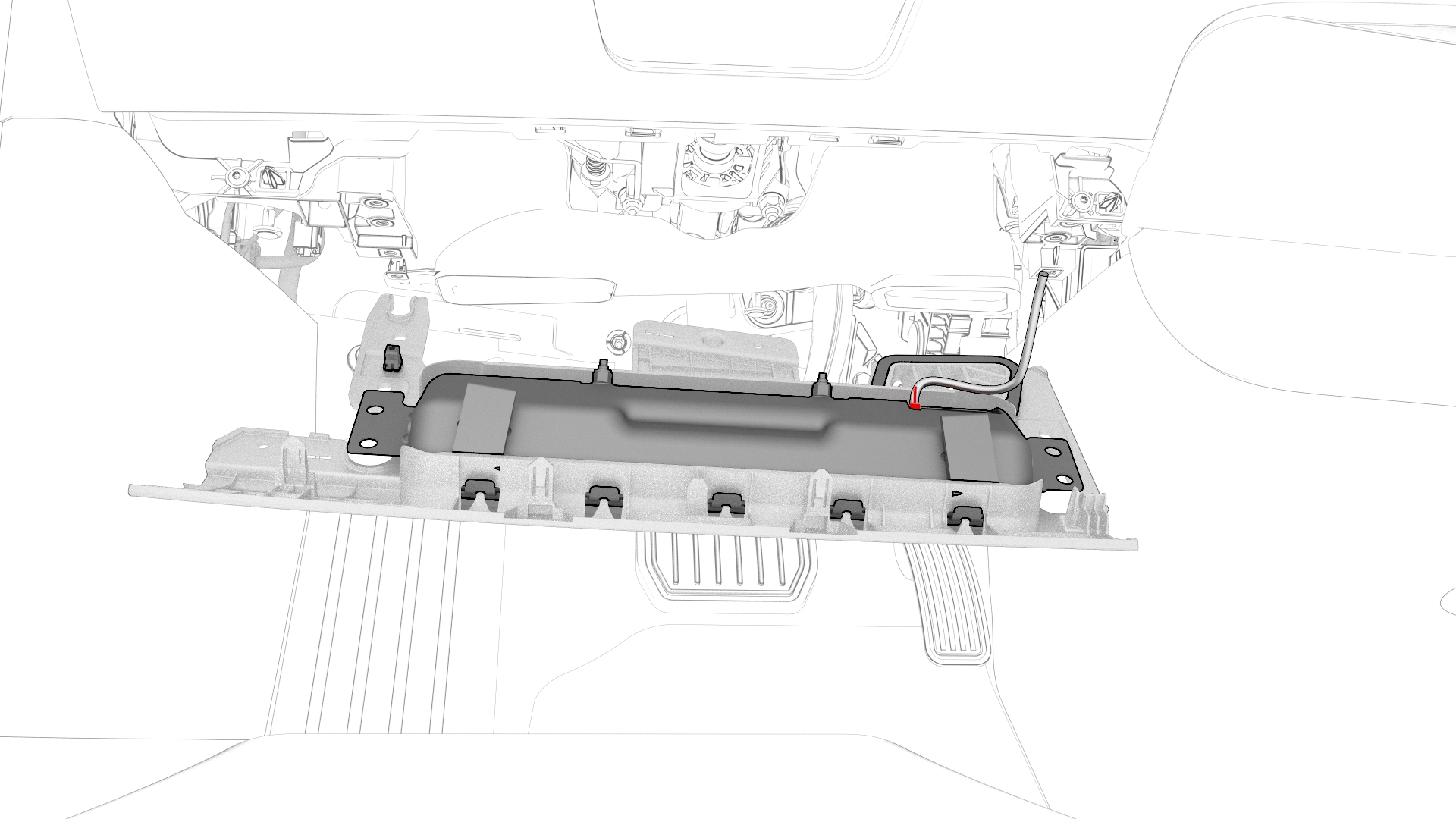
Disconnect the wiring harness connector from the driver knee airbag, and then remove the airbag from the vehicle.
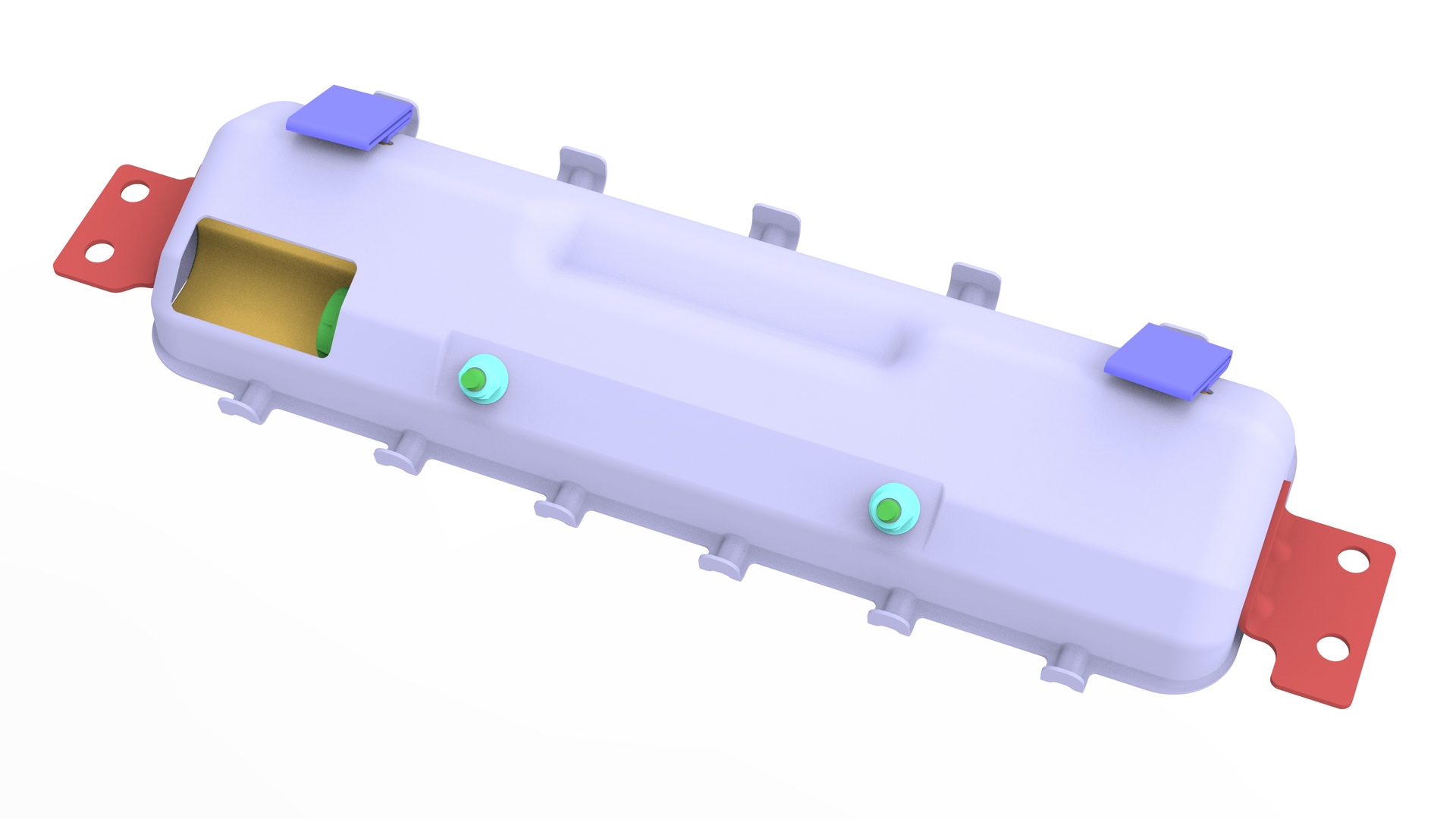
| 1 | Remove the LH center console side panel carpet. See Carpet - Side Panel - Center Console - LH (Remove and Replace). | ||
| 2 | Disconnect 12V power. See 12V Power (Disconnect and Connect). | ||
| 3 | Remove the driver footwell cover. See Cover - Footwell - Driver (Remove and Replace). | ||
| 4 | Remove the T20 bolts (x2) that attach the driver knee airbag to the vehicle. Torque 2 Nm | |
| 5 | Remove and discard the bolts (x4) that attach the driver knee airbag to the instrument panel. Torque 8 Nm Torque 8 Nm | |
| 6 | Release the clip that attaches the driver knee airbag electrical harness to the lower instrument panel. | |
| 7 | Disconnect the wiring harness connector from the driver knee airbag, and then remove the airbag from the vehicle. |
Install
Installation procedure is the reverse of removal, except for the following:
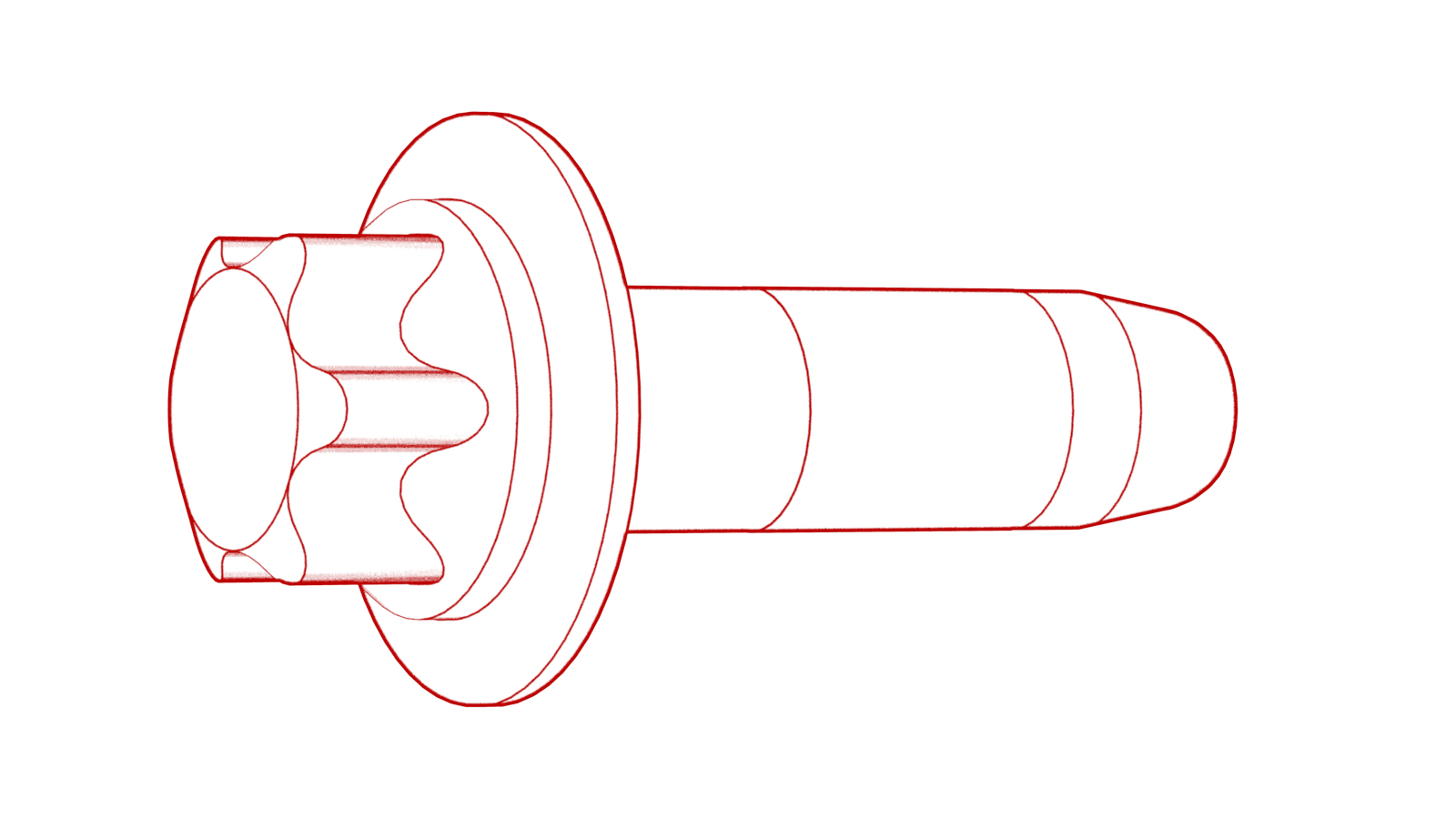
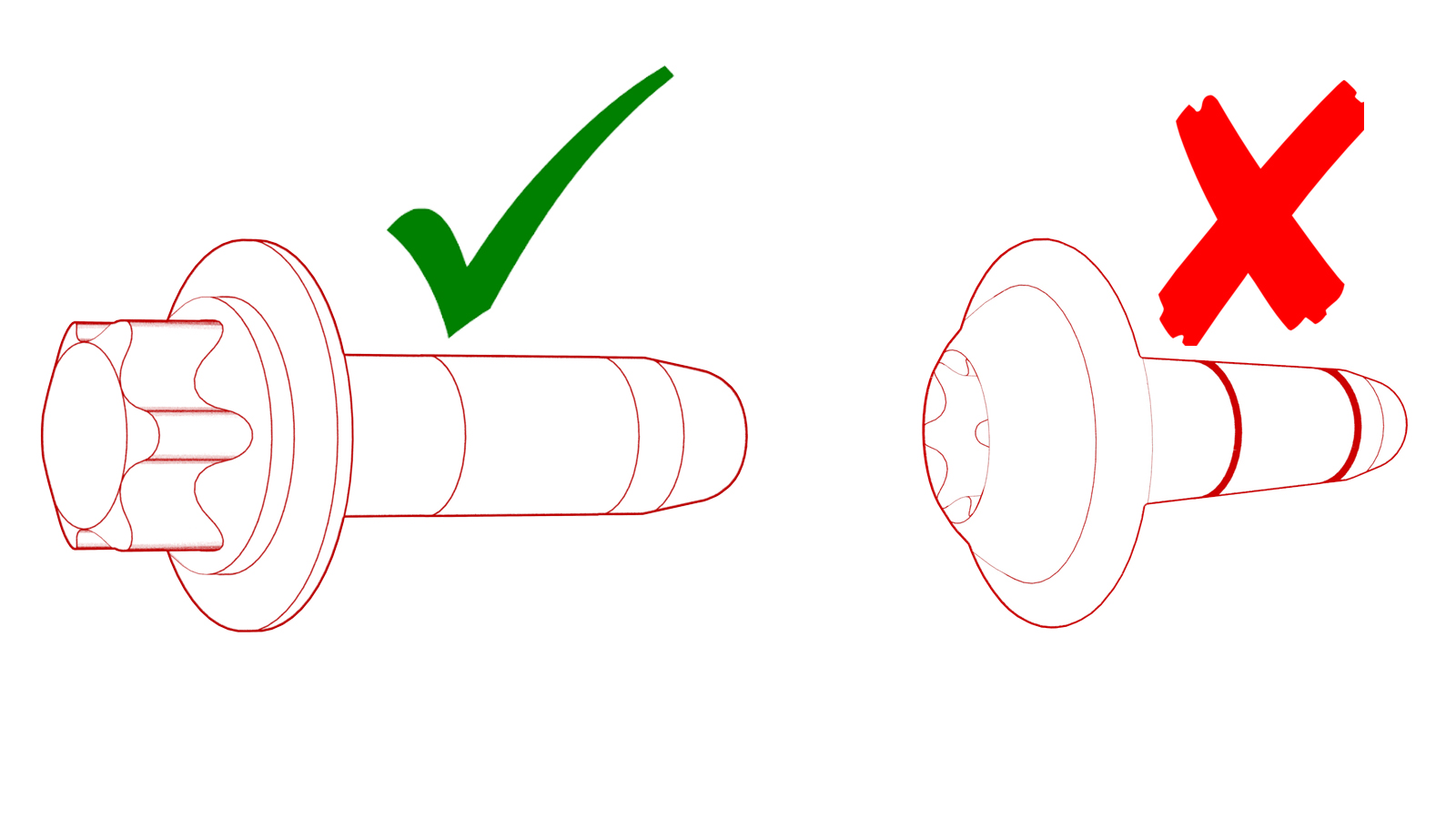
Note: Install new Torx External E10 bolts (x4) on the driver knee air bag. Do not use Torx T30 bolts (pictured).

Caution:
Replace all patchbolts.
Make sure that the clips on the rear edge of the driver knee airbag cover engage the IP carrier.