Tuner - FM / HD (Remove and Replace)
Correction code 2122010221220102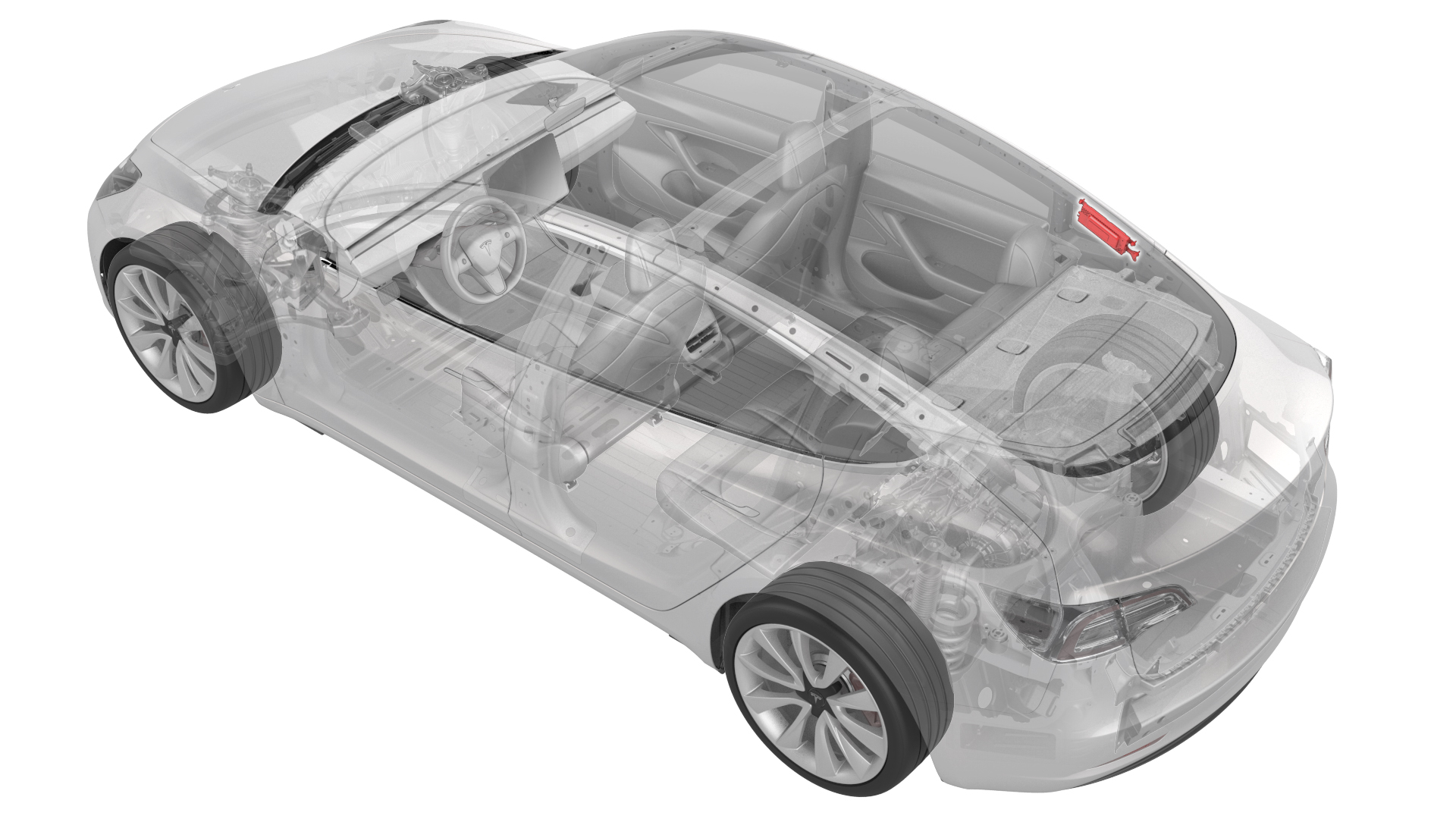
Remove
-
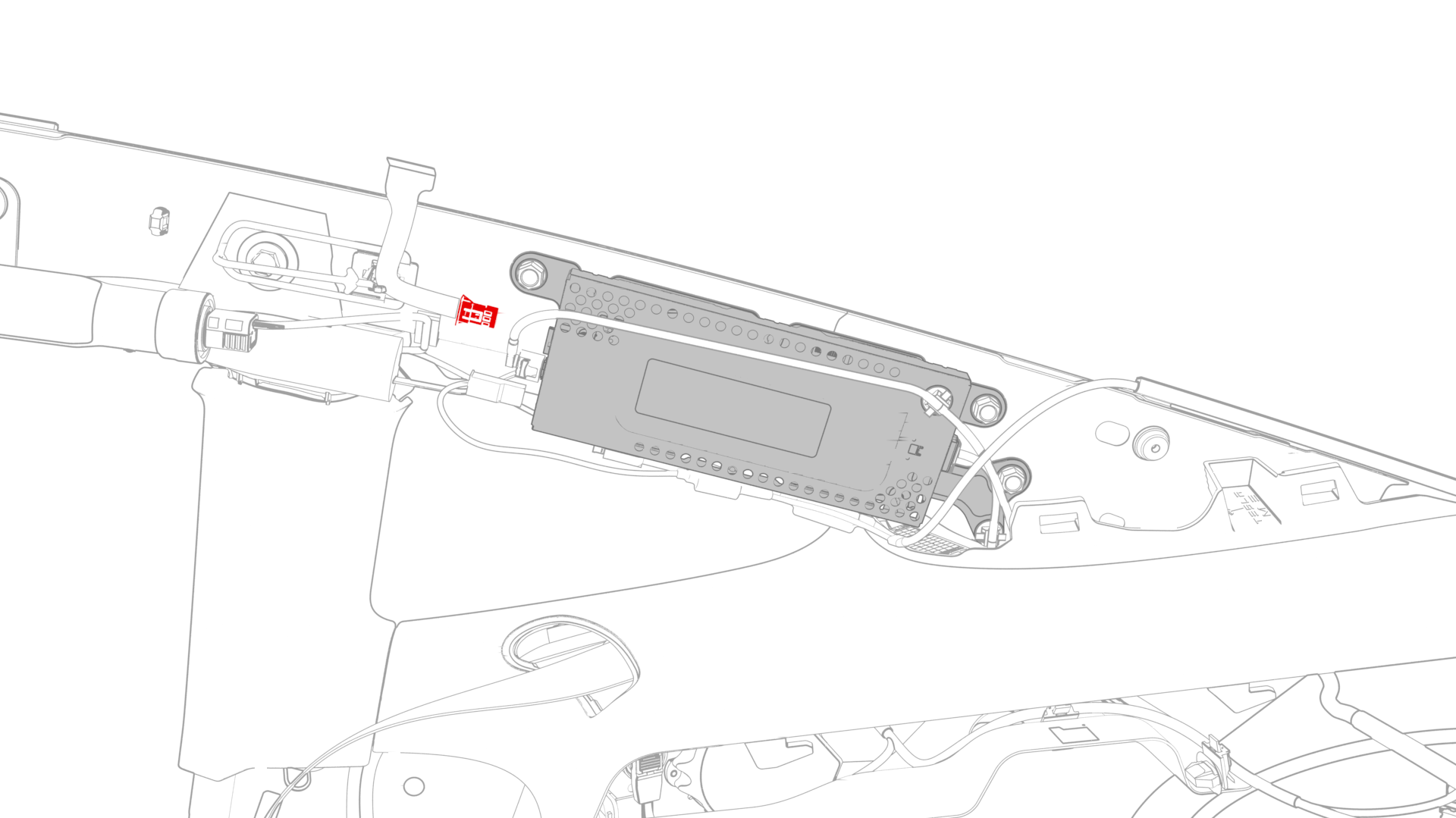
Disconnect the backlight electrical connector from the tuner.
-
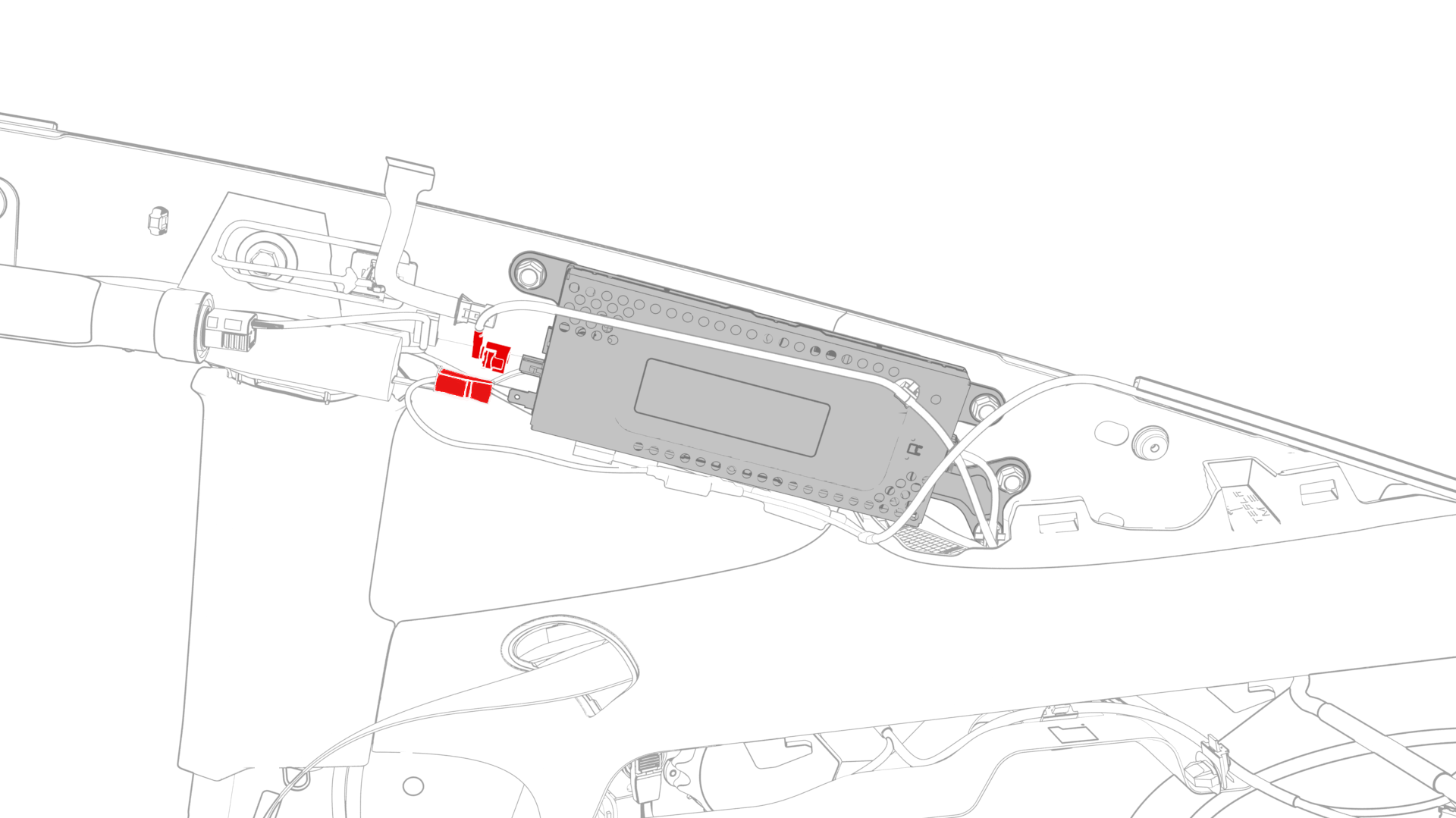
Disconnect the electrical connectors from the front of the tuner.
-
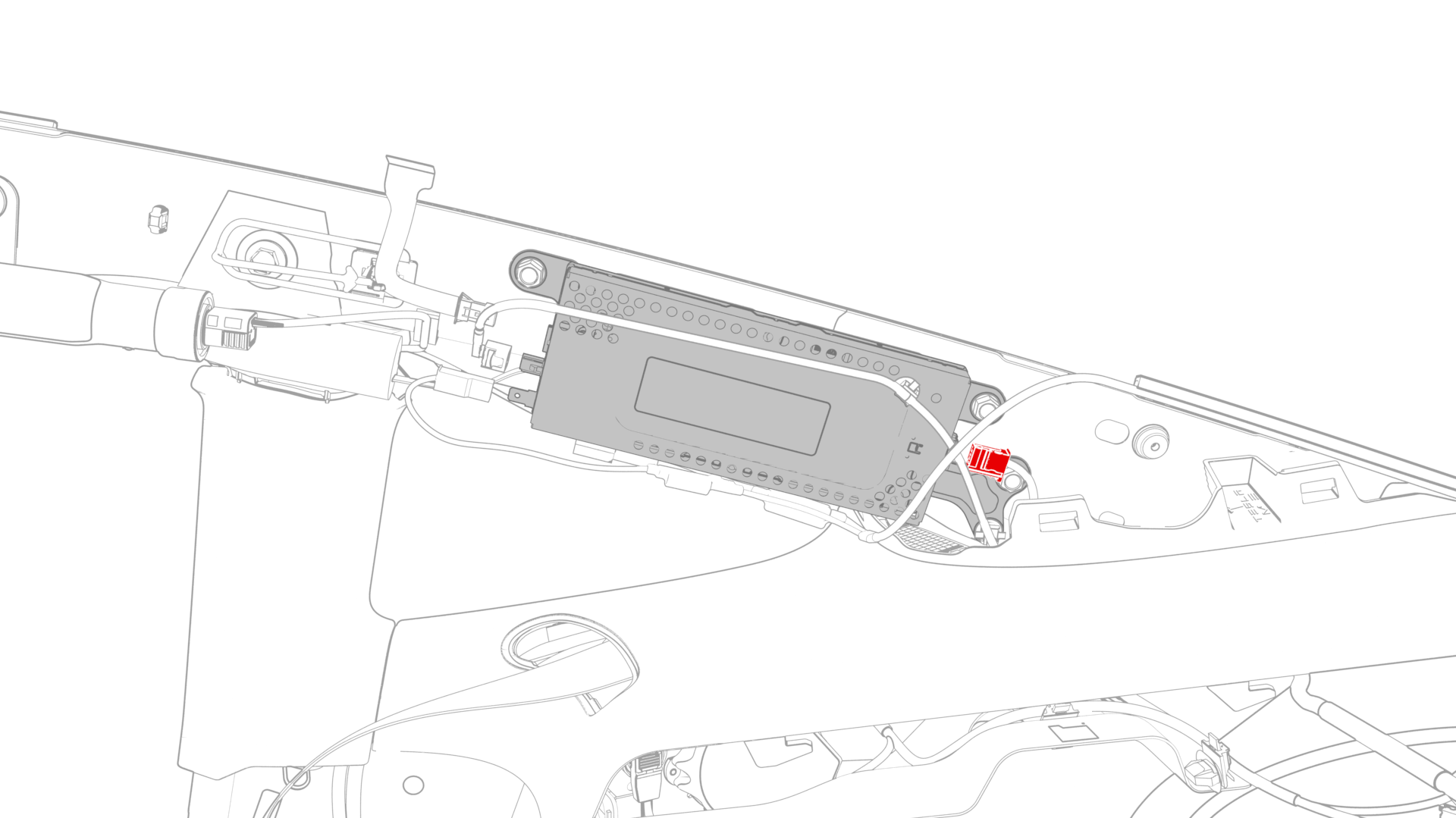
Disconnect the electrical connector from the rear of the tuner.
-
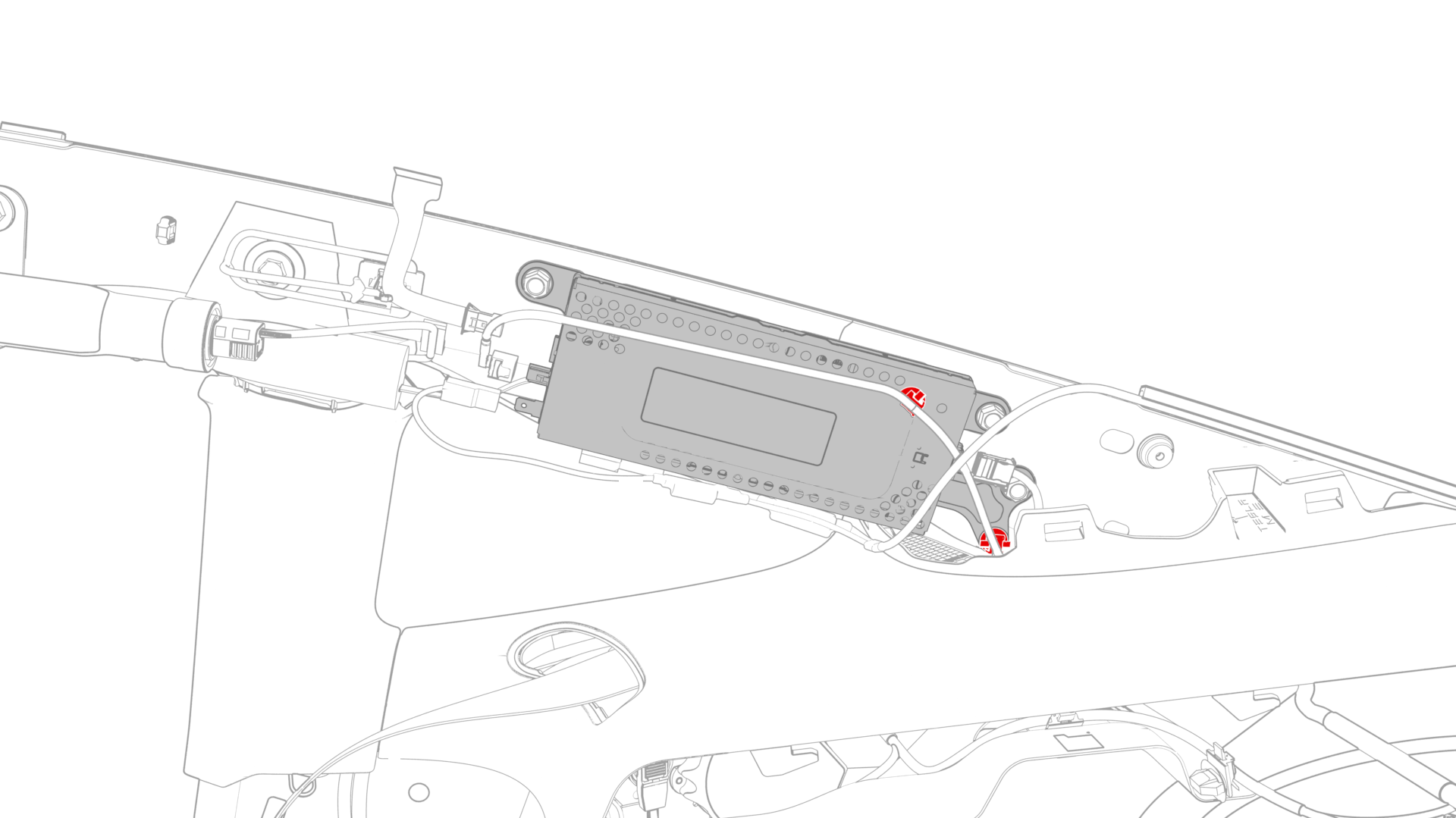
Release the clips that attach the wiring harnesses to the tuner.
-
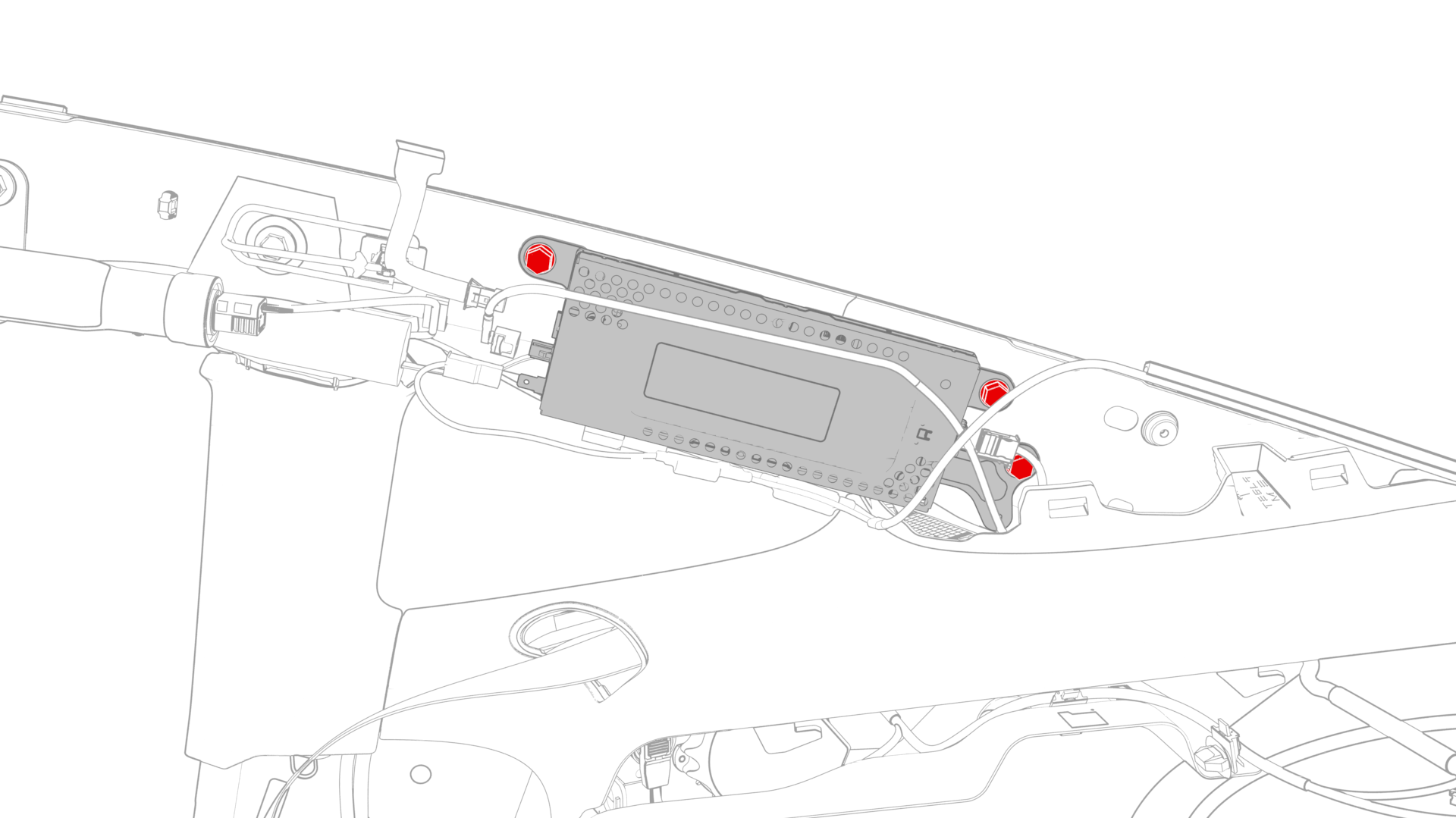
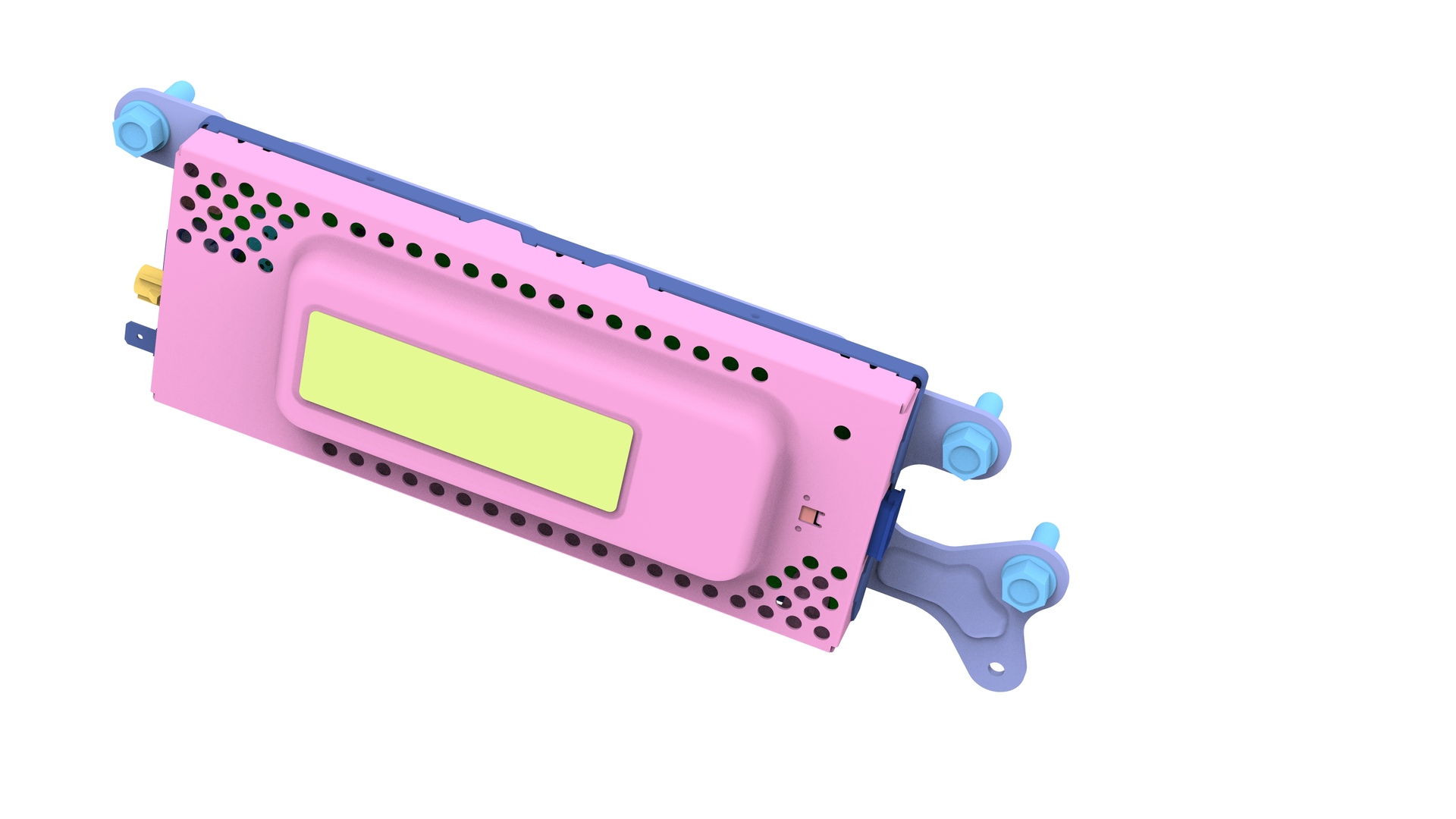
Remove the bolts that attach the tuner to the body, and then remove the tuner from the vehicle.
| 1 | Remove the RH side rail trim. See Trim - Side Rail - LH (Remove and Replace). | ||
| 2 | Disconnect the backlight electrical connector from the tuner. | |
| 3 | Disconnect the electrical connectors from the front of the tuner. | |
| 4 | Disconnect the electrical connector from the rear of the tuner. | |
| 5 | Release the clips that attach the wiring harnesses to the tuner. | |
| 6 | Remove the bolts that attach the tuner to the body, and then remove the tuner from the vehicle. |
Install
-
Install the bolts that attach the tuner onto the body.
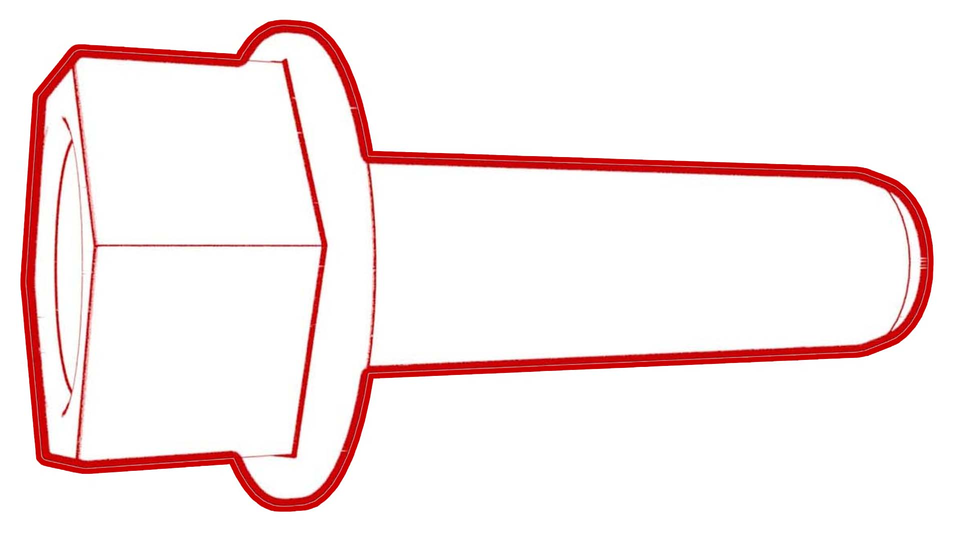 Torque 10.1 Nm
 -
Install the clips that attach the wiring harnesses onto the tuner.
-
Connect the electrical connector into the rear of the tuner.
-
Connect the electrical connectors into the front of the tuner.
-
Connect the backlight electrical connector into the tuner.
| 1 | Install the bolts that attach the tuner onto the body. Torque 10.1 Nm | |
| 2 | Install the clips that attach the wiring harnesses onto the tuner. | |
| 3 | Connect the electrical connector into the rear of the tuner. | |
| 4 | Connect the electrical connectors into the front of the tuner. | |
| 5 | Connect the backlight electrical connector into the tuner. | |
| 6 | Install the RH side rail trim. See Trim - Side Rail - LH (Remove and Replace). | ||
| 7 | Connect a laptop with Toolbox to the vehicle. | ||
| 8 | In Toolbox, type "Tuner" in the search field. Note: Make sure that "Actions" is selected, if not already.
| ||
| 9 | In Toolbox, click the play button next to the "PING-BASH_ TUNER", and then select Run. | ||
| 10 | Disconnect the laptop from the vehicle. |