Trim - Lid - Trunk (Remove and Replace)
Correction code 1511190215111902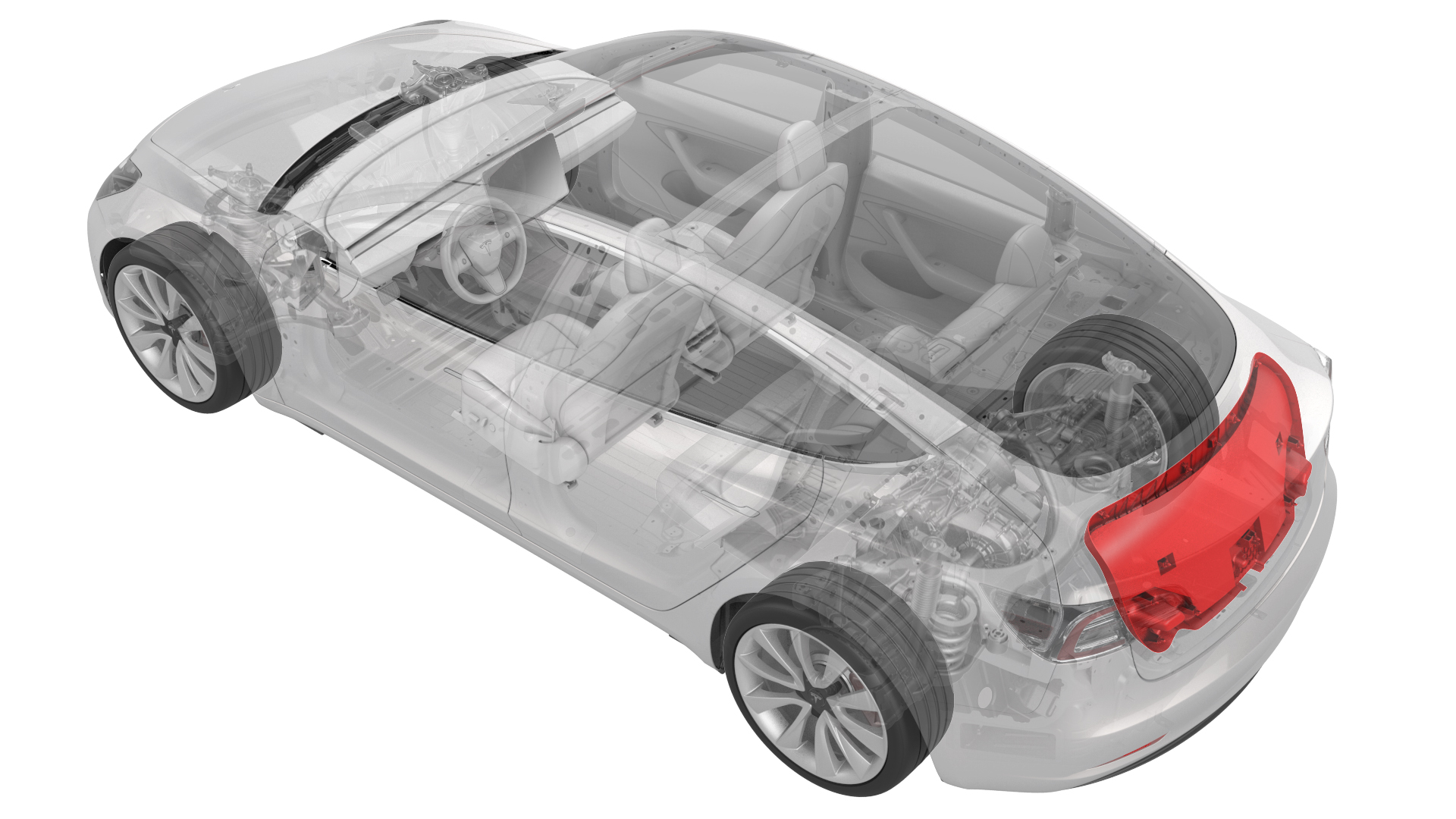
Remove
-
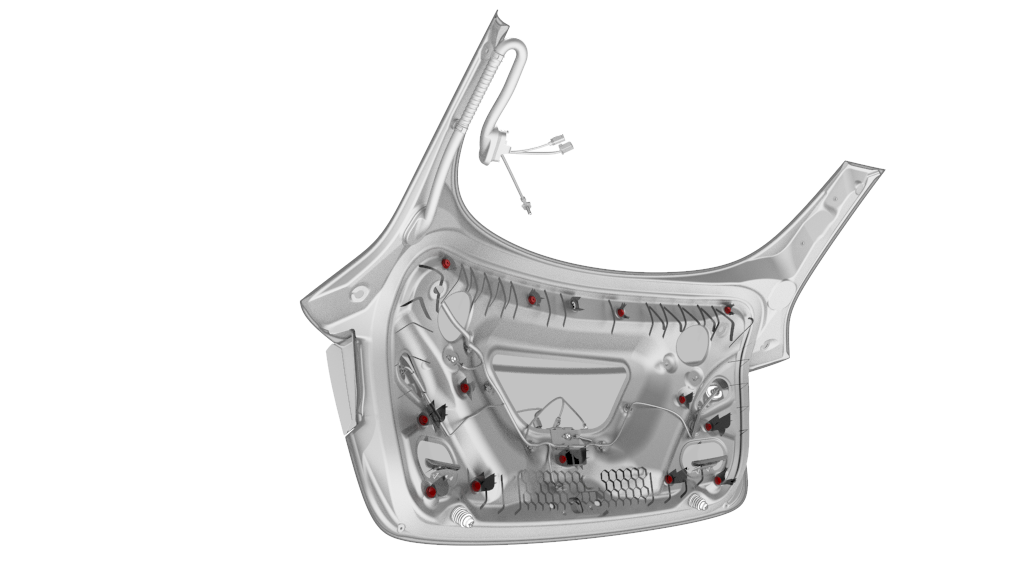
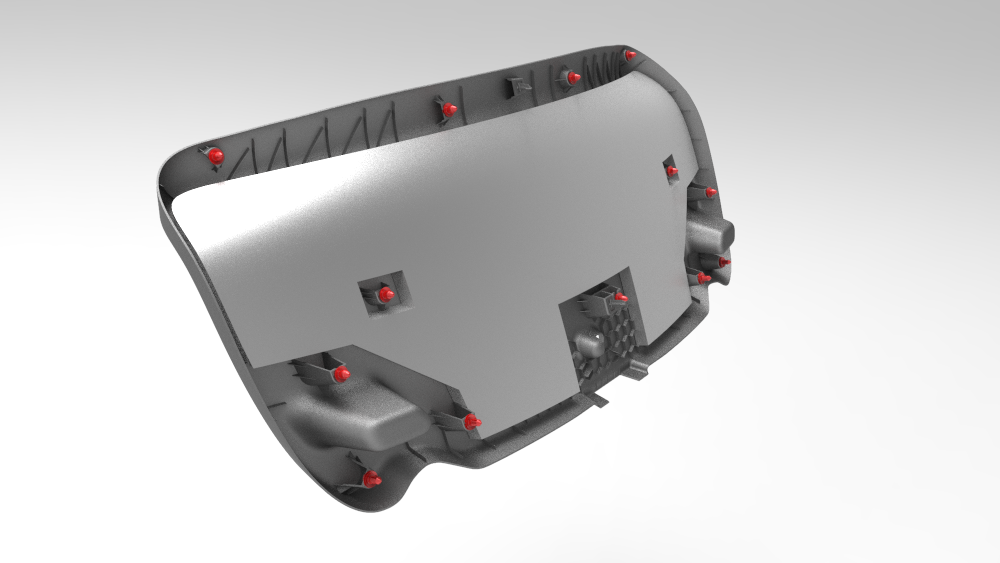
Release the clips at the upper corners, then work around the trim to release the clips that attach the trunk trim to the trunk lid.
Note: The clips (x4) closest to the rear window have a higher retention force; use a clip prytool, if necessary. Remove any broken clips from the trunk lid.
-
Remove the trunk lid trim from the trunk lid, and then remove any remaining clips from the trunk lid.
Note: If the trunk trim removed is to be later installed, remove all clips from the trim.
| 1 | Open the trunk. | ||
| 2 | Release the clips at the upper corners, then work around the trim to release the clips that attach the trunk trim to the trunk lid. Note: The clips (x4) closest to the rear window have a higher retention force; use a clip prytool, if necessary. Remove any broken clips from the trunk lid.
| |
| 3 | Remove the trunk lid trim from the trunk lid, and then remove any remaining clips from the trunk lid. Note: If the trunk trim removed is to be later installed, remove all clips from the trim.
|
Install
-
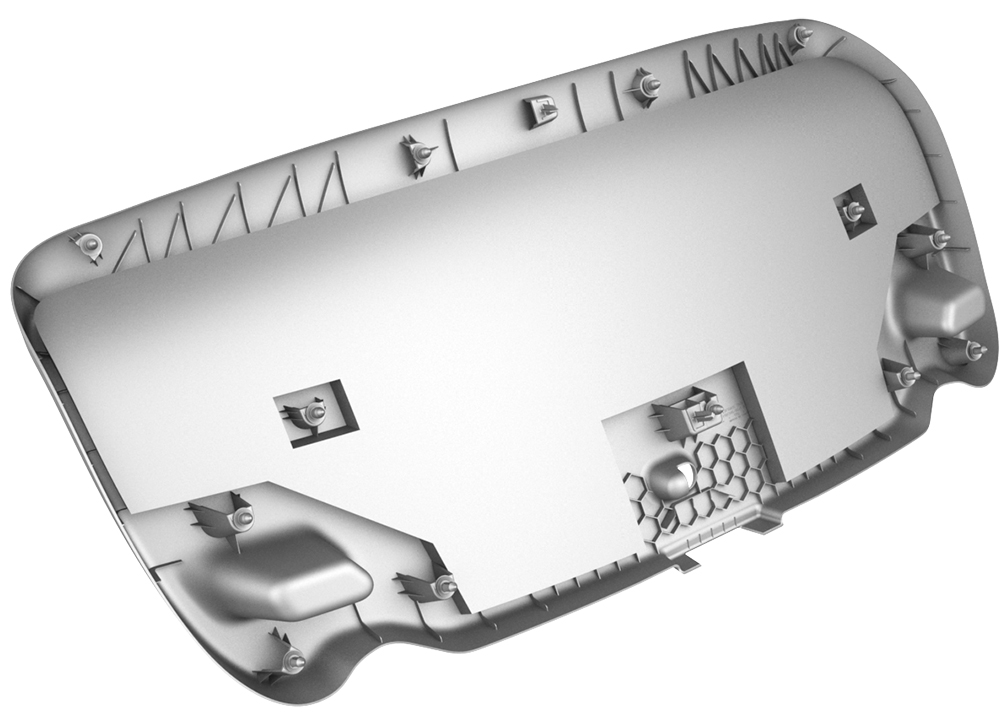
Align the trunk lid tabs with the slots on the trunk lid, and then press the clips into the trunk lid.
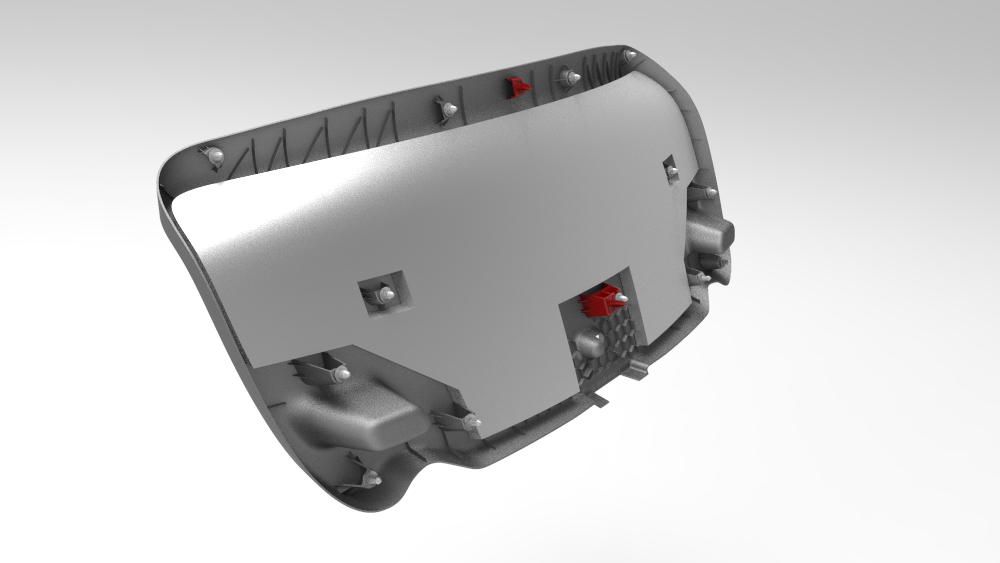
| 1 | If reusing the same trunk lid trim, install new clips onto the trim. | ||
| 2 | Align the trunk lid tabs with the slots on the trunk lid, and then press the clips into the trunk lid. |