Sensor - Temperature - LH (Remove and Replace)
Correction code 1810780218107802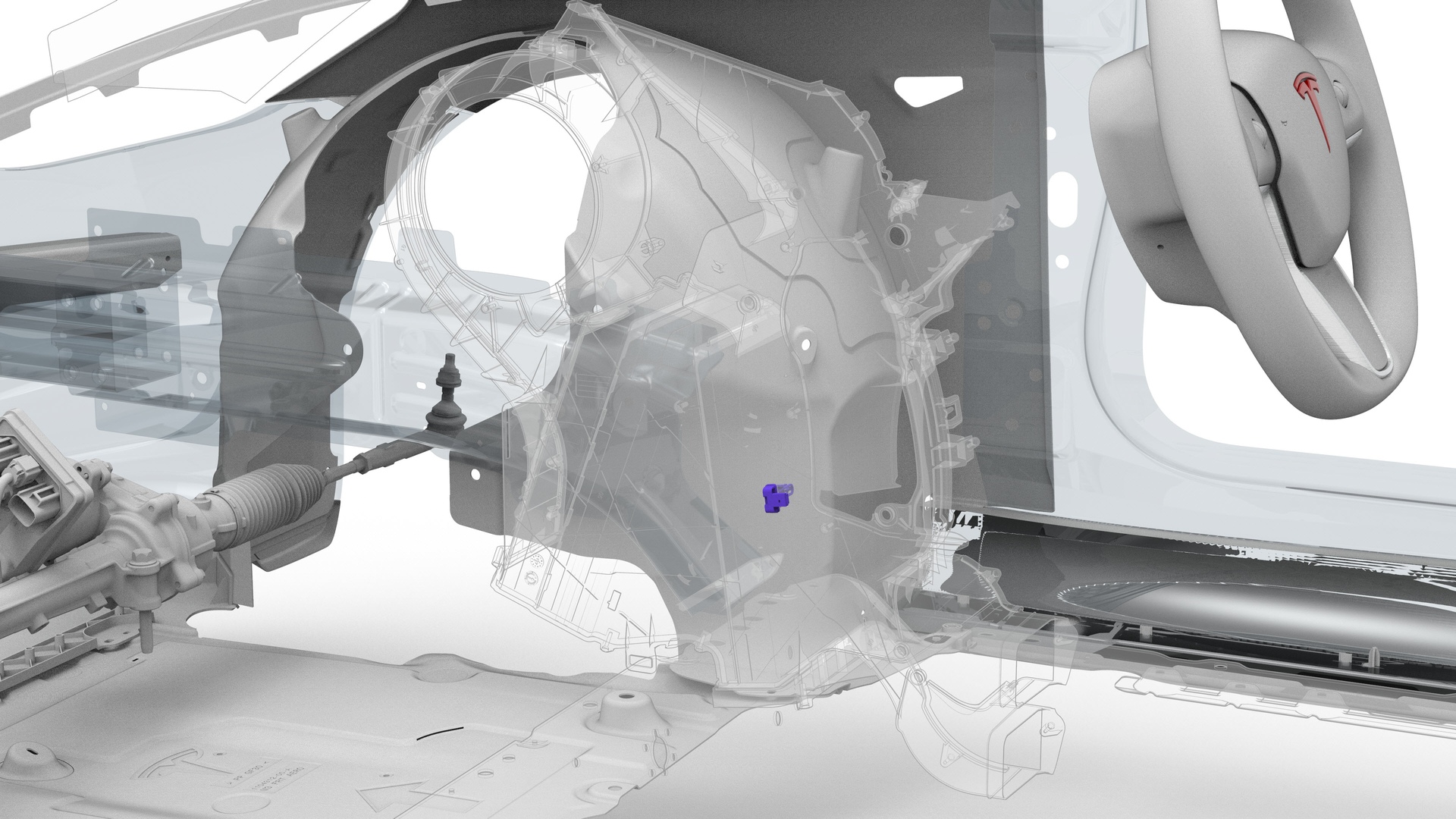
Remove
-
Disconnect the LH temperature sensor electrical connector.
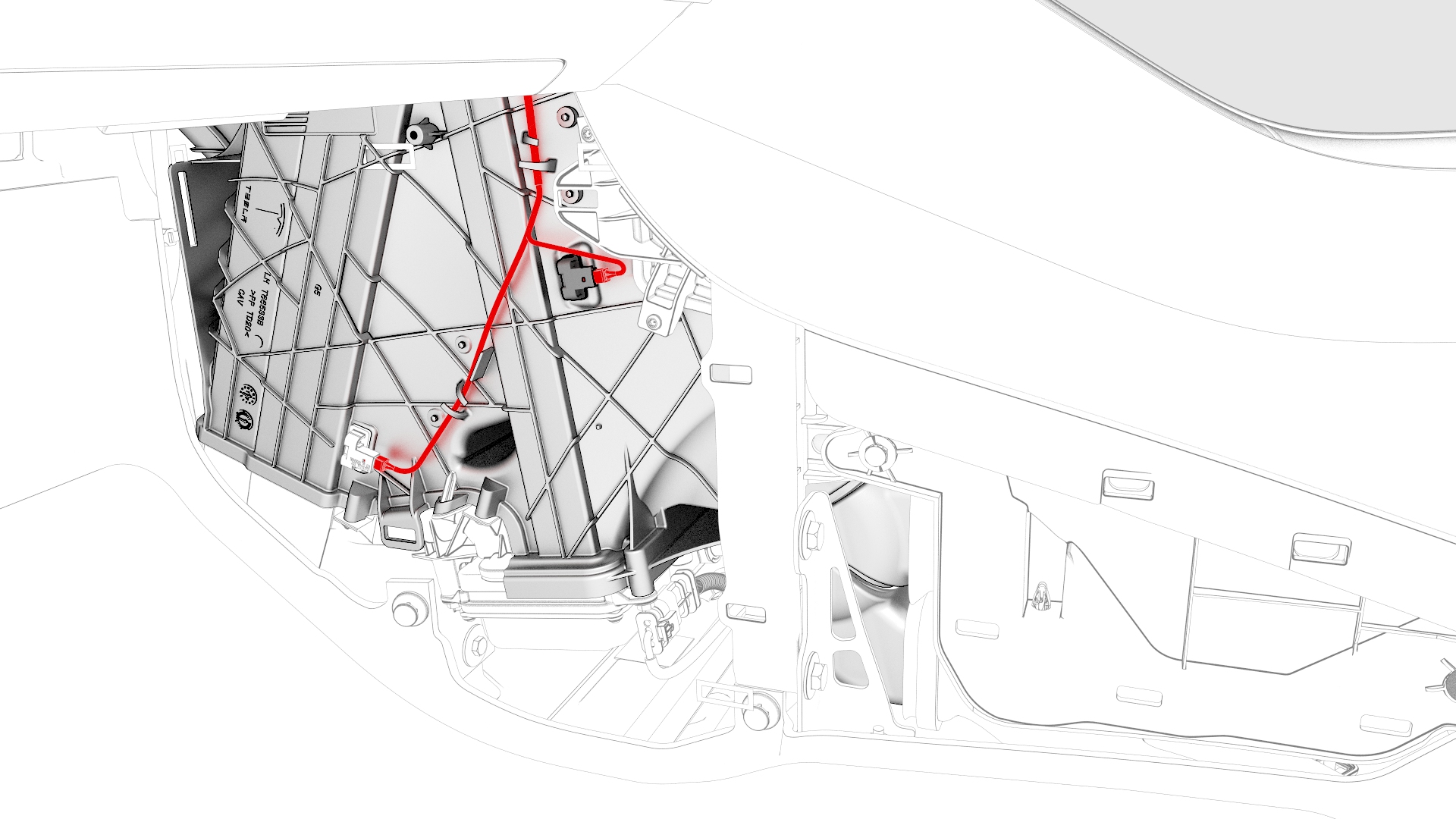
-
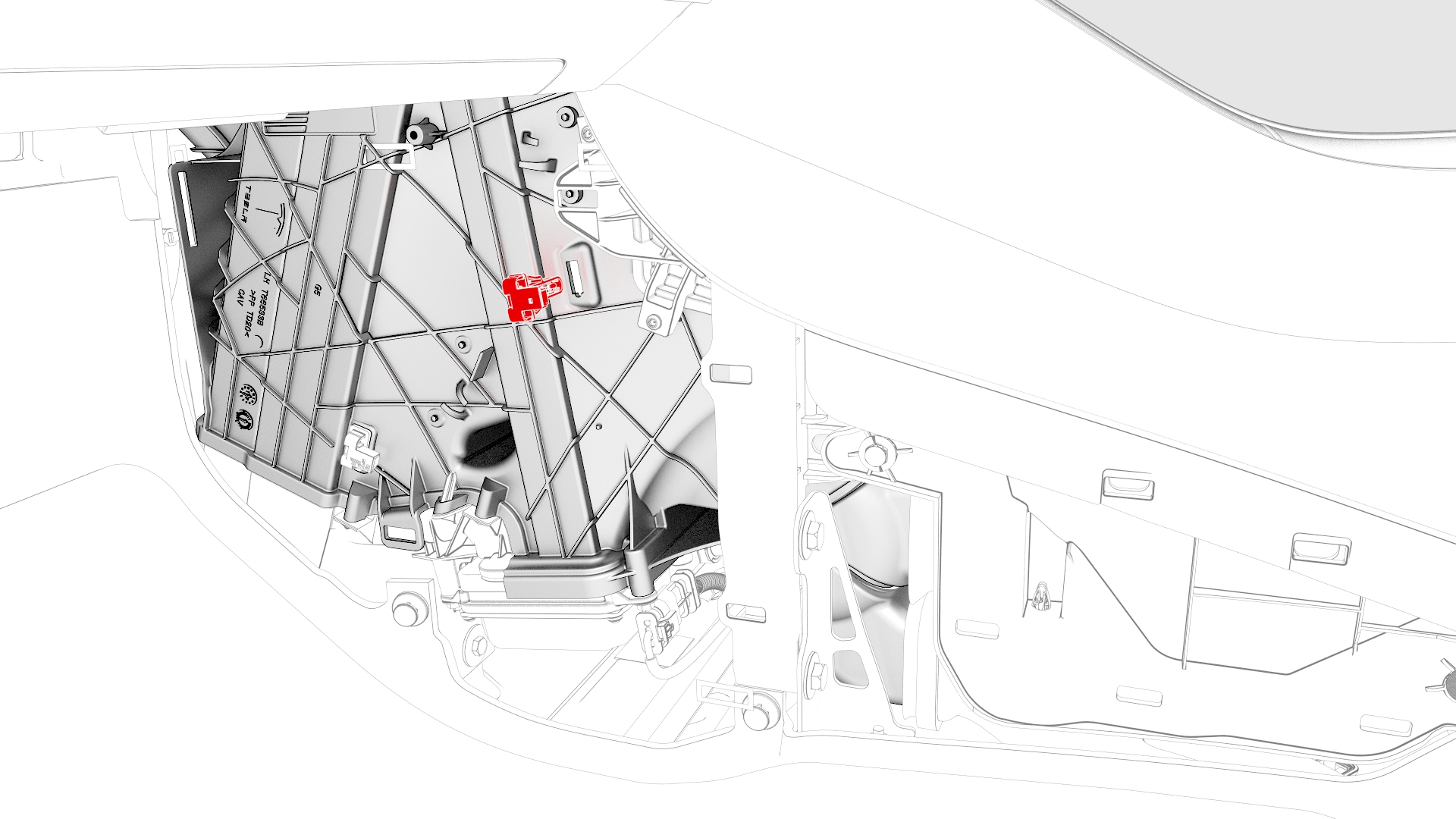
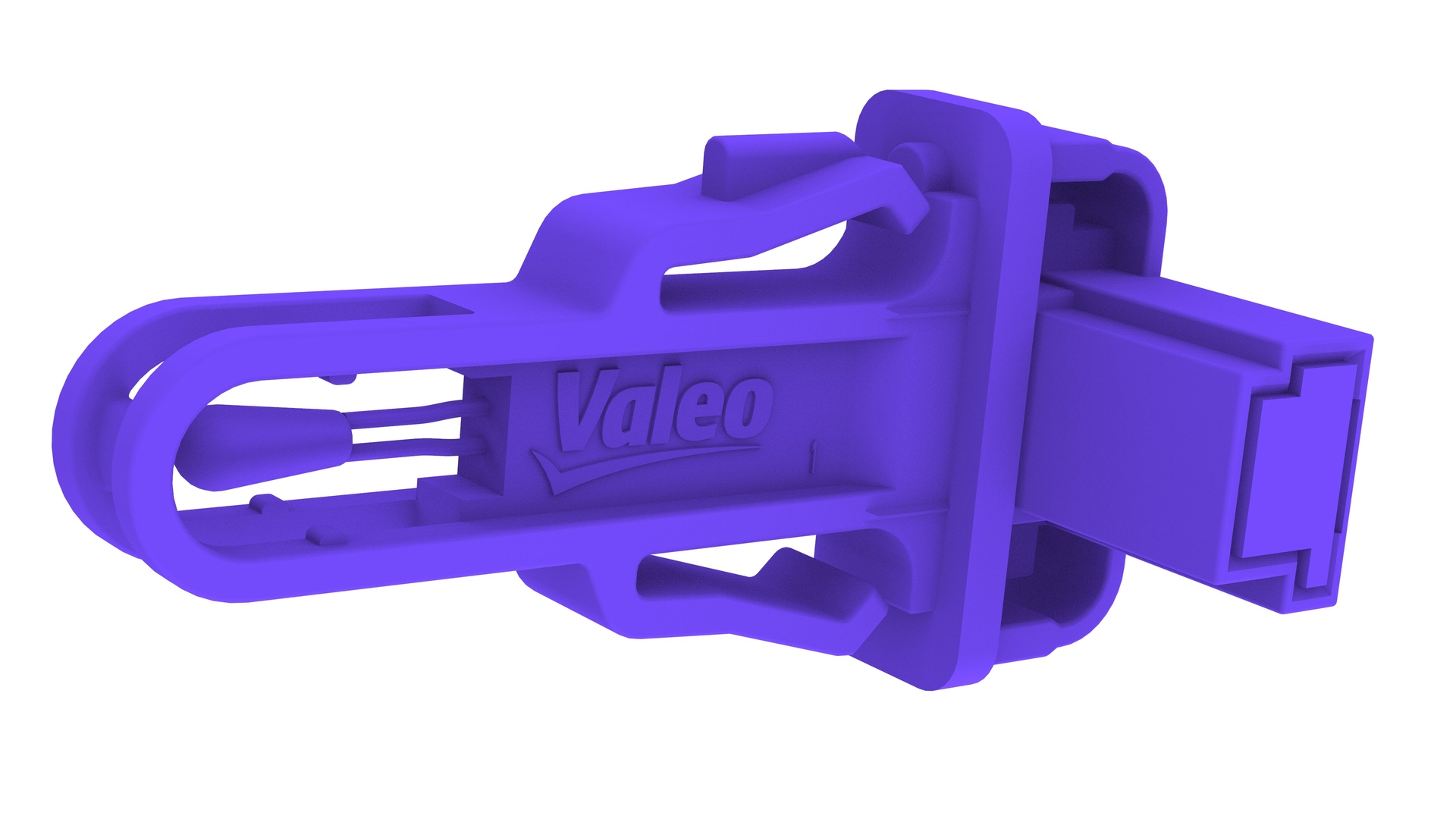
Release the tabs that attach the LH temperature sensor inside the HVAC assembly, and then remove the LH temperature sensor from the HVAC assembly.
Note: Use a plastic trim tool to release the tabs, and then pull the LH temperature sensor straight out to remove it from the HVAC assembly.
| 1 | Remove the driver floormat. | ||
| 2 | Remove the center console LH side carpet. See Carpet - Side Panel - Center Console - LH (Remove and Replace). | ||
| 3 | Disconnect the LH temperature sensor electrical connector. | |
| 4 | Release the tabs that attach the LH temperature sensor inside the HVAC assembly, and then remove the LH temperature sensor from the HVAC assembly. Note: Use a plastic trim tool to release the tabs, and then pull the LH temperature sensor straight out to remove it from the HVAC assembly.
|
Install
-
Install the LH temperature sensor onto the HVAC assembly, and then secure the sensor with 2 tabs.
-
Connect the LH temperature sensor electrical connector.
| 1 | Install the LH temperature sensor onto the HVAC assembly, and then secure the sensor with 2 tabs. | |
| 2 | Connect the LH temperature sensor electrical connector. | |
| 3 | Install the center console LH side carpet. See Carpet - Side Panel - Center Console - LH (Remove and Replace). | ||
| 4 | Install the driver floormat. |