Grille - Speaker - Instrument Panel (Remove and Replace)
Correction code 1405470214054702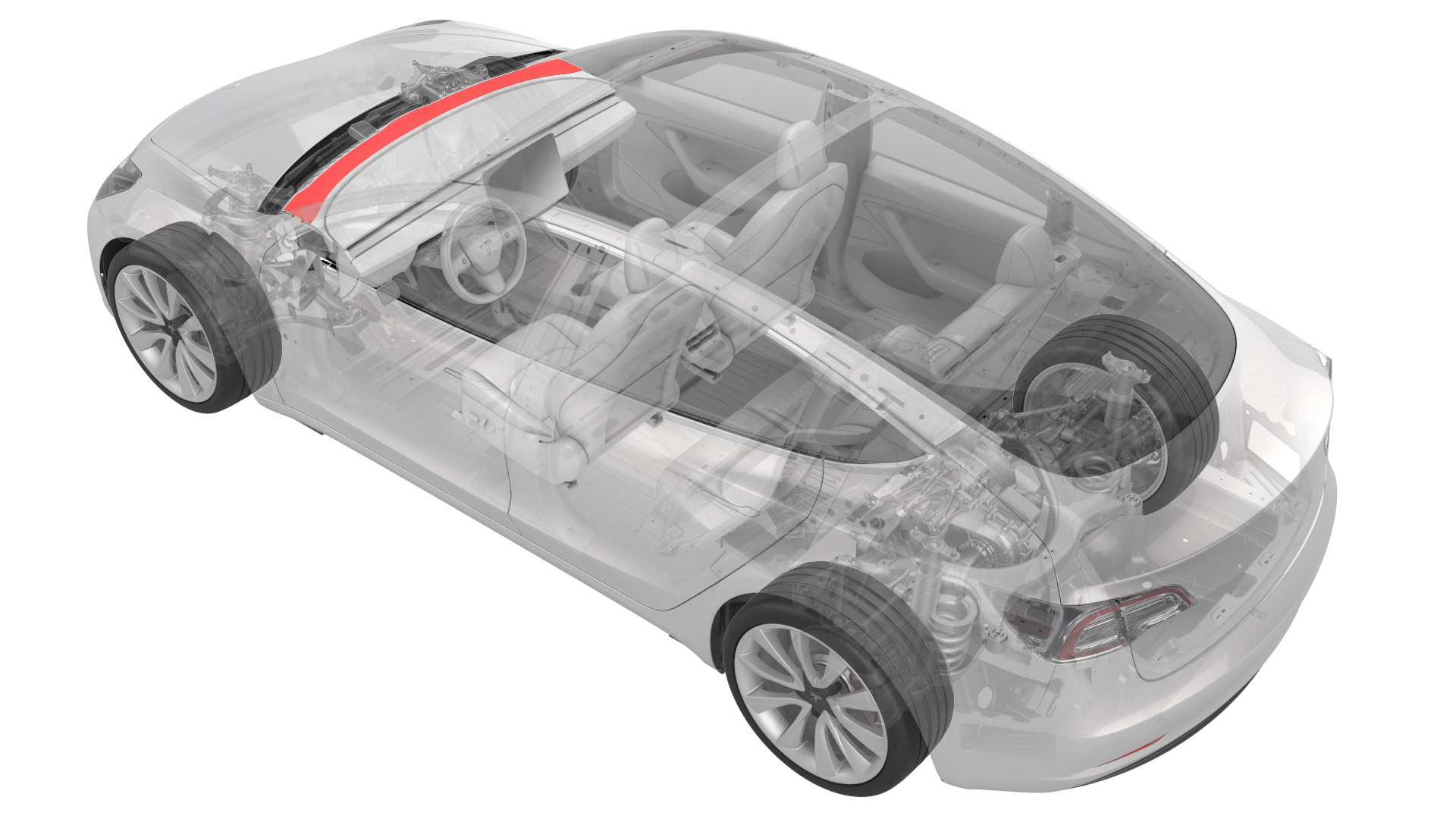
Remove
-
Release the clips that attach the speaker grille to the body. Rotate the rear of the speaker grille upwards, and then pull the grille towards the rear of the vehicle to remove it.
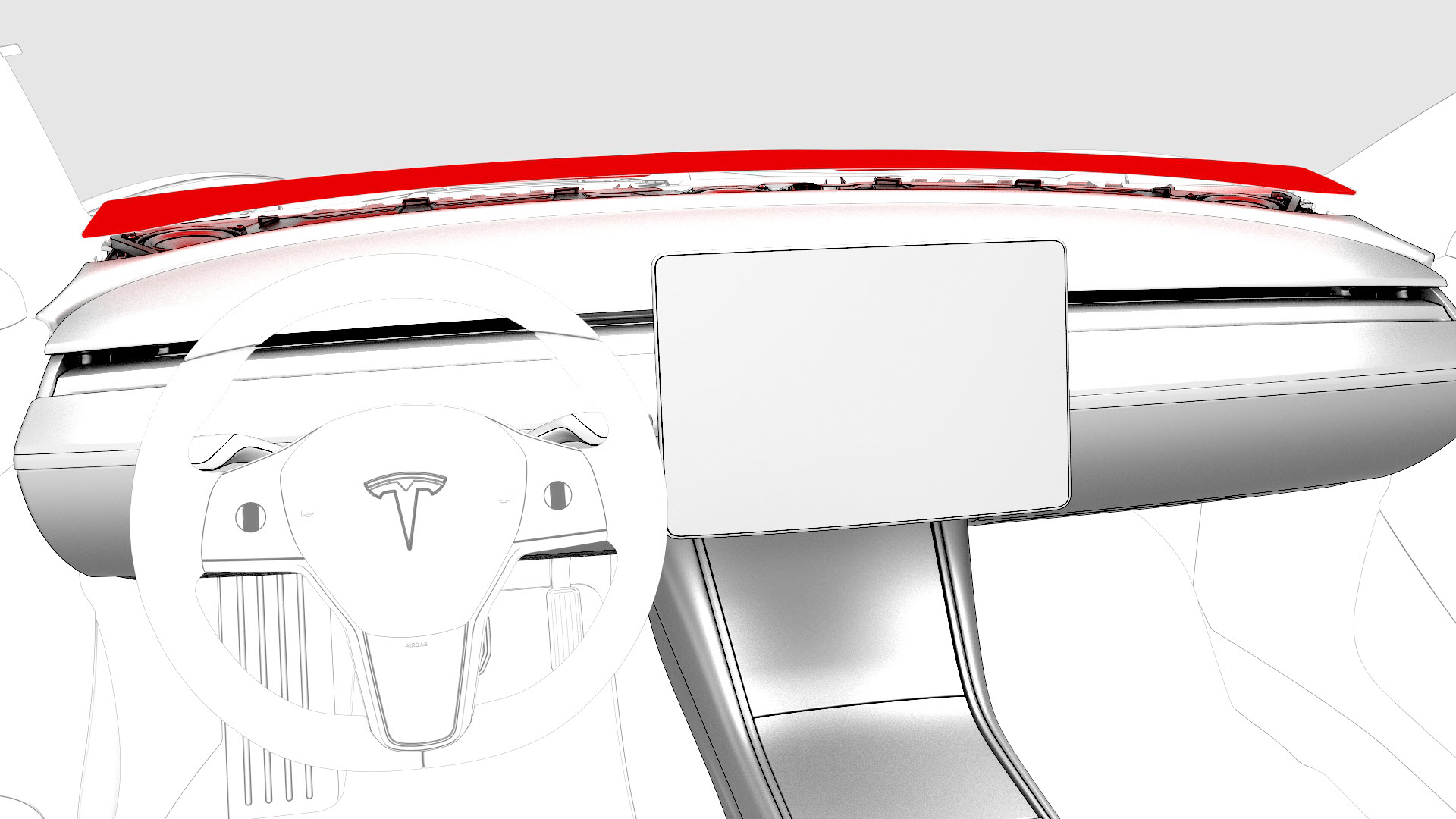
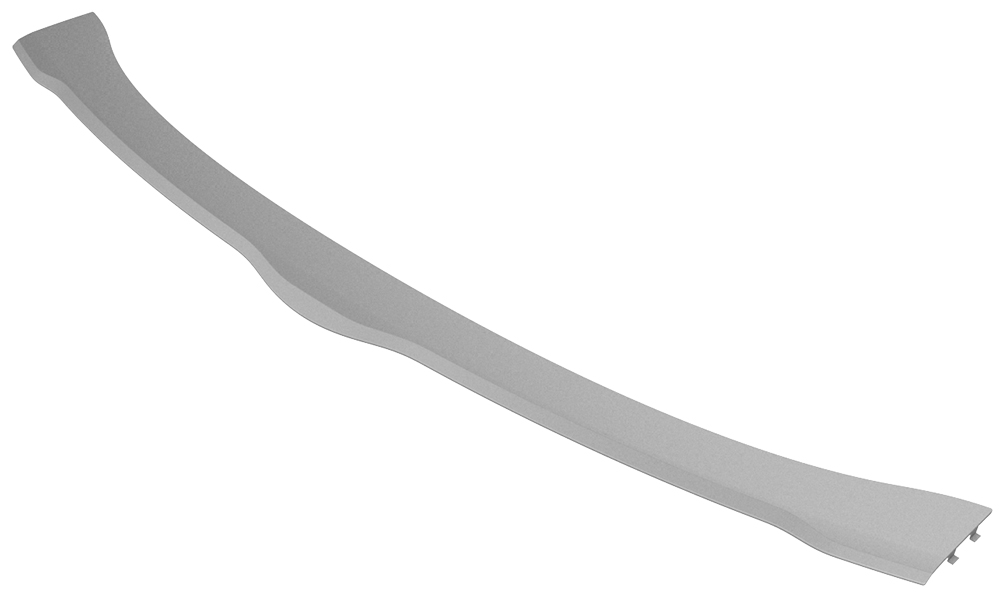
| 1 | Remove the LH and RH instrument panel end caps. See End Cap - Instrument Panel - LH (Remove and Replace). | ||
| 2 | Remove the LH and RH middle A-pillar trims. See Trim - A-Pillar - Middle - LH (Remove and Replace). | ||
| 3 | Remove the LH and RH upper A-Pillar trims. See Trim - A-Pillar - Upper - LH (Remove and Replace). | ||
| 4 | Release the clips that attach the speaker grille to the body. Rotate the rear of the speaker grille upwards, and then pull the grille towards the rear of the vehicle to remove it. |
Install
-
Attach the clips that secure the instrument panel grille to the vehicle. Use a plastic pry stick to press the vertical clips forward to assist with inserting them into the IP carrier.
Note: Make sure of the following:
- The instrument panel speaker grille forward hooks are fully engaged into the IP carrier.
- There is no gap at the bottom of the windshield.
- Use Toolbox to perform a defrost functionality test to make sure the speaker grille forward hooks are fully seated.
| 1 | Position the instrument panel speaker grille into position on the instrument panel. | ||
| 2 | Attach the clips that secure the instrument panel grille to the vehicle. Use a plastic pry stick to press the vertical clips forward to assist with inserting them into the IP carrier. Note: Make sure of the following:
| |
| 3 | Install the LH and RH upper A-Pillar trims. See Trim - A-Pillar - Upper - LH (Remove and Replace). | ||
| 4 | Install the LH and RH middle A-pillar trims. See Trim - A-Pillar - Middle - LH (Remove and Replace). | ||
| 5 | Install the LH and RH instrument panel end caps. See End Cap - Instrument Panel - LH (Remove and Replace). |