Bracket - License Plate - Front (Remove and Replace)
Correction code 1207010212070102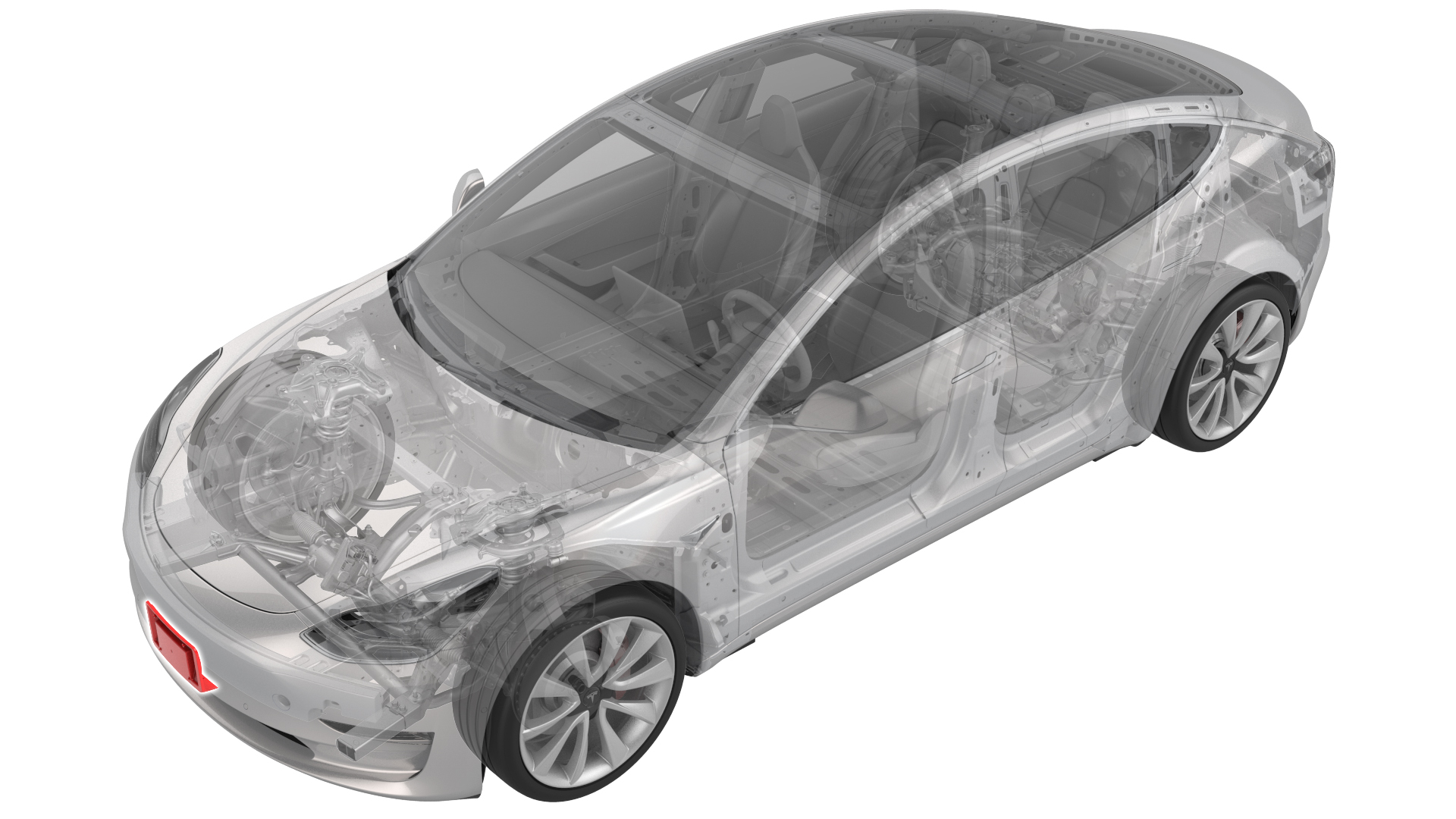
Remove
-
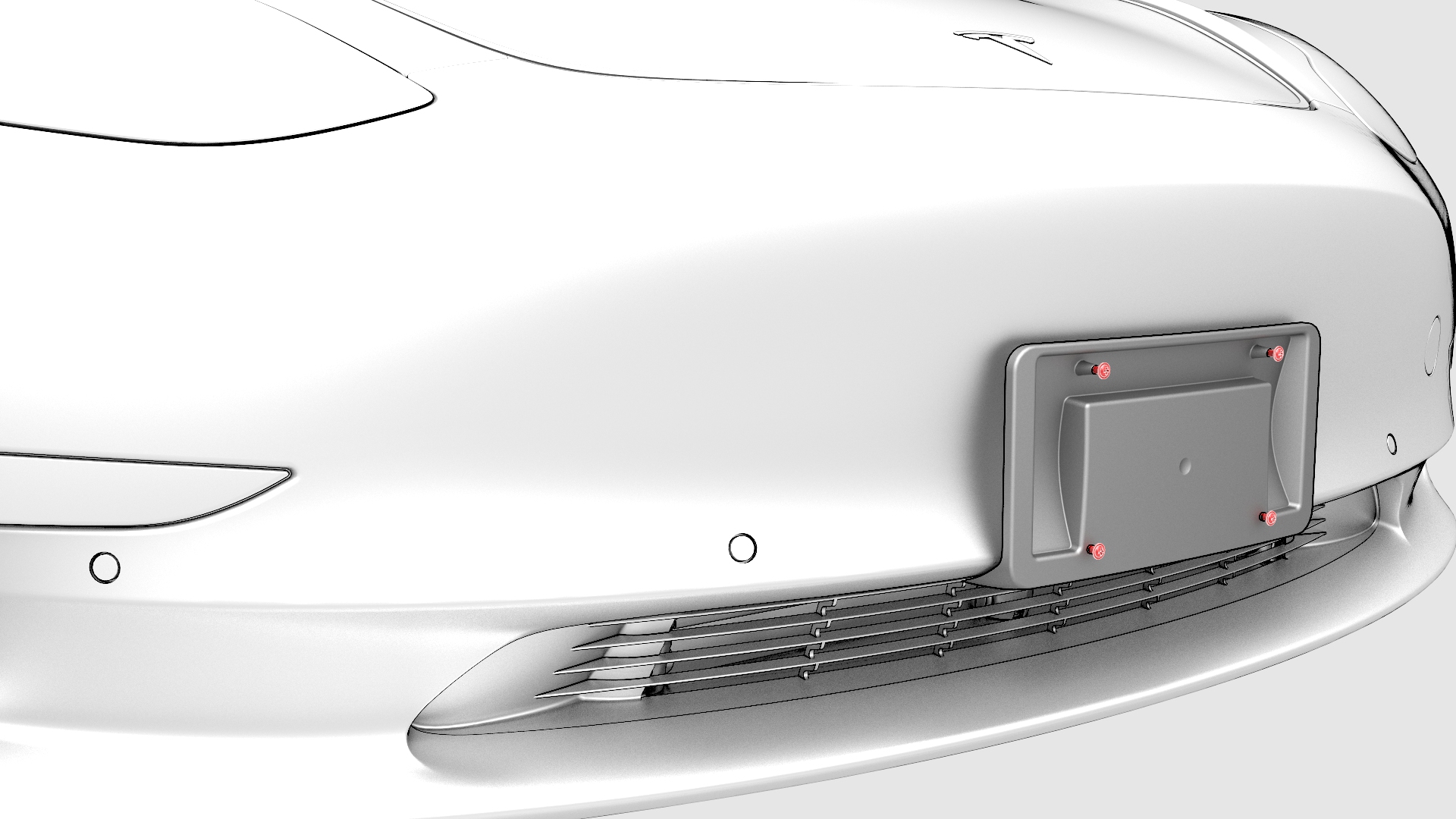
Remove the screws that attach the front license plate to the front license plate bracket, and then remove the license plate.
-
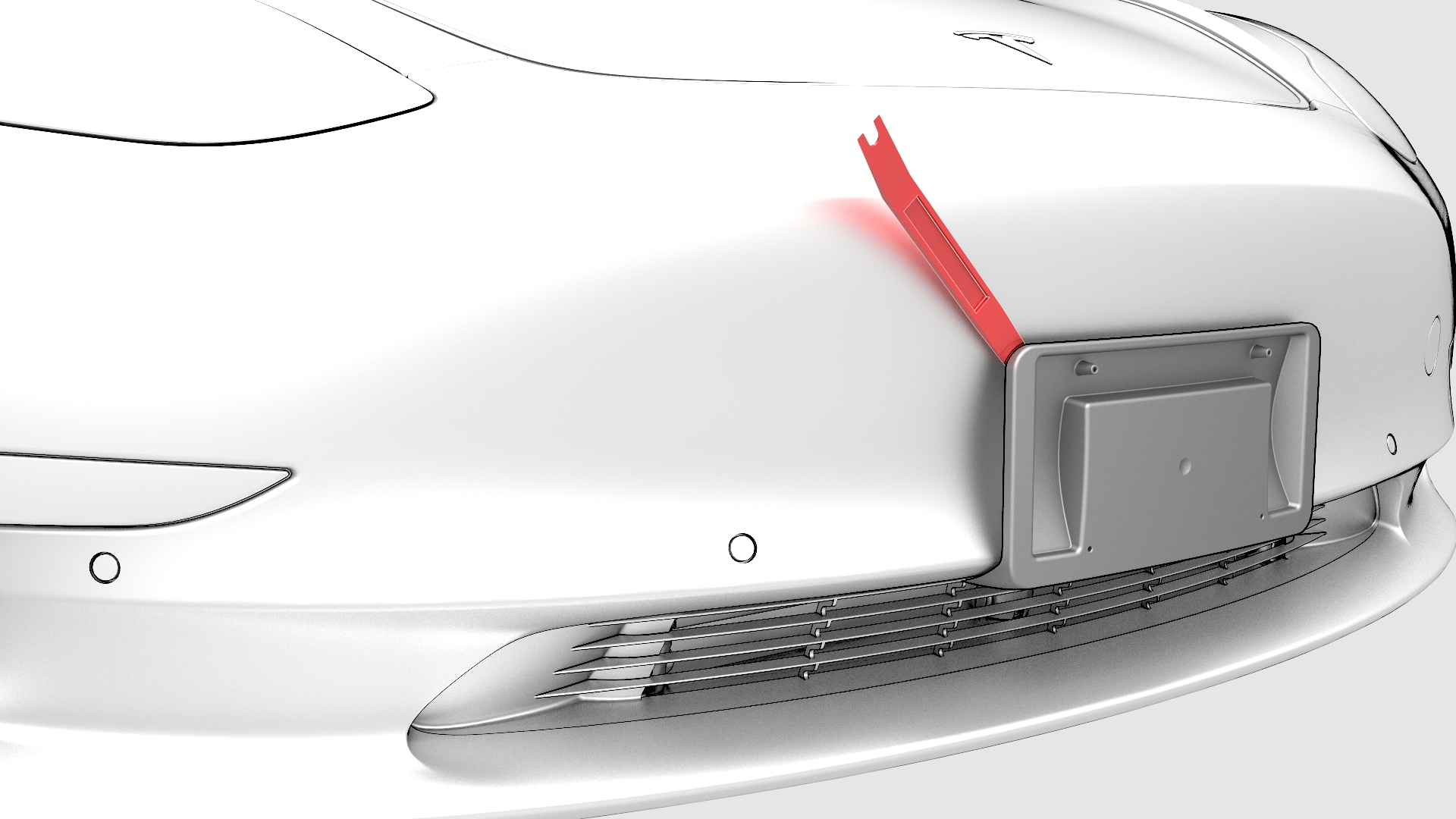
Use a trim tool around the perimeter of the front license plate bracket to release the tape that attaches the bracket to the front fascia.
| 1 | Remove the screws that attach the front license plate to the front license plate bracket, and then remove the license plate. | |
| 2 | Use a trim tool around the perimeter of the front license plate bracket to release the tape that attaches the bracket to the front fascia. | |
| 3 | Remove the front license plate bracket from the front fascia. | ||
| 4 | Use alcohol wipes to clean any bracket tape, residue, or debris from the front fascia. |
Install
-
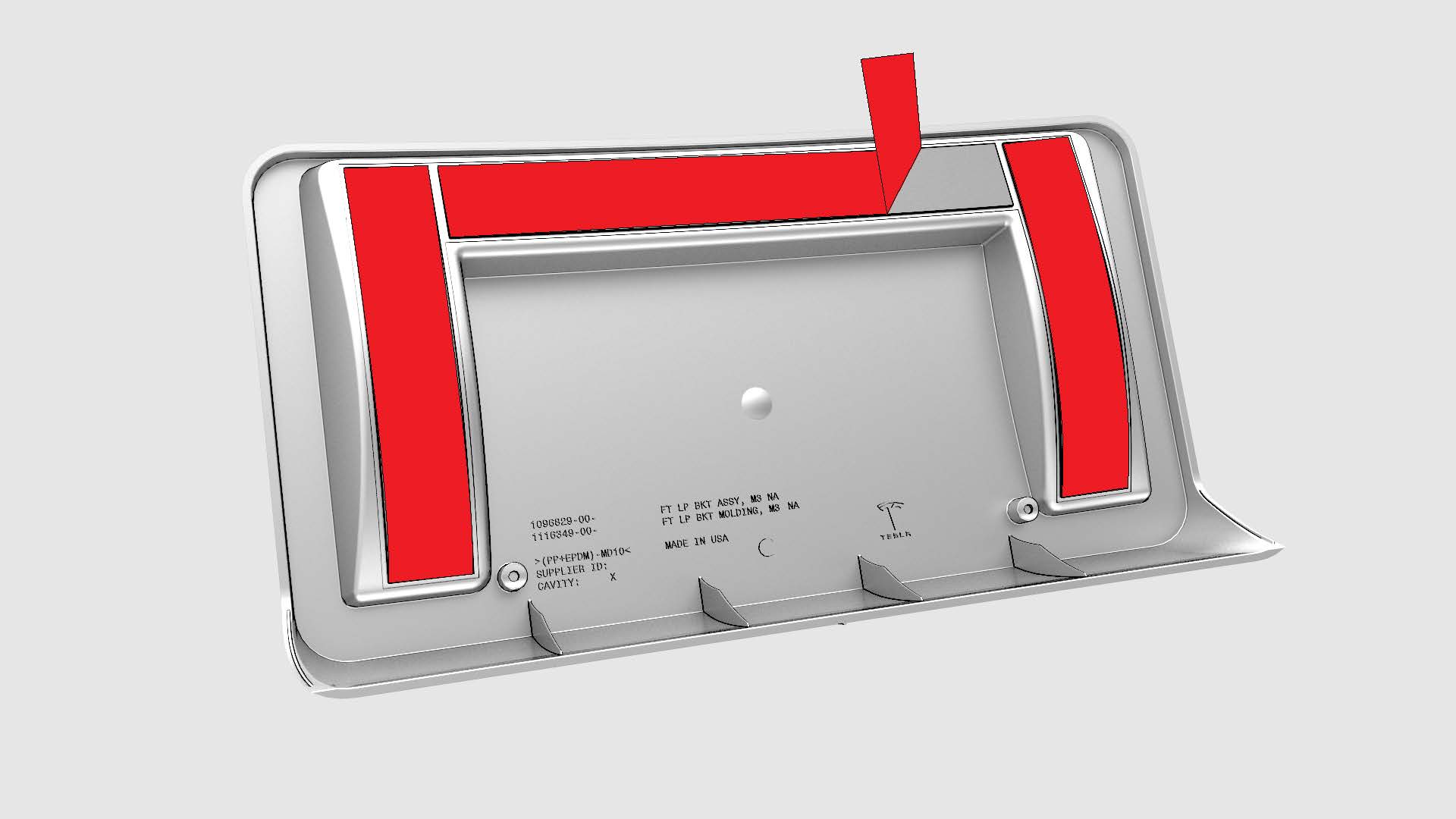
Remove the backing from the long horizontal tape strip on the new front license plate bracket.
-
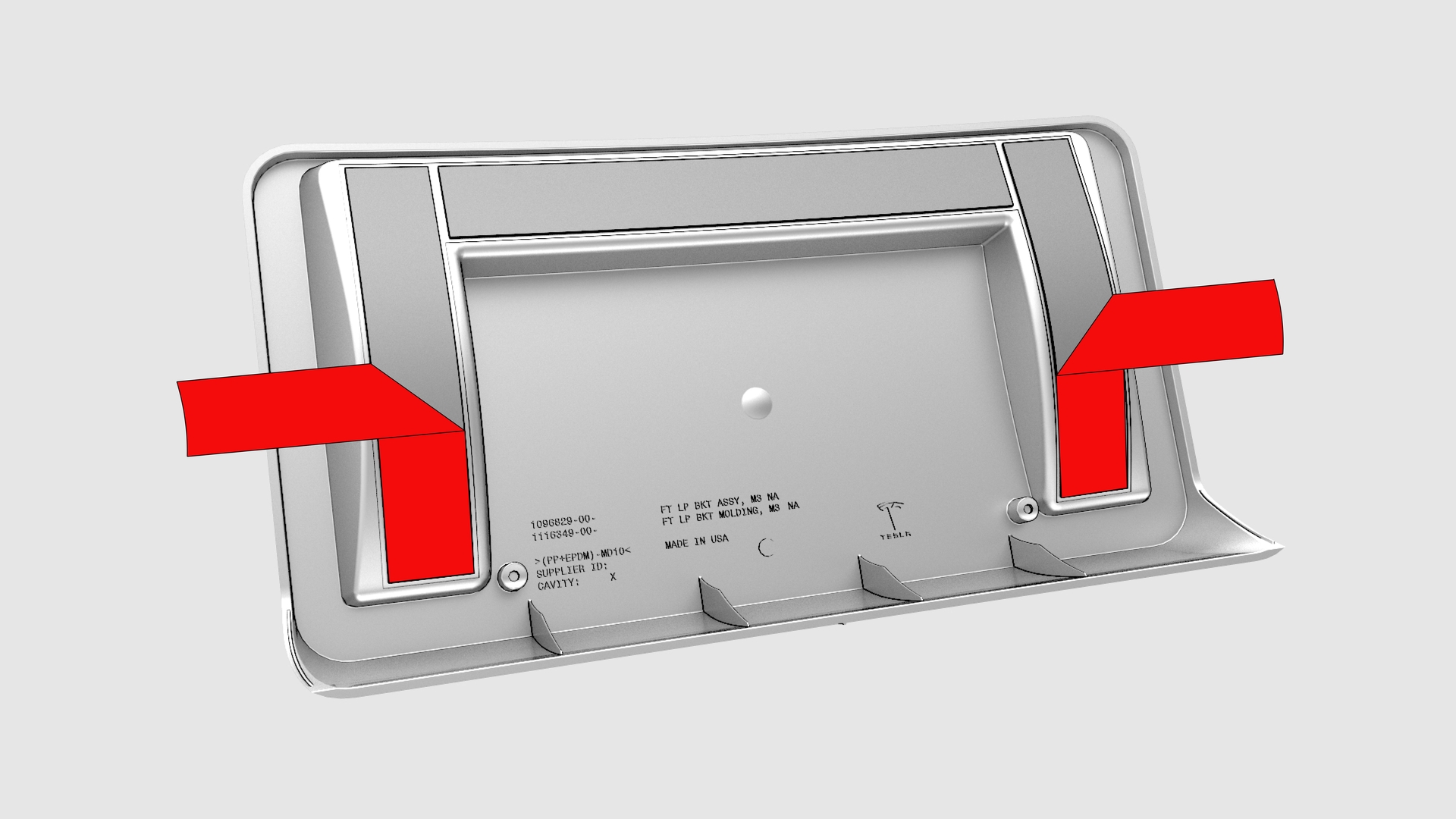
Fold the backing of the vertical tape strips out at a 90 degree angle.
-
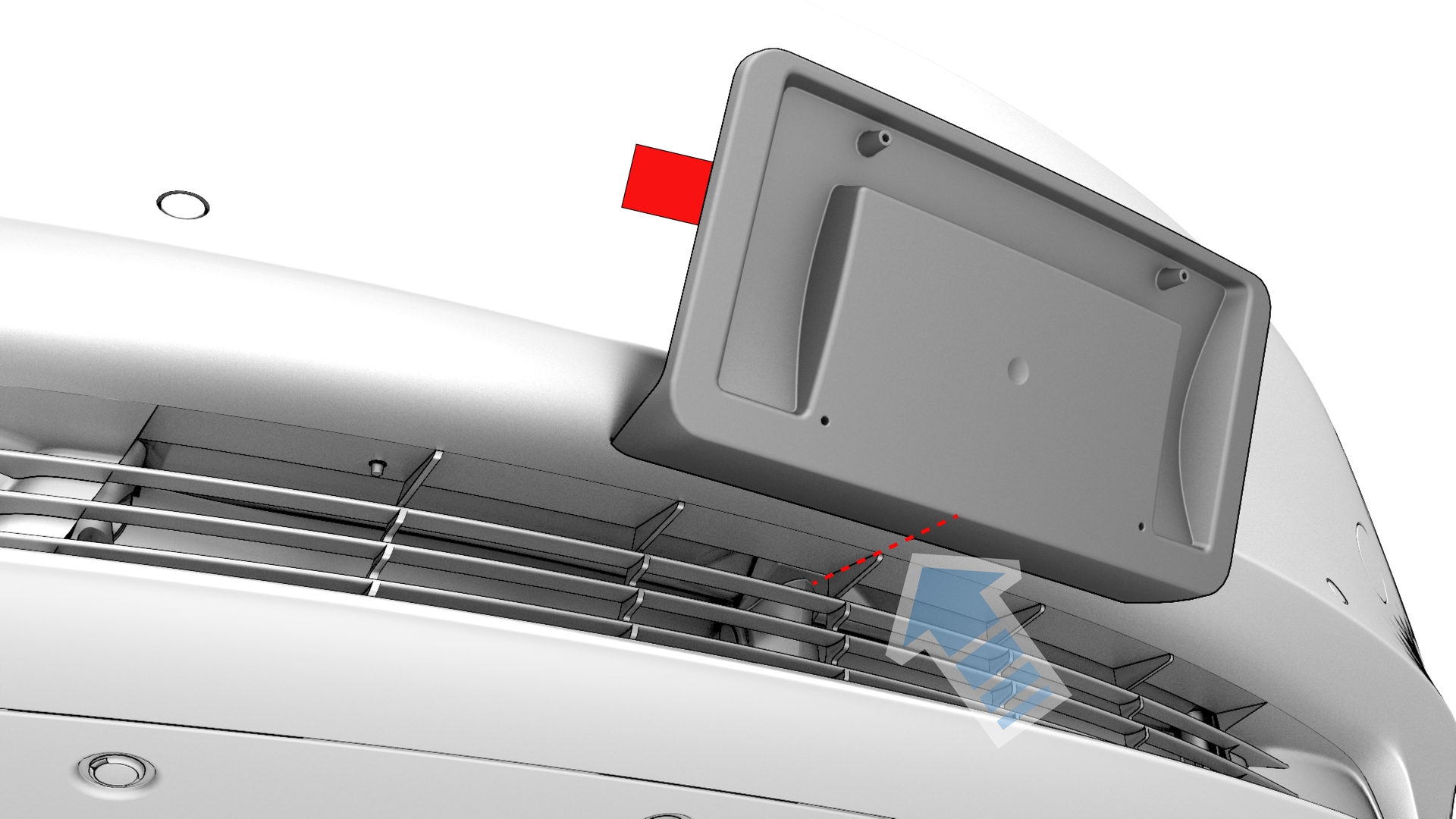
Hold the license plate bracket horizontally and align the locator tab at the bottom lip of the bracket with the center rib of the fascia grille.
-
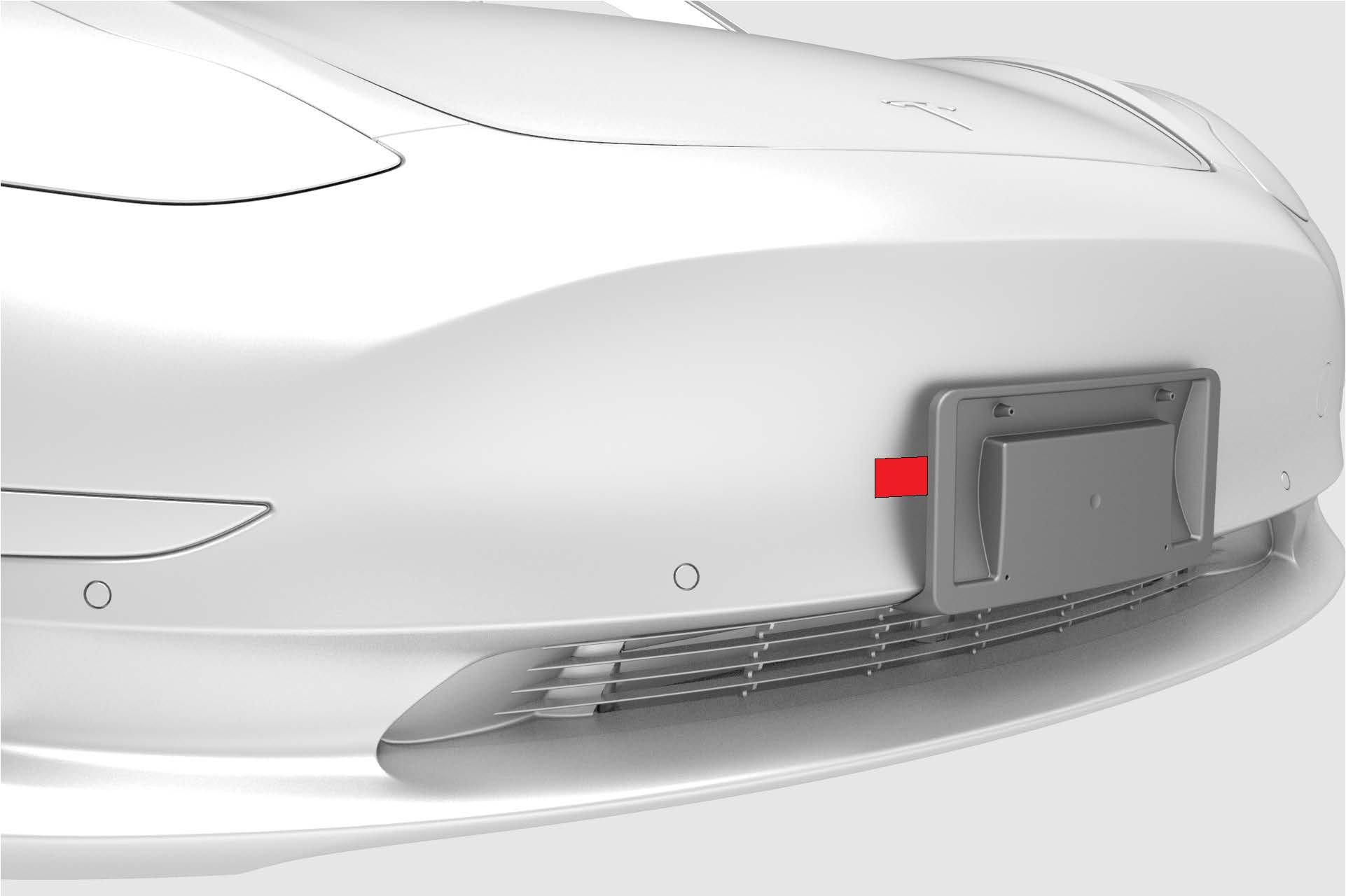
Pull the tape strips out from the sides of license plate bracket, and then press the bracket against the front fascia.
-
Install the license plate onto the front license plate bracket, and install the screws that attach the plate to the bracket.
 Torque 3 Nm
| 1 | Remove the backing from the long horizontal tape strip on the new front license plate bracket. | |
| 2 | Fold the backing of the vertical tape strips out at a 90 degree angle. | |
| 3 | Hold the license plate bracket horizontally and align the locator tab at the bottom lip of the bracket with the center rib of the fascia grille. | |
| 4 | Rotate the license plate bracket vertically and press the top edge against the front fascia. | ||
| 5 | Pull the tape strips out from the sides of license plate bracket, and then press the bracket against the front fascia. | |
| 6 | Install the license plate onto the front license plate bracket, and install the screws that attach the plate to the bracket. Torque 3 Nm |