Camera - Rear Facing (Remove and Replace)
Correction code 1725010217250102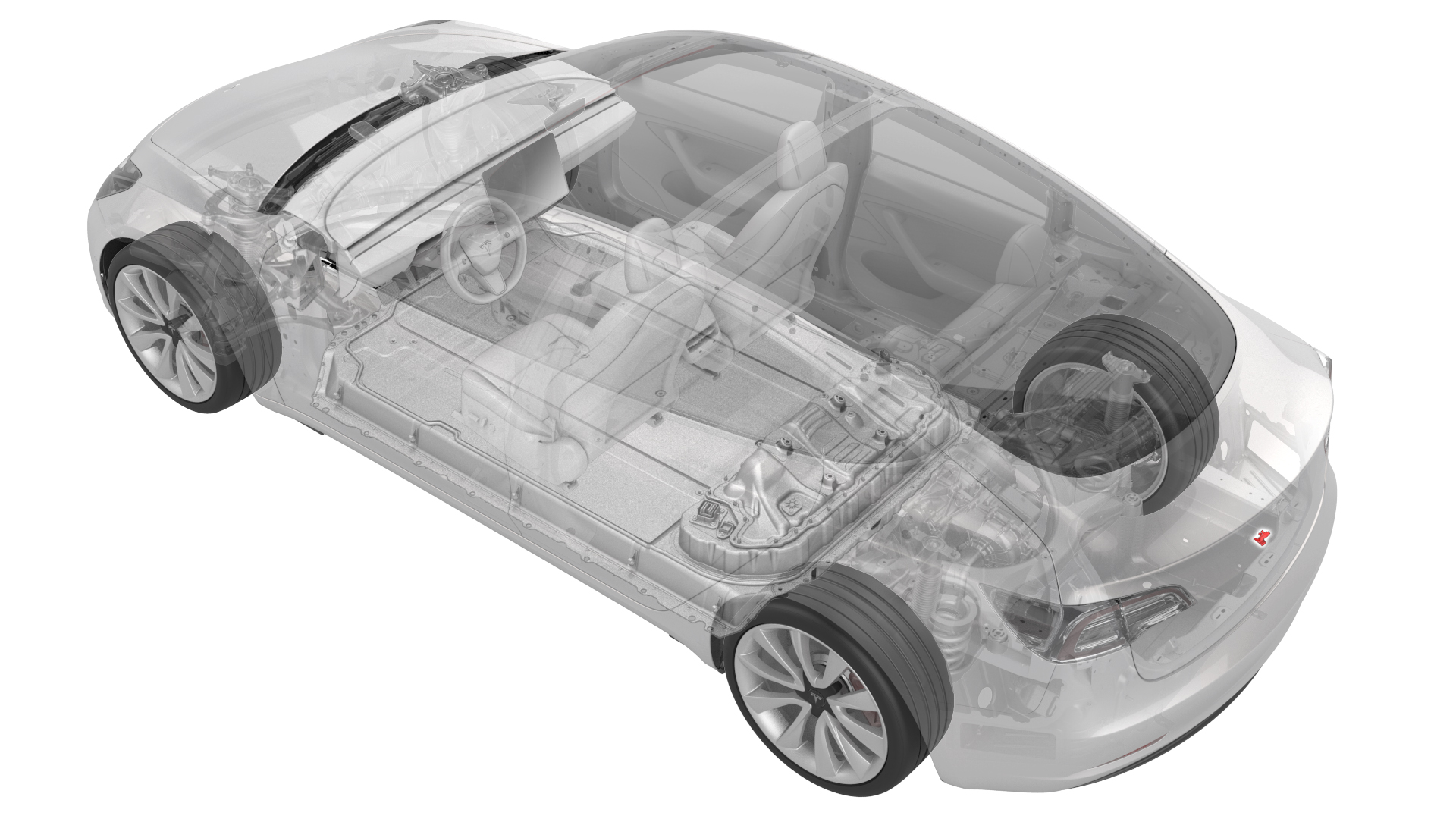
Remove
- Remove the trunk trim. See Trim - Lid - Trunk (Remove and Replace).
- Remove the trunk exterior release switch. See Switch - Exterior Release - Trunk (Remove and Replace).
| 1 | Remove the trunk trim. See Trim - Lid - Trunk (Remove and Replace). |
| 2 | Remove the trunk exterior release switch. See Switch - Exterior Release - Trunk (Remove and Replace). |
Install
- Install the trunk exterior release switch. See Switch - Exterior Release - Trunk (Remove and Replace).
- Install the trunk trim. See Trim - Lid - Trunk (Remove and Replace).
- Connect a laptop with Toolbox Web to the vehicle.
- In Tools, search for "DAS Image Capture."
- Click the Clear Calibration Backup button.
| 1 | Install the trunk exterior release switch. See Switch - Exterior Release - Trunk (Remove and Replace). |
| 2 | Install the trunk trim. See Trim - Lid - Trunk (Remove and Replace). |
| 3 | Connect a laptop with Toolbox Web to the vehicle. |
| 4 | In Tools, search for "DAS Image Capture." |
| 5 | Click the Clear Calibration Backup button. |