Harness - Charge Port to HV Battery (Single-Phase) (Remove and Replace)
Correction code 4450050244500502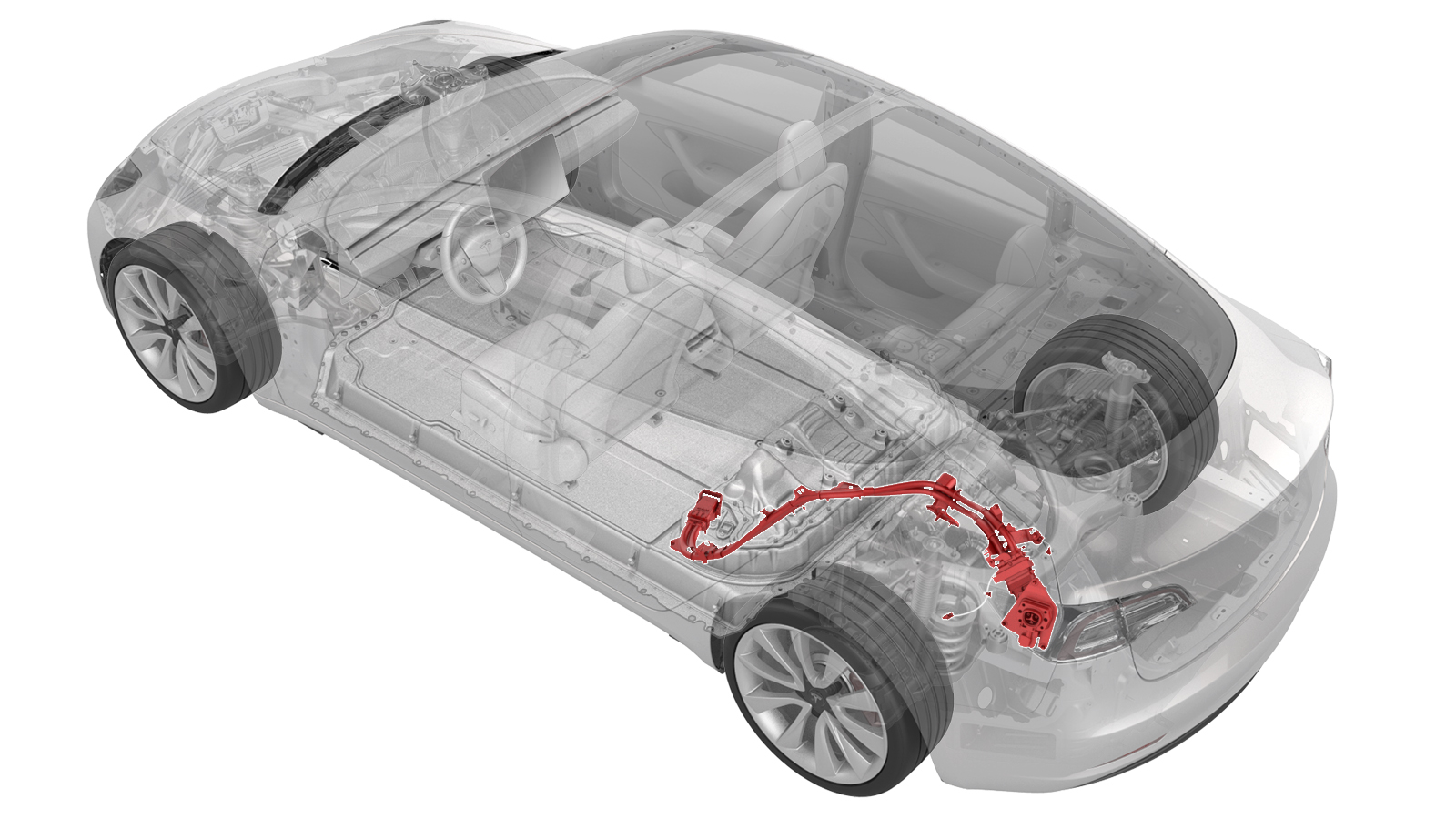
DRAFT
from-cad Warning:
This procedure was derived from pre-production computer models, and might not reflect the real-world situation. Warnings and cautions might be missing. Follow safety requirements and use extreme caution when working on or near high voltage systems and components.
Do not redistribute this content. Provide corrections and feedback to servicemanualfeedback@tesla.com.
Remove
-
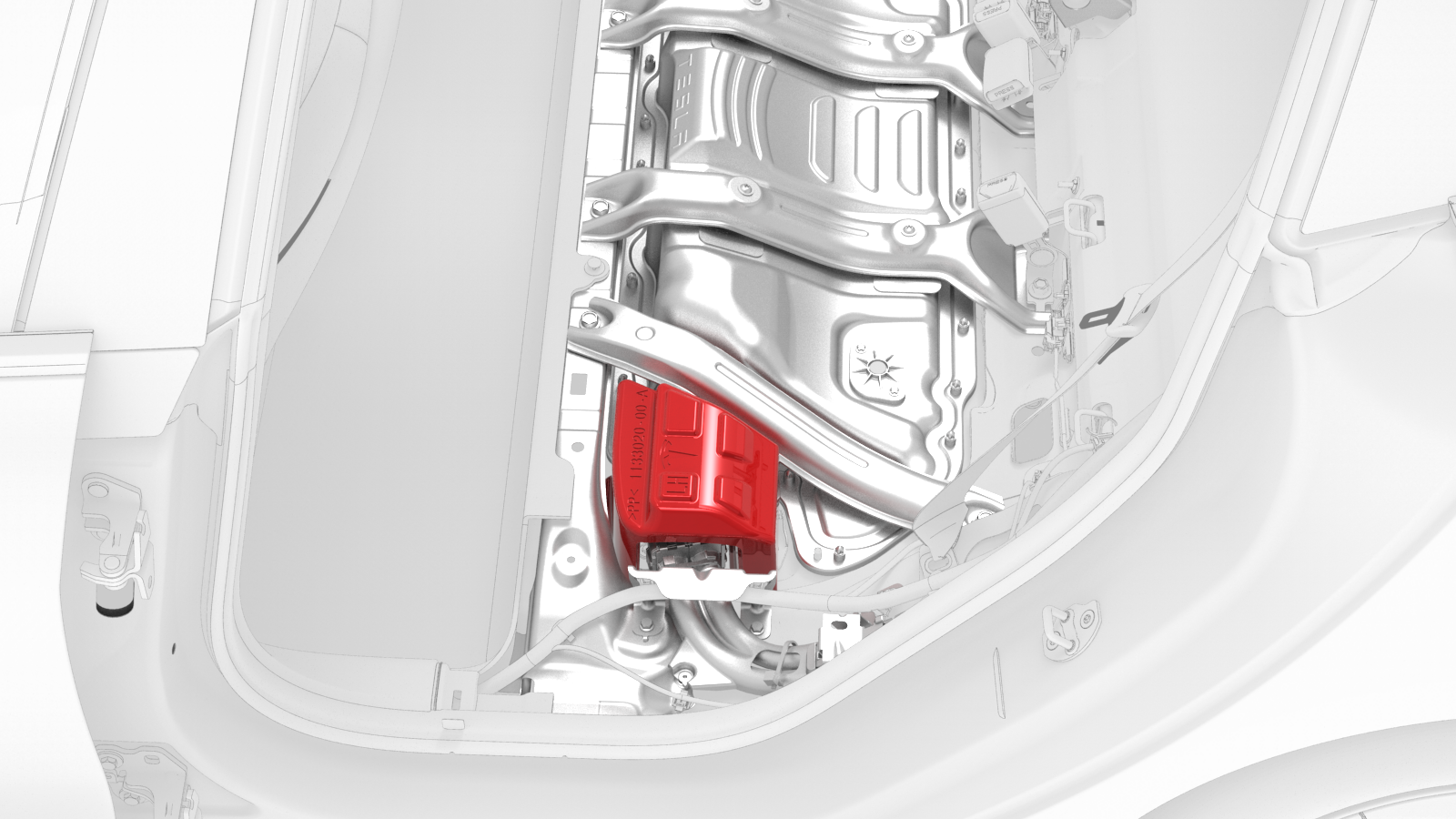
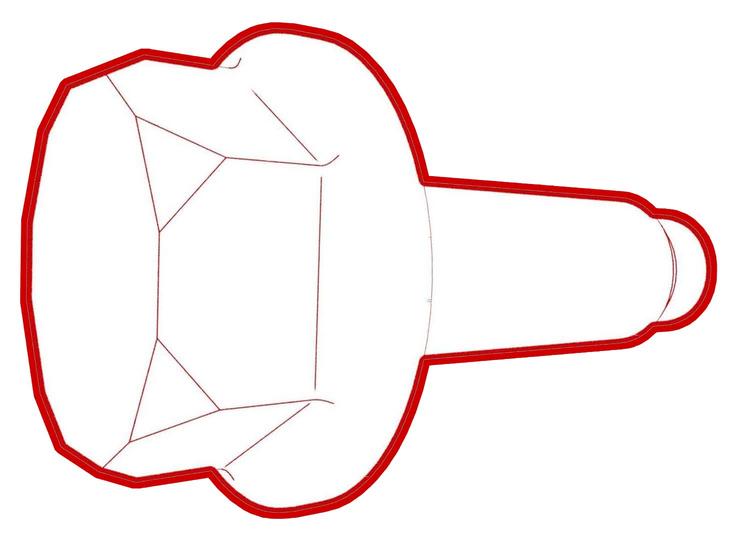
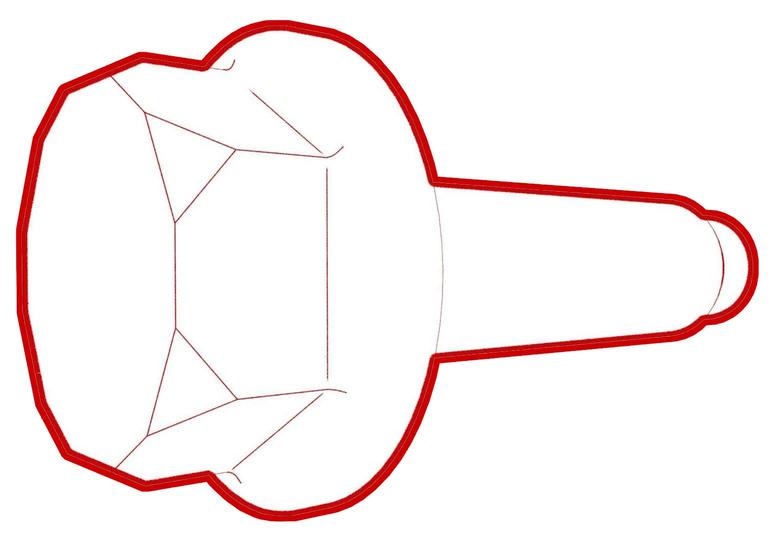
Lift the HV cap straight up from over the DC input connector on the LH side of the penthouse, and then remove the HV cap from the vehicle.
-
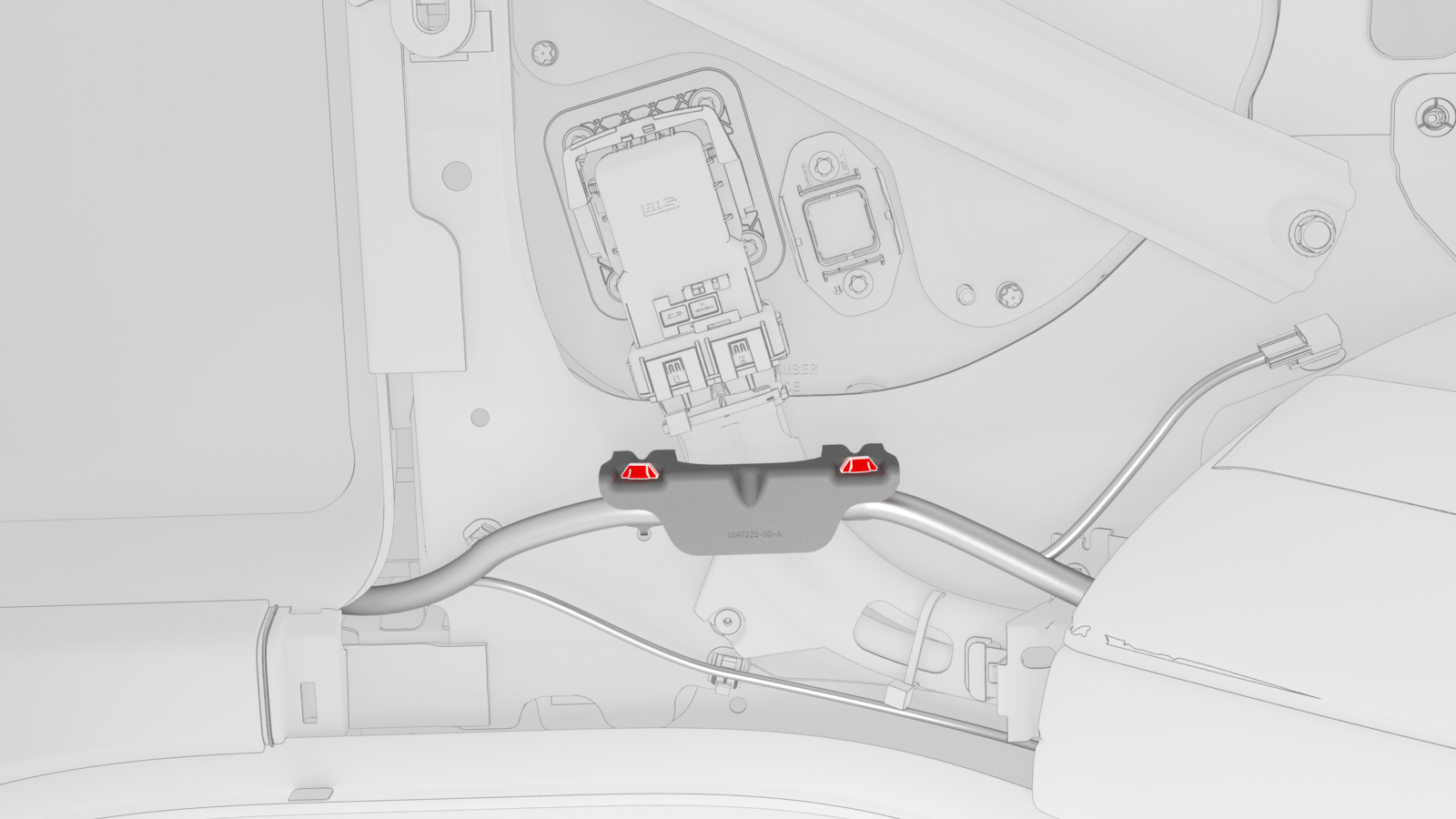
Release the clips that attach the low voltage electrical harness to the charge port to HV battery harness bracket at the penthouse.
-
Remove the bolts that attach the charge port to HV battery harness bracket at the penthouse, and then remove the bracket from the vehicle.
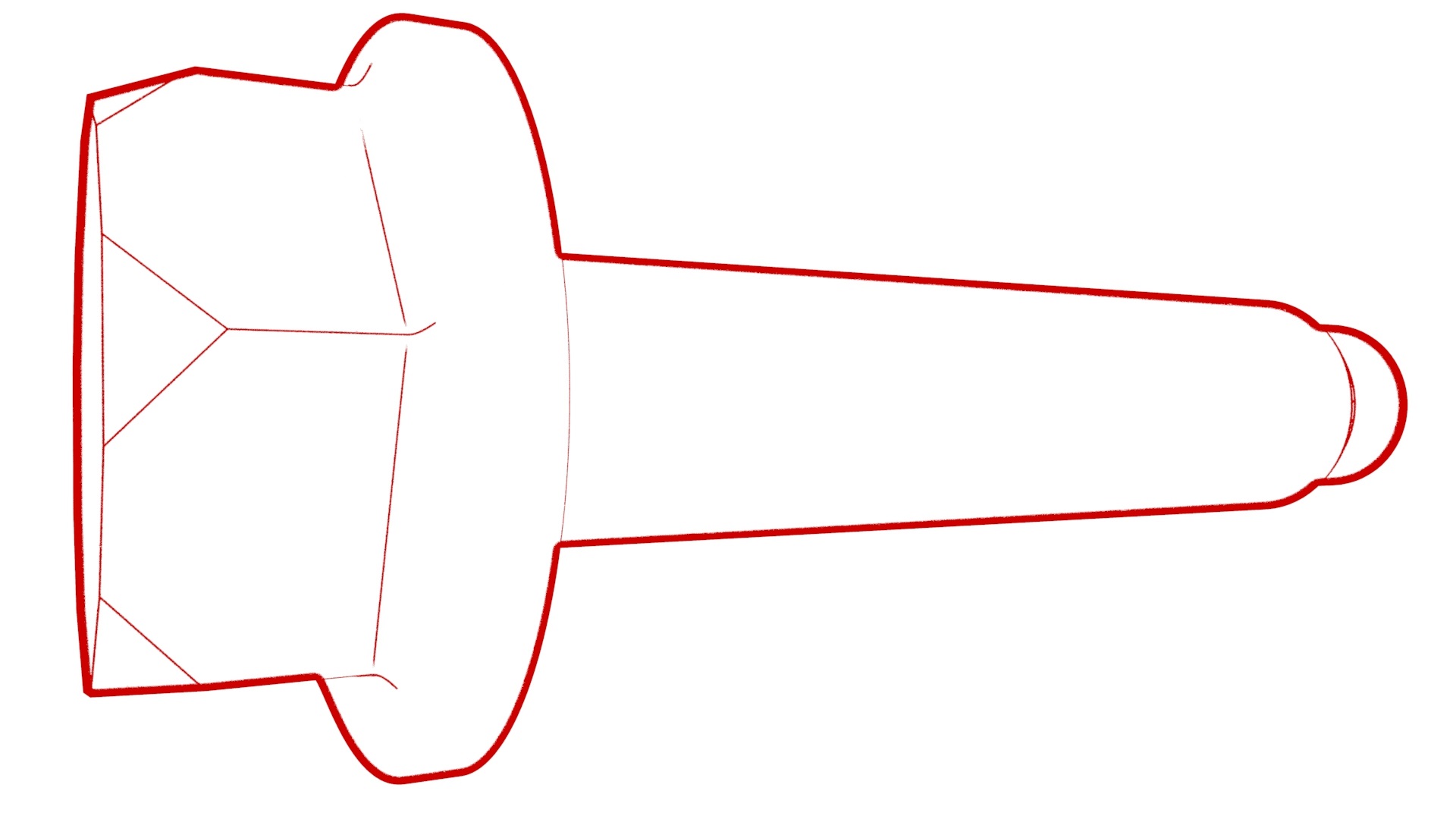 Torque 10 Nm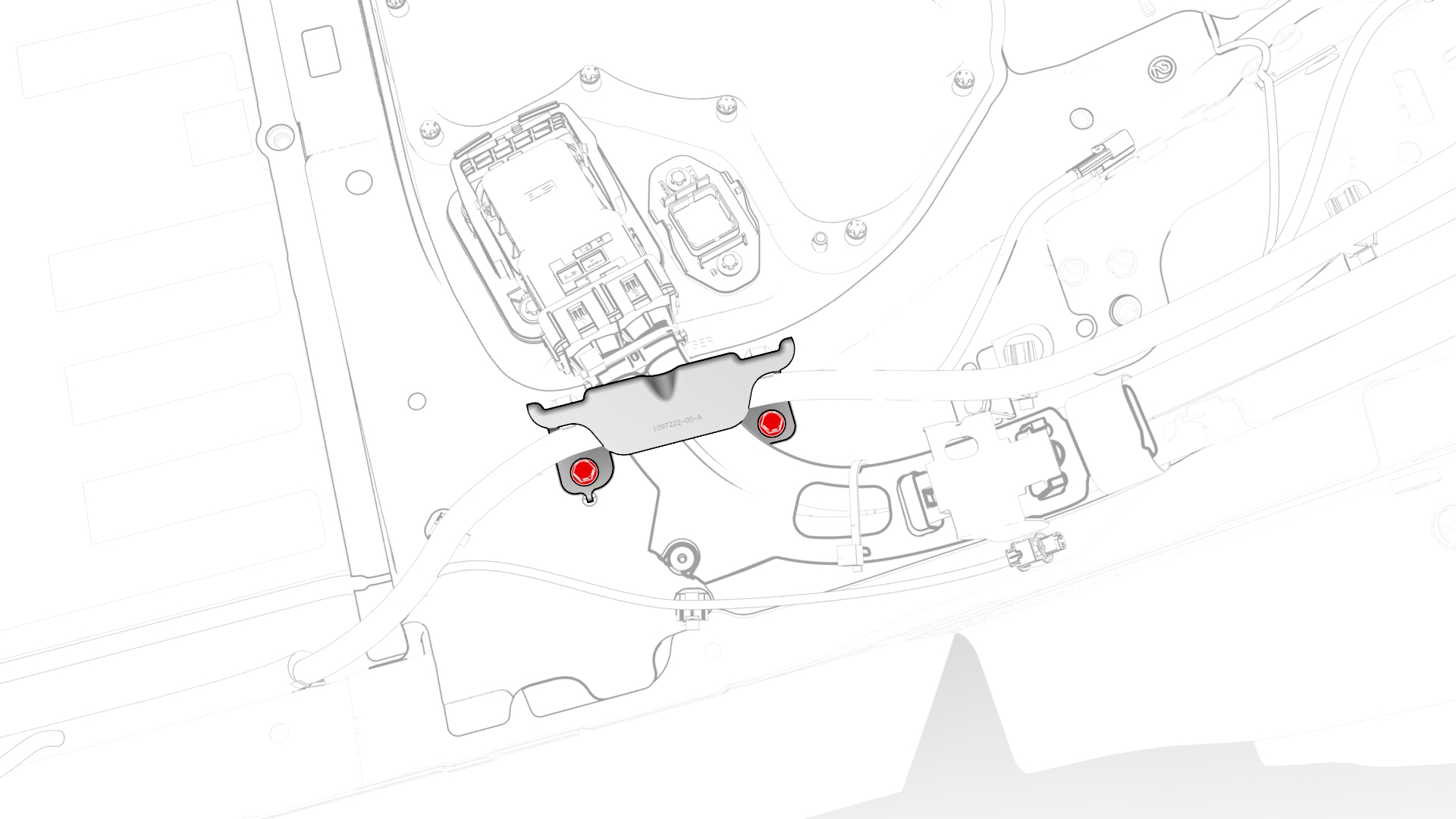
-
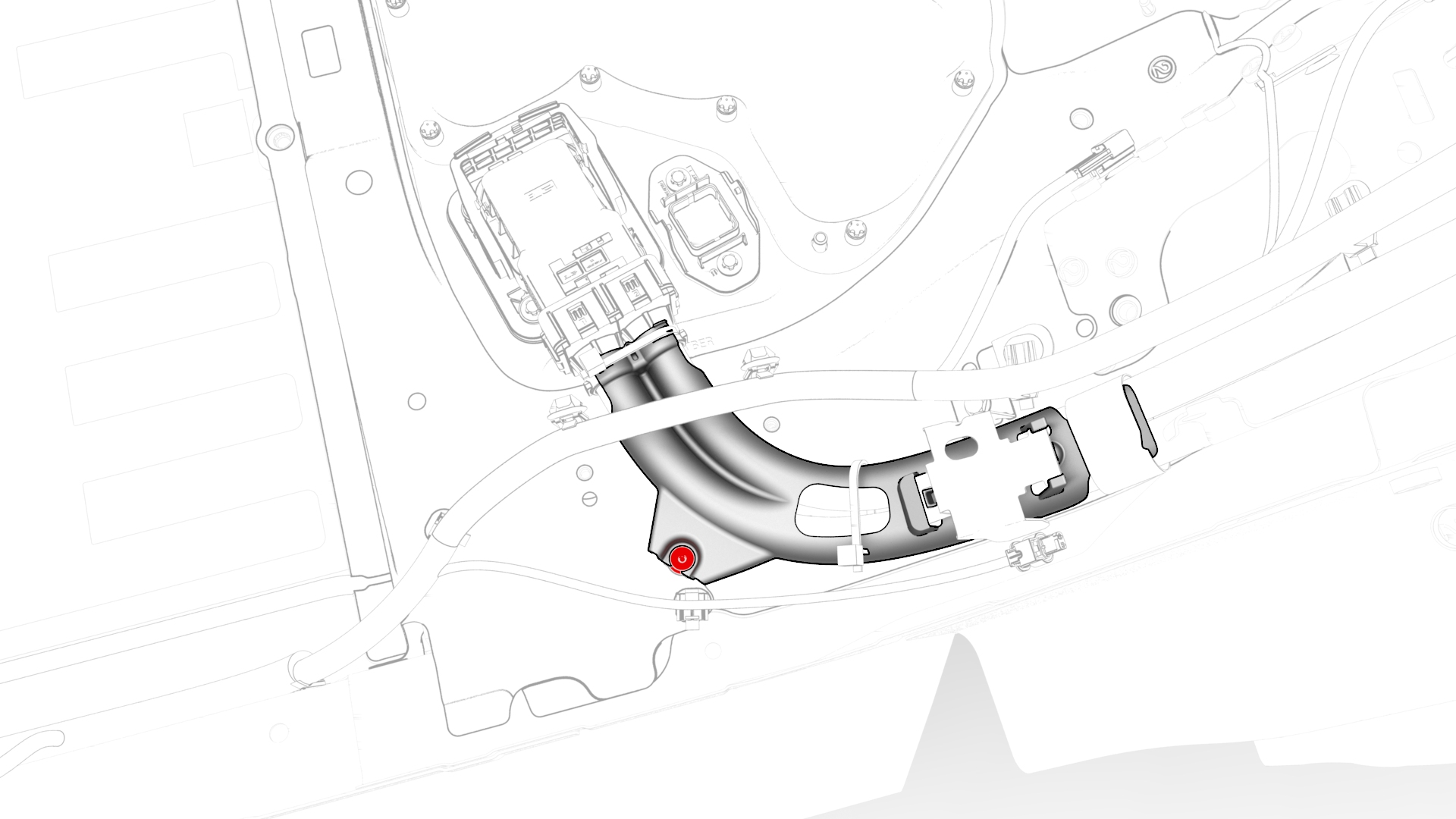
Release the clip that attaches the charge port to HV battery harness to the LH lower C-pillar.
-
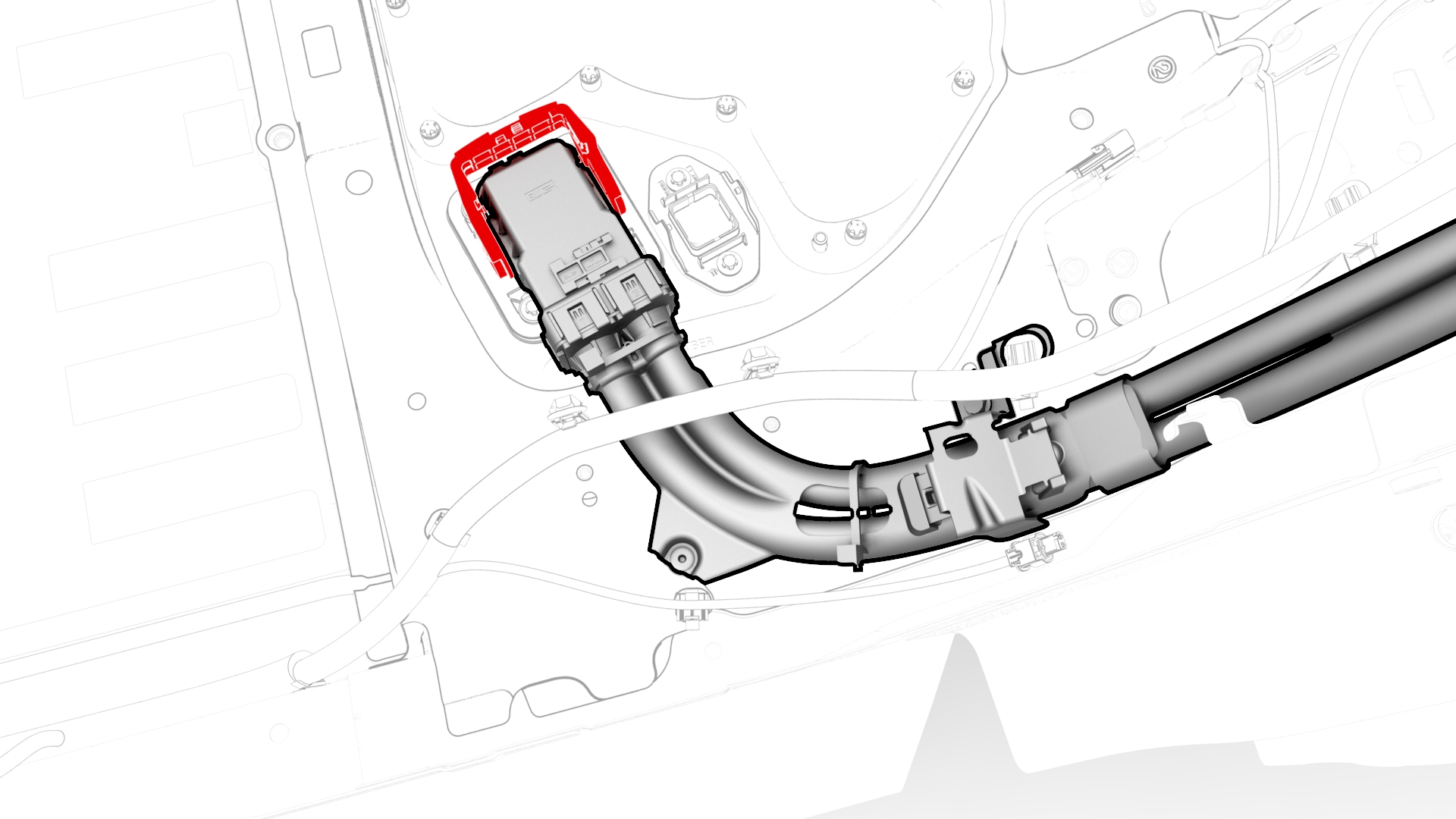
Raise the handle to disconnect the charge port to HV battery harness from the DC input assembly.
-
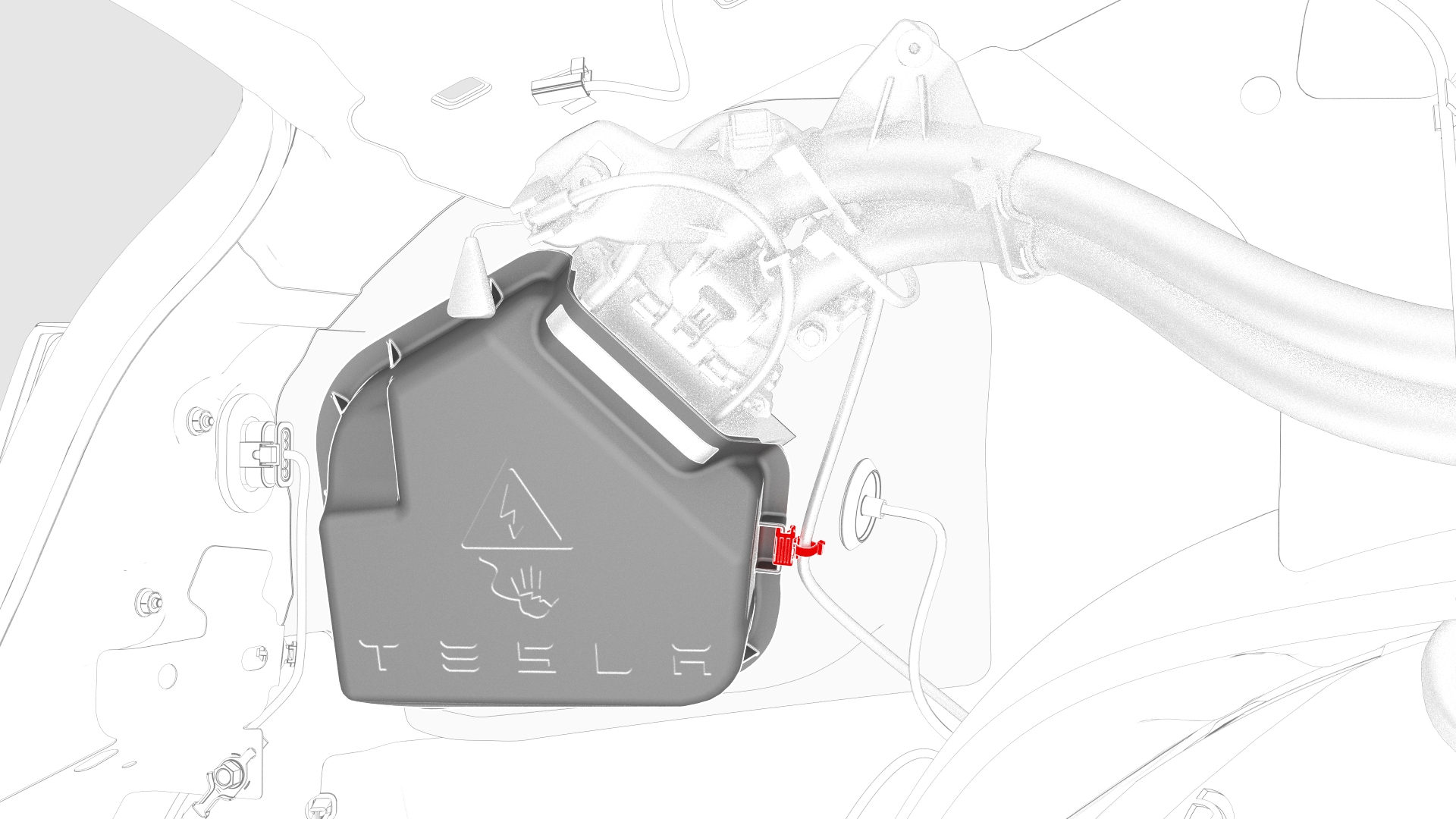
Release the edge clip that attaches the low voltage electrical harness to the charge port closeout panel.
-
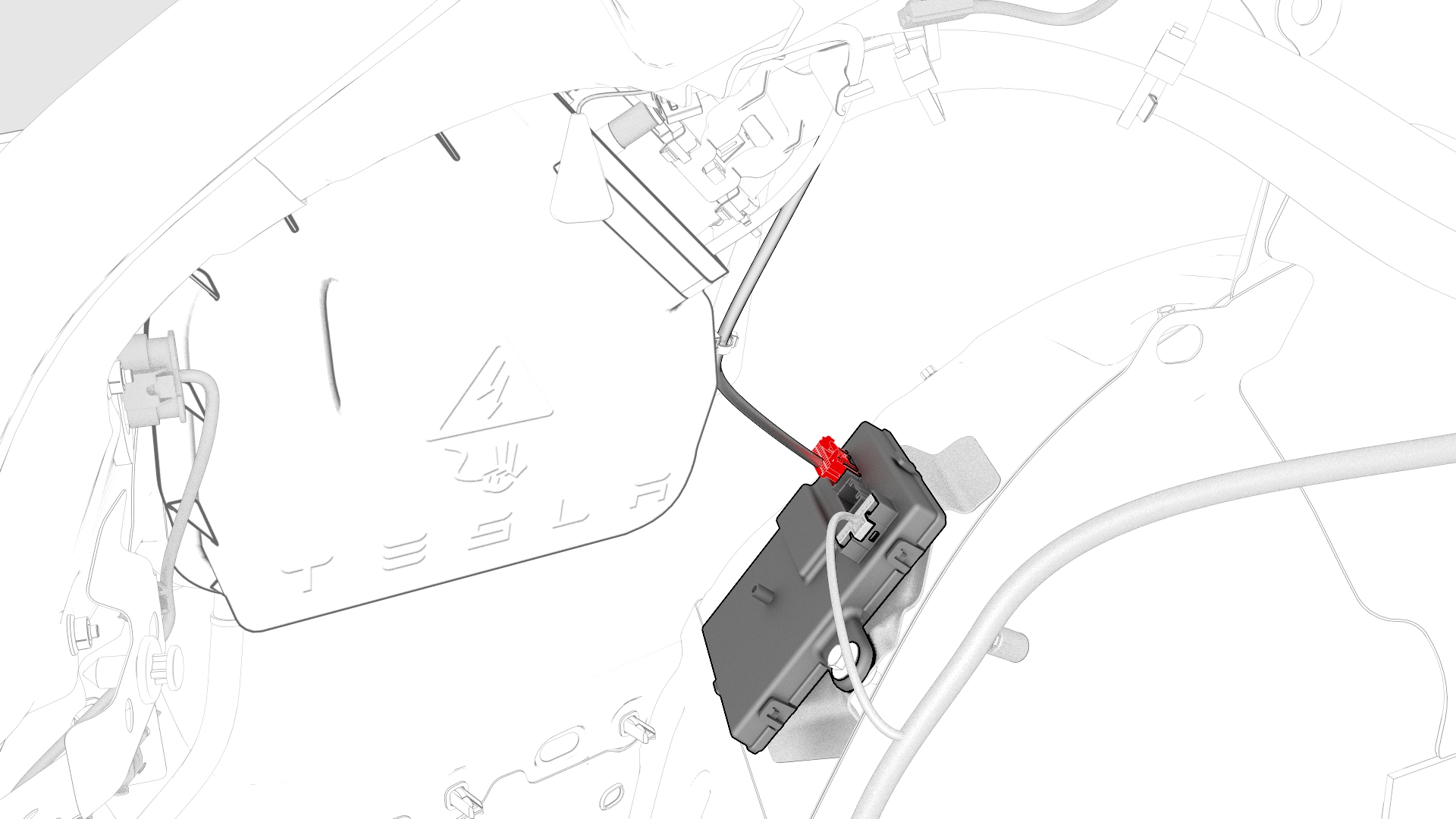
Disconnect the low voltage electrical harness from the charge port ECU connector.
-
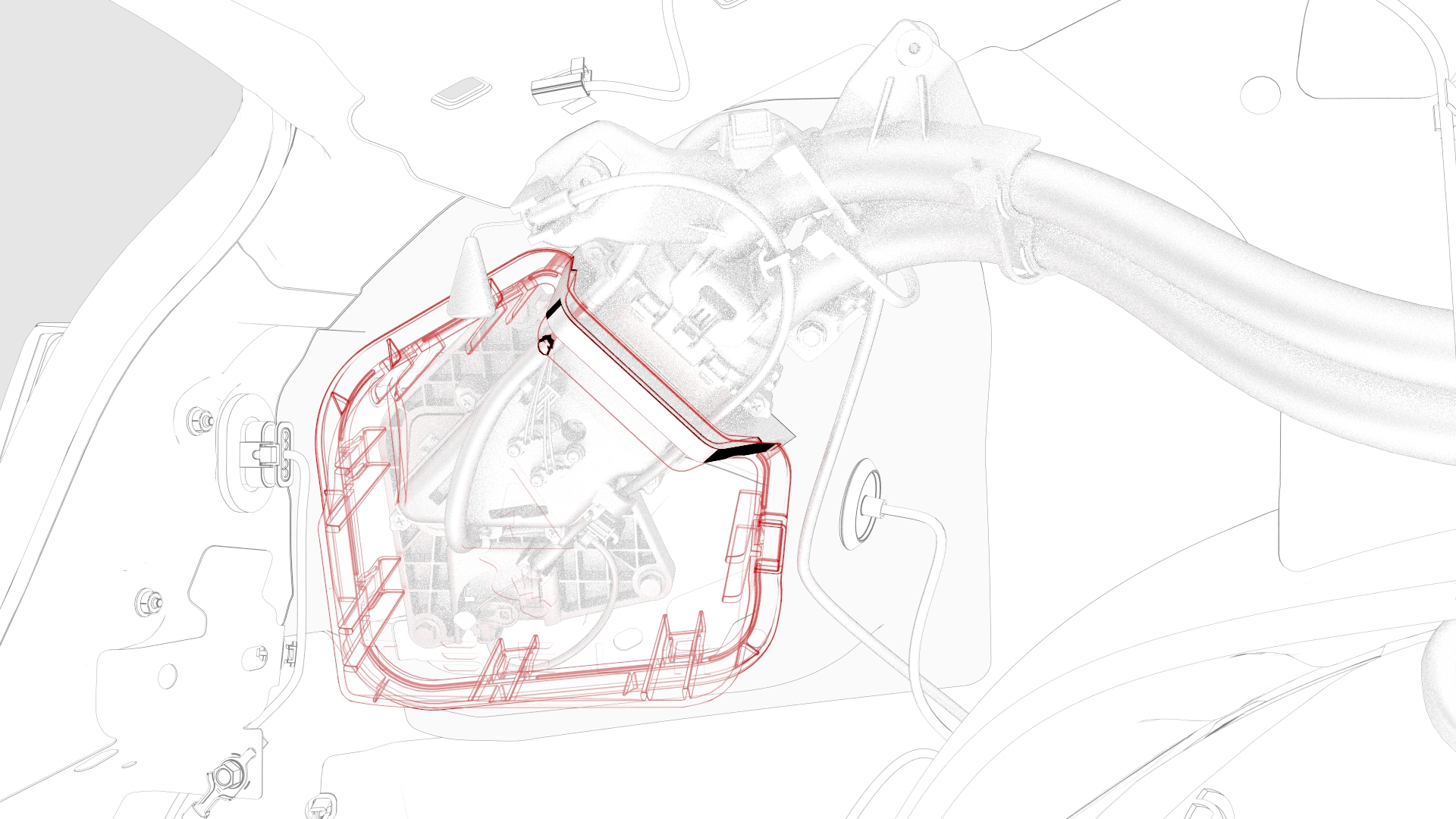
Release the clips that attach the charge port closeout panel to the charge port, and remove the panel from the charge port.
-
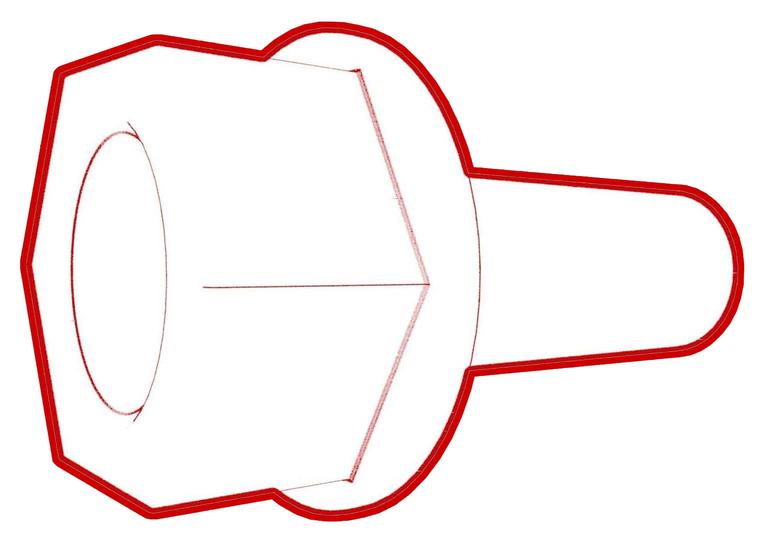
Remove the bolt that grounds the charge port assembly to the body.
 Torque 6 Nm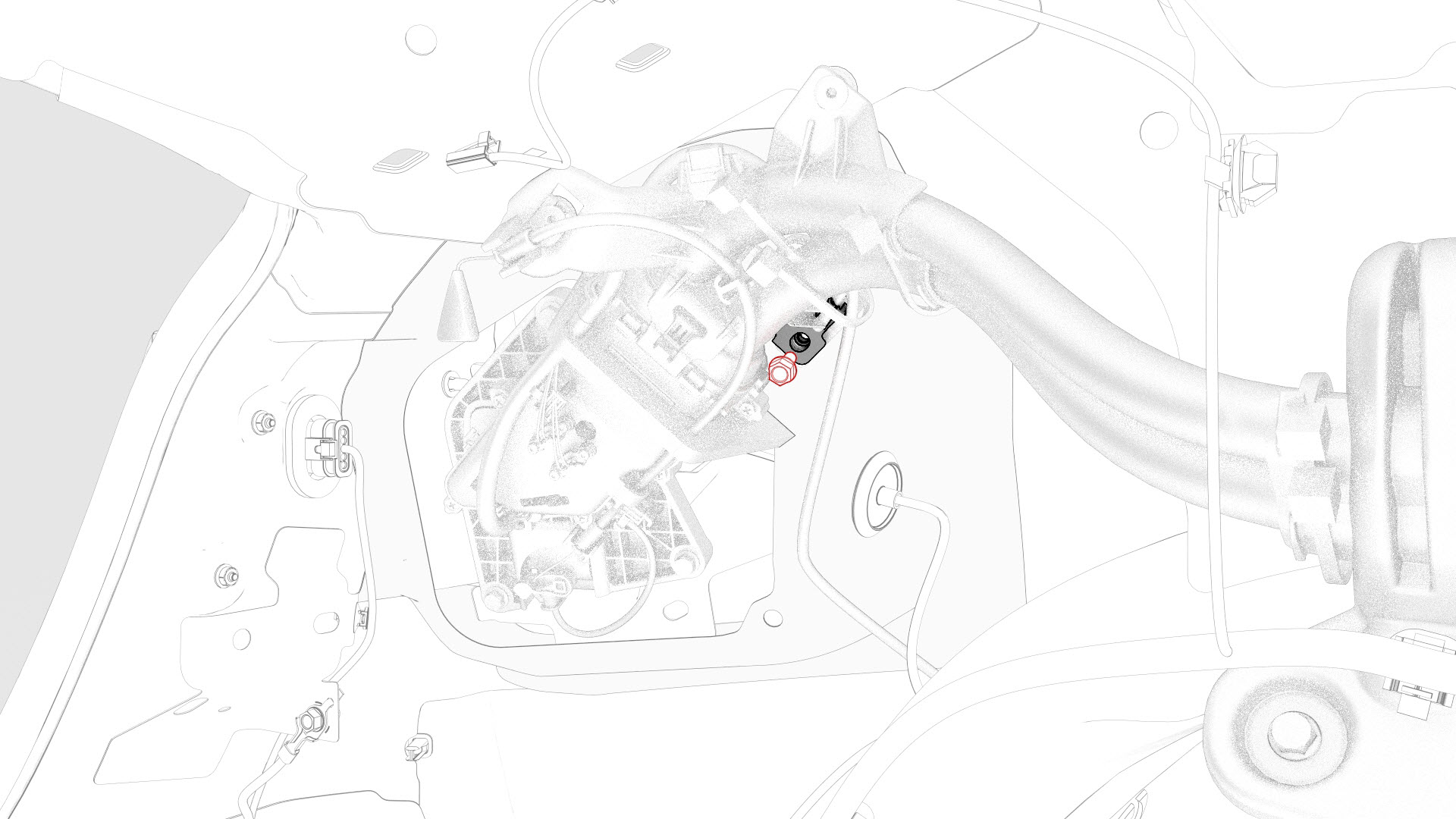
-
Remove the bolts that attach the charge port assembly to the body.
 Torque 6 Nm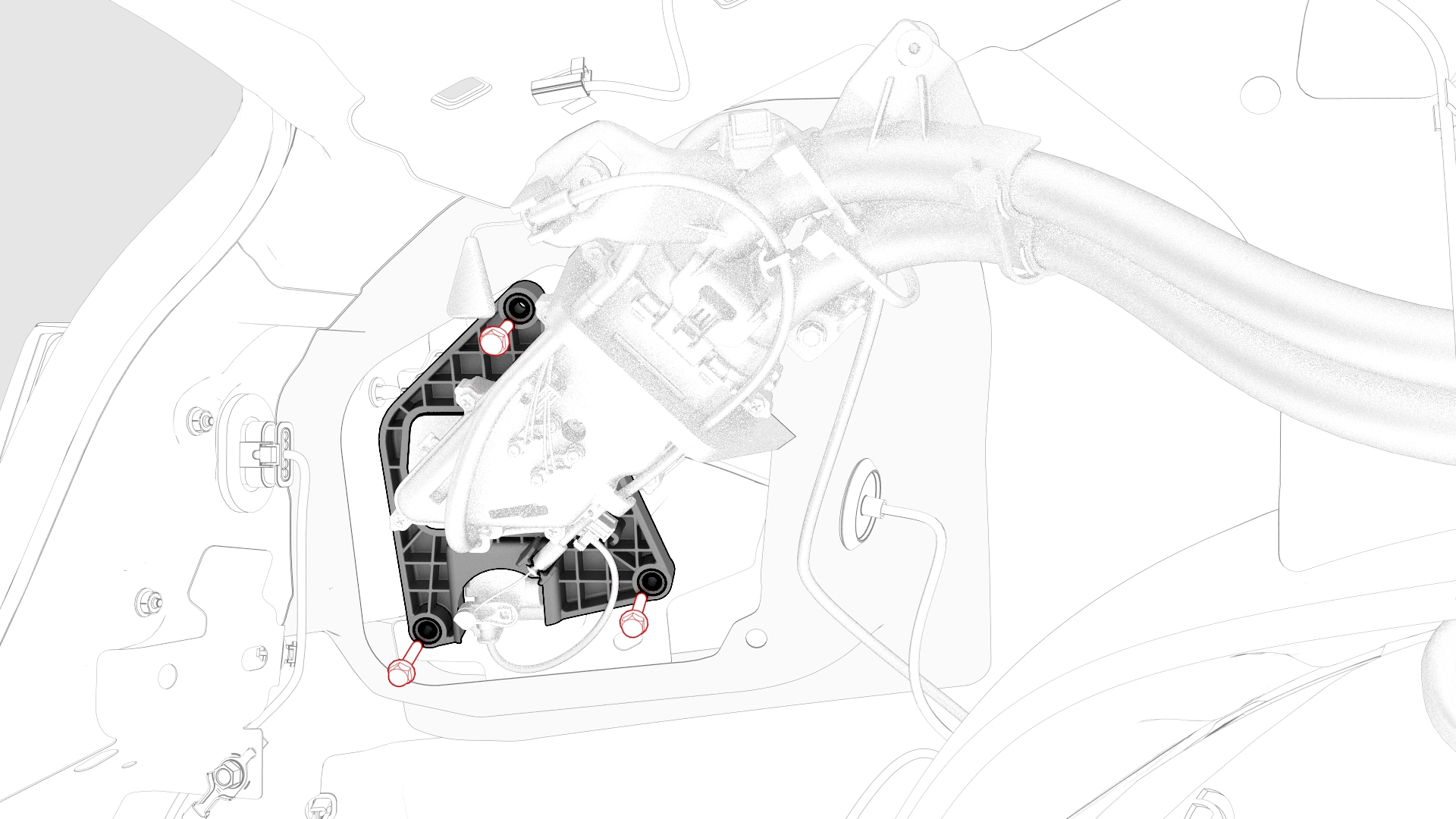
-
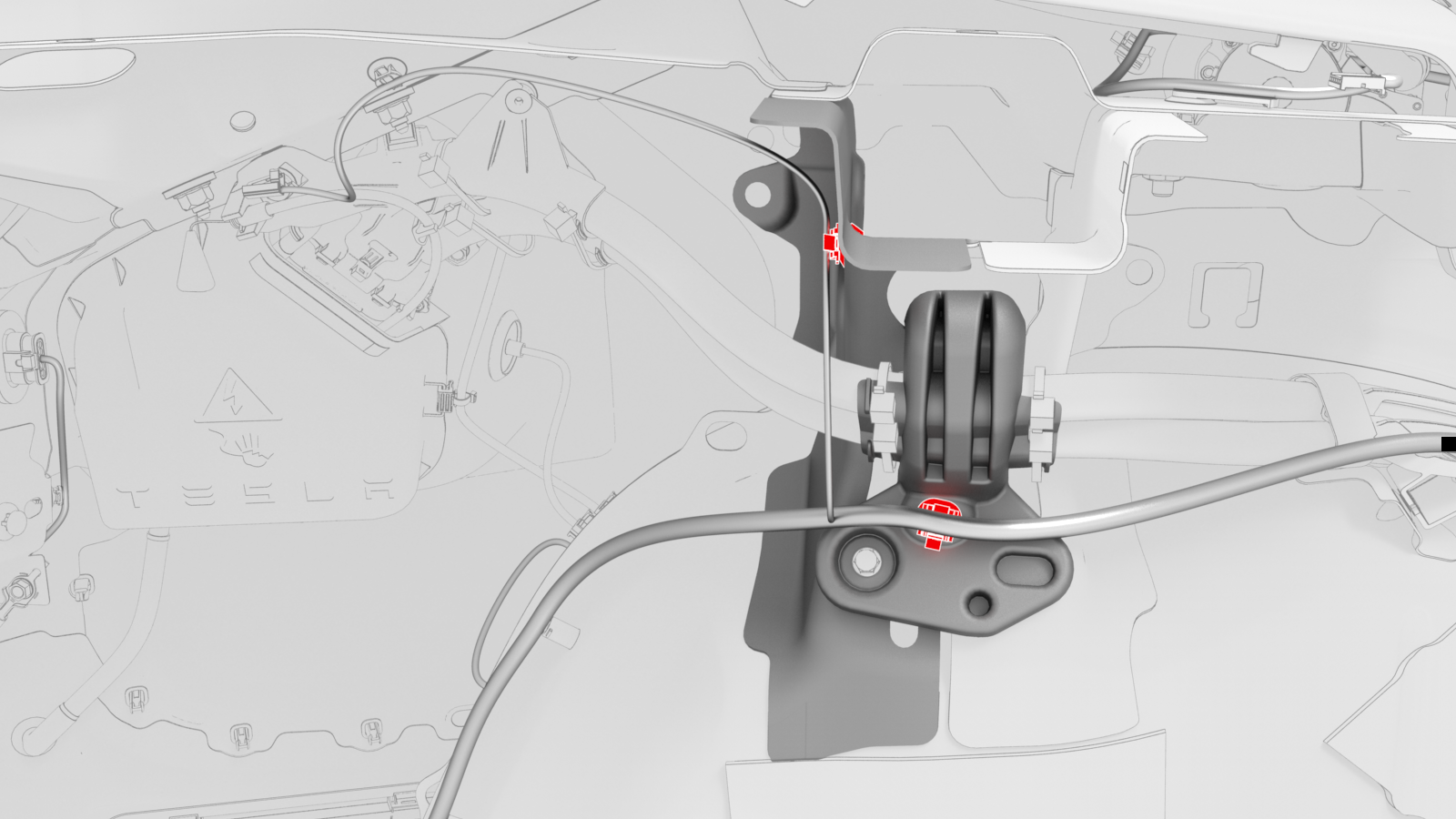
Release the clips that attach the low voltage electrical harness to the body and to the rear LH wheel well.
-
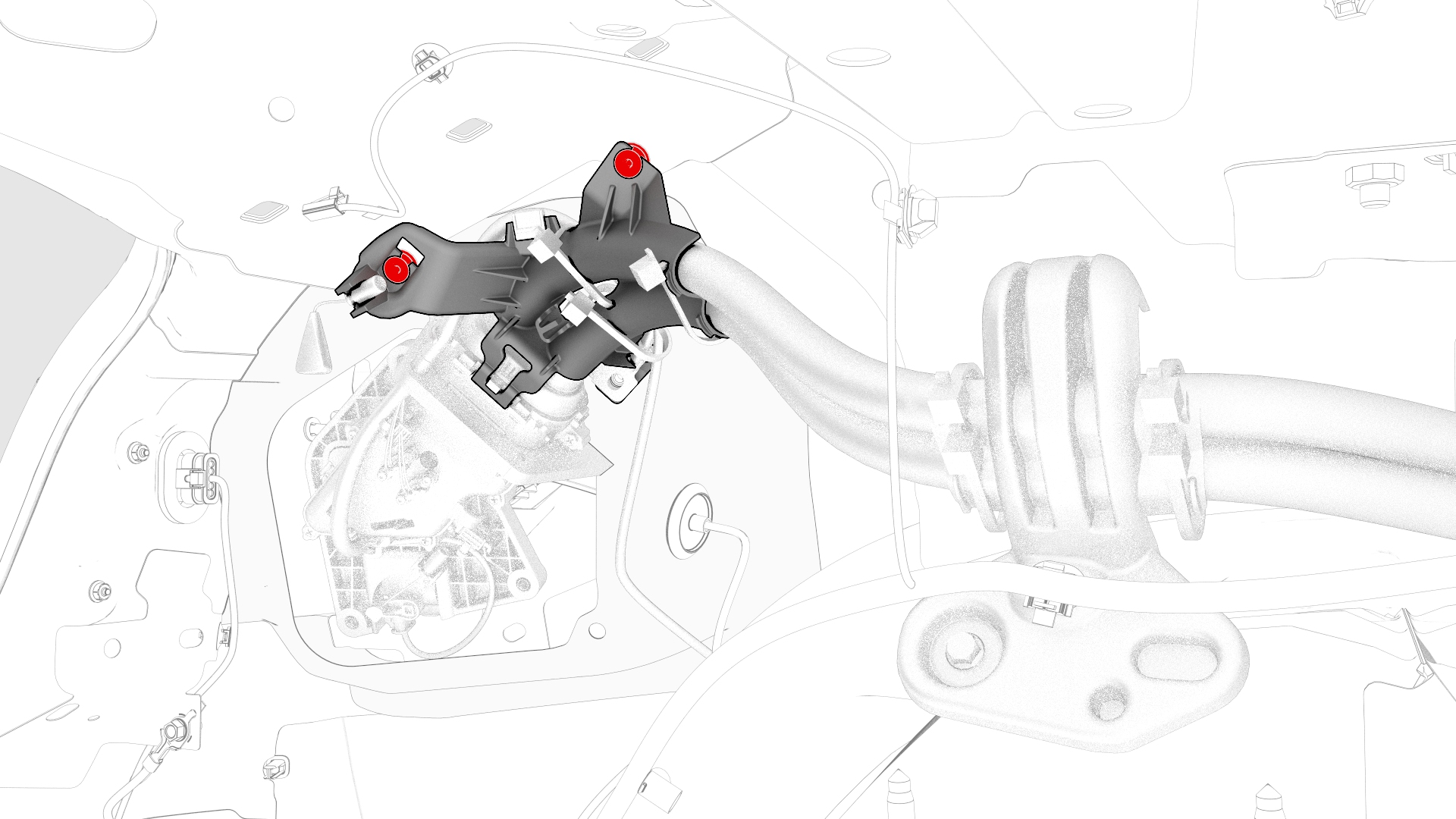
Release the clips that attach the charge port to HV battery harness at the charge port.
-
Remove the bolt that attaches the charge port to HV battery harness bracket on top of the rear LH wheel well.
 Torque 6 Nm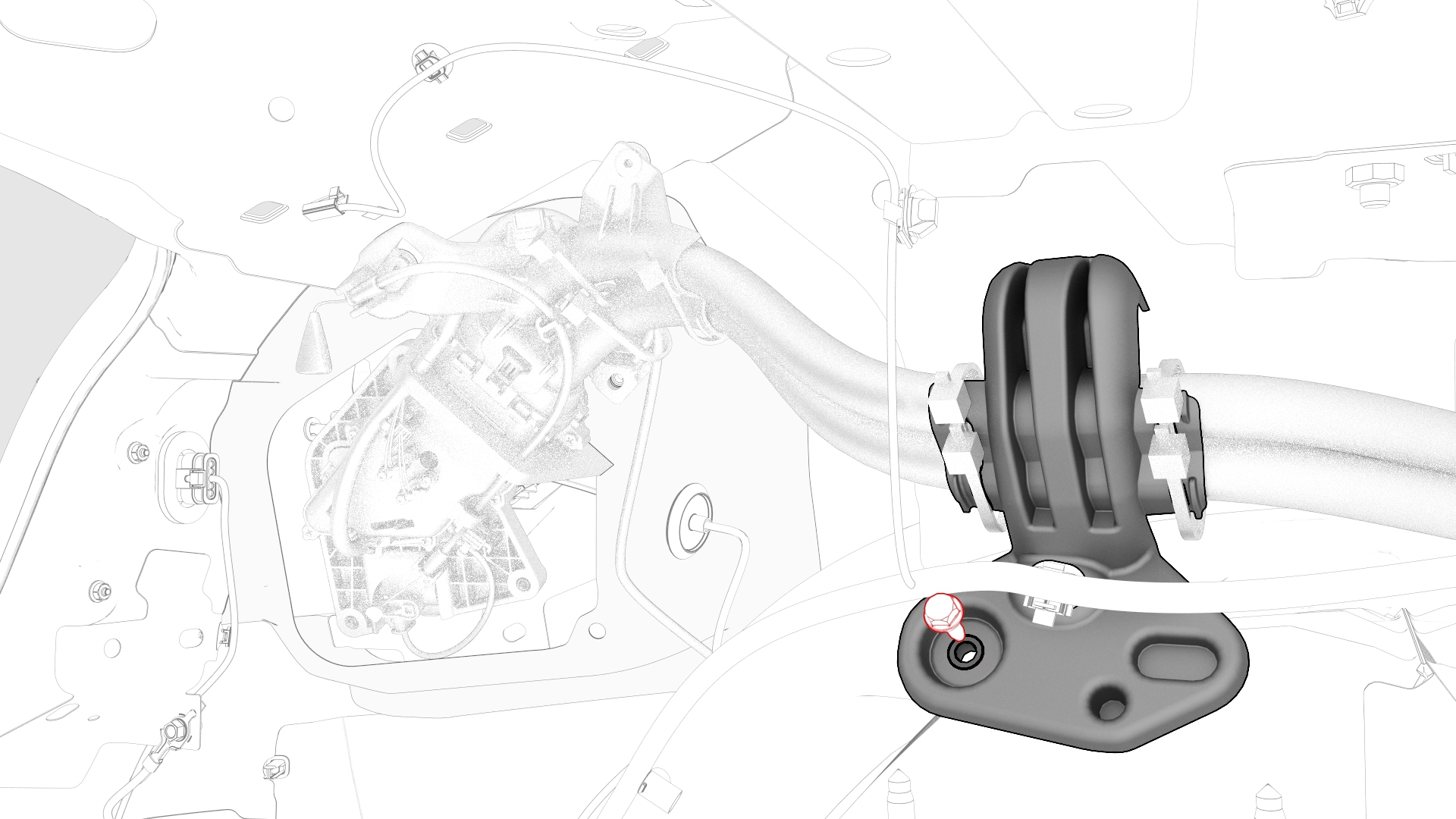
-
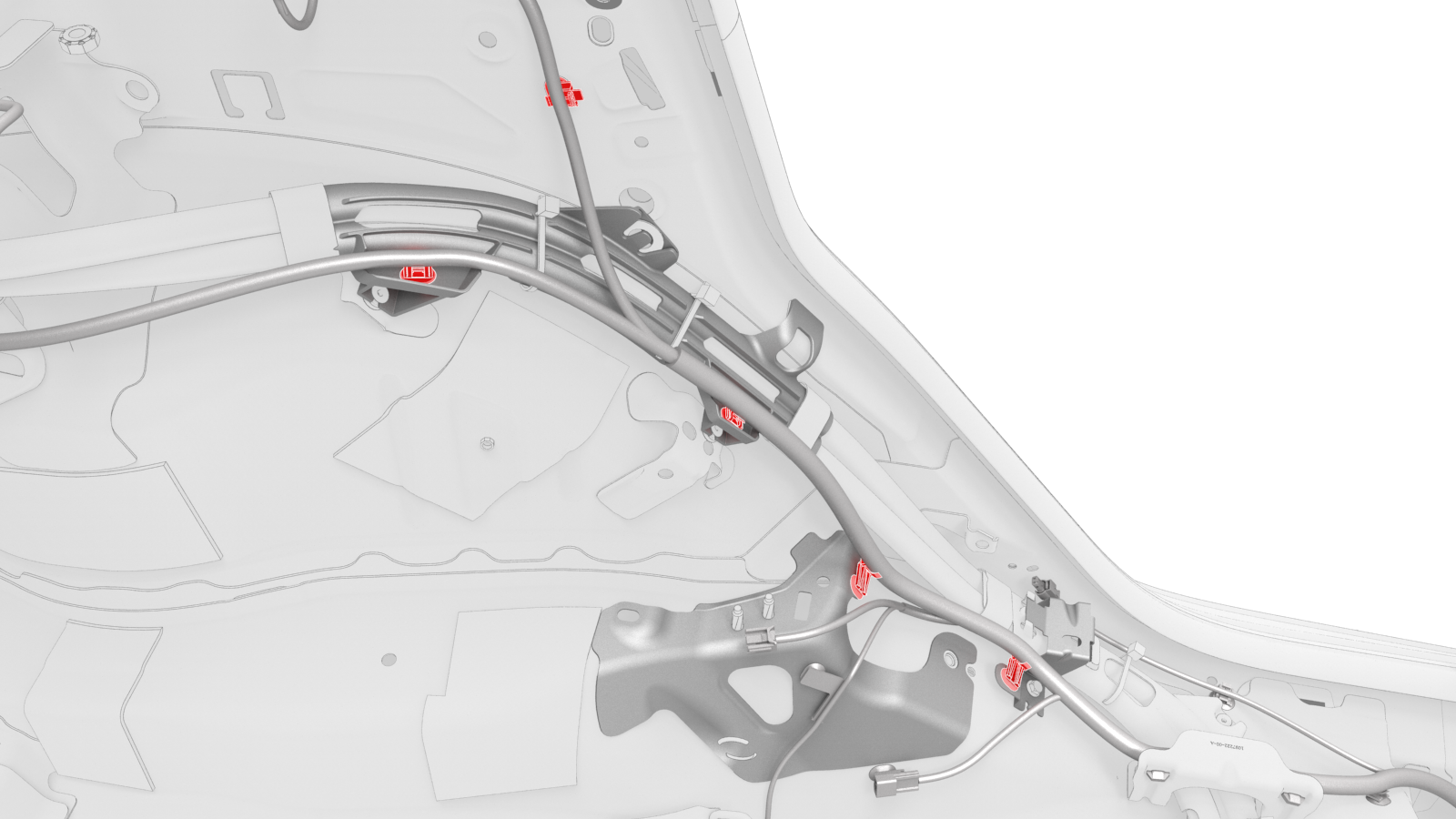
Release the clips (x5) that attach the low voltage electrical harness along the charge port to HV battery harness.
-
Remove the bolt that attaches the charge port to HV battery harness bracket at the LH lower C-pillar.
 Torque 6 Nm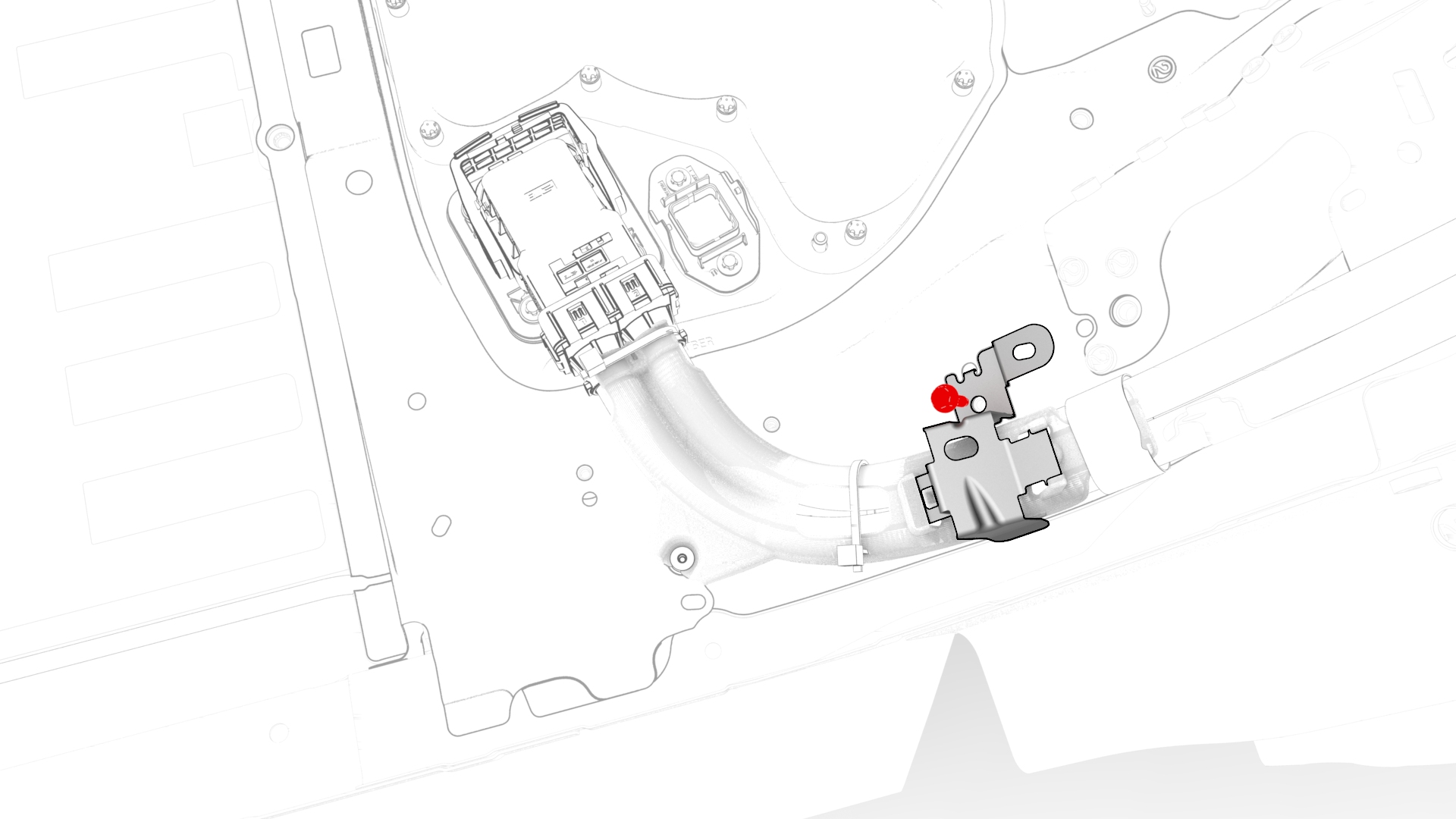
-
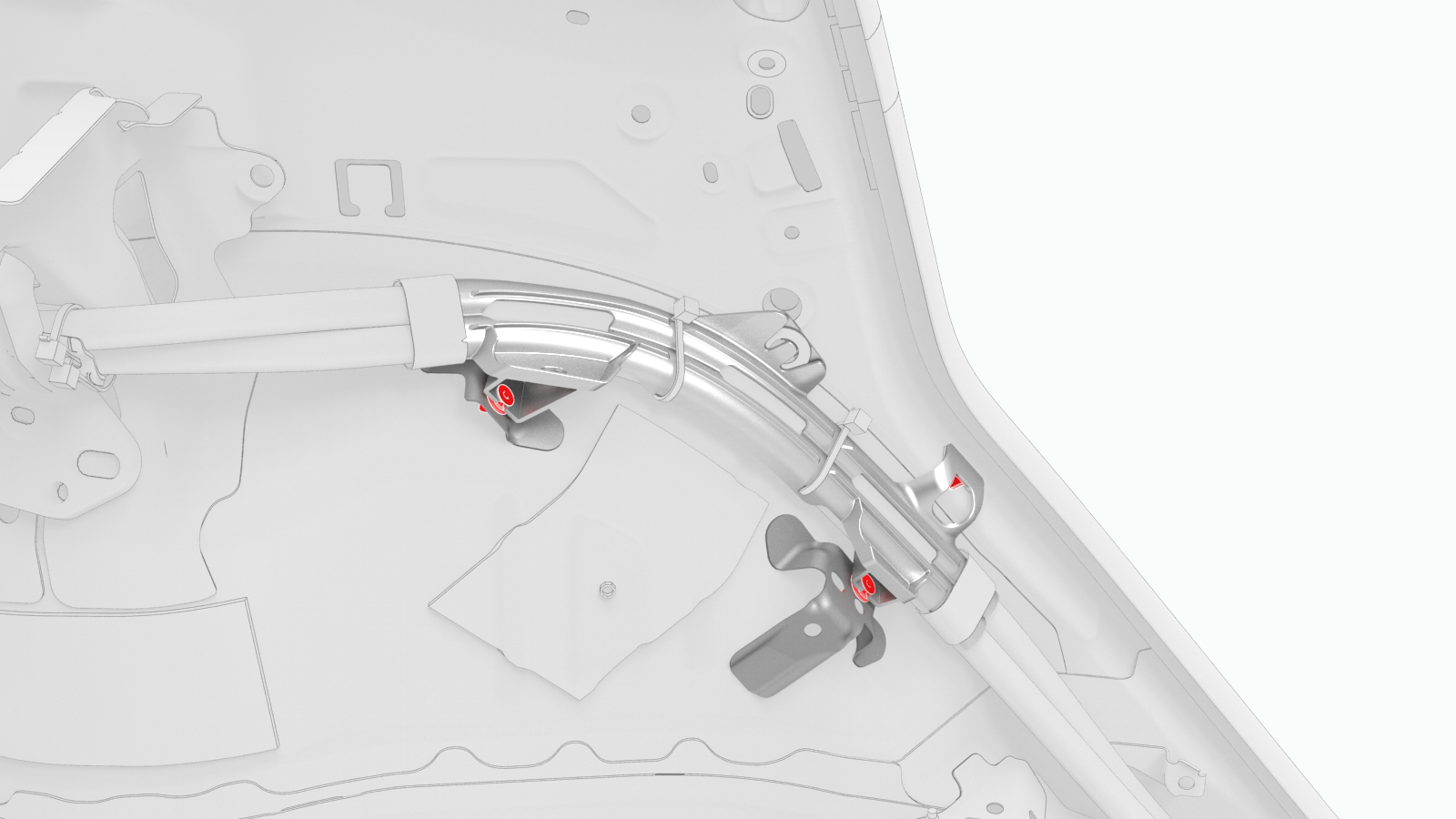
Release the clips (x3) that attach the charge port to HV battery harness on top of the rear LH wheel well and C-pillar.
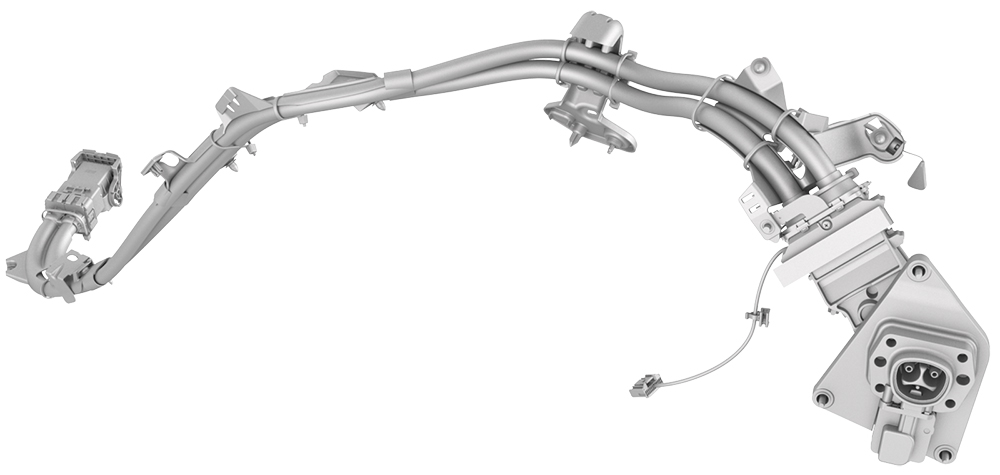
| 1 | Open the trunk. | ||
| 2 | Perform the vehicle electrical isolation procedure. See Vehicle Electrical Isolation Procedure. | ||
| 3 | Lift the HV cap straight up from over the DC input connector on the LH side of the penthouse, and then remove the HV cap from the vehicle. | |
| 4 | Remove the 2nd row LH seat back. See Seat Back - 2nd Row - LH (Remove and Install). | ||
| 5 | Release the clips that attach the low voltage electrical harness to the charge port to HV battery harness bracket at the penthouse. | |
| 6 | Remove the bolts that attach the charge port to HV battery harness bracket at the penthouse, and then remove the bracket from the vehicle. Torque 10 Nm | |
| 7 | Release the clip that attaches the charge port to HV battery harness to the LH lower C-pillar. | |
| 8 | Raise the handle to disconnect the charge port to HV battery harness from the DC input assembly. | |
| 9 | Remove the trunk floor trim. See Trim - Floor - Trunk (Remove and Replace). | ||
| 10 | Remove the trunk sill trim. See Trim - Sill - Trunk (Remove and Replace). | ||
| 11 | Remove the rear trunk carpet. See Carpet - Rear Trunk (Remove and Replace). | ||
| 12 | Remove the LH trunk side trim. See Trim - Side - Trunk - LH (Remove and Replace). | ||
| 13 | Release the edge clip that attaches the low voltage electrical harness to the charge port closeout panel. | |
| 14 | Disconnect the low voltage electrical harness from the charge port ECU connector. | |
| 15 | Release the clips that attach the charge port closeout panel to the charge port, and remove the panel from the charge port. | |
| 16 | Remove the bolt that grounds the charge port assembly to the body. Torque 6 Nm | |
| 17 | Remove the bolts that attach the charge port assembly to the body. Torque 6 Nm | |
| 18 | Release the clips that attach the low voltage electrical harness to the body and to the rear LH wheel well. | |
| 19 | Release the clips that attach the charge port to HV battery harness at the charge port. | |
| 20 | Remove the bolt that attaches the charge port to HV battery harness bracket on top of the rear LH wheel well. Torque 6 Nm | |
| 21 | Release the clips (x5) that attach the low voltage electrical harness along the charge port to HV battery harness. | |
| 22 | Remove the bolt that attaches the charge port to HV battery harness bracket at the LH lower C-pillar. Torque 6 Nm | |
| 23 | Release the clips (x3) that attach the charge port to HV battery harness on top of the rear LH wheel well and C-pillar. |
Install
Installation procedure is the reverse of removal, except for the following:
- Perform a penthouse air leak test. See Penthouse Air Leak Test.
- Connect 12V power. See 12V Power (Disconnect and Connect).
- Use Toolbox to update the latch actuator firmware.