Insert - Front Bin - Center Console (Remove and Replace)
Correction code 1519560215195602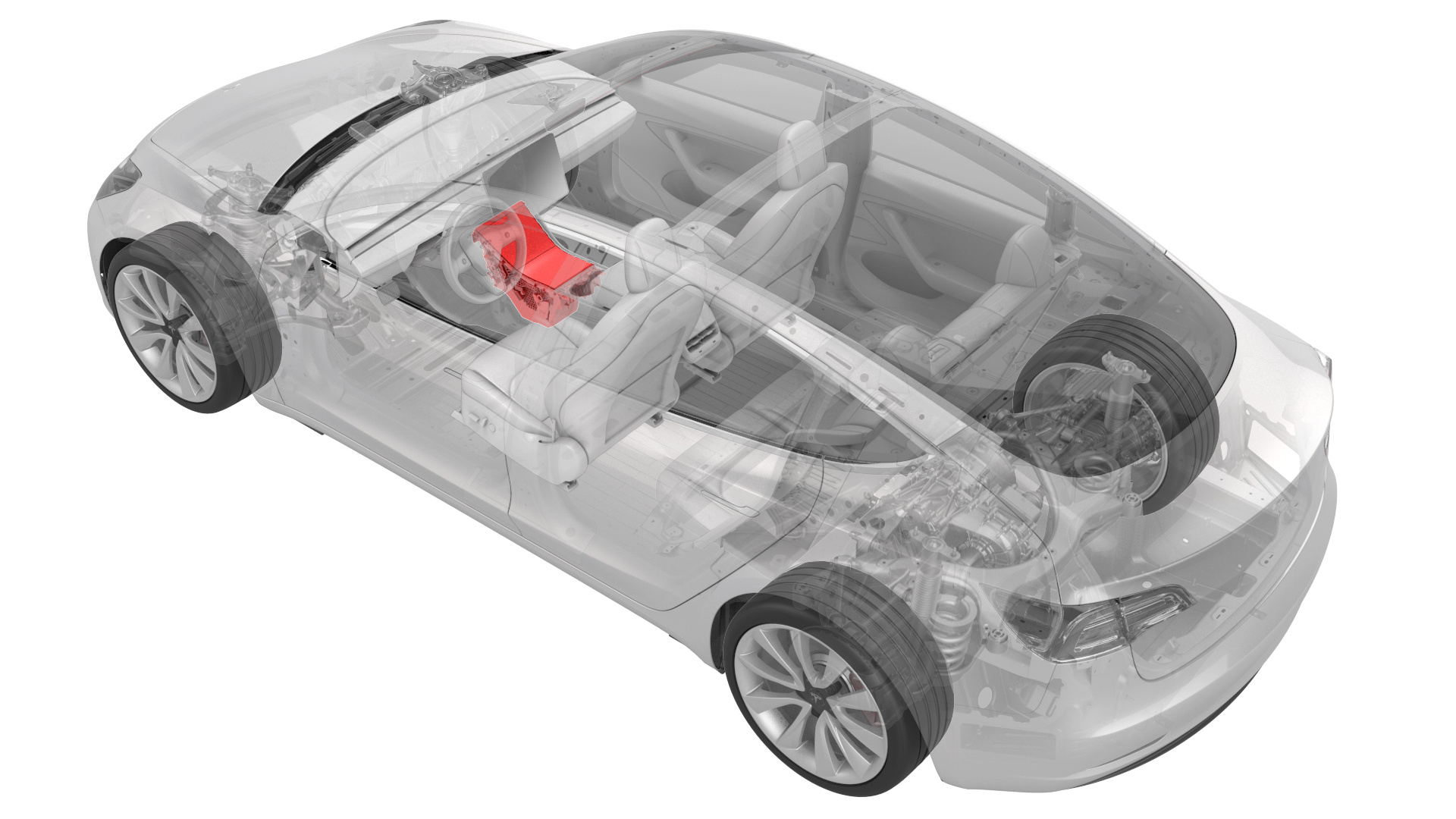
Remove
-
Remove the screws that attach the LH bright strip to the center console.
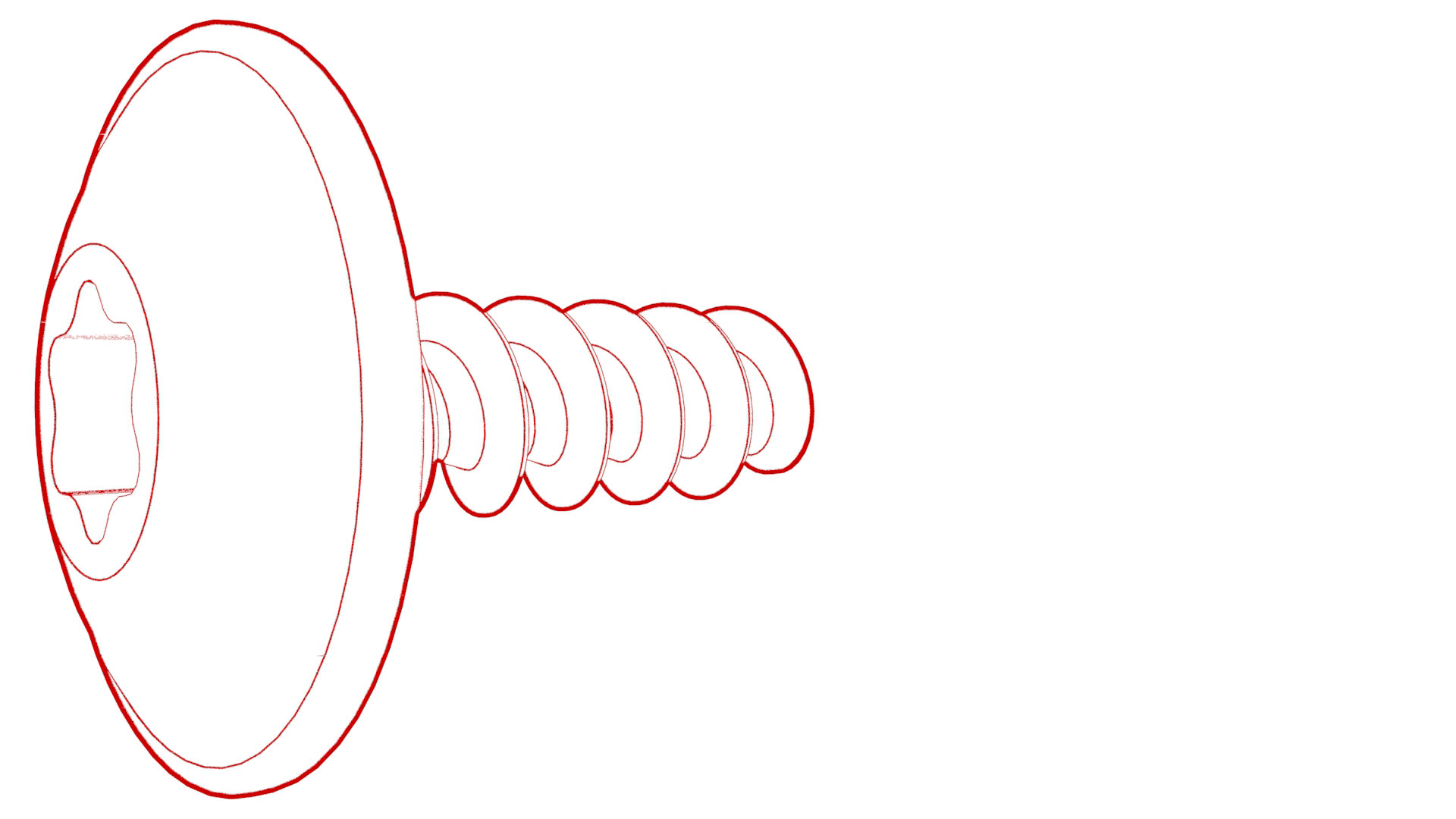 Torque 1.6 Nm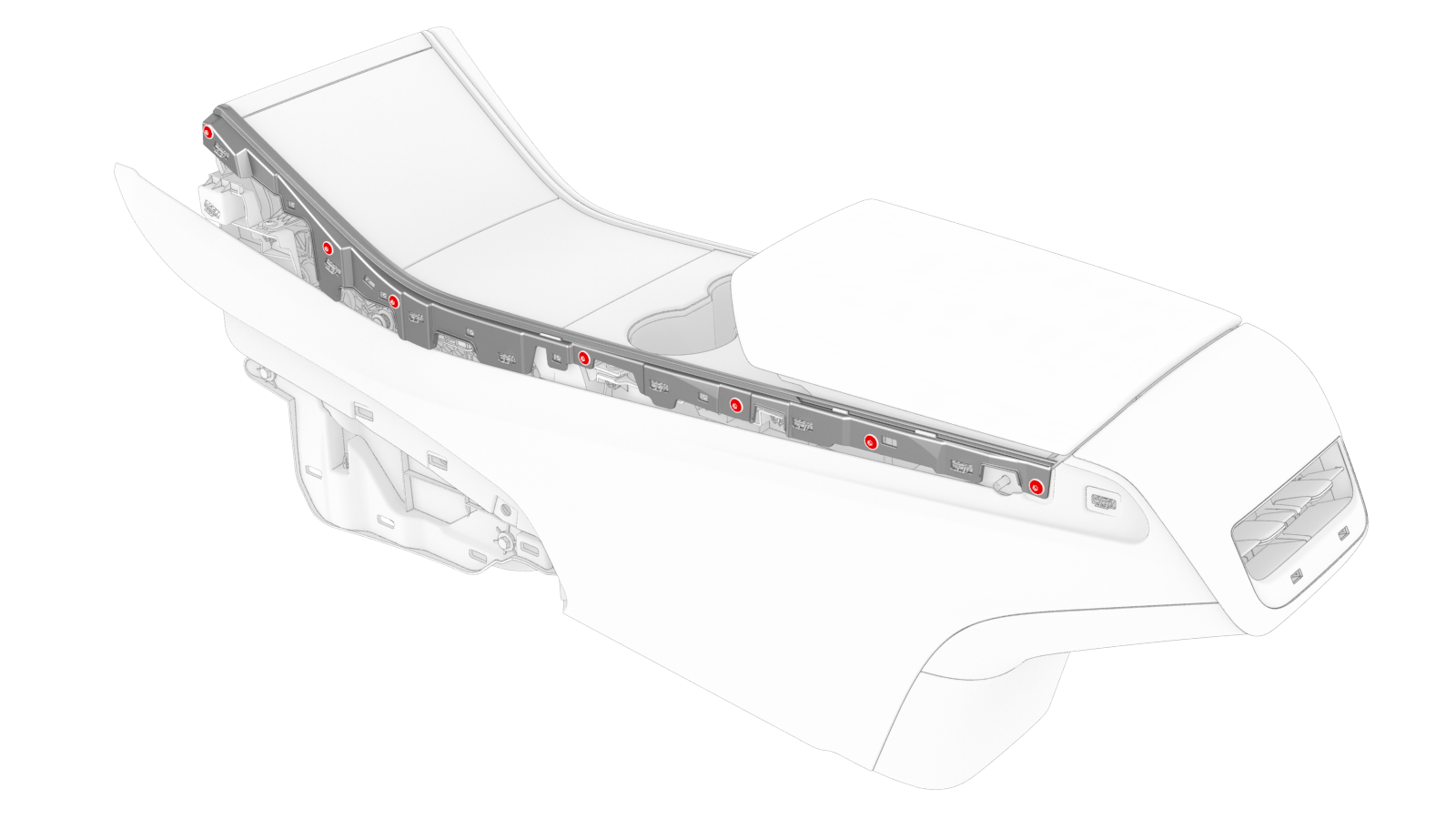
-
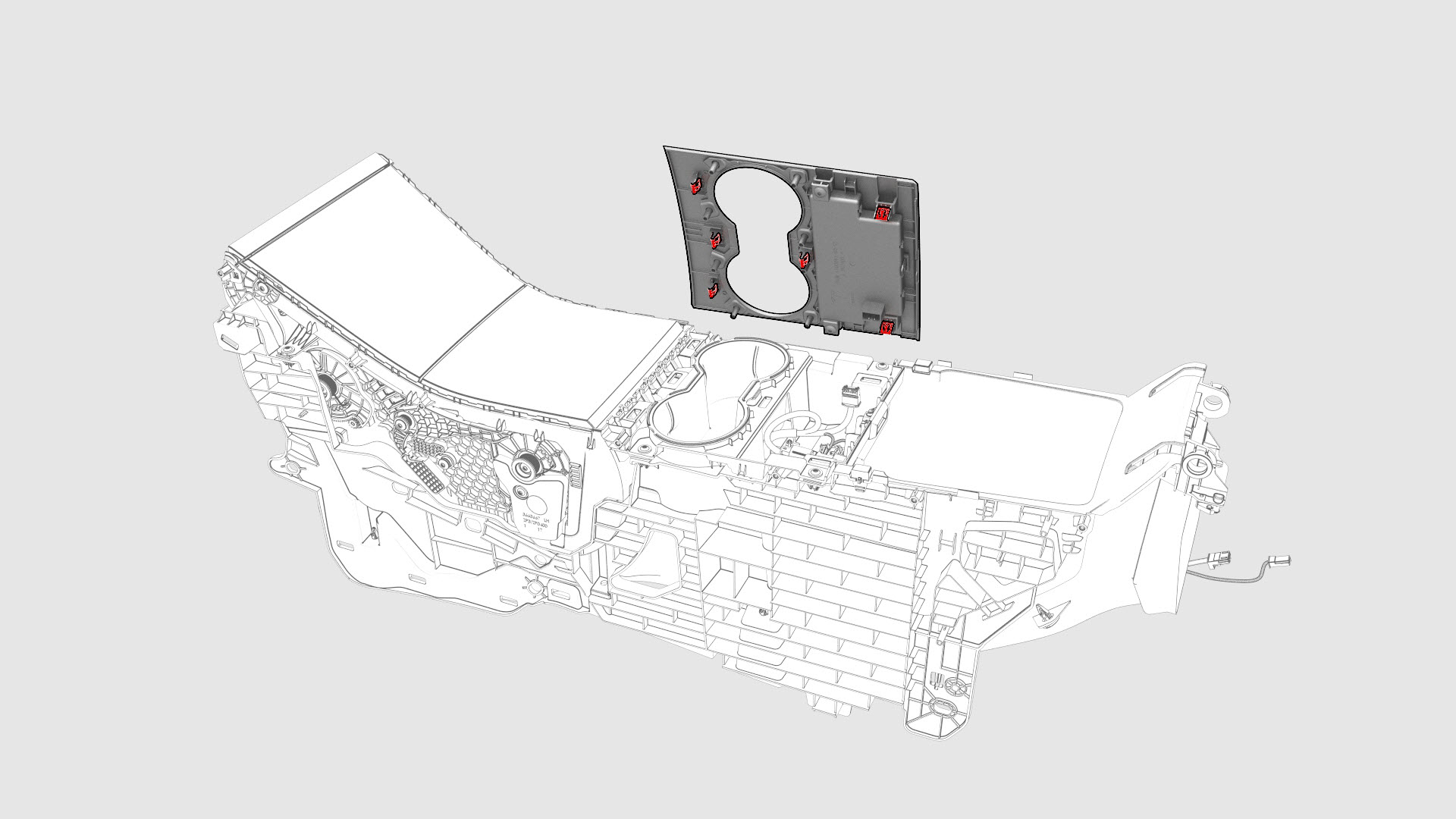
Release the clips that attach the cup holder decor to the center console.
-
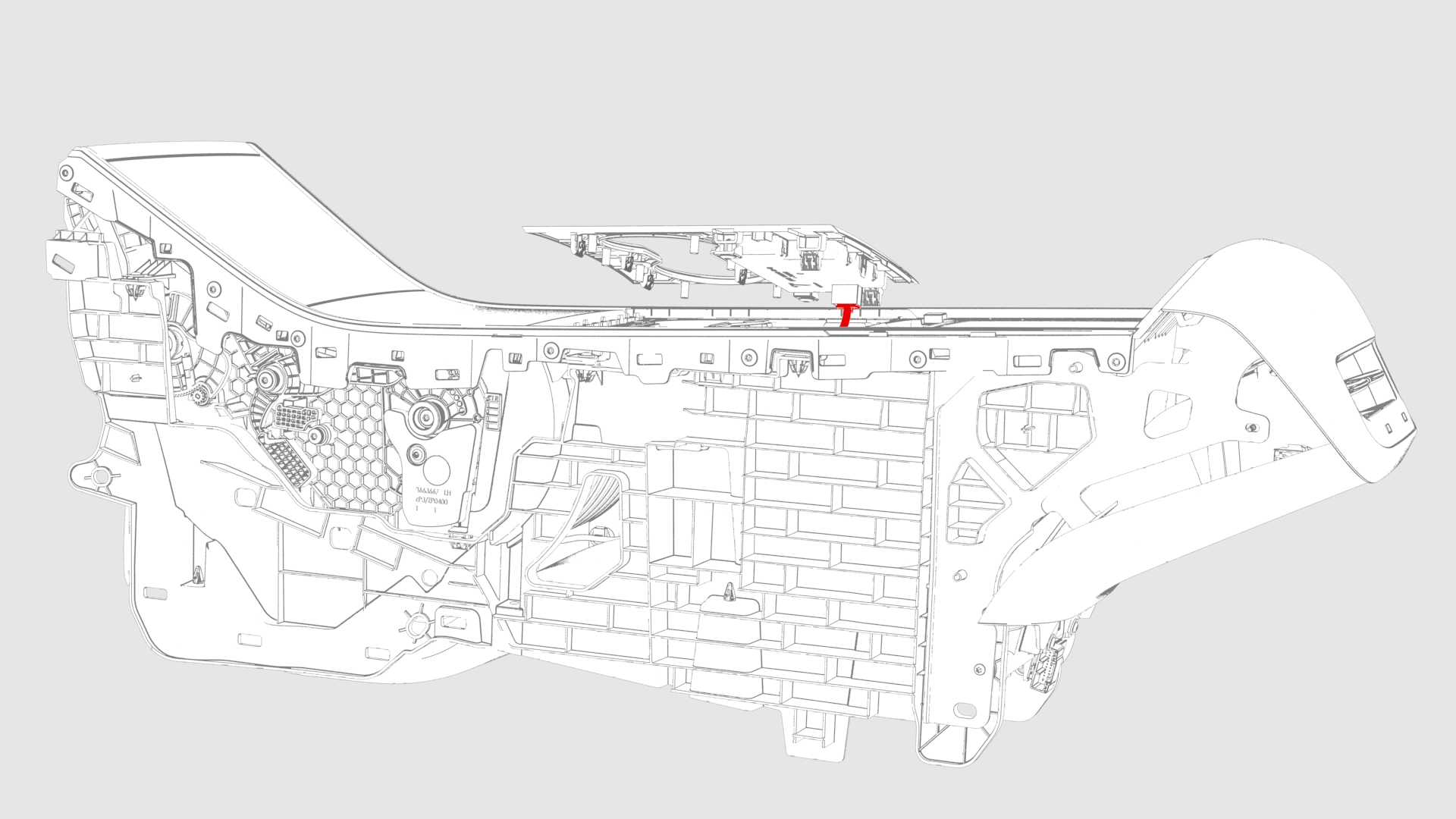
Disconnect the electrical connector from security controller, and then remove the cup holder decor.
-
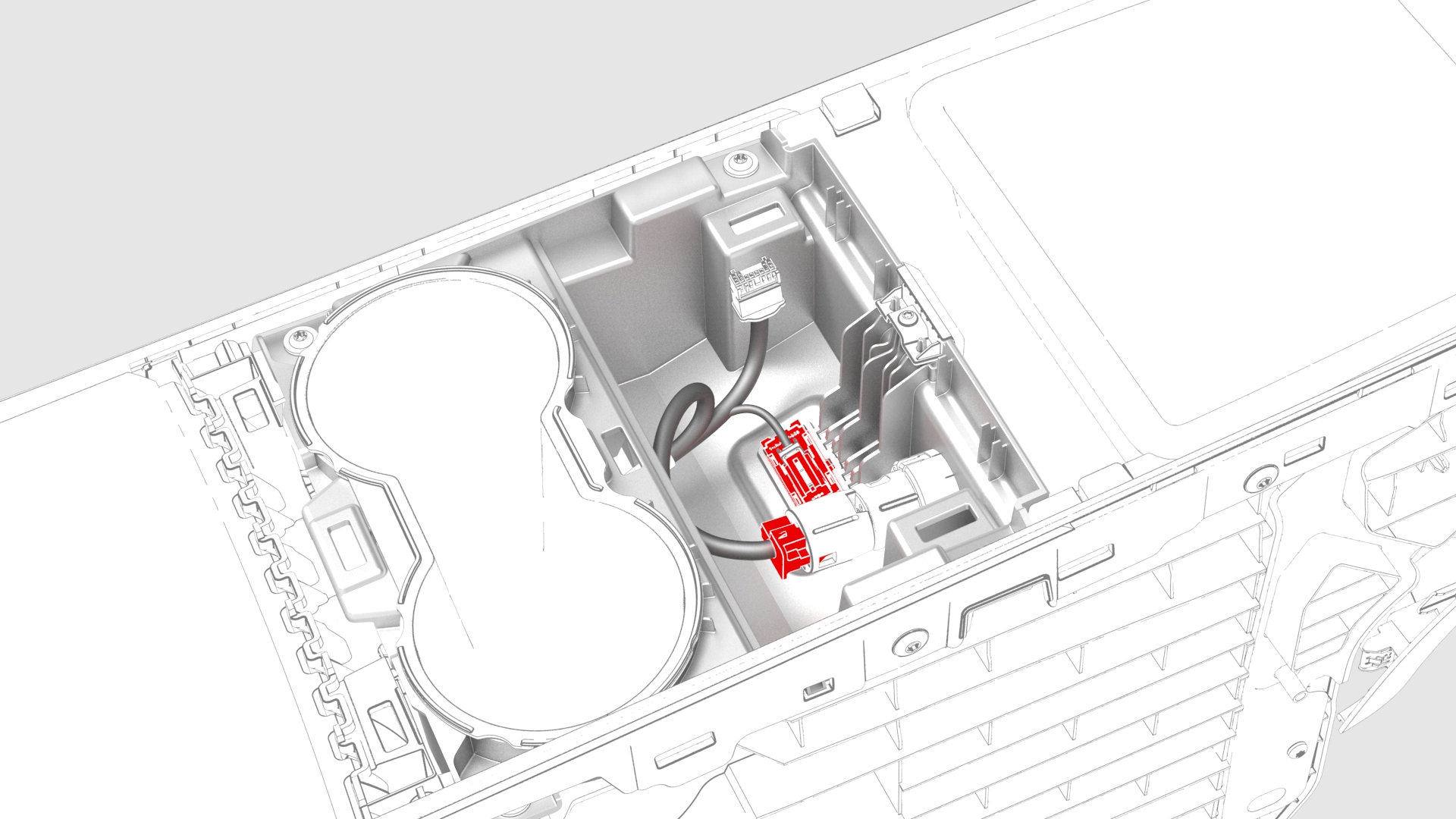
Disconnect the connectors from the 12V outlet and the puddle light.
-
Remove the screws that attach the cup holder assembly to the center console.
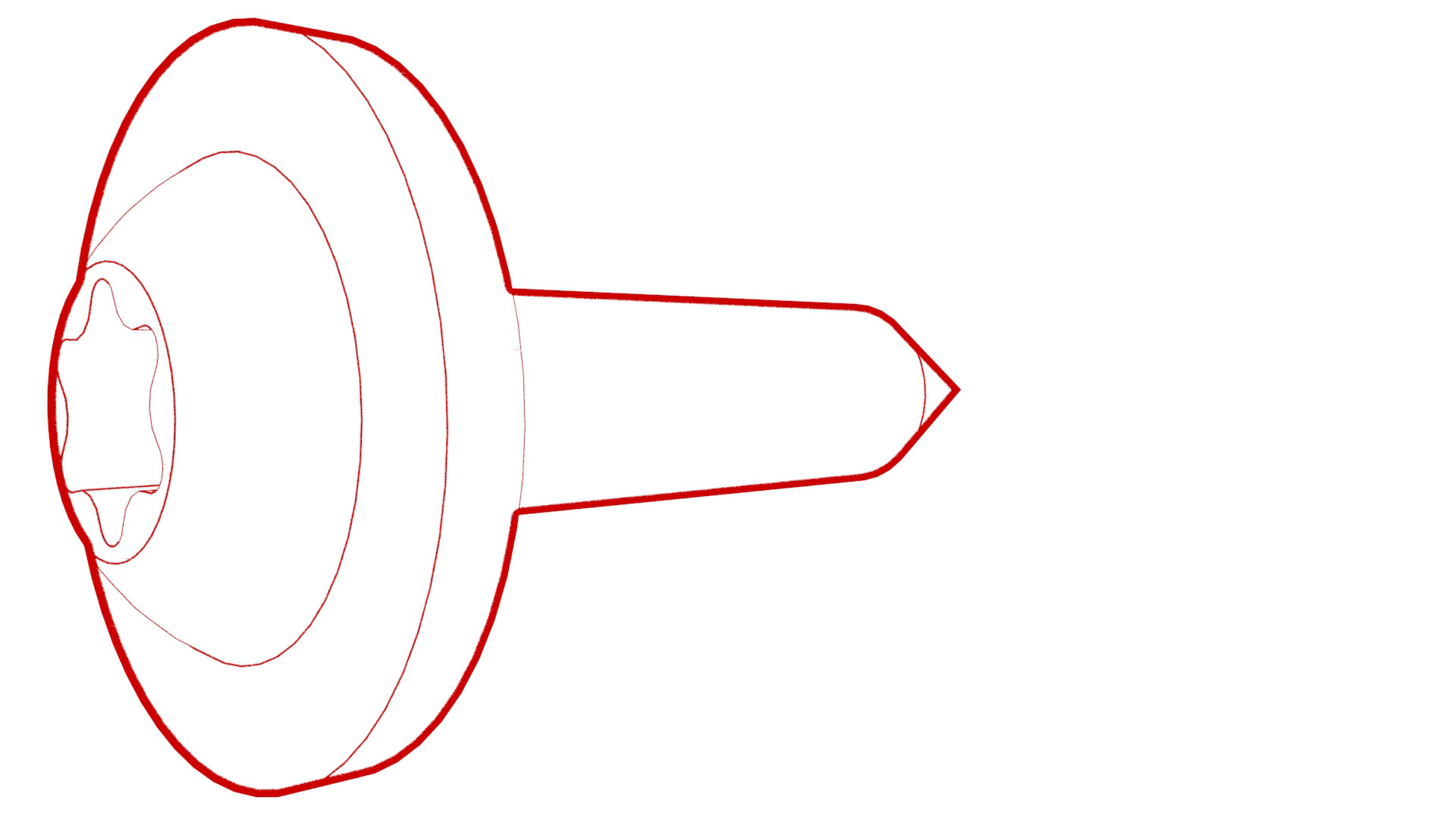 Torque 1.1 Nm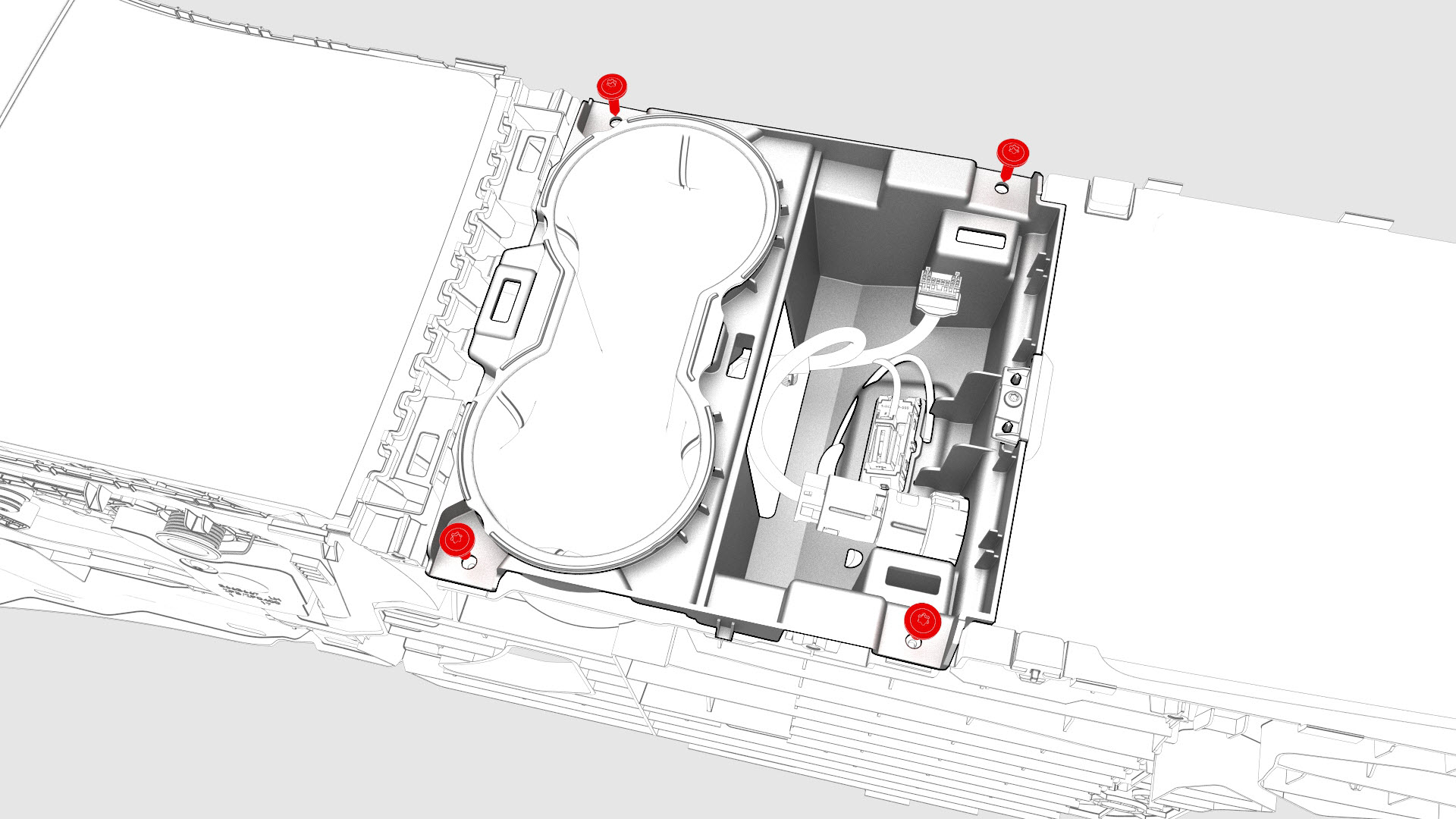
-
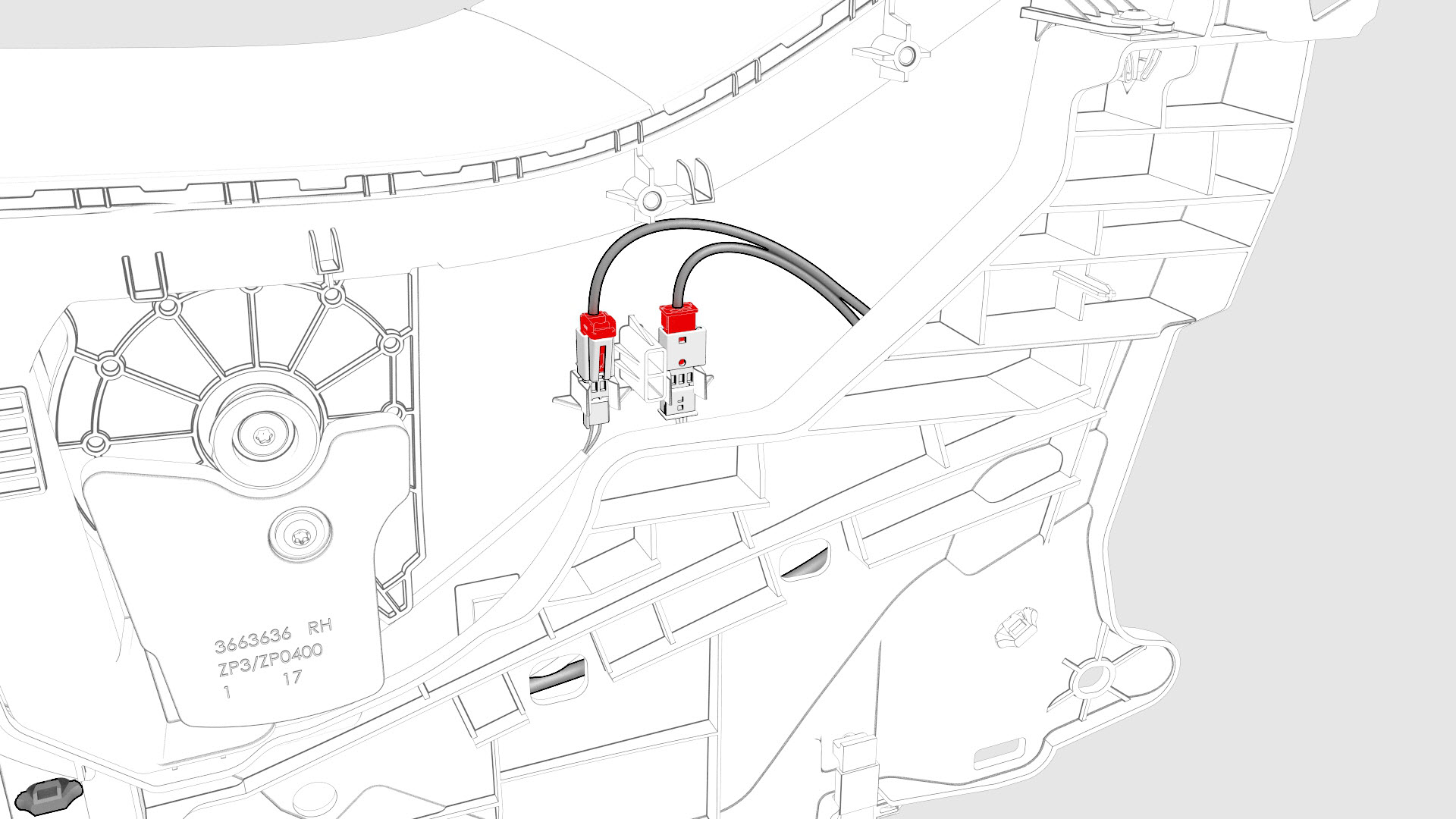
Disconnect the connectors from the RH side of the center console.
-
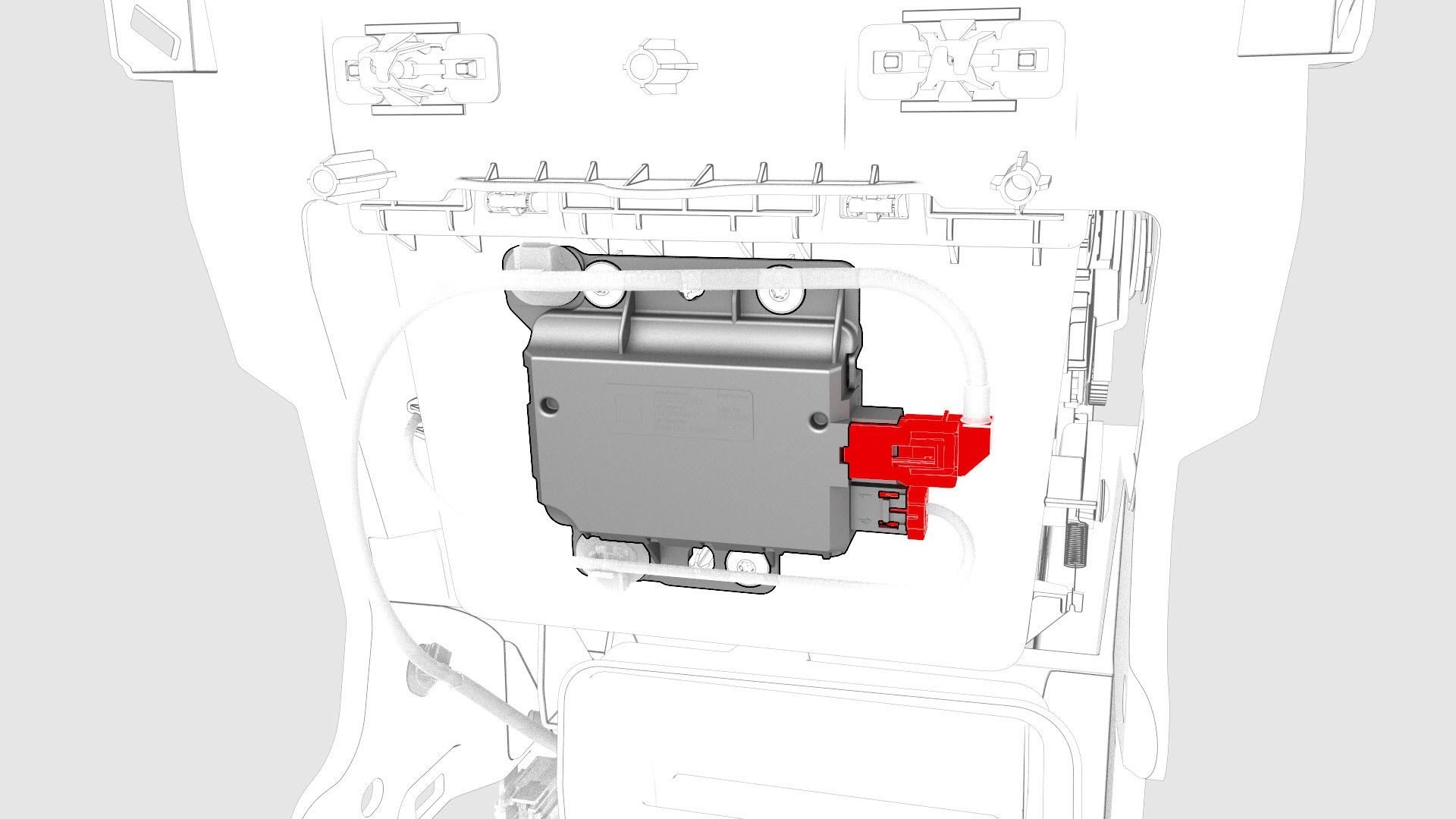
Disconnect the connectors from the USB controller.
-
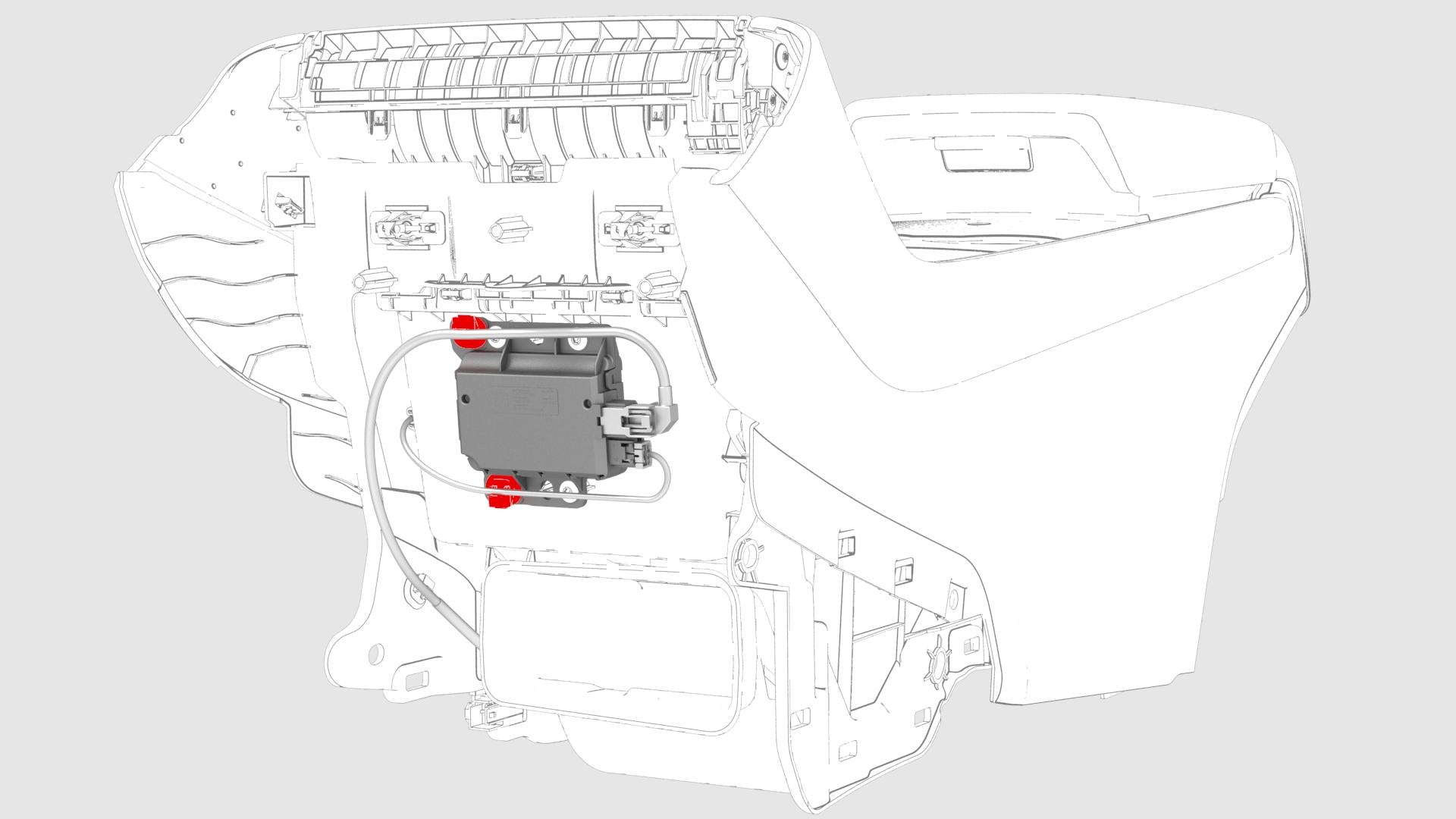
Release the clips that attach the cables to the center console front bin insert.
-
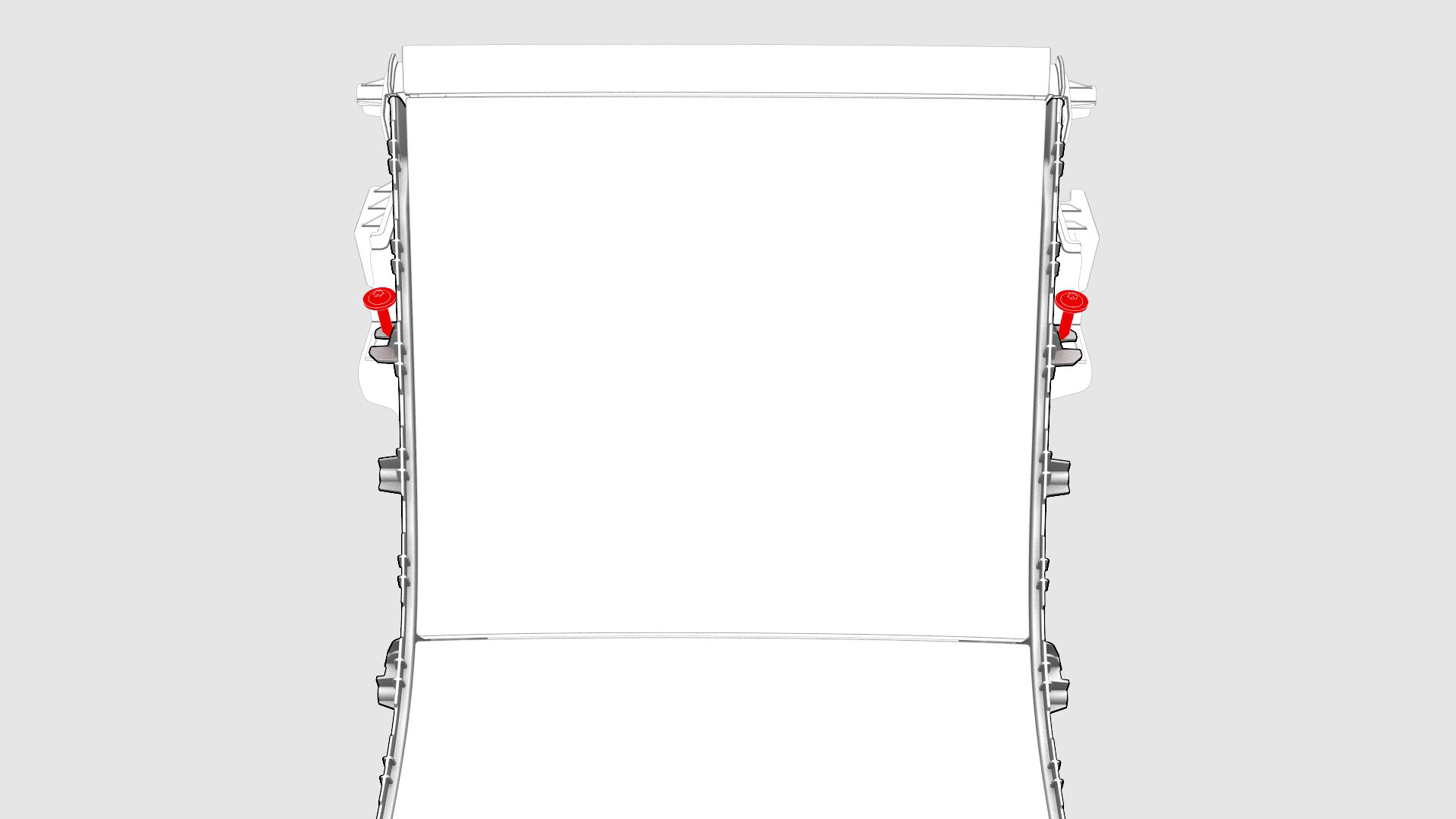
Remove the screws that attach the center console front bin insert to the center console.Torque 1.1 Nm
-
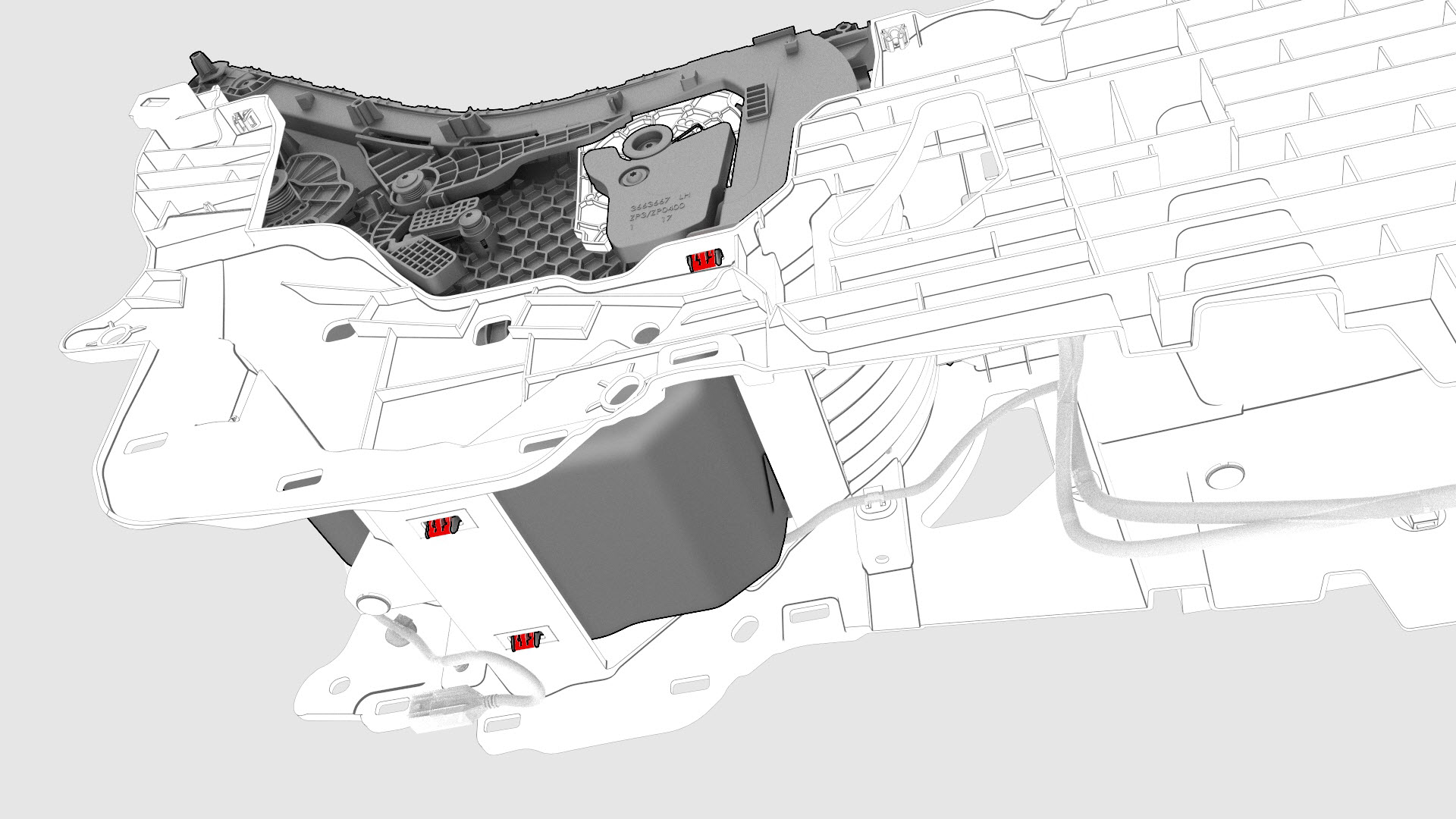
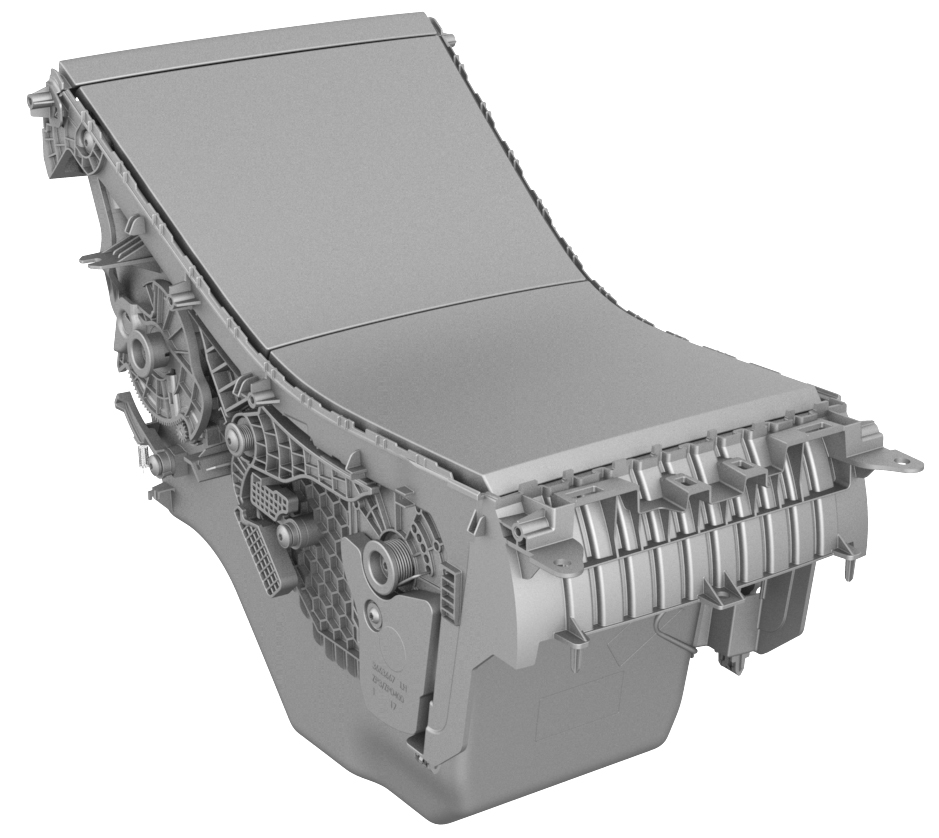
Pull up to release the clips (x4) that attach the center console front bin insert to the center console, and then remove the bin.
| 1 | Remove the LH front floormat. | ||
| 2 | Remove the center console. See Center Console (Remove and Install) | ||
| 3 | Raise the center console armrest for access. | ||
| 4 | Remove the LH and RH center console decor trim. See Decor Trim - Center Console (Remove and Replace). | ||
| 5 | Remove the screws that attach the LH bright strip to the center console. Torque 1.6 Nm | |
| 6 | Release the 6 tabs that attach the bright strip to the center console, and then remove the bright strip. | ||
| 7 | Remove the screws that attach the RH bright strip to the center console. | ||
| 8 | Release the 6 tabs that attach the bright strip to the center console, and then remove the bright strip. | ||
| 9 | Release the clips that attach the cup holder decor to the center console. | |
| 10 | Disconnect the electrical connector from security controller, and then remove the cup holder decor. | |
| 11 | Disconnect the connectors from the 12V outlet and the puddle light. | |
| 12 | Remove the screws that attach the cup holder assembly to the center console. Torque 1.1 Nm | |
| 13 | Release the clips that attach the cup holder assembly to the center console, and then remove the cup holder assembly from the center console. | ||
| 14 | Disconnect the connectors from the RH side of the center console. | |
| 15 | Disconnect the connectors from the USB controller. | |
| 16 | Release the clips that attach the cables to the center console front bin insert. | |
| 17 | Remove the screws that attach the center console front bin insert to the center console. Torque 1.1 Nm | |
| 18 | Pull up to release the clips (x4) that attach the center console front bin insert to the center console, and then remove the bin. |
Install
Installation procedure is the reverse of removal.