Antenna - Wi-Fi (Remove and Replace)
Correction code 2133010221330102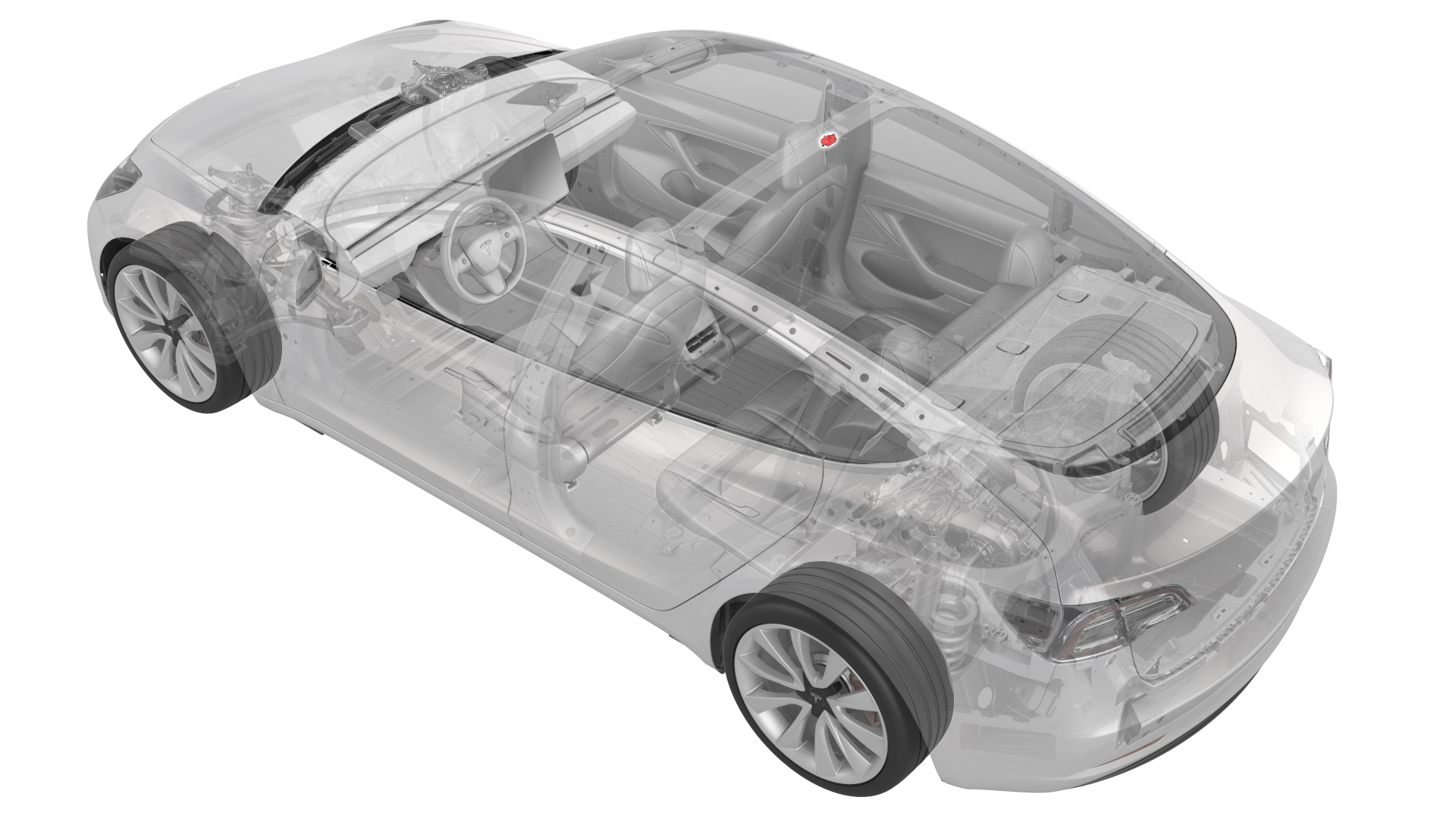
Remove
-
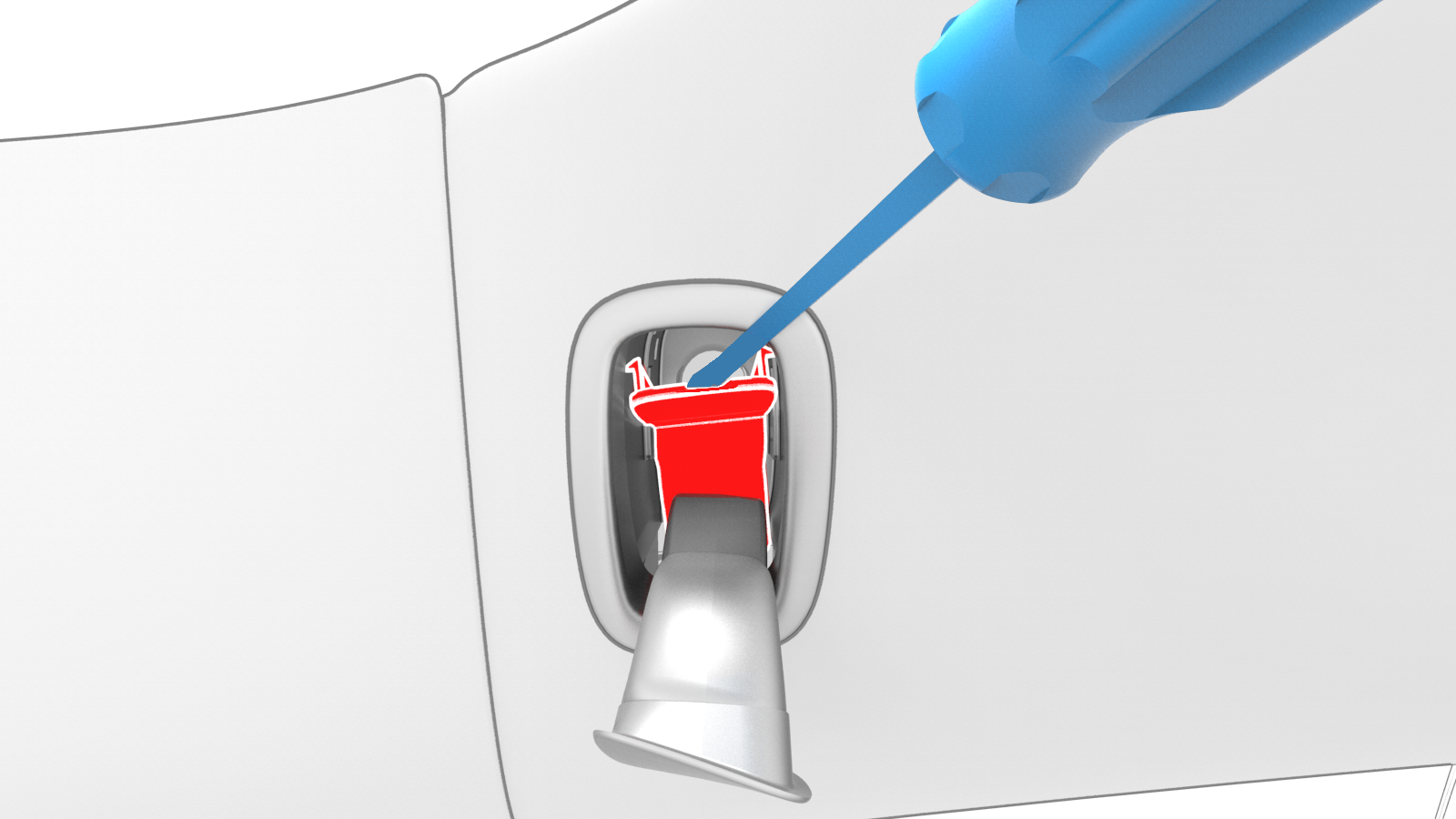
Open the LH and RH hook covers, and then release the clips that attach the screw covers to the LH and RH coat hooks.
-
Remove the screws that attach the LH and RH rear coat hooks to the vehicle.
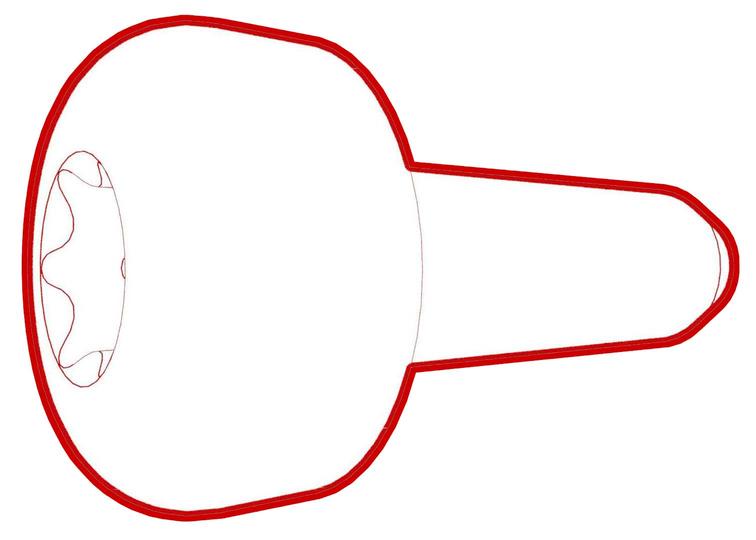 Torque 2.5 Nm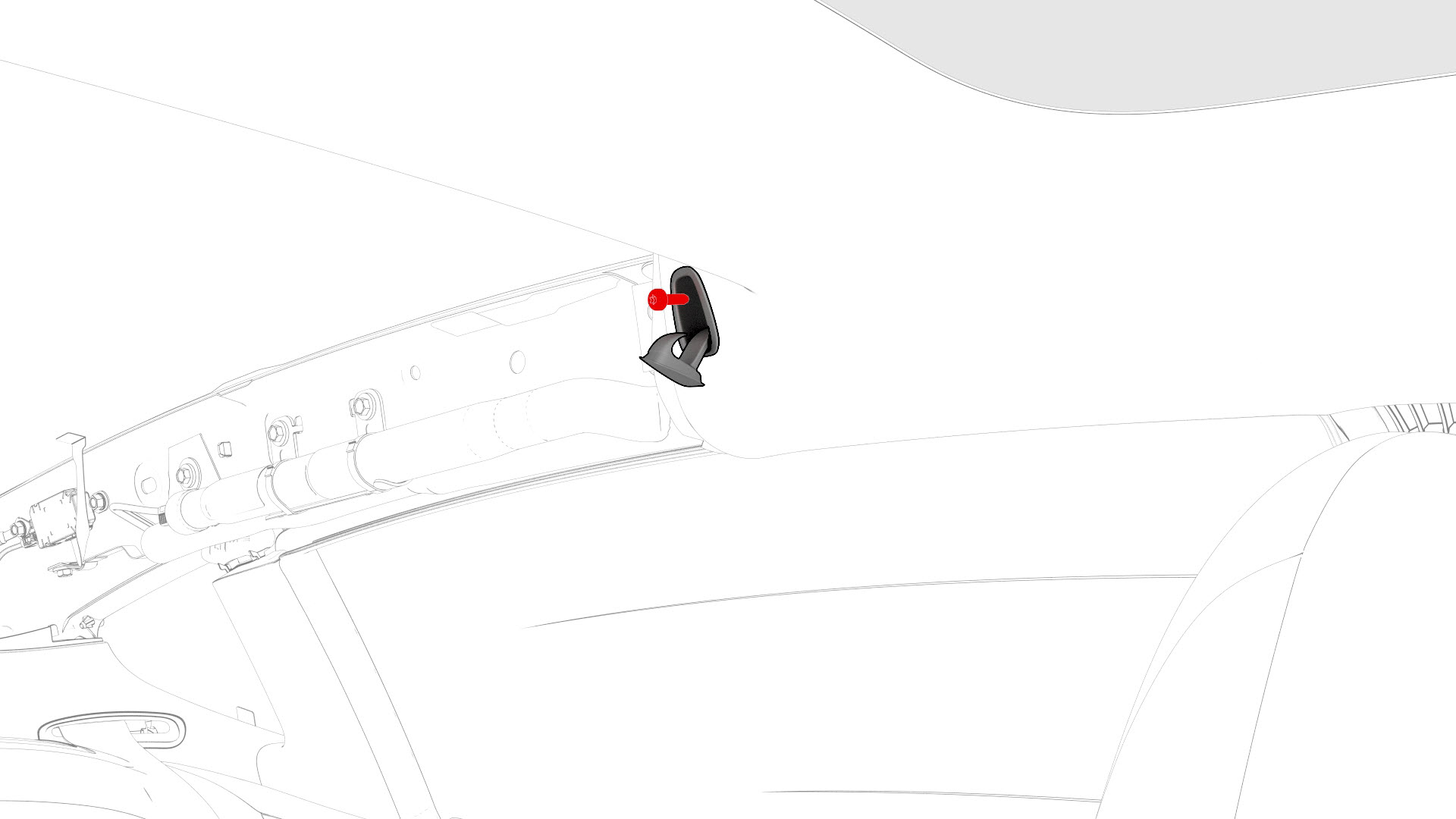
-
Release the clips (4x) that attach the rear end of the headliner to the vehicle, and then insert up a rolled up rag between the headliner and body for additional clearance.
 Caution:Take care not to bend the headliner.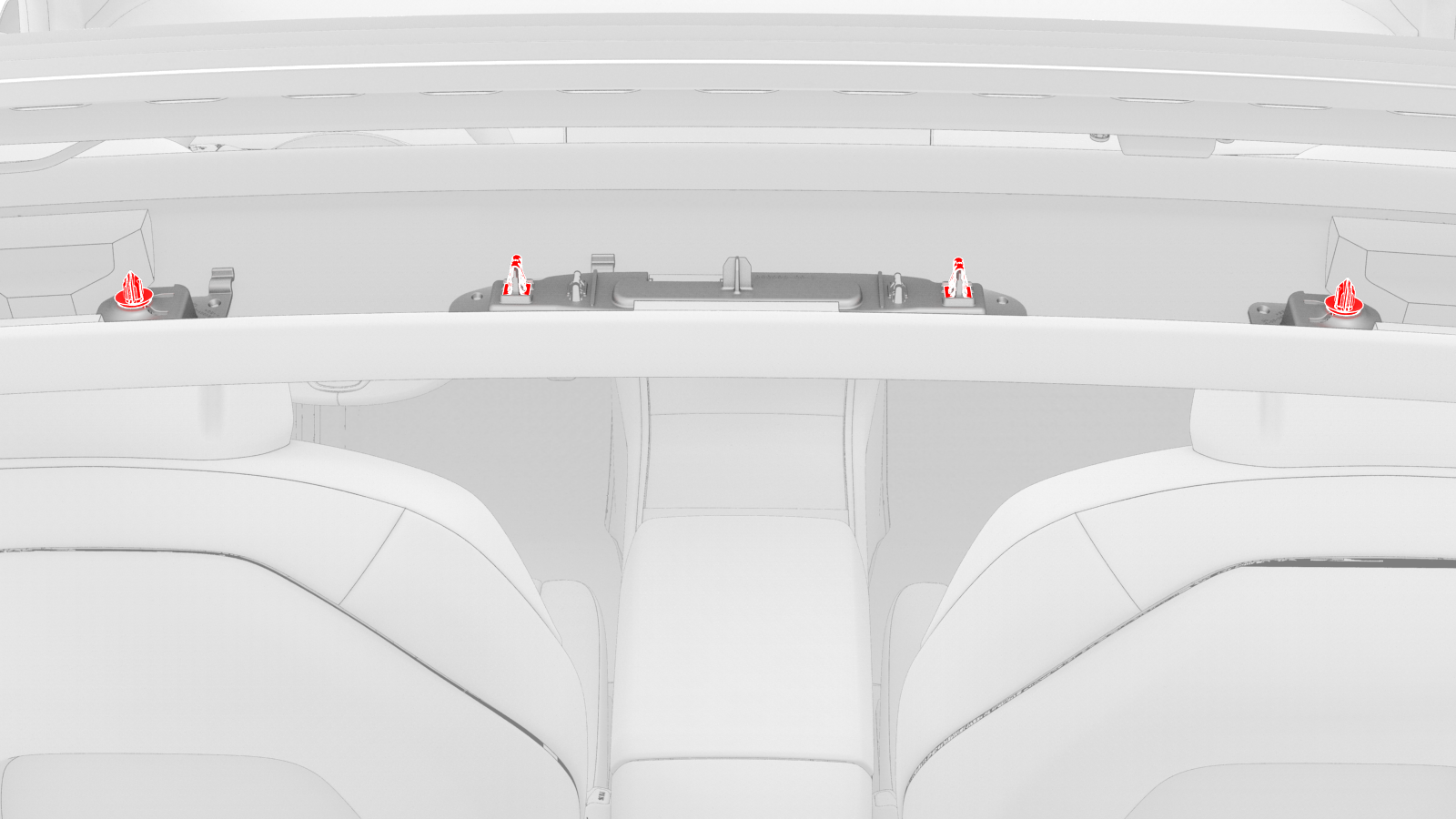
-
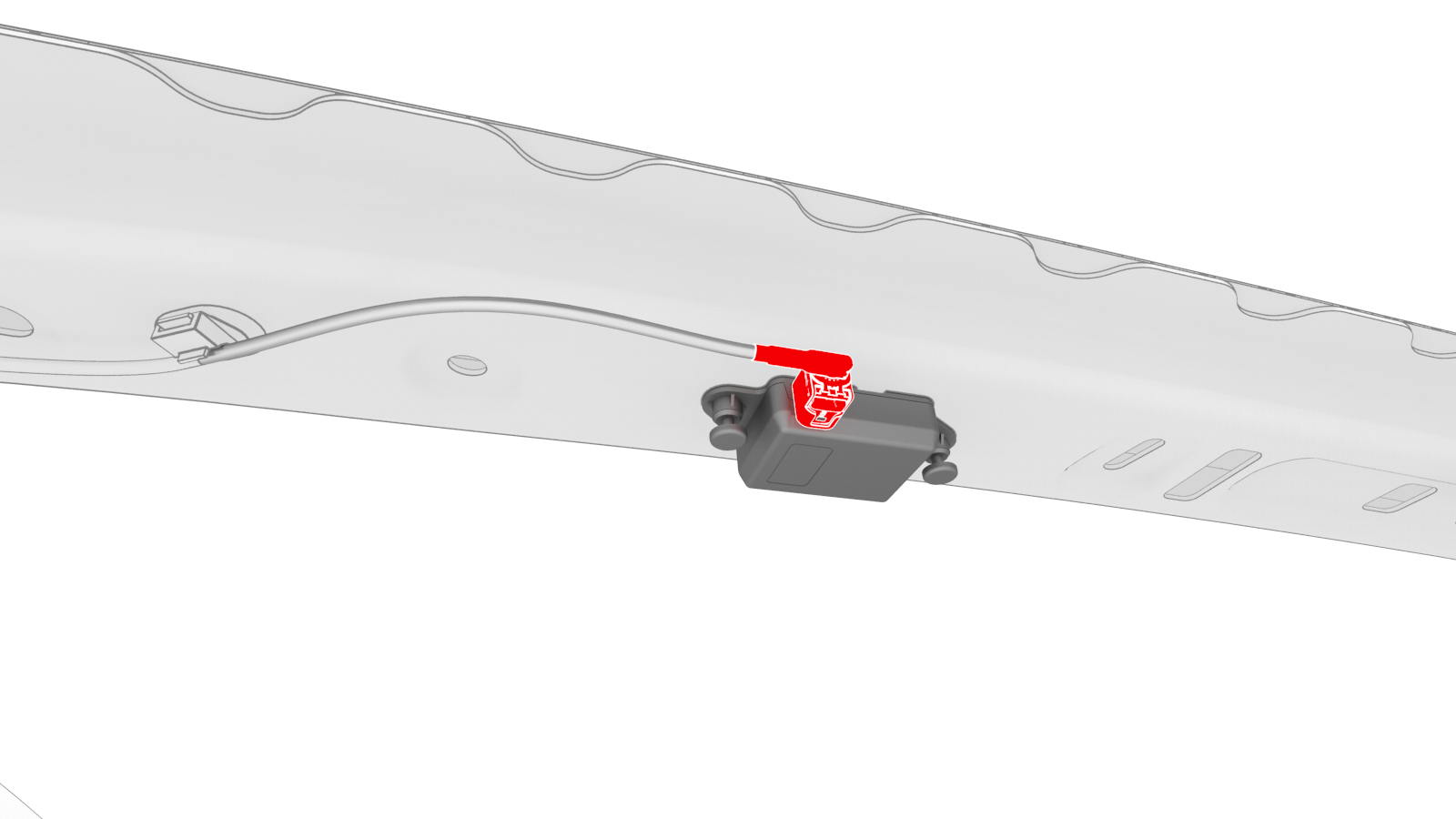
Disconnect the electrical connector from the Wi-Fi antenna.
-
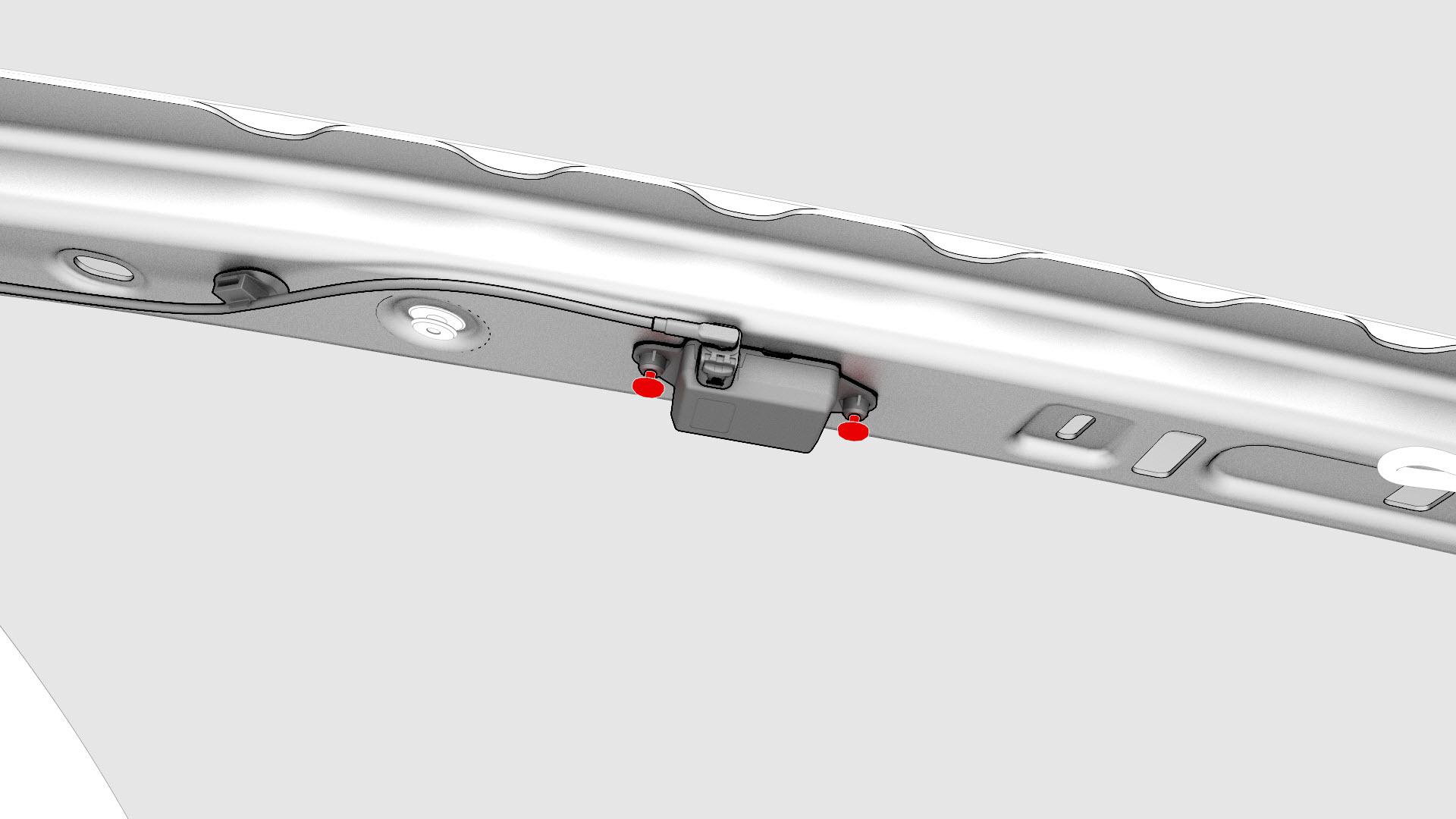
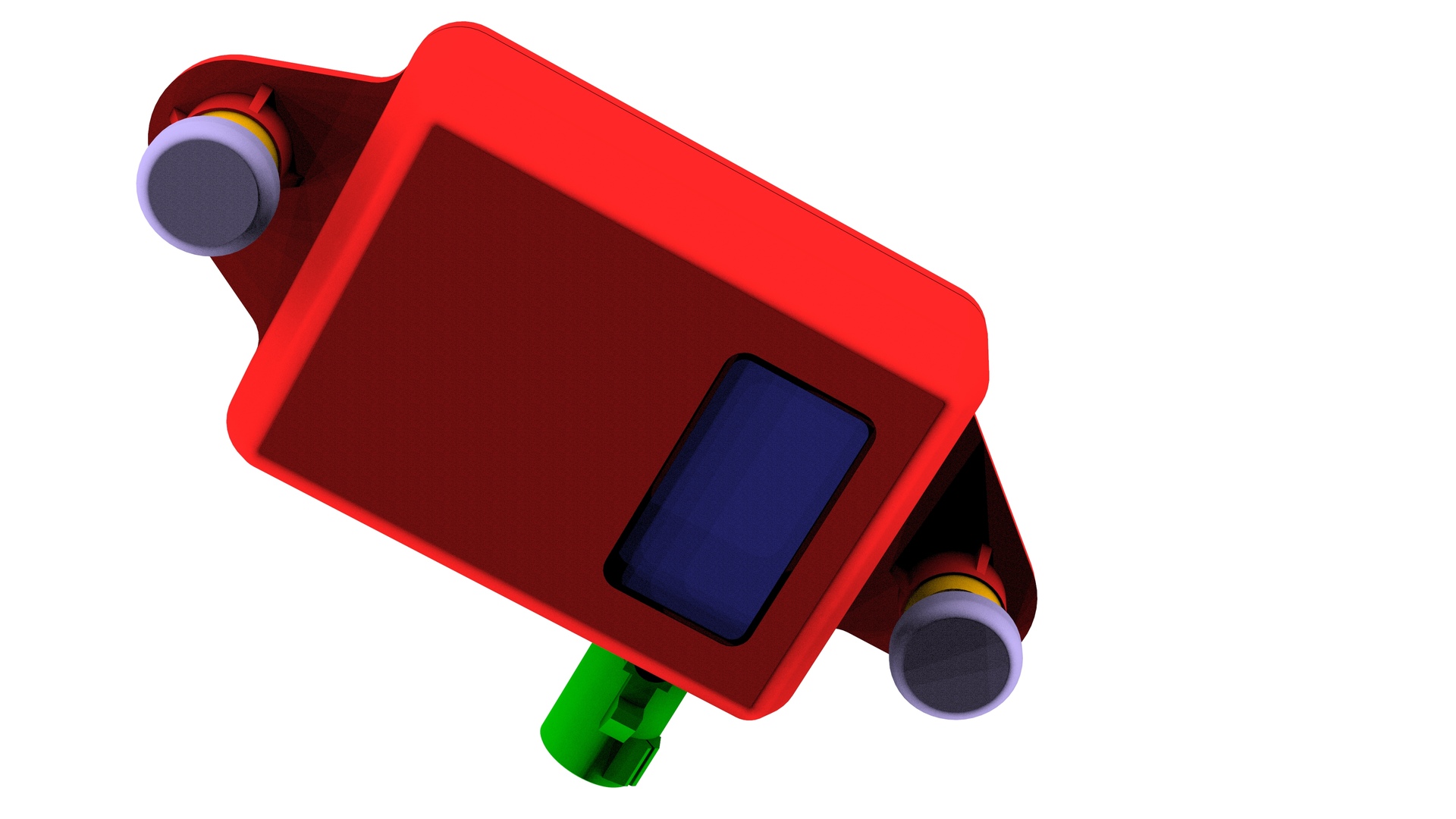
Release the clips that attach the Wi-Fi antenna to the body, and then remove the antenna from the vehicle.
| 1 | Remove the LH and RH side rail trims. See Trim - Side Rail - LH (Remove and Install). | ||
| 2 | Open the LH and RH hook covers, and then release the clips that attach the screw covers to the LH and RH coat hooks. | |
| 3 | Remove the screws that attach the LH and RH rear coat hooks to the vehicle. Torque 2.5 Nm | |
| 4 | Release the clips that attach the LH and RH upper B-pillar trims to the vehicle, and then set the B-pillar trims aside. See Trim - B-Pillar - Upper - LH (Remove and Replace). Note: It is not necessary to completely remove the upper B-pillar trims from the vehicle. While still attached to the seatbelt, set the trim aside.
| ||
| 5 | Release the clips (4x) that attach the rear end of the headliner to the vehicle, and then insert up a rolled up rag between the headliner and body for additional clearance. Caution: Take care not to bend the headliner.
| |
| 6 | Disconnect the electrical connector from the Wi-Fi antenna. | |
| 7 | Release the clips that attach the Wi-Fi antenna to the body, and then remove the antenna from the vehicle. |
Install
Installation procedure is the reverse of removal.