Quad Camera Cover - Upper (Remove and Replace)
Correction code 1505180215051802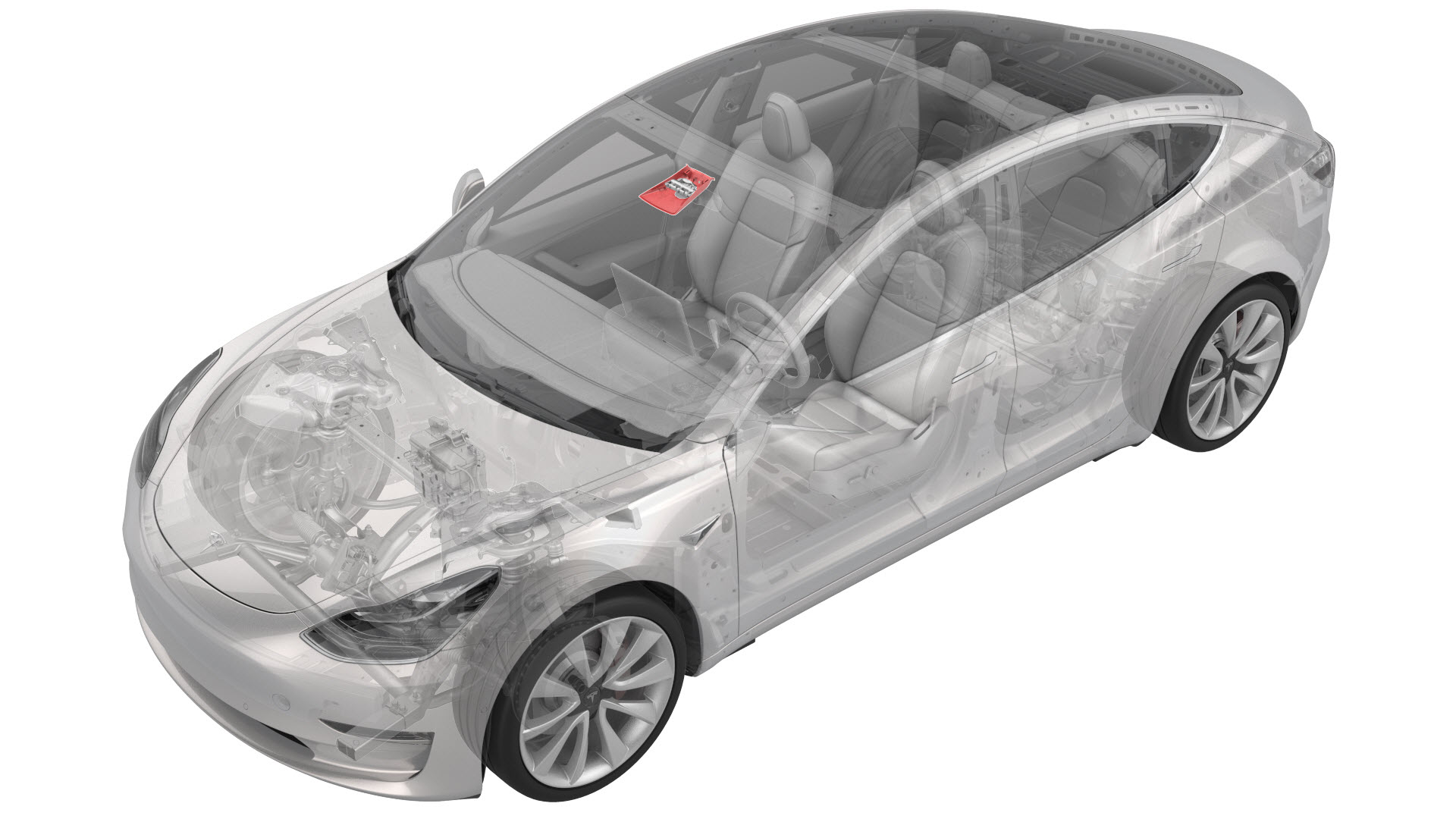
Remove
-
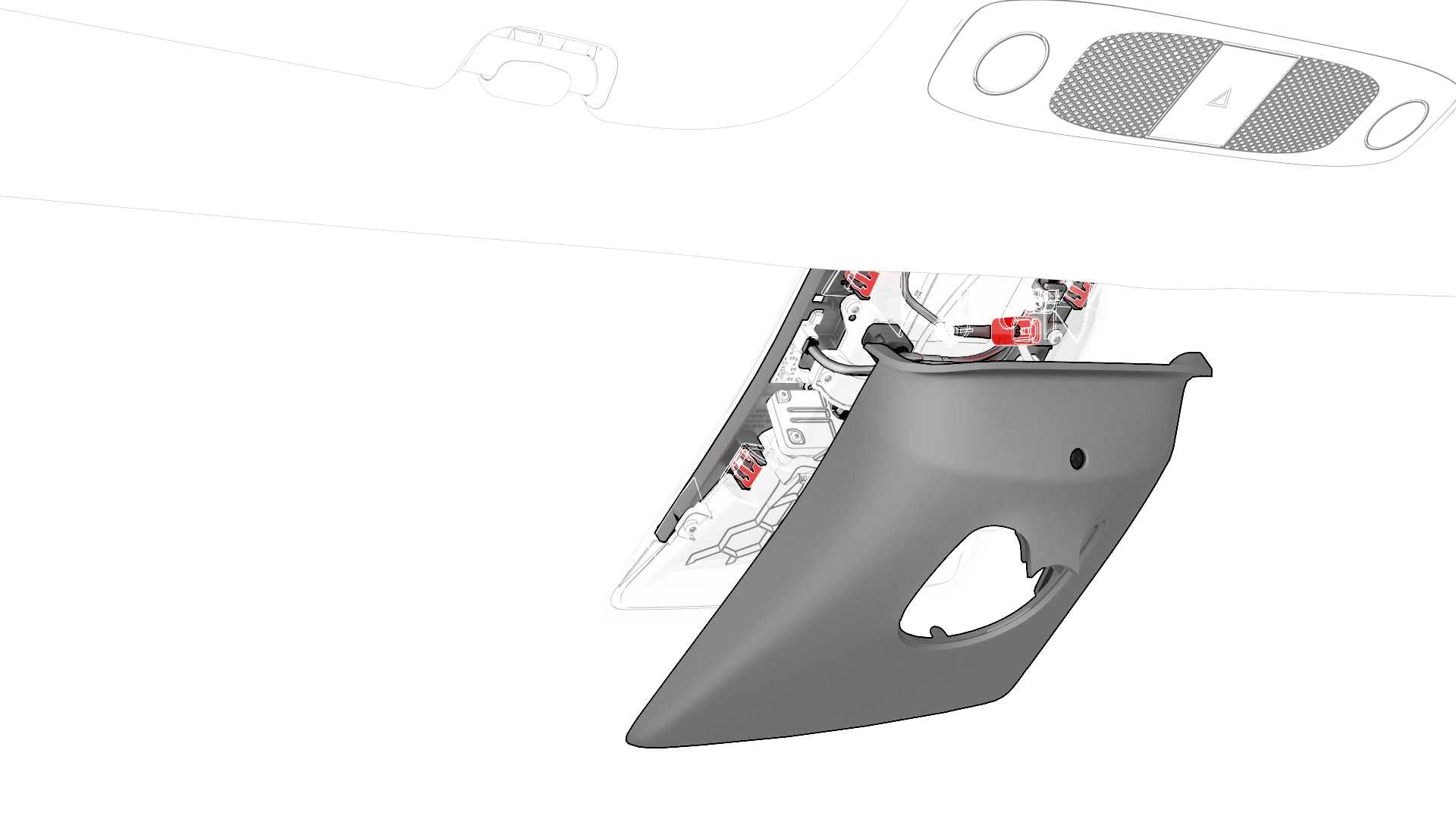
Release the clips that attach the upper quad camera cover, disconnect the interior camera connector, and then remove the upper quad camera cover and interior camera assembly from the vehicle.
-
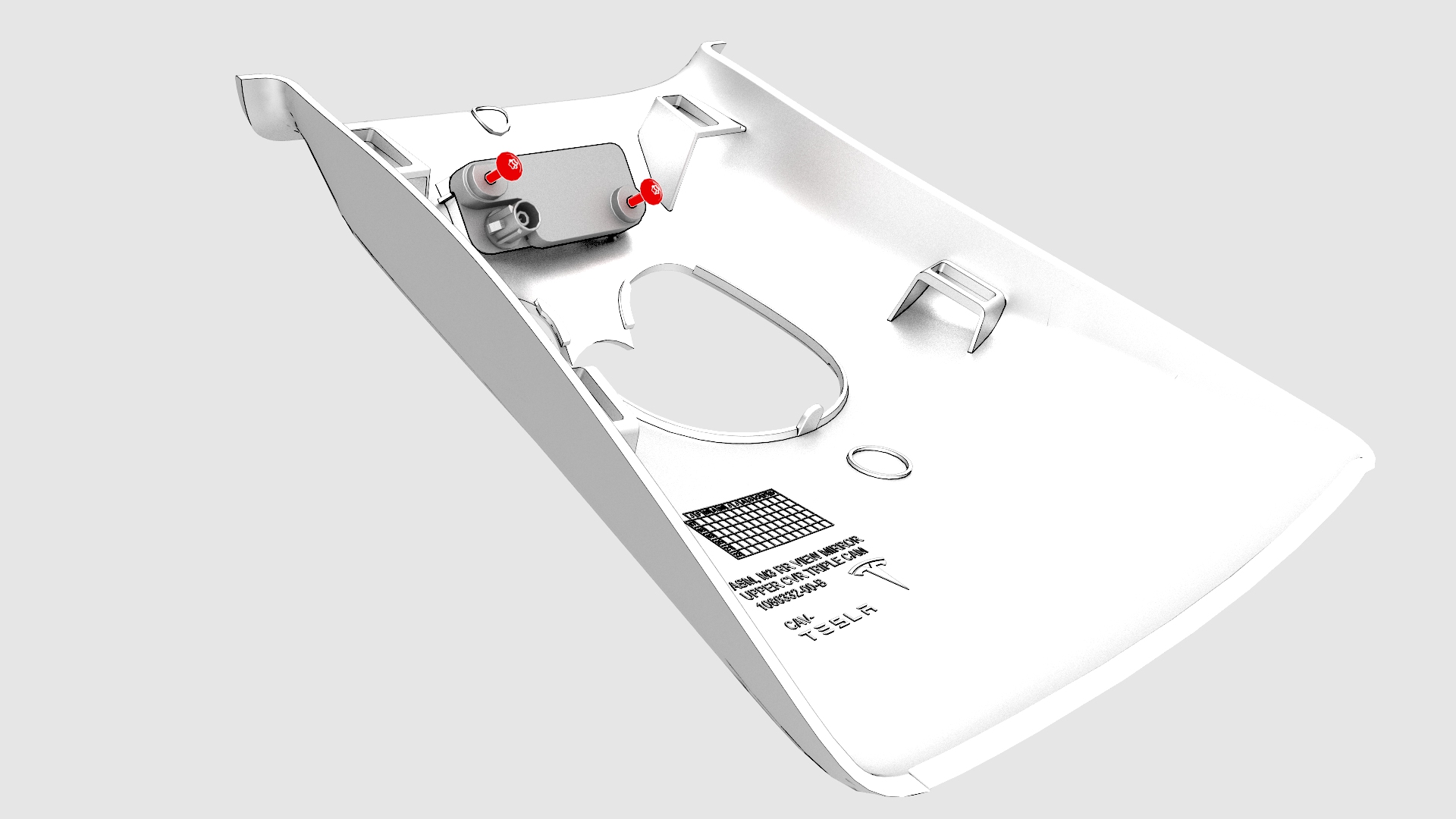
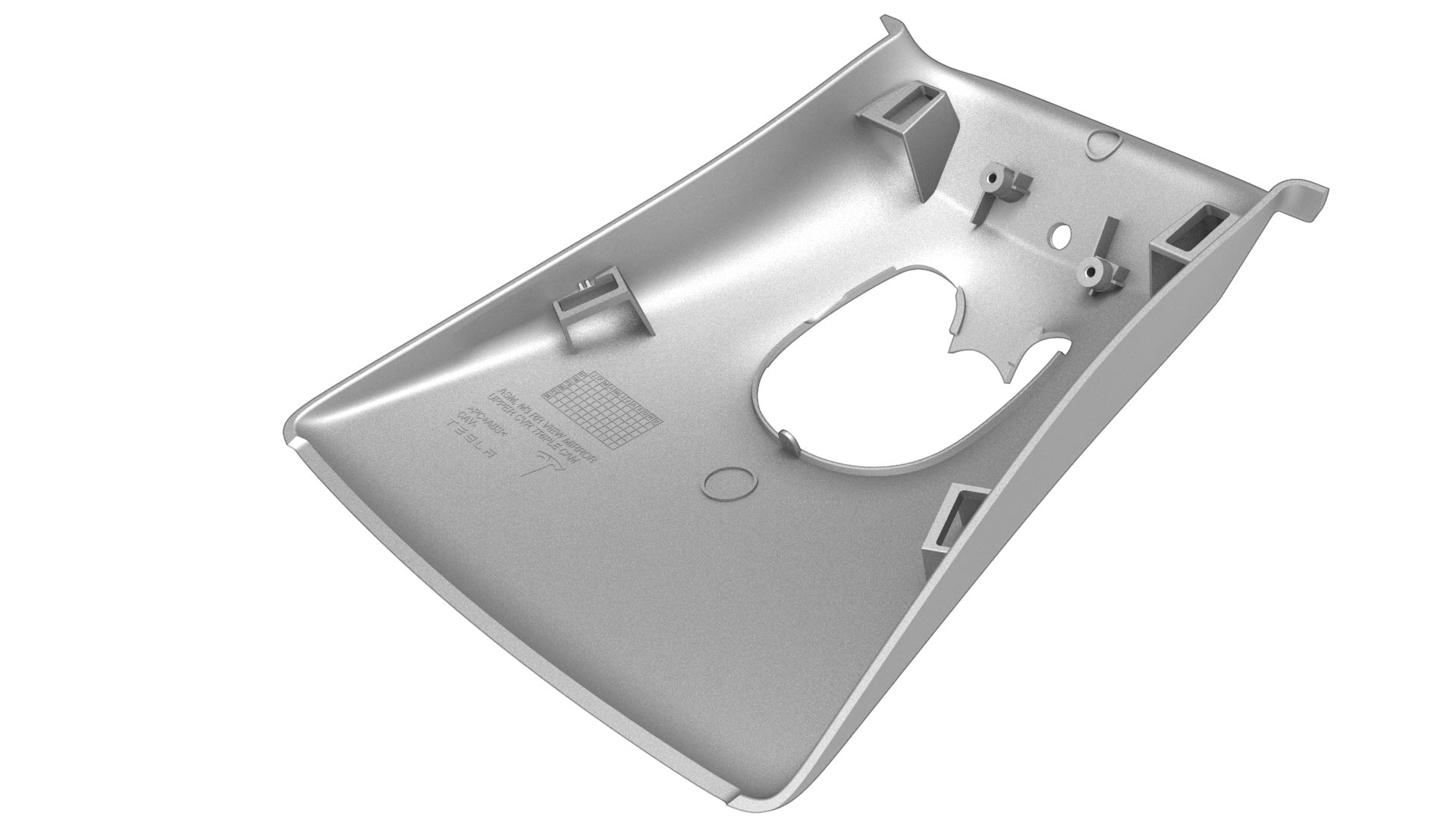
Remove the screws that attach the interior camera to the upper quad camera cover, and then remove the interior camera from the upper quad camera cover.
| 1 | Remove the lower quad camera cover. See Quad Camera Cover - Lower (Remove and Replace). | ||
| 2 | Remove the rear view mirror. See Mirror - Rear View (Remove and Replace). | ||
| 3 | Release the clips that attach the upper quad camera cover, disconnect the interior camera connector, and then remove the upper quad camera cover and interior camera assembly from the vehicle. | |
| 4 | Remove the screws that attach the interior camera to the upper quad camera cover, and then remove the interior camera from the upper quad camera cover. |
Install
-
Position the interior camera onto the upper quad camera cover, and then install the screws that attach the interior camera onto the upper quad camera cover.
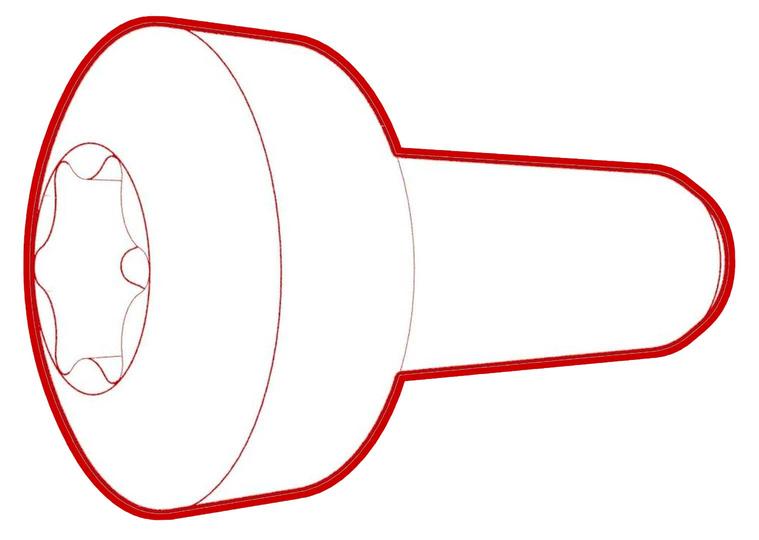 Torque 1 Nm
 -
Connect the interior camera connector, and then install the clips that attach the upper quad camera cover to the vehicle.
| 1 | Position the interior camera onto the upper quad camera cover, and then install the screws that attach the interior camera onto the upper quad camera cover. Torque 1 Nm | |
| 2 | Connect the interior camera connector, and then install the clips that attach the upper quad camera cover to the vehicle. | |
| 3 | Install the rear view mirror. See Mirror - Rear View (Remove and Replace). | ||
| 4 | Install the lower quad camera cover. See Quad Camera Cover - Lower (Remove and Replace). |