Glass - Door - LH - Front (Remove and Replace)
Correction code 1150010211500102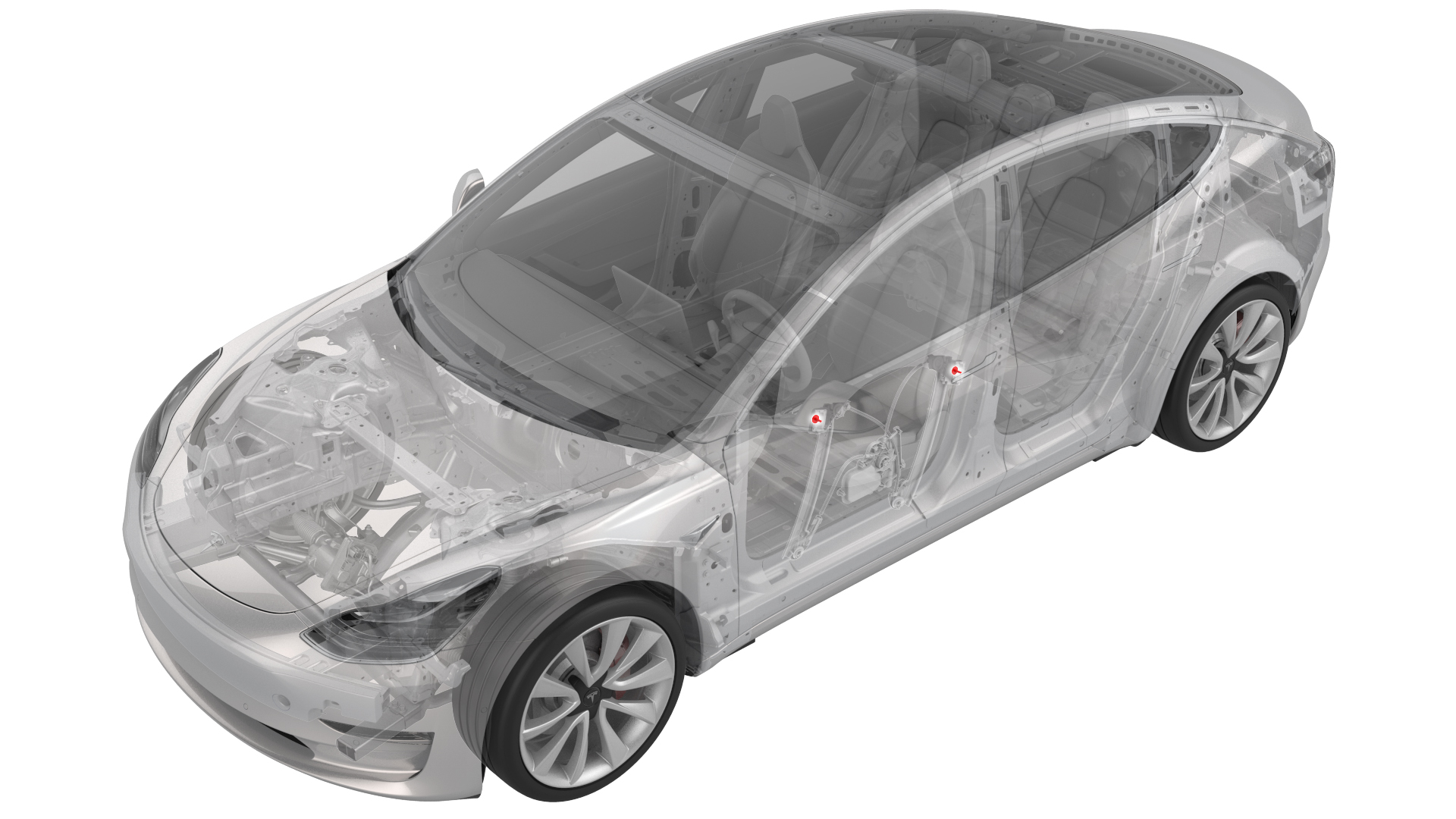
- 1454796-00-ATOOLKIT, WINDOW SWITCH
SPECIAL TOOLS
TOOLKIT, WINDOW SWITCH (1454796-00-A) |
 Warning: The side impact airbag deployment depends on the front door sensor's ability to detect a side impact from air pressure. Make sure that there are no uncovered holes in the front door shells. Additionally, always reinstall plugs or tape when servicing or inspecting the front doors and their components.
Remove
-
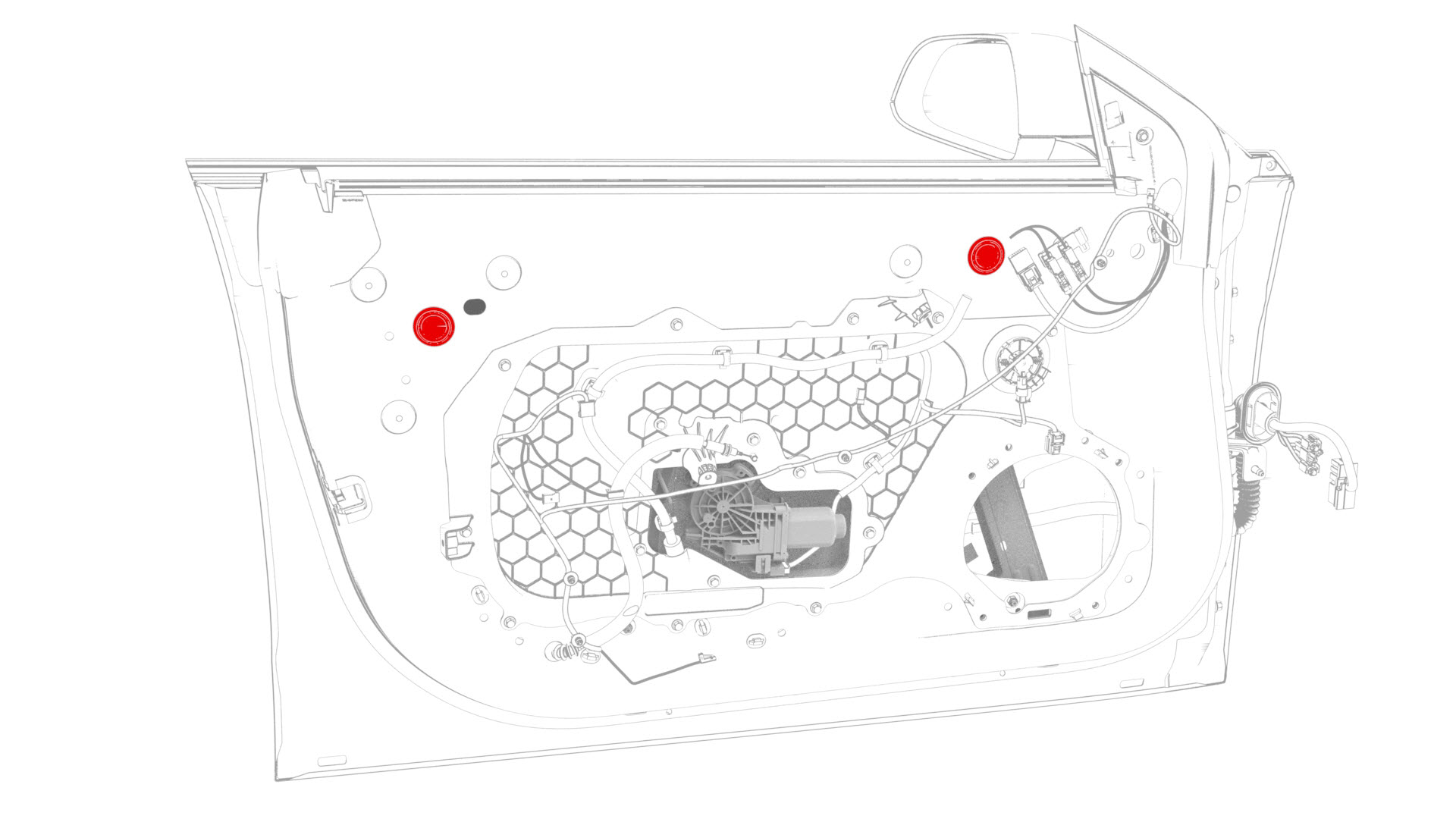
Remove the plugs that cover the openings in door for access to the regulator isolator clamps.
-
Remove and discard the bolts that attach the door glass to the regulator isolator clamps, and then remove the door glass from the door.
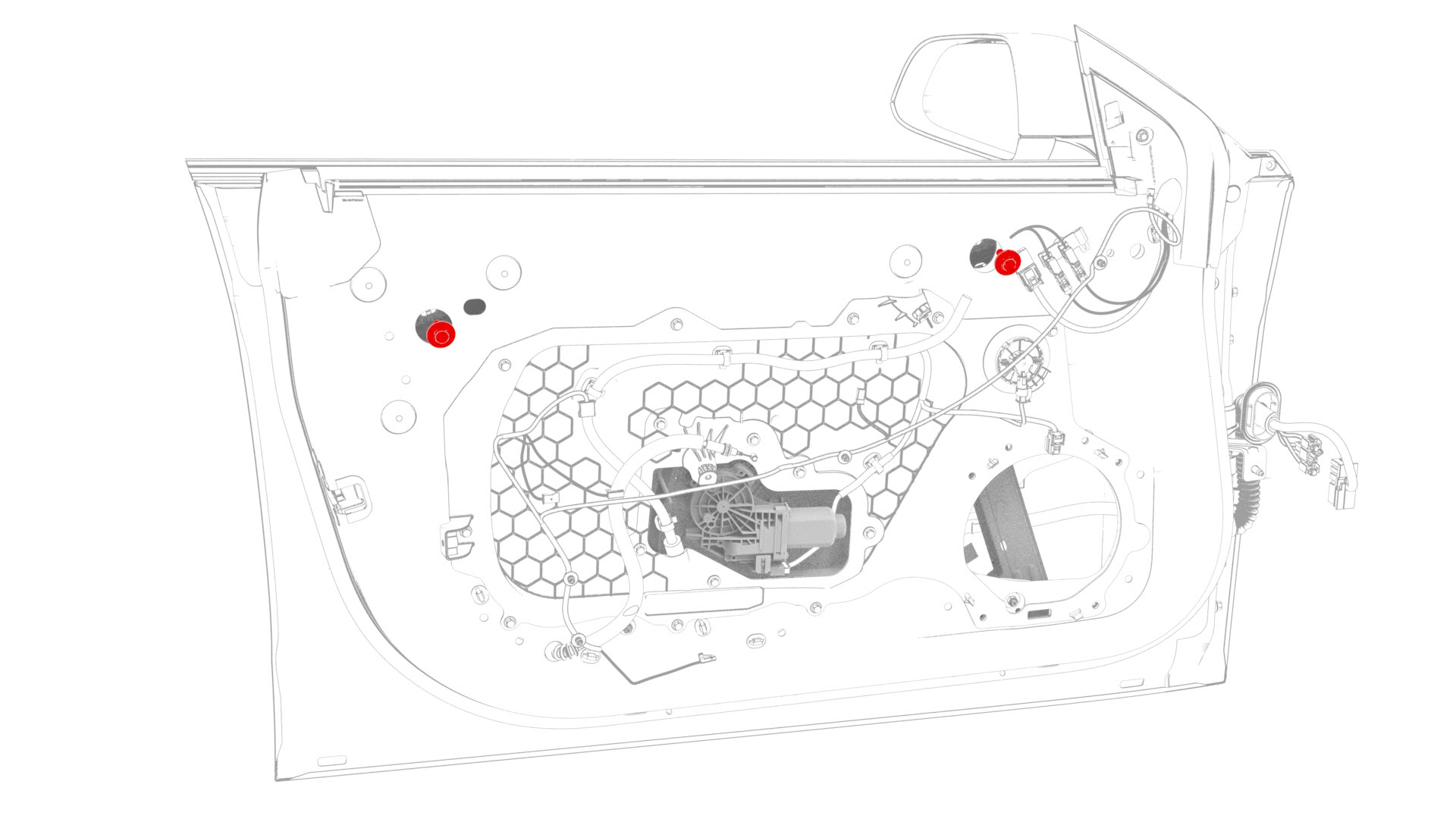 Note: Replace the regulator isolation clamps, if damaged.
| 1 | Remove the LH front door trim panel. See Panel - Door Trim - Front - LH (Remove and Install). | ||
| 2 | Remove the LH front door inner belt seal from the door. See Seal - Inner Belt - Front Door - LH (Remove and Replace). | ||
| 3 | Remove the plugs that cover the openings in door for access to the regulator isolator clamps. | |
| 4 | Disconnect the window motor electrical connector. | ||
| 5 | Connect the window switch tool, and then position the door glass so that the regulator isolator clamp bolts are accessible from the holes. | ||
| 6 | Remove and discard the bolts that attach the door glass to the regulator isolator clamps, and then remove the door glass from the door. Note: Replace the regulator isolation clamps, if damaged.
|
Install
-
Install the glass to the front LH door: Hand-tighten the glass to the regulator isolation clamps with new patchbolts, then raise the glass and align the center of it with the guide block opening.
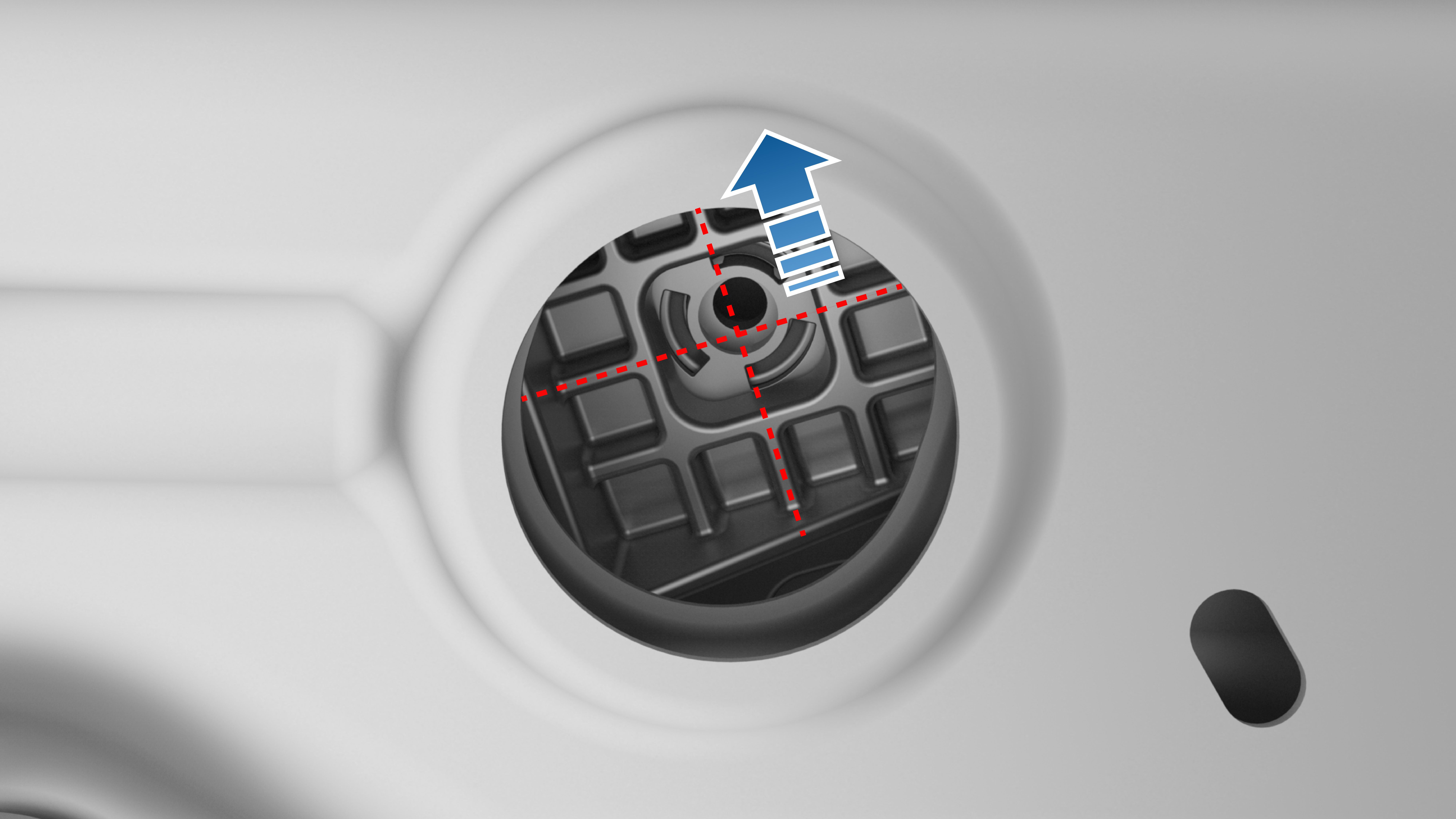 Note: Make sure that the regulator isolation clamps do not bottom out on the regulator.
 -
Tighten the bolts that attach the glass to the regulator isolator clamps.
 Torque 12 Nm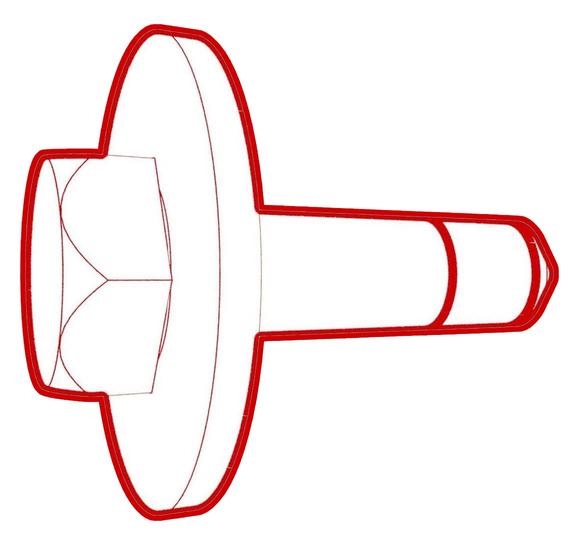
-
Install the plugs that cover the openings in the door regulator isolation clamps.
| 1 | Install the glass to the front LH door: Hand-tighten the glass to the regulator isolation clamps with new patchbolts, then raise the glass and align the center of it with the guide block opening. Note: Make sure that the regulator isolation clamps do not bottom out on the regulator.
| |
| 2 | Install the LH front door inner belt seal onto the door. See Seal - Inner Belt - Front Door - LH (Remove and Replace). | ||
| 3 | Raise the front LH window fully. | ||
| 4 | Close the LH front door. | ||
| 5 | Inspect the front LH window for proper gap and flushness: Gap 8 mm +/- 1.7 mm; Flushness 0 mm +/- 1.7 mm. | ||
| 6 | Open the LH front door. | ||
| 7 | If the glass gap and flushness is out of specifications: Loosen the bolts that attach the glass to the regulator isolator clamps approximately 1/2 turn to maintain position of the glass but still allow adjustment of the glass, and then adjust the glass to gap and flushness specifications. | ||
| 8 | Reach through the LH rear window and raise the LH front window fully. | ||
| 9 | Check again the gap and flushness of the front LH door glass and make adjustments, if necessary. | ||
| 10 | Tighten the bolts that attach the glass to the regulator isolator clamps. Torque 12 Nm | |
| 11 | Lower the front LH window. | ||
| 12 | Disconnect the window switch special tool. | ||
| 13 | Connect the electrical connector for the window motor. | ||
| 14 | Install the plugs that cover the openings in the door regulator isolation clamps. | |
| 15 | Install the LH front door trim panel. See Panel - Door Trim - Front - LH (Remove and Install). | ||
| 16 | Connect a laptop with Toolbox to the vehicle. | ||
| 17 | Sit in the driver seat, and then close the LH front door. | ||
| 18 | In Toolbox, type window in the search field. Note: Make sure Actions is selected.
| ||
| 19 | Click the play button next to "TESTSELF_ VCLEFT_FRONT-L_CALIBRATE-WINDOW", and then select Run. Note: The LH front window cycles up and down during this calibration routine.
| ||
| 20 | Press the LH front window switch down to the second position to active the auto-lower function, and then raise the window fully to activate the auto-raise function. | ||
| 21 | Disconnect the laptop from the vehicle. |