Duct - HVAC Plenum - Inner (Remove and Replace)
Correction code 1810900218109002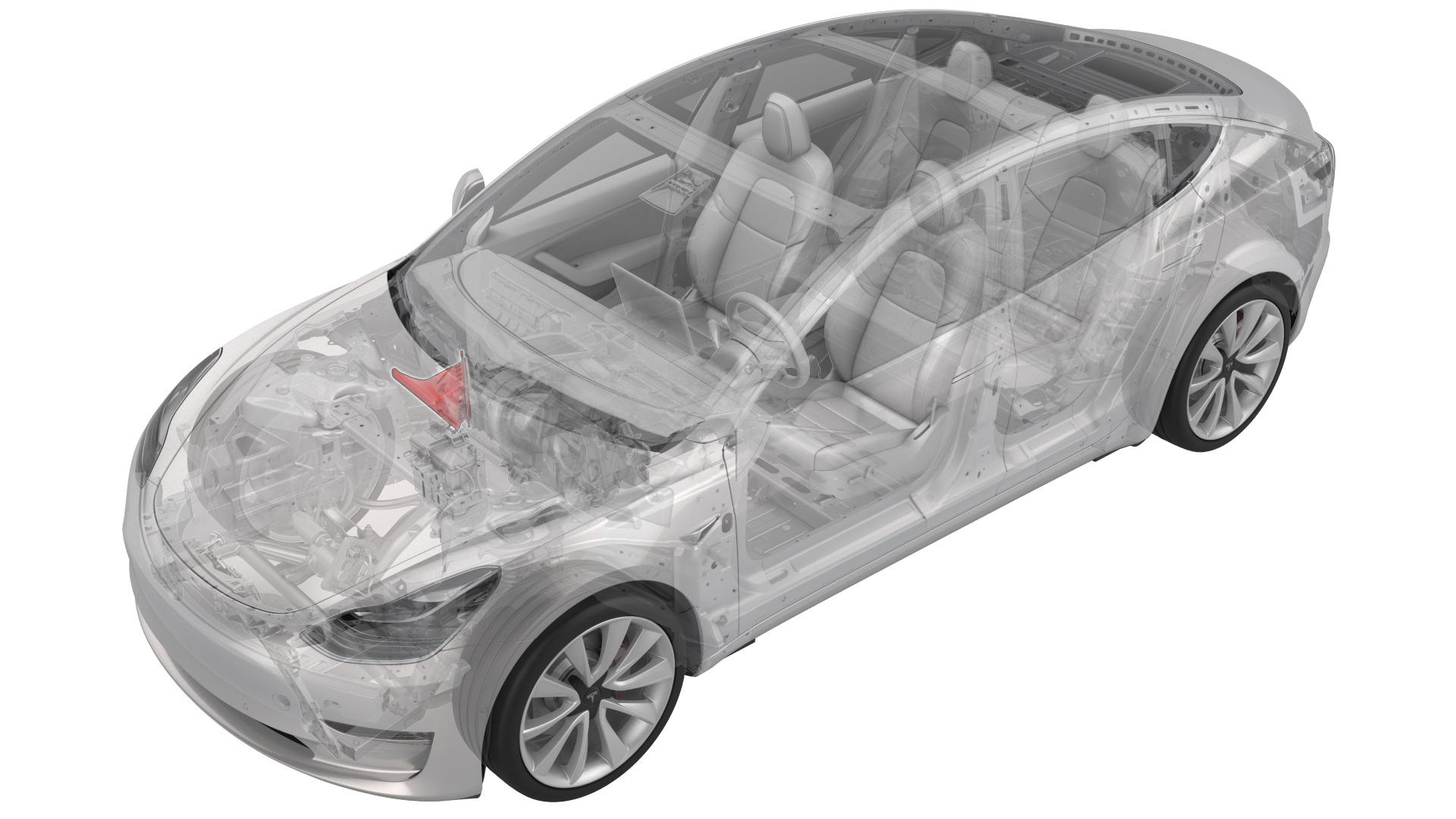
Remove
-
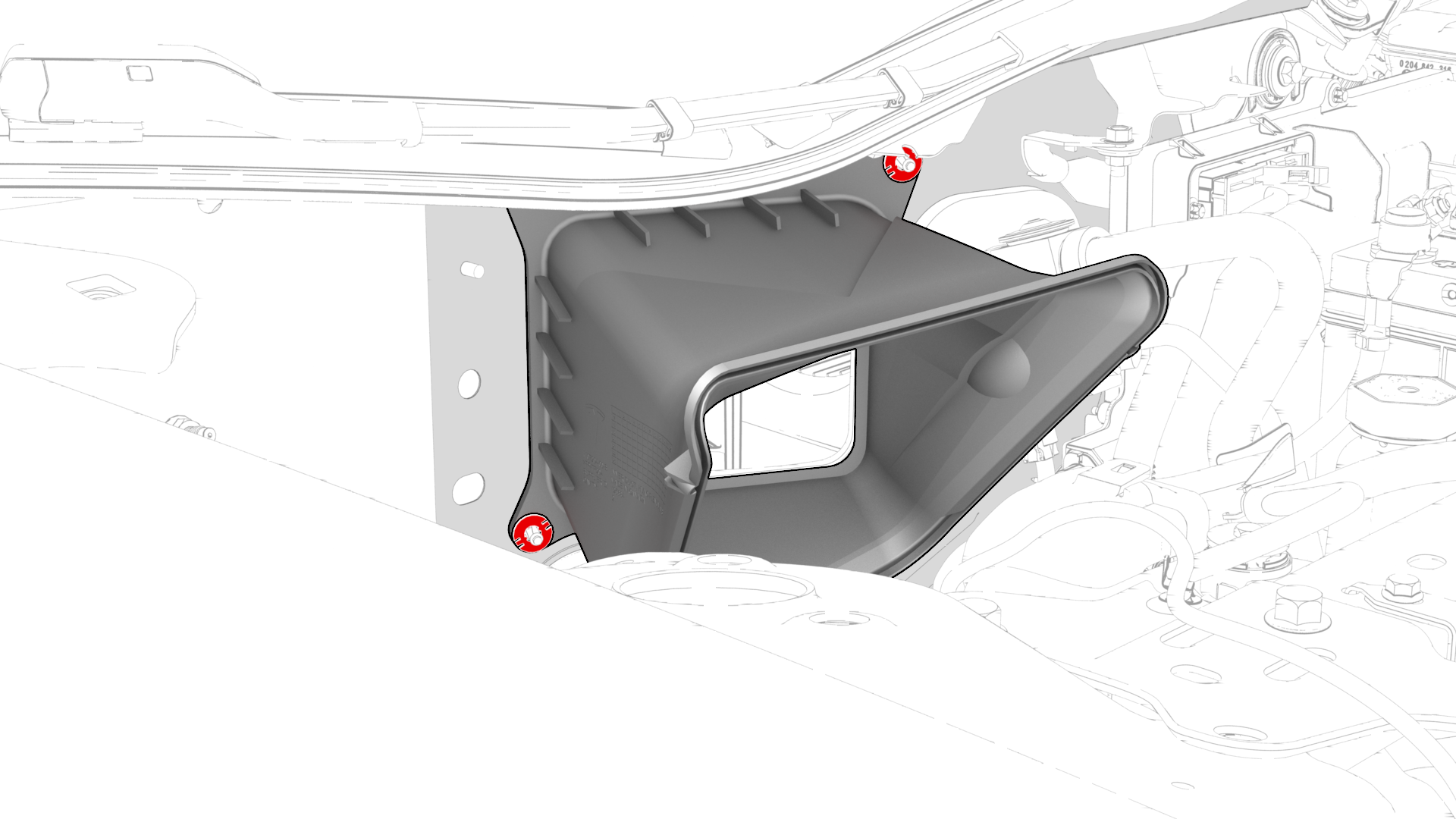
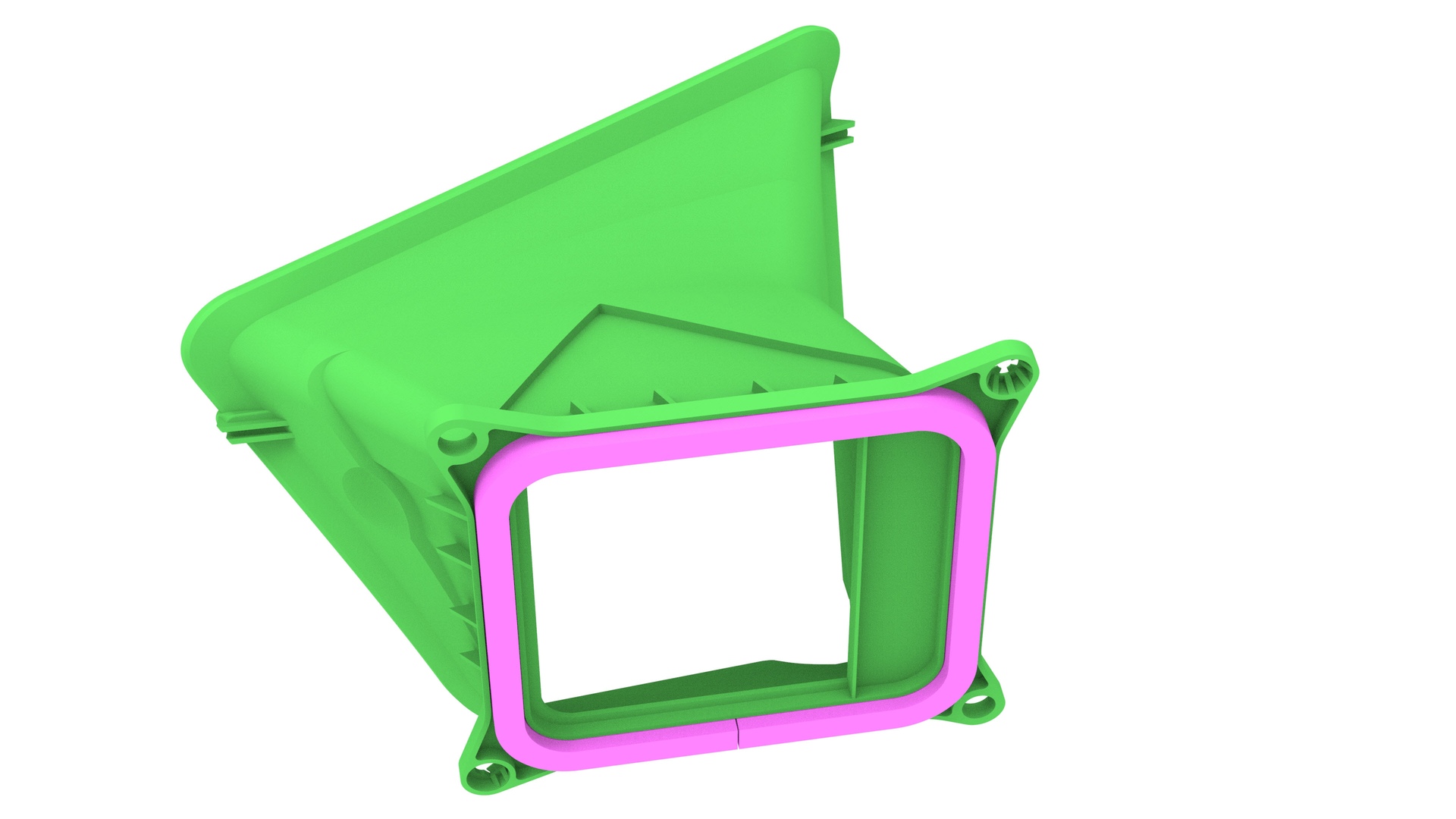
Release the clips that attach the inner HVAC plenum, and then remove the inner HVAC plenum from the vehicle.
| 1 | Remove the rear underhood apron. See Underhood Apron - Rear (Remove and Replace). | ||
| 2 | Remove the outer HVAC plenum. See Duct - HVAC Plenum - Outer (Remove and Replace). | ||
| 3 | Remove the hood latch cover. See Cover - Hood Latch (Remove and Replace). | ||
| 4 | Remove the underhood storage unit. See Underhood Storage Unit (Remove and Replace). | ||
| 5 | Remove the LH and RH wiper arms. See Wiper Arms (Remove and Replace). | ||
| 6 | Remove the LH and RH shock tower cover. See Cover - Shock Tower - LH (Remove and Replace). | ||
| 7 | Remove the cowl screen panel. See Panel - Cowl Screen (Remove and Replace). | ||
| 8 | Release the clips that attach the inner HVAC plenum, and then remove the inner HVAC plenum from the vehicle. |
Install
Installation procedure is the reverse of removal.