Lumbar Support - Backrest - Driver Seat (Remove and Replace)
Correction code 1304300213043002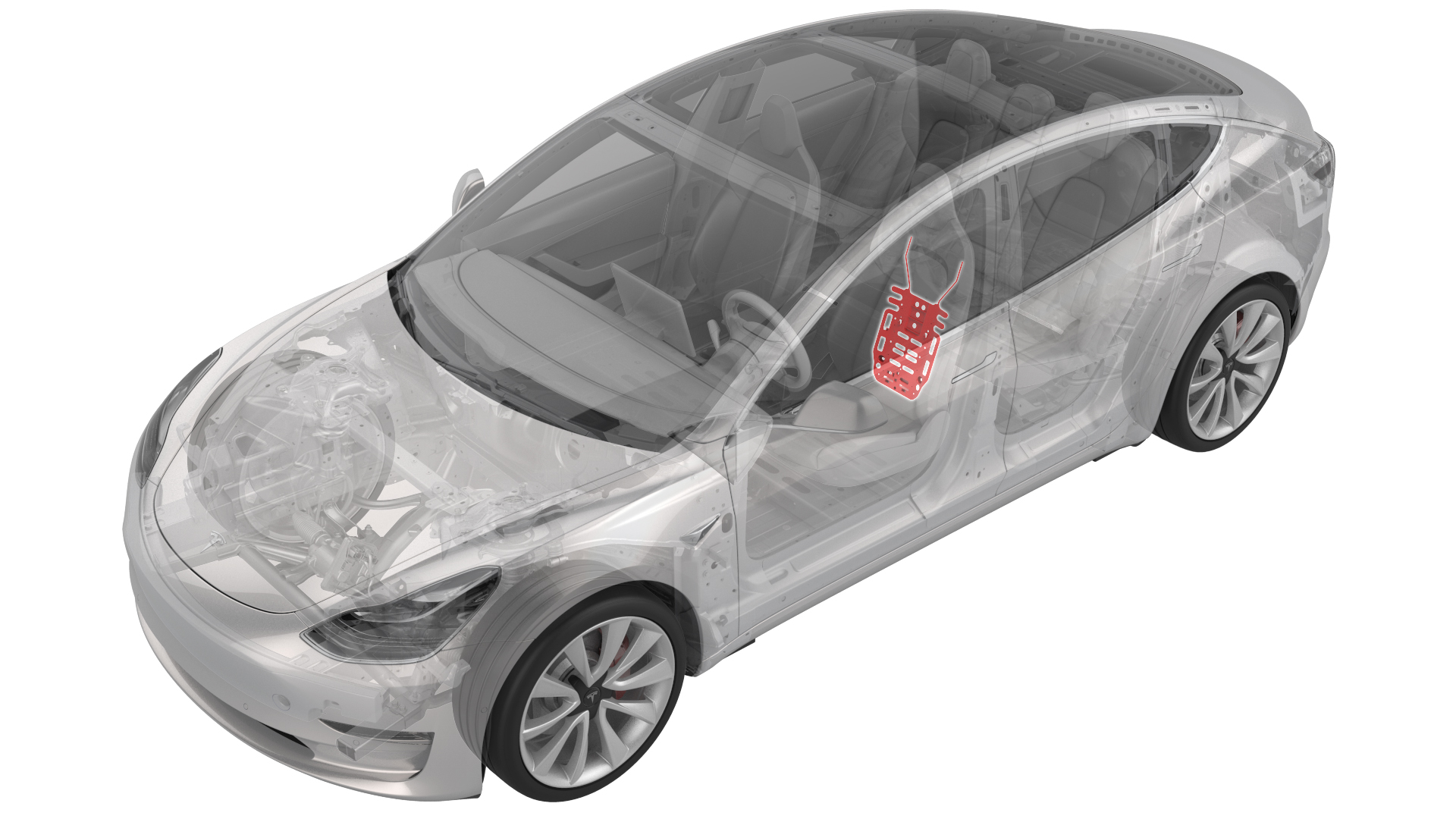
Remove
-
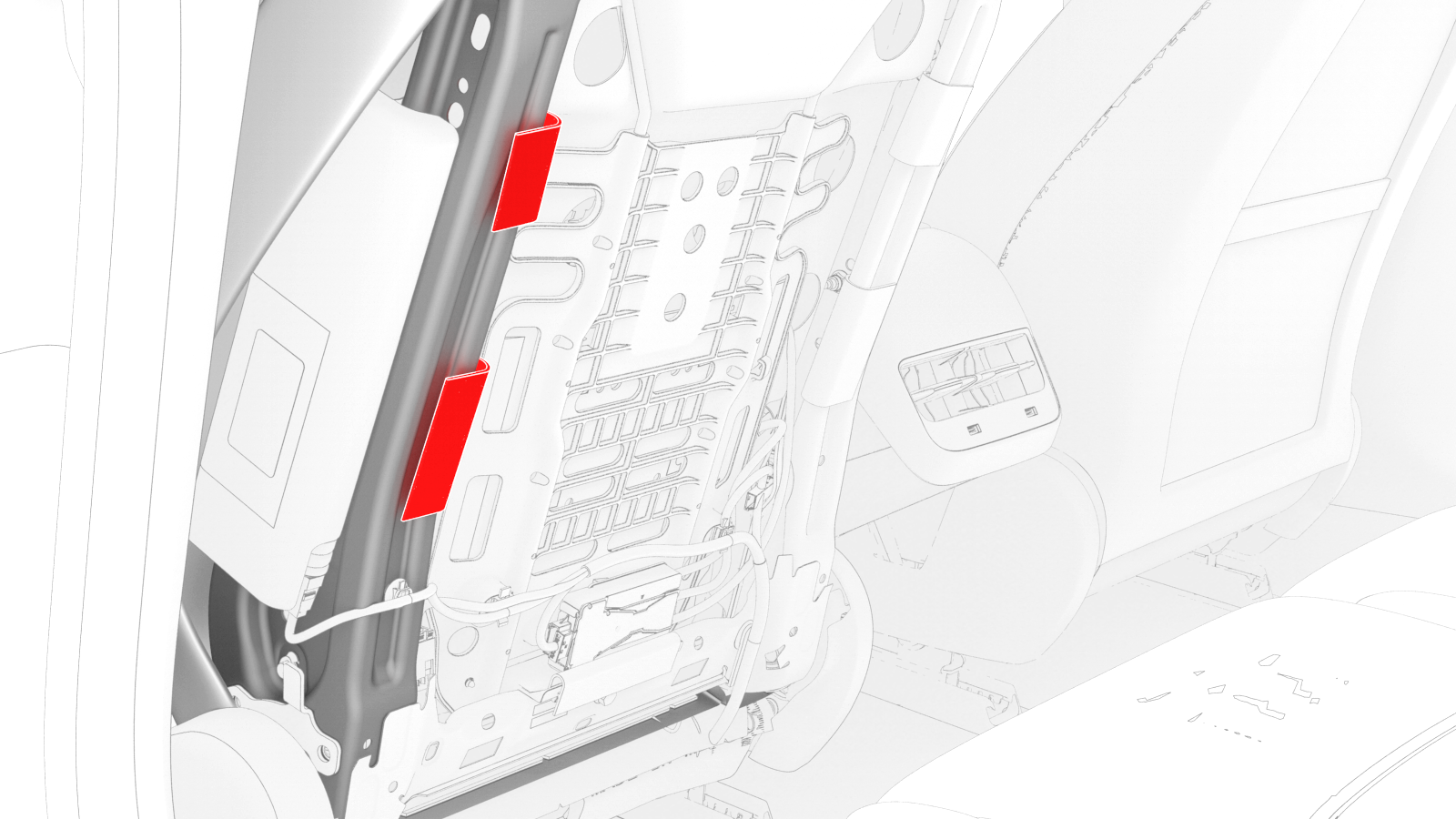
Release the clips that attach the outboard side of the seat back cover to the seat back frame, and then expose the air bag connector.
-
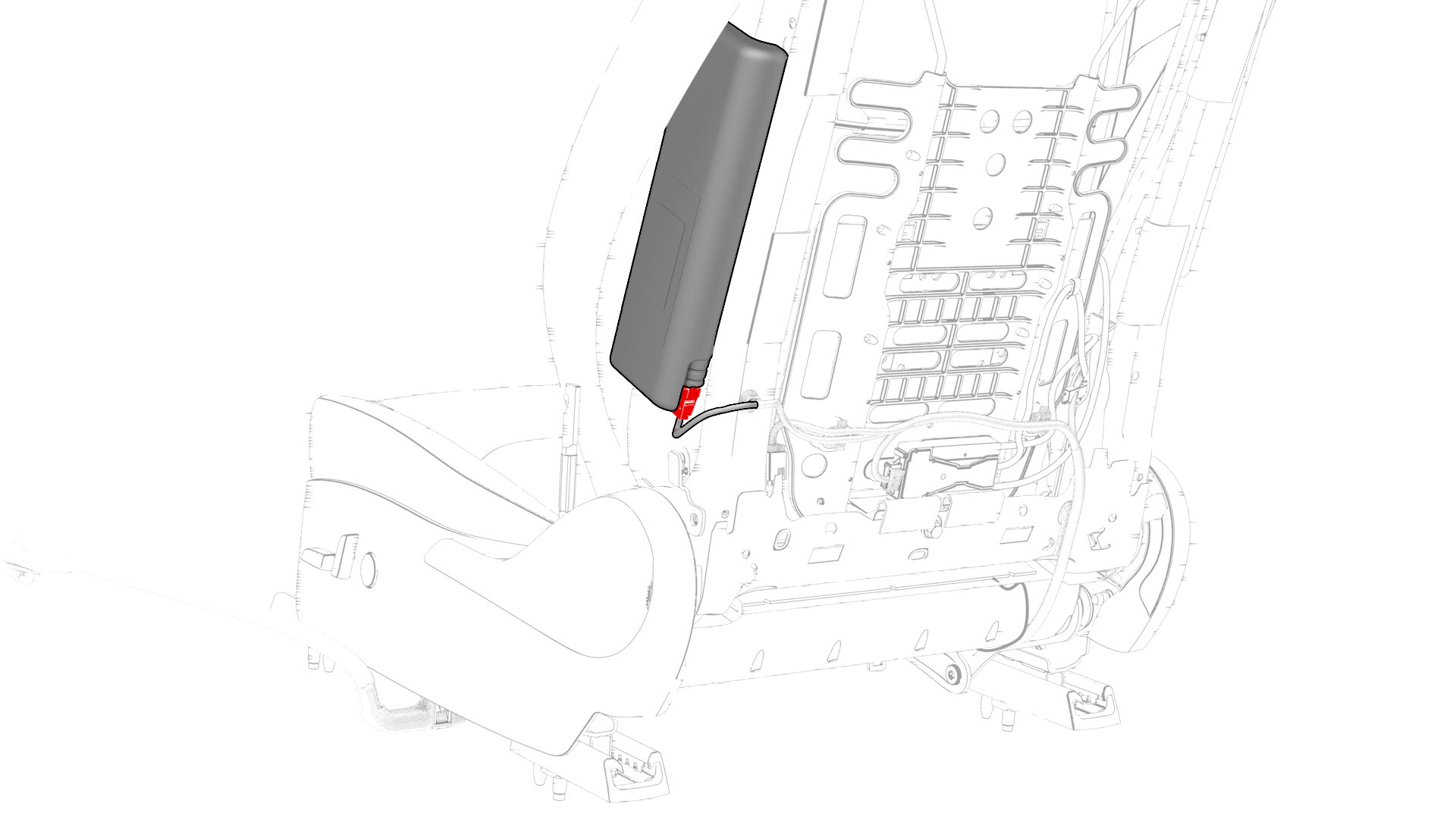
Disconnect the electrical harness from the driver side airbag connector.
-
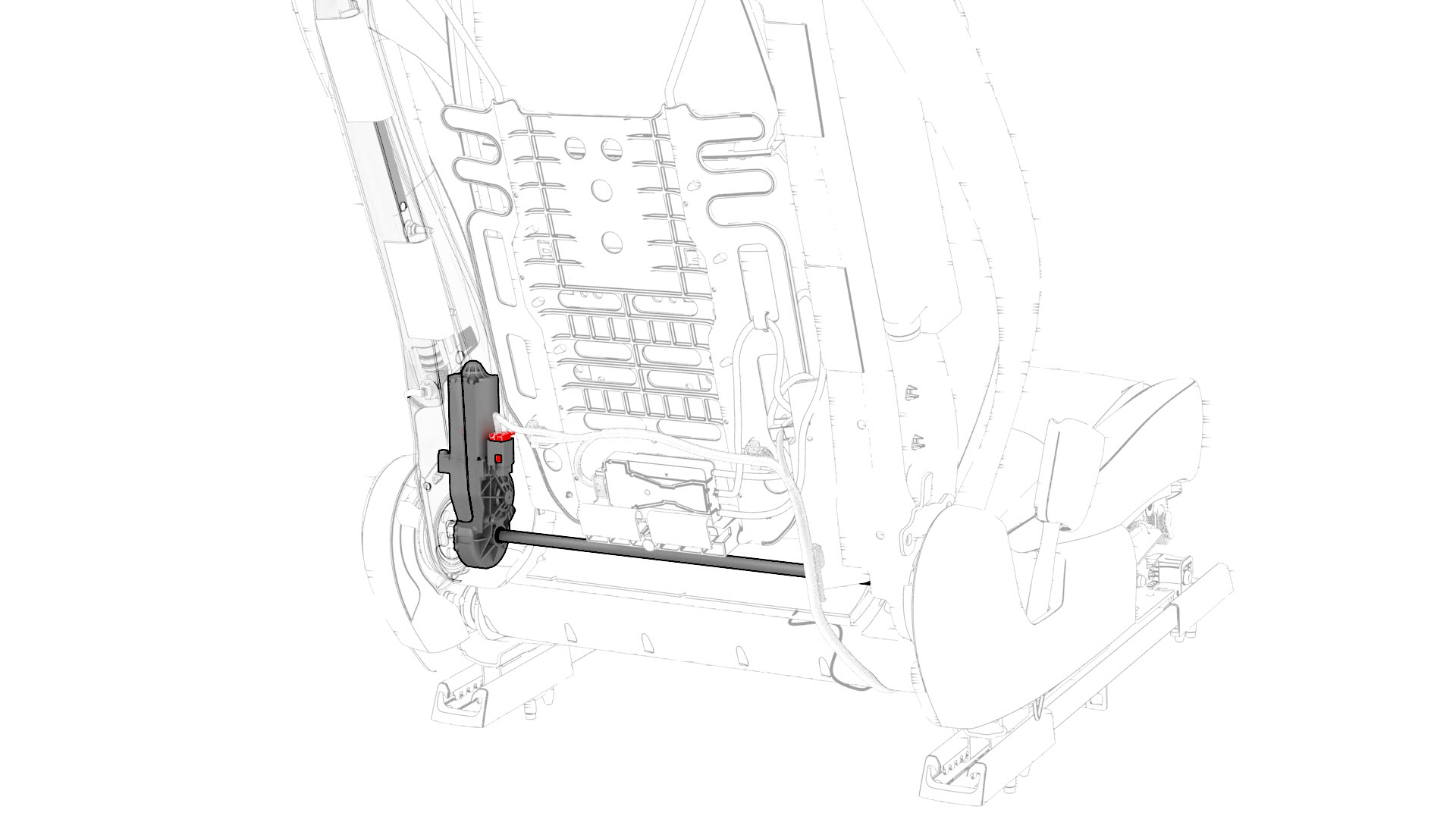
Disconnect the electrical harness from the recliner motor connector.
-
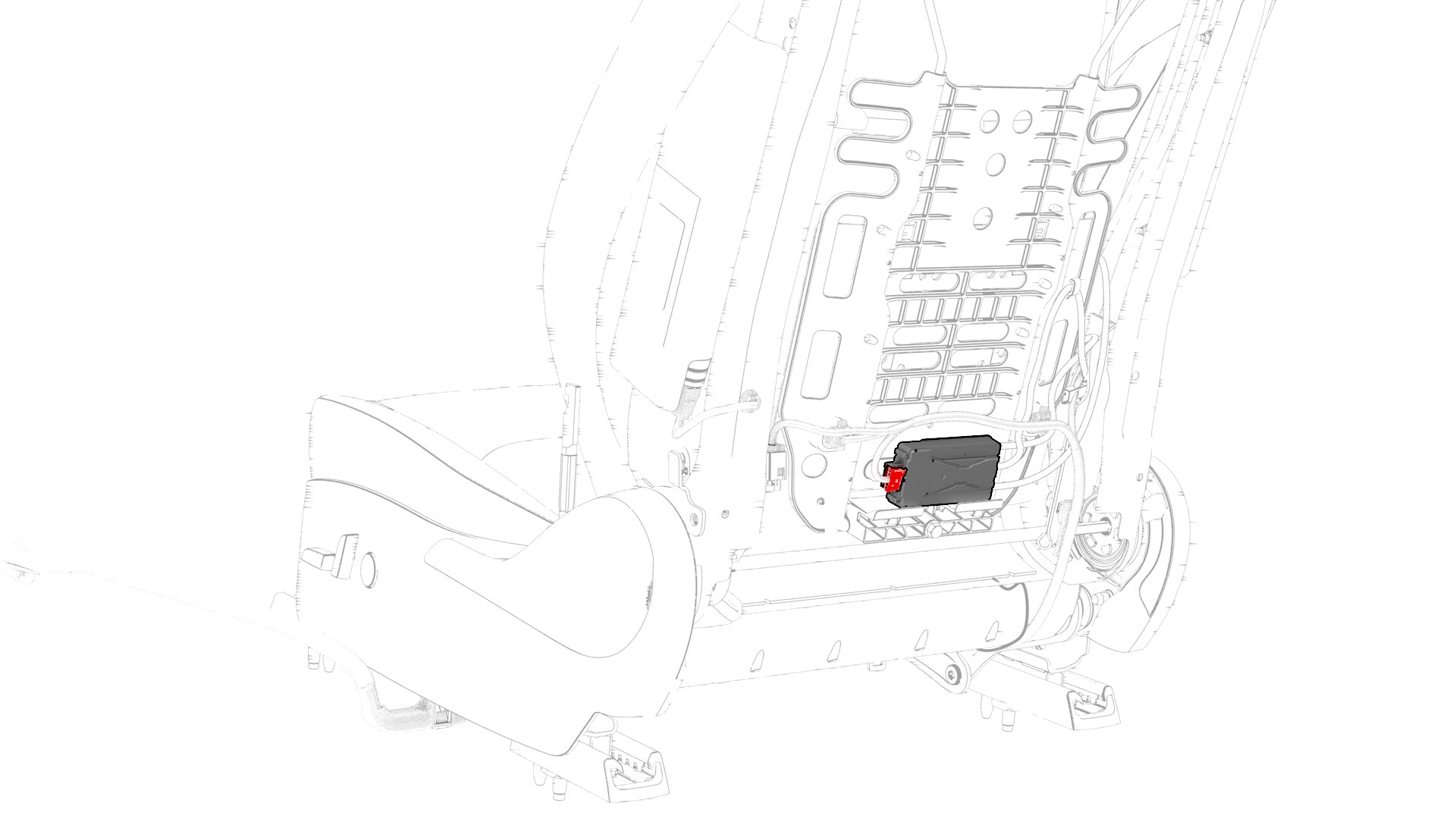
Disconnect the electrical harness from the ECU connector.
-
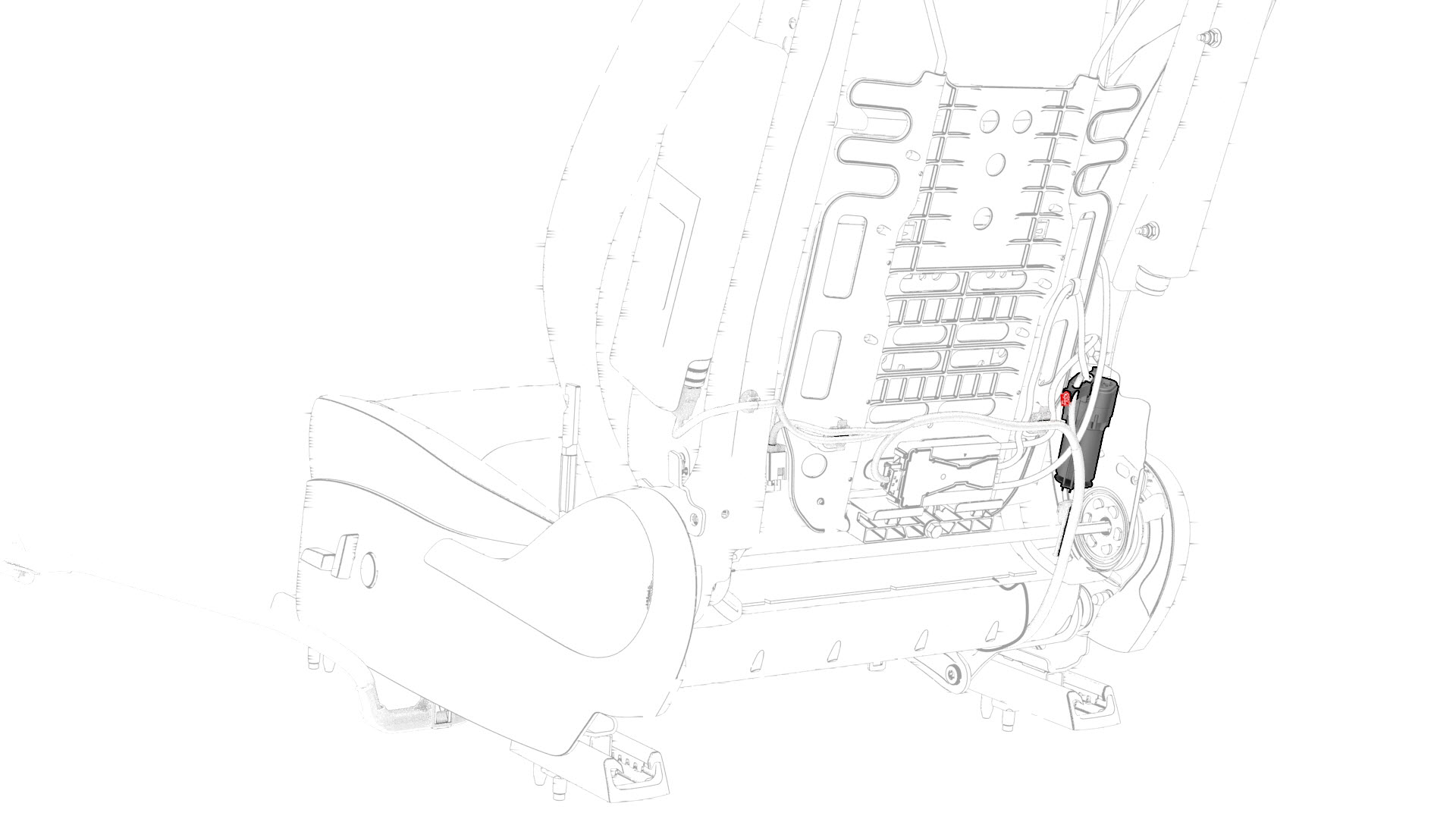
Disconnect the electrical harness from the lumbar pump connector.
-
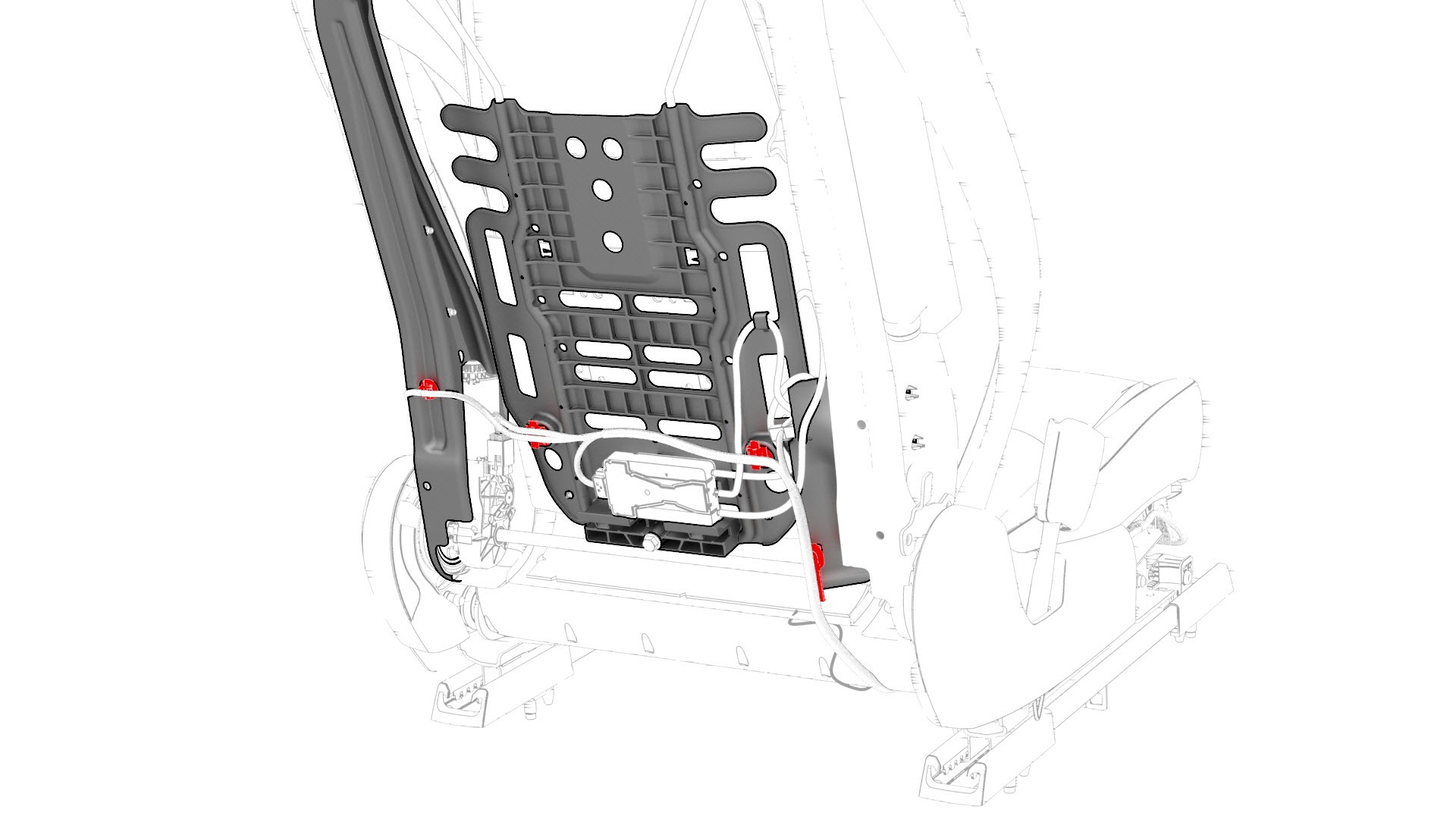
Release the clips that attach the electrical harness to the seat frame.
-
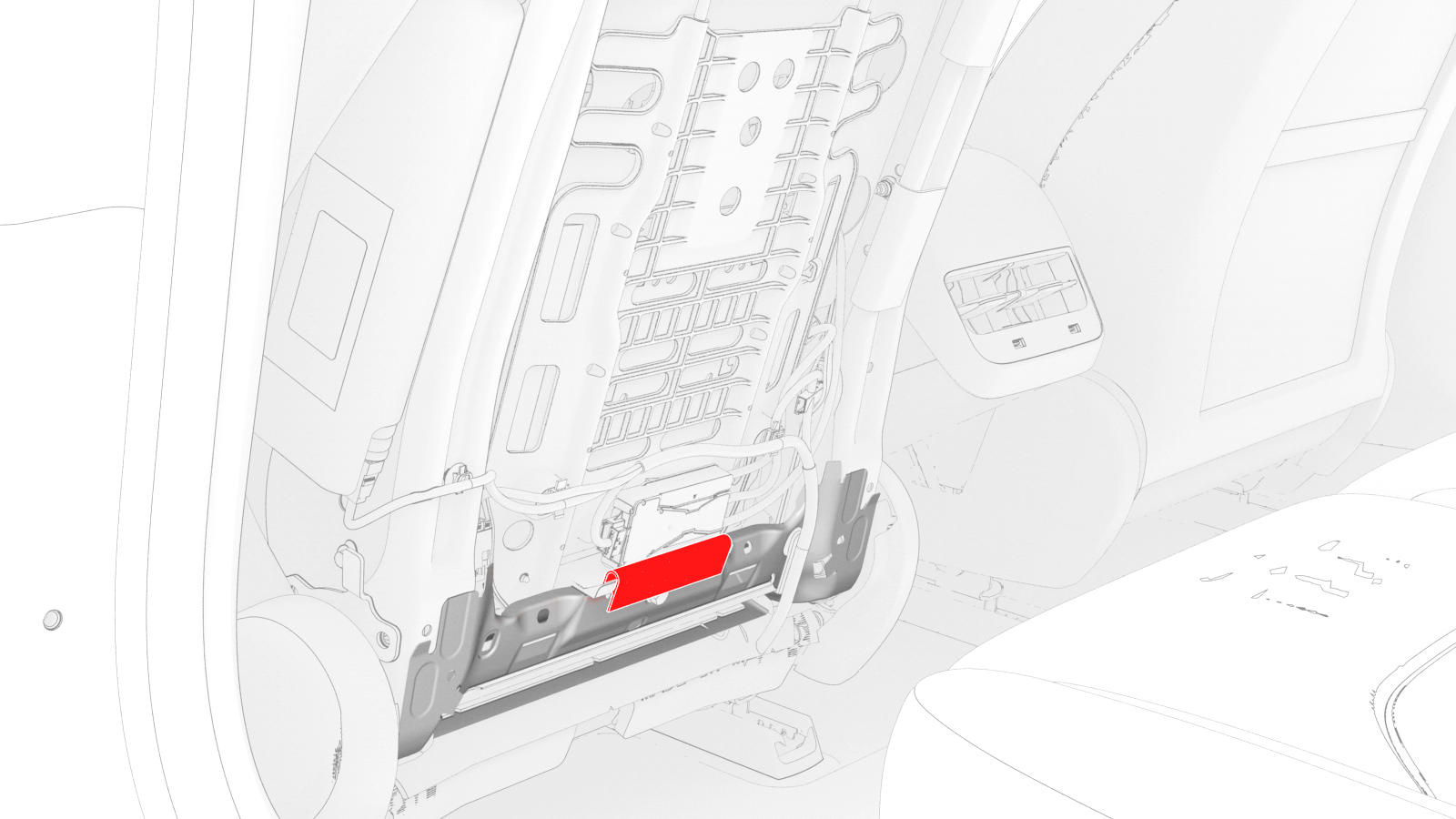
Release the clip that attaches the seat trim to the lumbar support assembly.
-
Release the clips that attach the lumbar pump pouch to the seat frame, and then separate the pouch from the seat back.
-
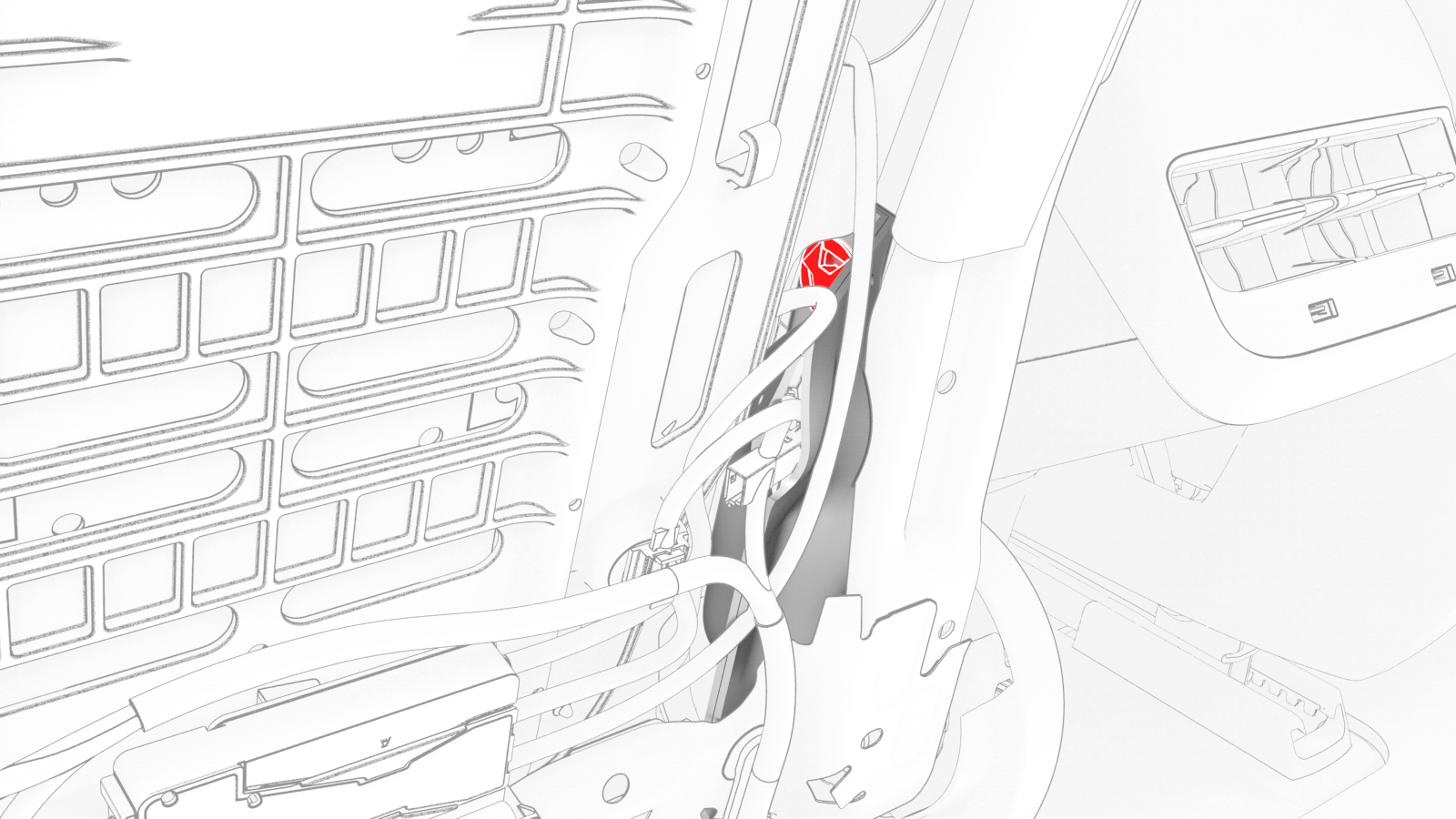
Remove the bolt that attaches the lumbar support assembly to the seat frame.
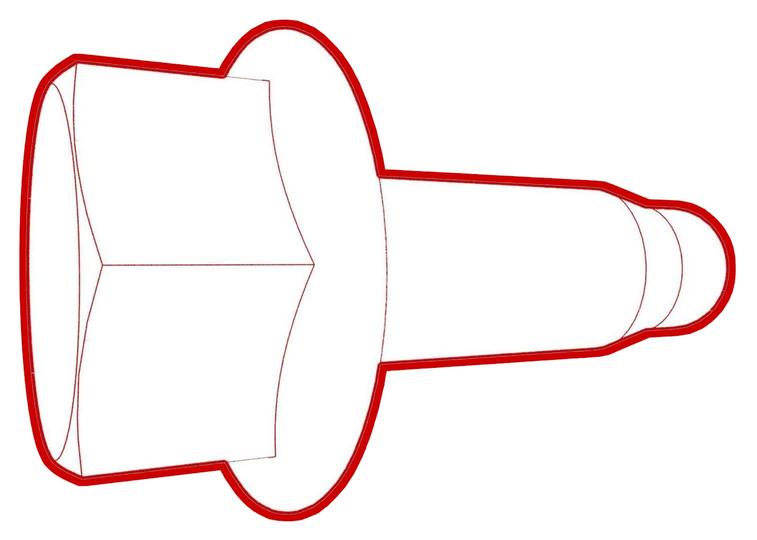 Torque 5 Nm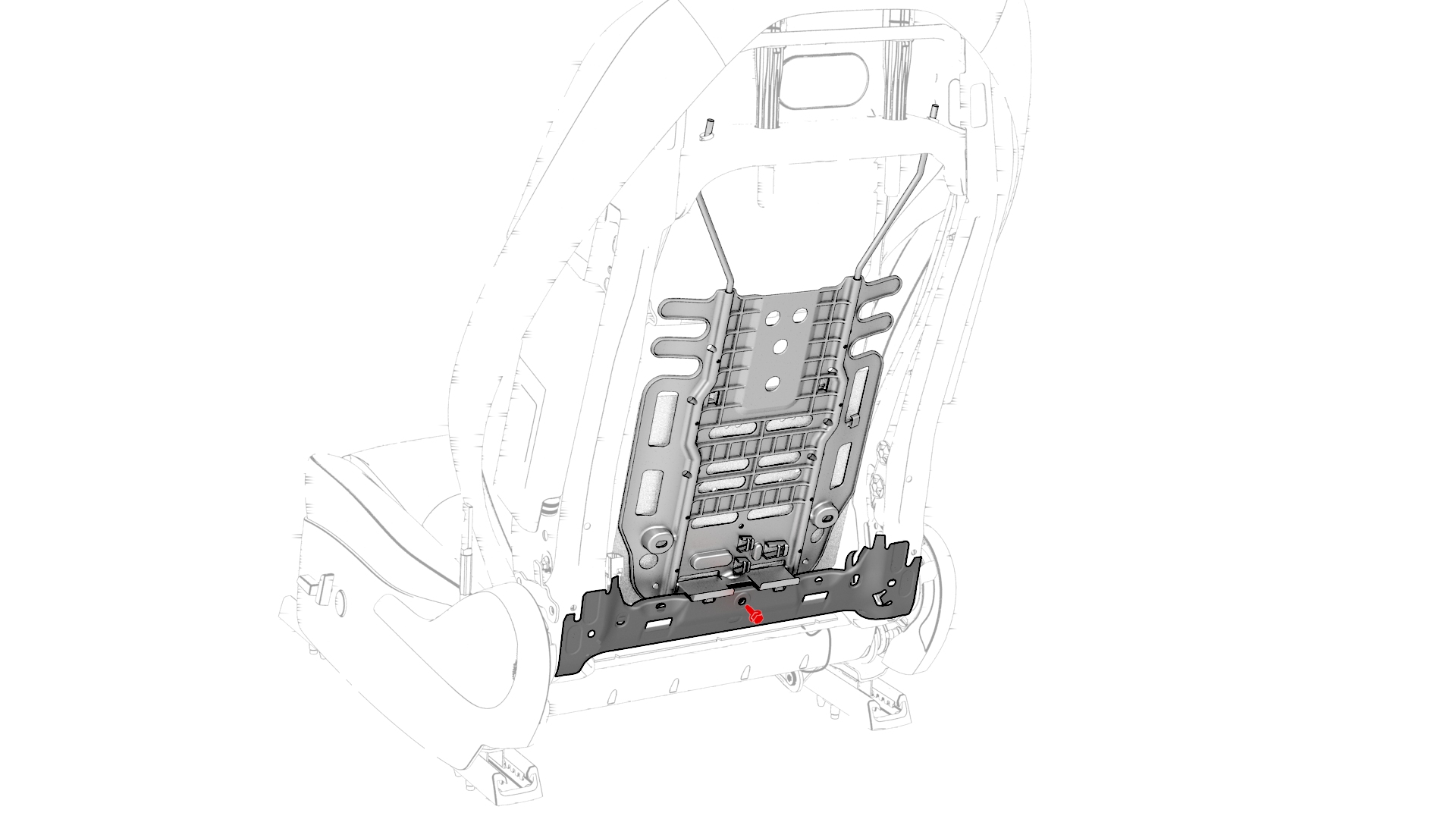
-
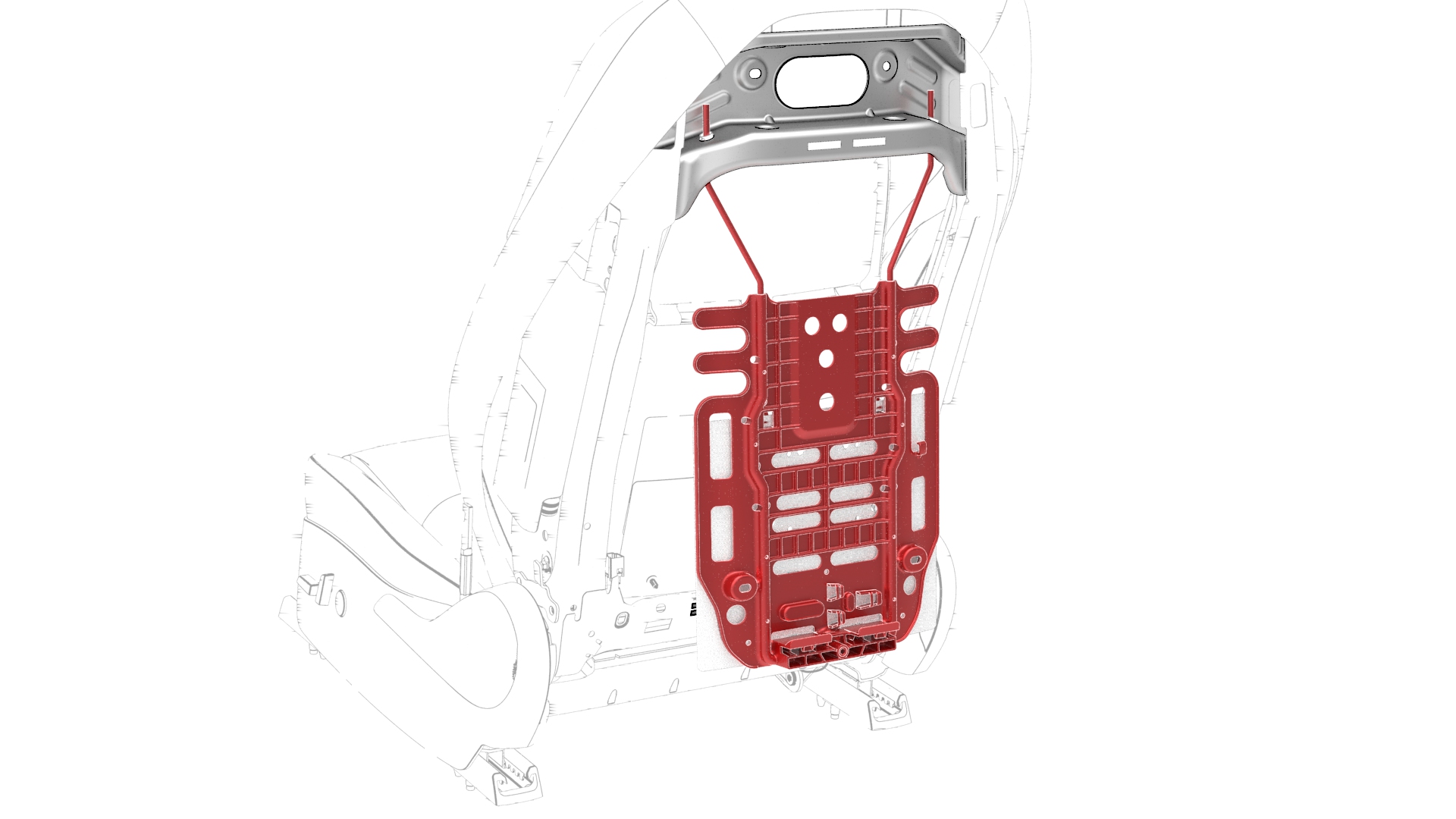
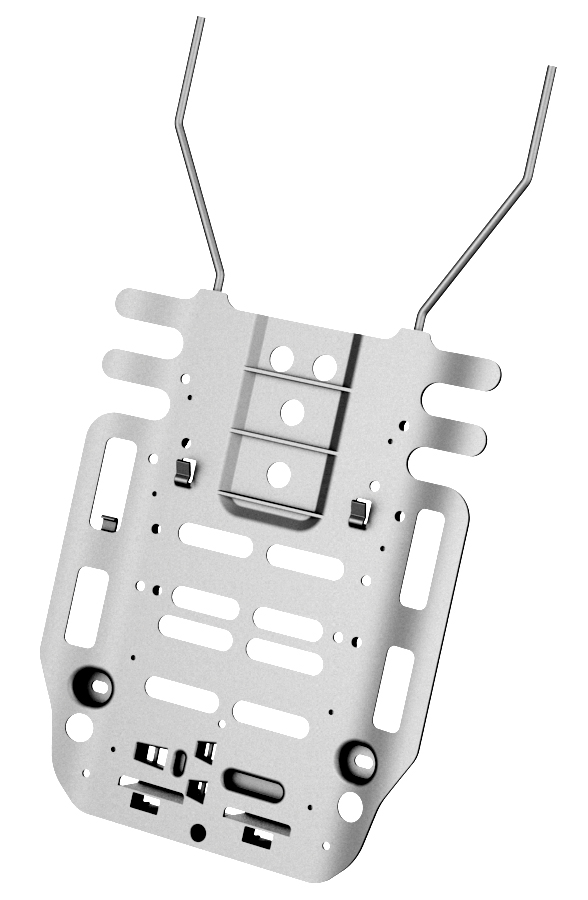
Slide the lumbar support assembly down, then press the bottom of the lumbar support assembly in, and at the same time, slide the lumbar support assembly up. Pivot the bottom of the lumbar support assembly out from the frame, and pull the lumbar support assembly down and out of the frame.
| 1 | Remove the driver seat back shell. See Shell - Seat Back - Driver (Remove and Replace). | ||
| 2 | Release the clips that attach the outboard side of the seat back cover to the seat back frame, and then expose the air bag connector. | |
| 3 | Disconnect the electrical harness from the driver side airbag connector. | |
| 4 | Disconnect the electrical harness from the recliner motor connector. | |
| 5 | Disconnect the electrical harness from the ECU connector. | |
| 6 | Disconnect the electrical harness from the lumbar pump connector. | |
| 7 | Release the clips that attach the electrical harness to the seat frame. | |
| 8 | Release the clip that attaches the seat trim to the lumbar support assembly. | |
| 9 | Release the clips that attach the lumbar pump pouch to the seat frame, and then separate the pouch from the seat back. | |
| 10 | Remove the bolt that attaches the lumbar support assembly to the seat frame. Torque 5 Nm | |
| 11 | Slide the lumbar support assembly down, then press the bottom of the lumbar support assembly in, and at the same time, slide the lumbar support assembly up. Pivot the bottom of the lumbar support assembly out from the frame, and pull the lumbar support assembly down and out of the frame. |
Install
Installation procedure is the reverse of removal.