Carrier - Front End (Remove and Replace)
Correction code 1010100210101002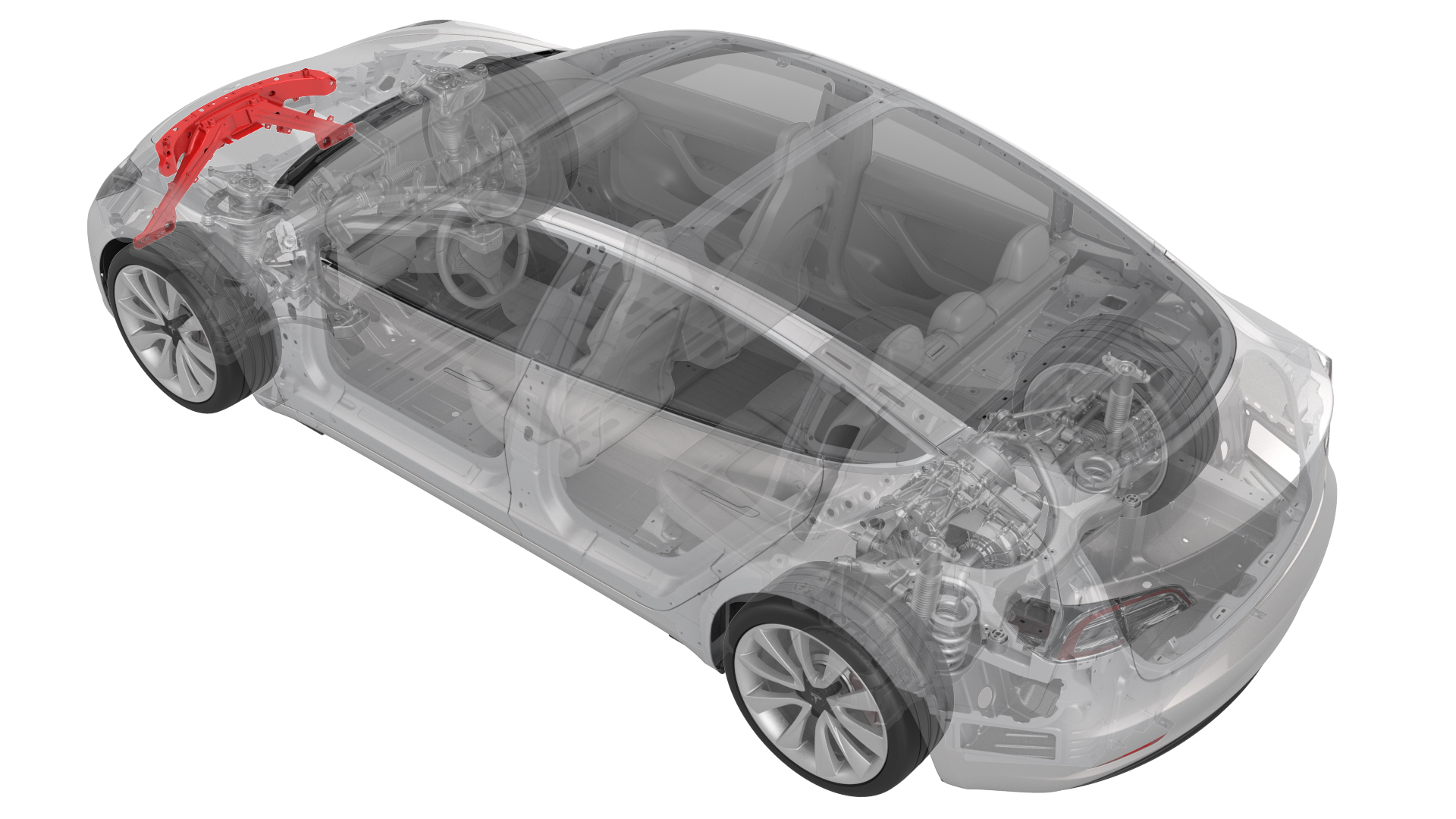
Remove
-
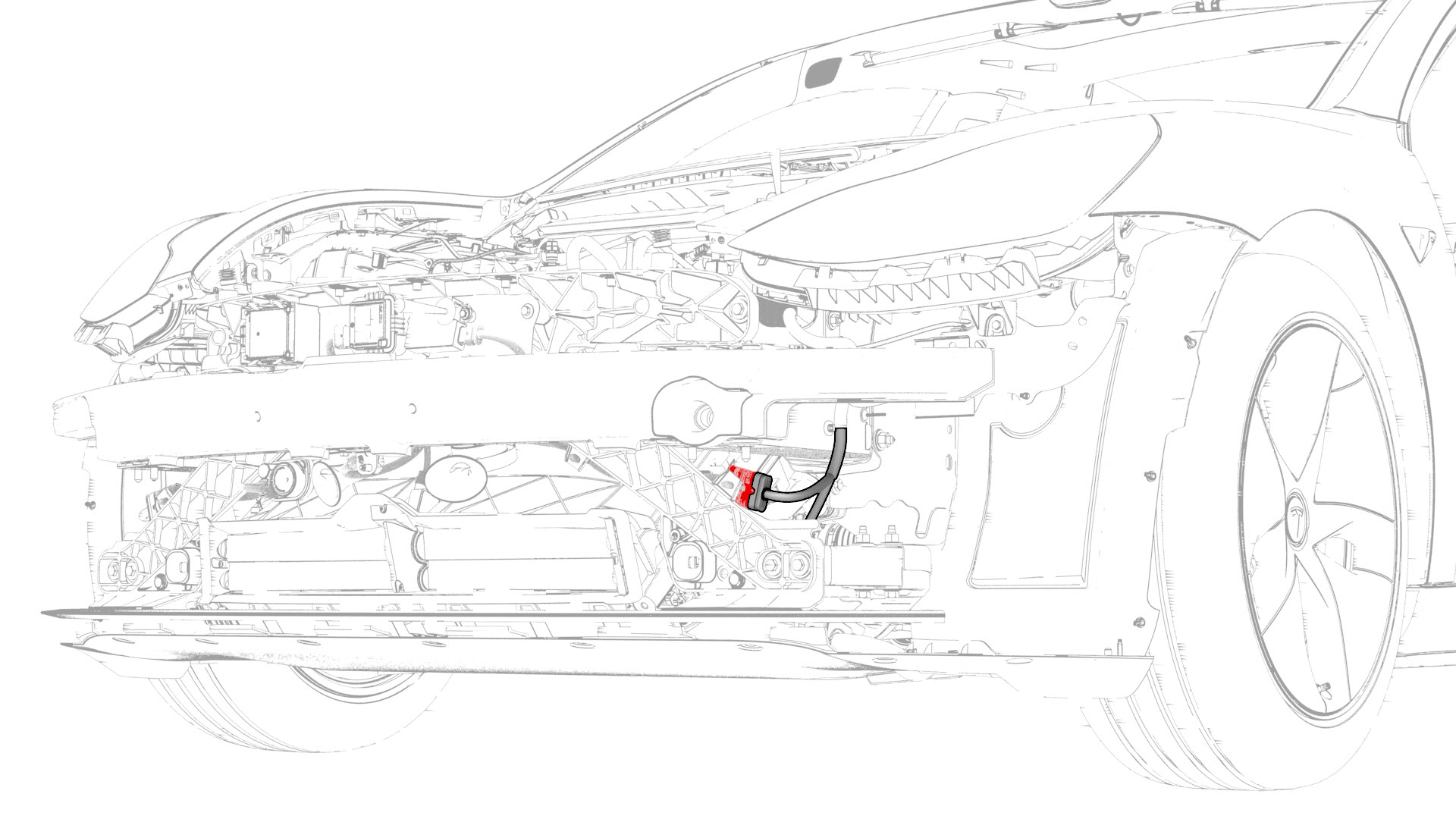
Disconnect the electrical harness from the LH front end carrier electrical connector.
-
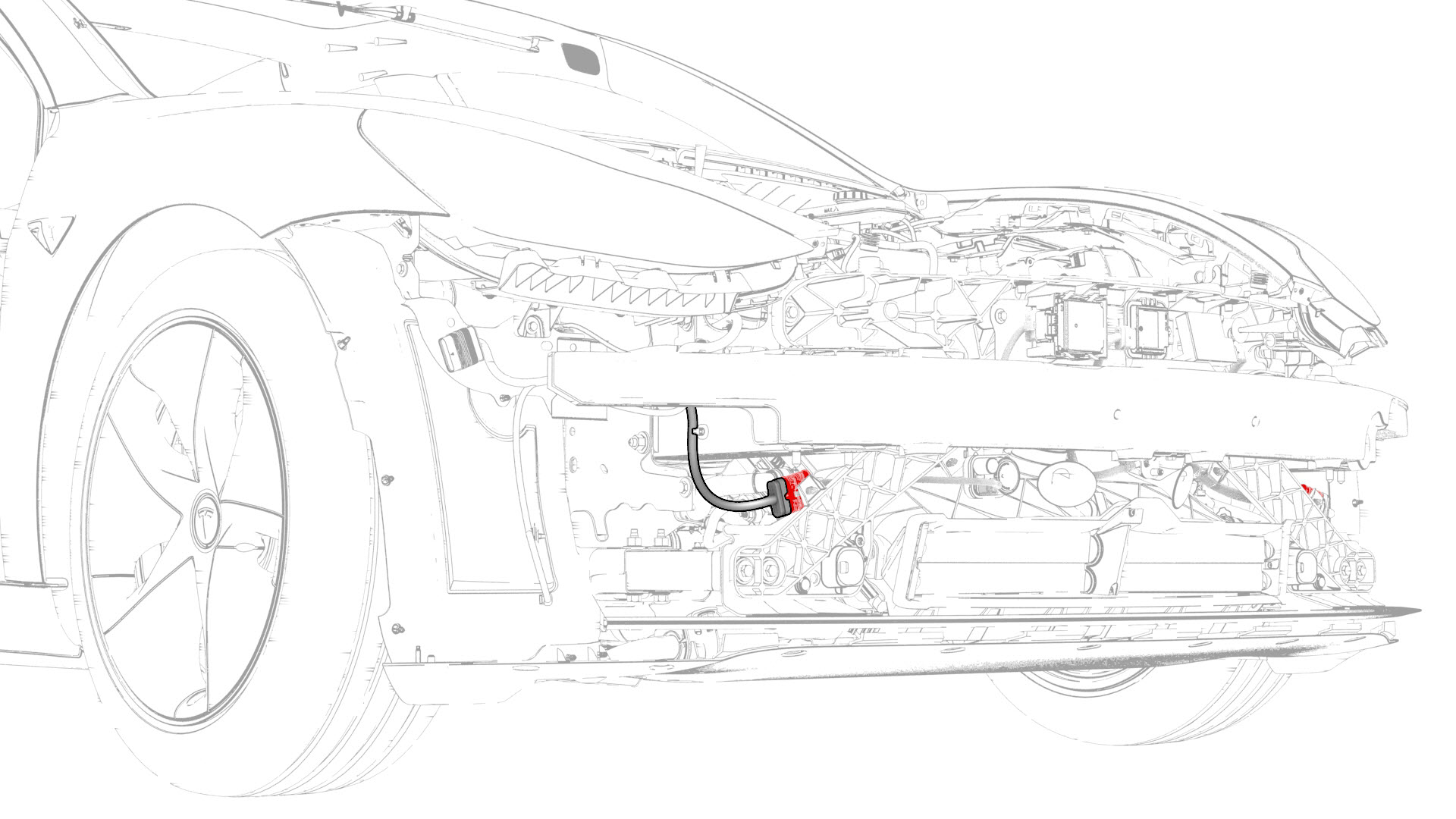
Disconnect the electrical harness from the RH front end carrier electrical connector.
-
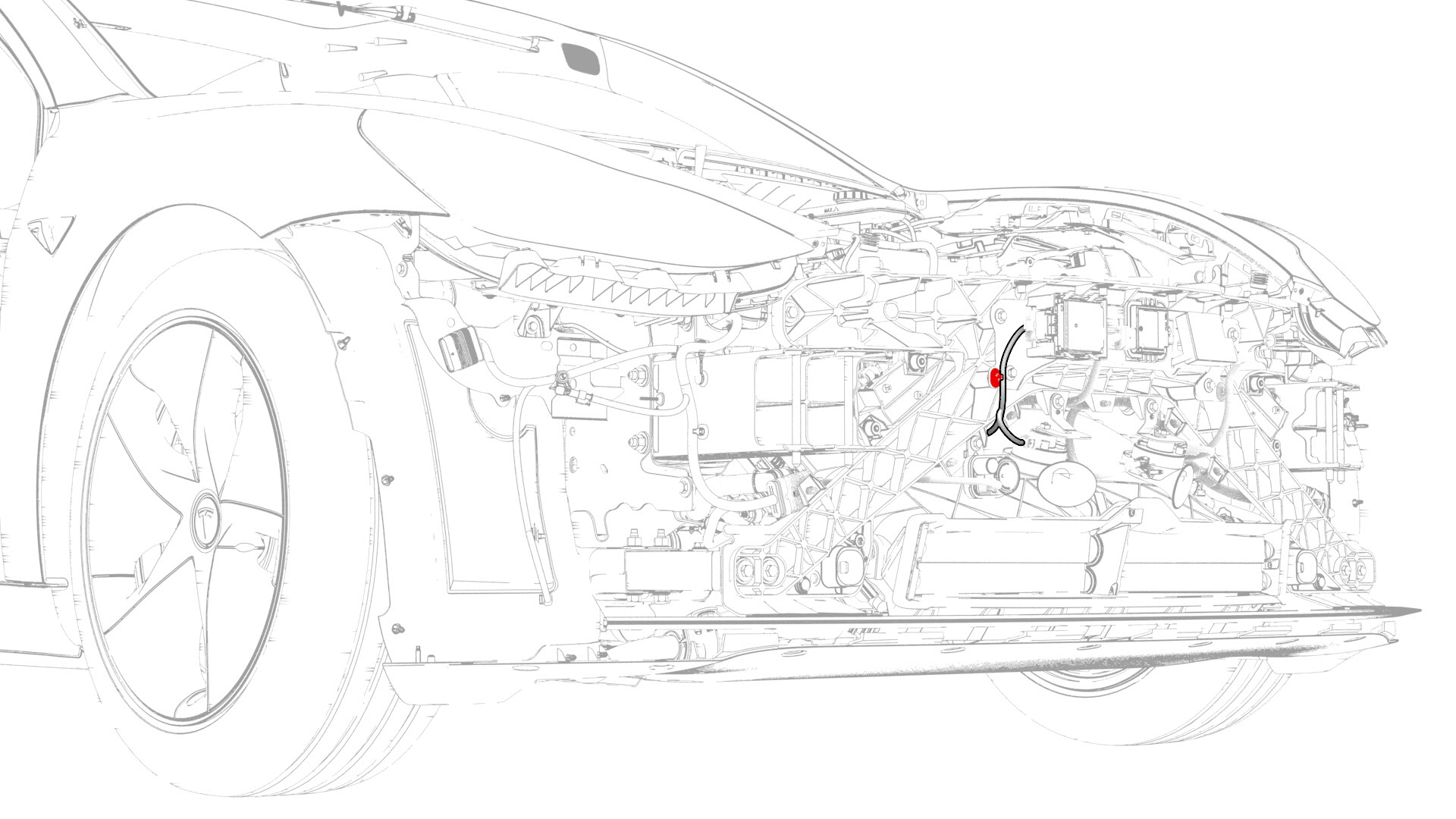
Release the clip that attaches the front radar sensor electrical harness to the front end carrier.
-
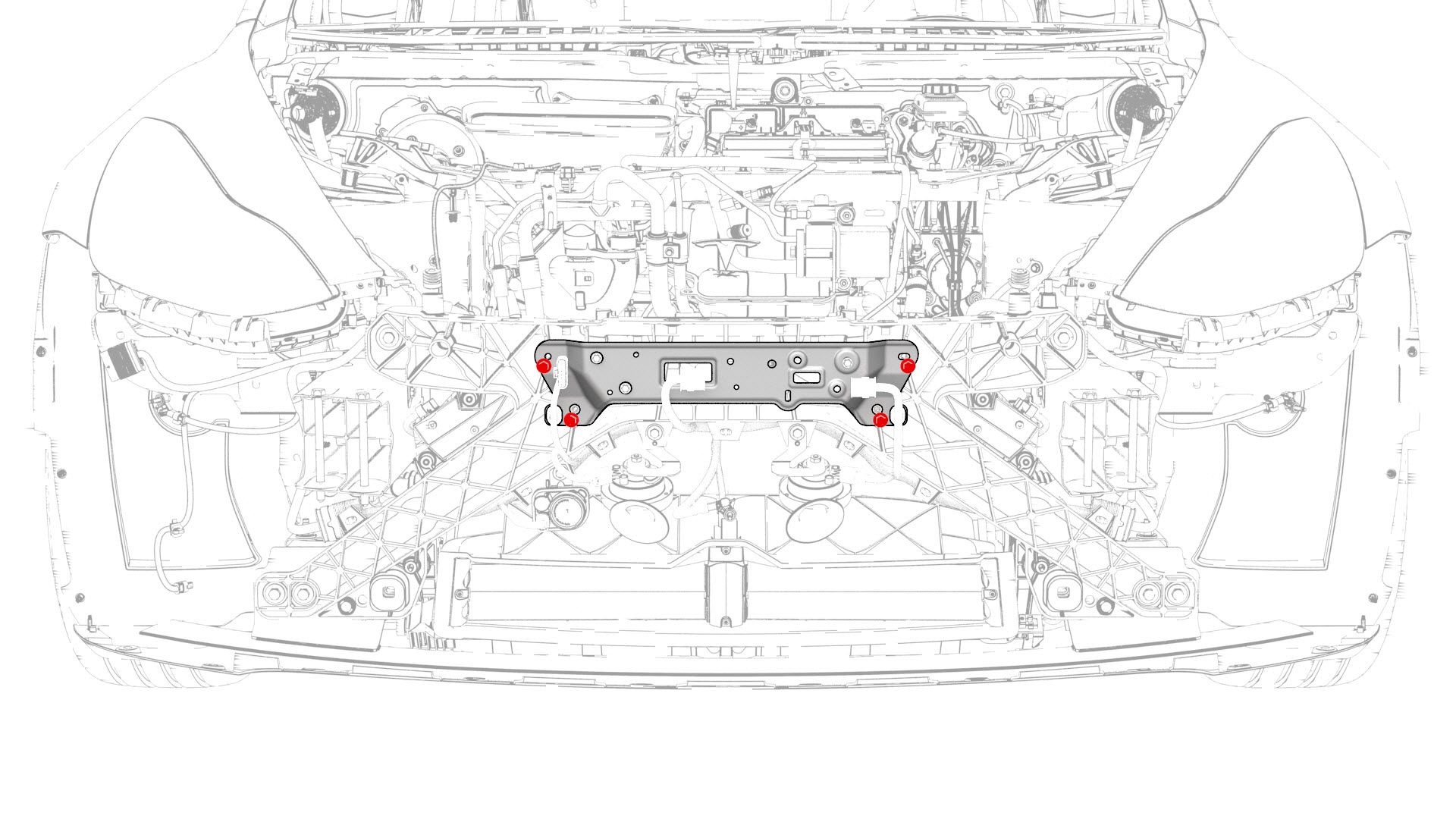
Remove the bolts that attach the radar bracket to the front end carrier, and remove the bracket from the vehicle.
-
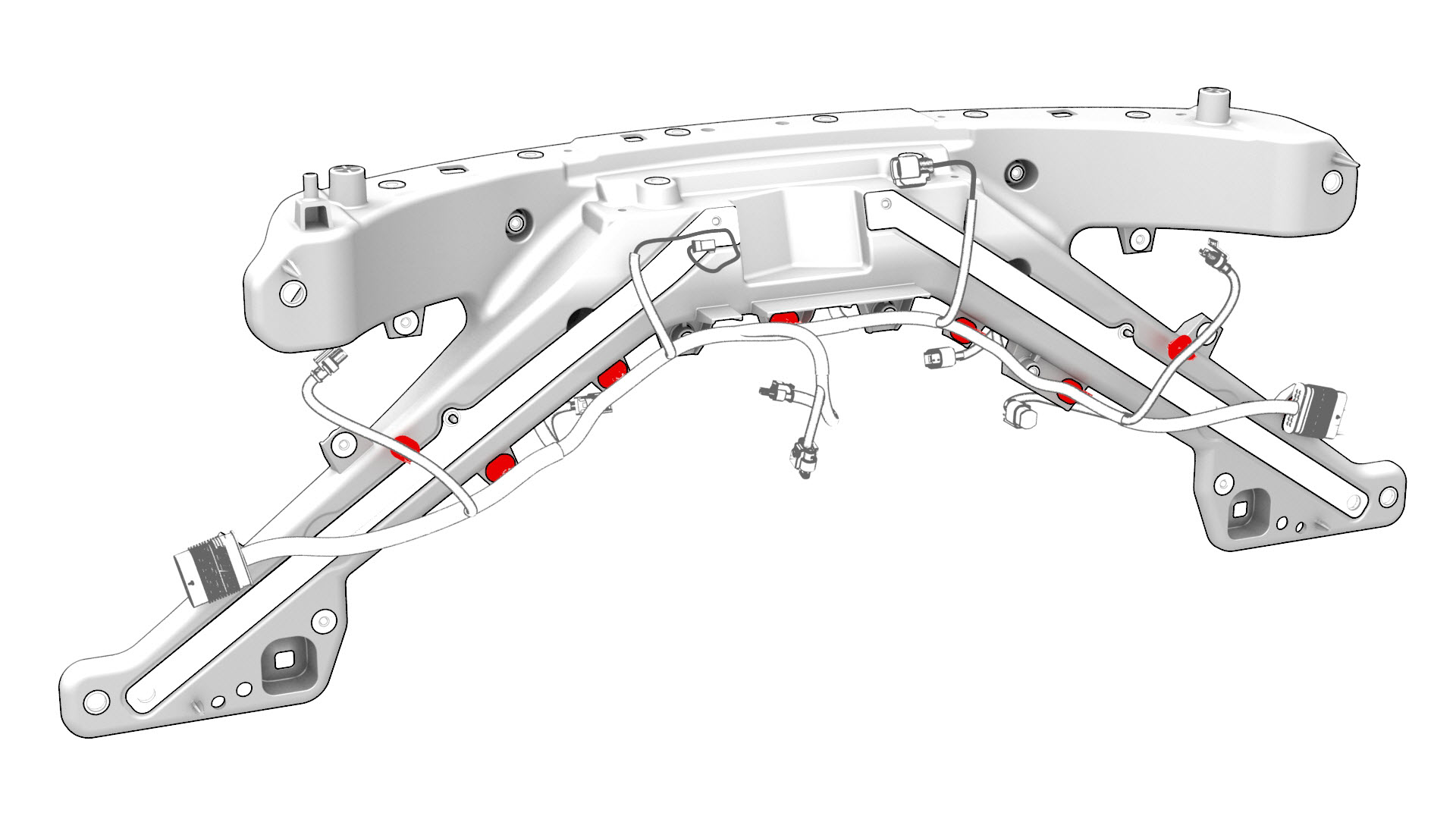
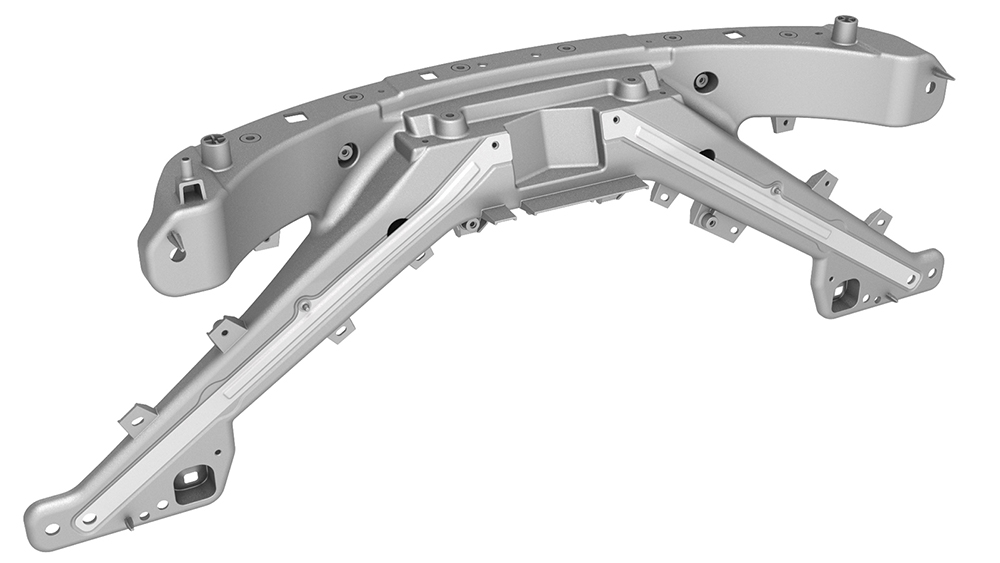
Release the clips that attach the electrical harness to the front end carrier, and then remove the electrical harness from the front end carrier.
| 1 | Raise and support the vehicle. See Raise Vehicle - 2 Post Lift. | ||
| 2 | Remove the rear underhood apron. See Underhood Apron - Rear (Remove and Replace). | ||
| 3 | Remove the cabin intake duct. See Duct - Cabin Intake (Remove and Replace). | ||
| 4 | Remove the hood latch cover. See Cover - Hood Latch (Remove and Replace). | ||
| 5 | Remove the underhood storage unit. See Underhood Storage Unit (Remove and Replace). | ||
| 6 | Remove the front fascia assembly. See Fascia - Front (Remove and Install). | ||
| 7 | Remove the front bumper. See Bumper - Front (Remove and Replace). | ||
| 8 | Disconnect the electrical harness from the LH front end carrier electrical connector. | |
| 9 | Disconnect the electrical harness from the RH front end carrier electrical connector. | |
| 10 | Release the clip that attaches the front radar sensor electrical harness to the front end carrier. | |
| 11 | Remove the front radar sensor. See Sensor - Radar - Front (Remove and Replace). | ||
| 12 | Remove the HomeLink transmitter module. See Module - HomeLink Transmitter (Remove and Replace). | ||
| 13 | Remove the front Bluetooth passive entry antenna. See Antenna - Bluetooth Passive Entry - Front (Remove and Replace). | ||
| 14 | Remove the bolts that attach the radar bracket to the front end carrier, and remove the bracket from the vehicle. | |
| 15 | Remove the high tone horn. See Horn - High Tone (Remove and Replace). | ||
| 16 | Remove the low tone horn. See Horn - Low Tone (Remove and Replace). | ||
| 17 | Disconnect the electrical connector from the AGS actuator. | ||
| 18 | Remove the ankle catcher. See Ankle Catcher (Remove and Replace). | ||
| 19 | Remove the front end carrier from the vehicle and place it on a padded surface. | ||
| 20 | Remove the primary hood latch actuator. See Actuator - Latch - Hood - Primary (Remove and Replace). | ||
| 21 | Remove the secondary hood latch actuator. See Actuator - Latch - Hood - Secondary (Remove and Replace). | ||
| 22 | Remove the hood latch. See Latch - Hood (Remove and Replace). | ||
| 23 | Release the clips that attach the electrical harness to the front end carrier, and then remove the electrical harness from the front end carrier. |
Install
-
Install the clips that attach the front end module electrical harness to the front end carrier.
-
Install the bolts that attach the radar bracket to the front end carrier.
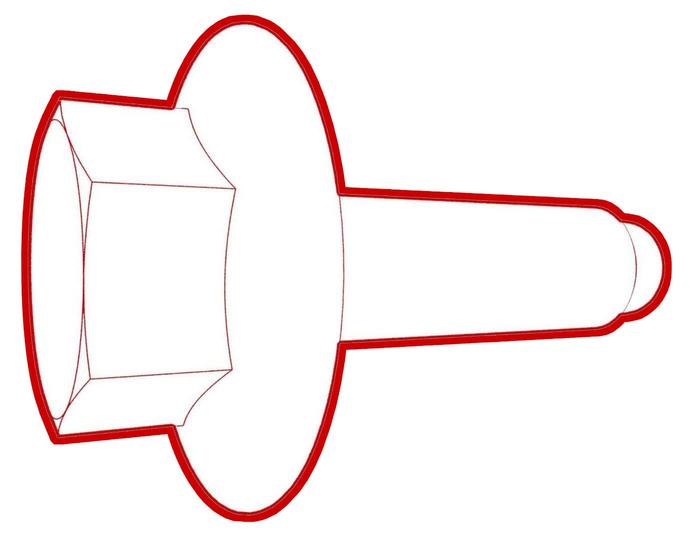 Torque 8 Nm
 -
Connect the electrical harness onto the RH front end carrier electrical connector.
-
Connect the electrical harness onto the LH front end carrier electrical connector.
| 1 | Install the clips that attach the front end module electrical harness to the front end carrier. | |
| 2 | Install the hood latch. See Latch - Hood (Remove and Replace). | ||
| 3 | Install the secondary hood latch actuator. See Actuator - Latch - Hood - Secondary (Remove and Replace). | ||
| 4 | With an assistant, position the front end carrier onto the vehicle for installation. Note: Hand-tighten the upper bolts of the front end carrier to avoid it from falling when installing the ankle catcher.
| ||
| 5 | Install the ankle catcher. See Ankle Catcher (Remove and Replace). | ||
| 6 | Connect the AGS actuator electrical connector. | ||
| 7 | Install the high tone horn. See Horn - High Tone (Remove and Replace). | ||
| 8 | Install the low tone horn. See Horn - Low Tone (Remove and Replace). | ||
| 9 | Install the bolts that attach the radar bracket to the front end carrier. Torque 8 Nm | |
| 10 | Install the front Bluetooth passive entry antenna. See Antenna - Bluetooth Passive Entry - Front (Remove and Replace). | ||
| 11 | Install the HomeLink transmitter module. See Module - HomeLink Transmitter (Remove and Replace). | ||
| 12 | Install the front radar sensor. See Sensor - Radar - Front (Remove and Replace). | ||
| 13 | Connect the electrical harness onto the RH front end carrier electrical connector. | |
| 14 | Connect the electrical harness onto the LH front end carrier electrical connector. | |
| 15 | Install the front bumper. See Bumper - Front (Remove and Replace). | ||
| 16 | Install the front fascia assembly. See Fascia - Front (Remove and Install). | ||
| 17 | Install the underhood storage unit. See Underhood Storage Unit (Remove and Replace). | ||
| 18 | Install the hood latch cover. See Cover - Hood Latch (Remove and Replace). | ||
| 19 | Install the cabin intake duct. See Duct - Cabin Intake (Remove and Replace). | ||
| 20 | Install the rear underhood apron. See Underhood Apron - Rear (Remove and Replace). | ||
| 21 | Remove the vehicle from the lift. |