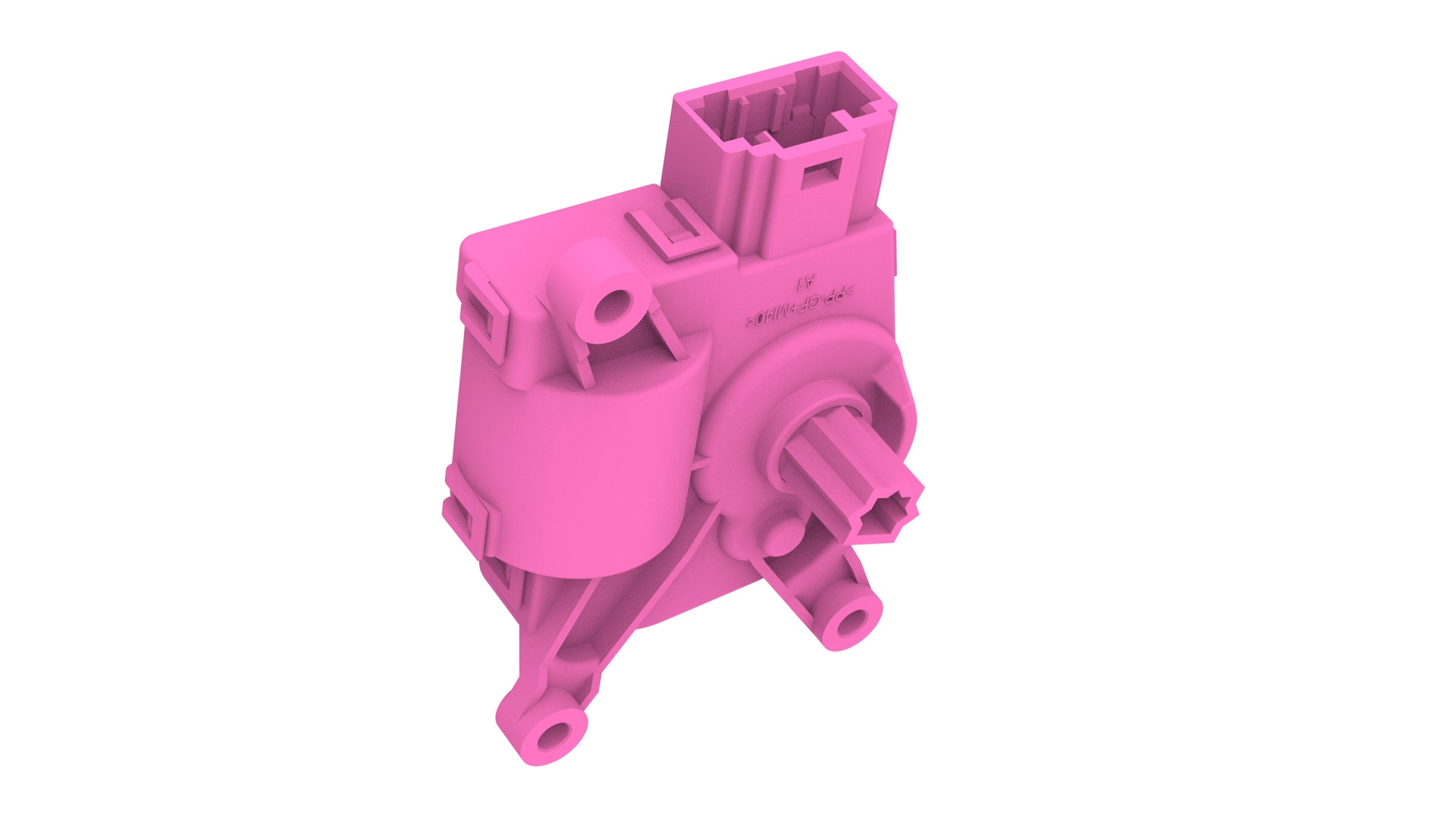
Actuator - Upper Mode (Remove and Replace)
Correction code 1810260218102602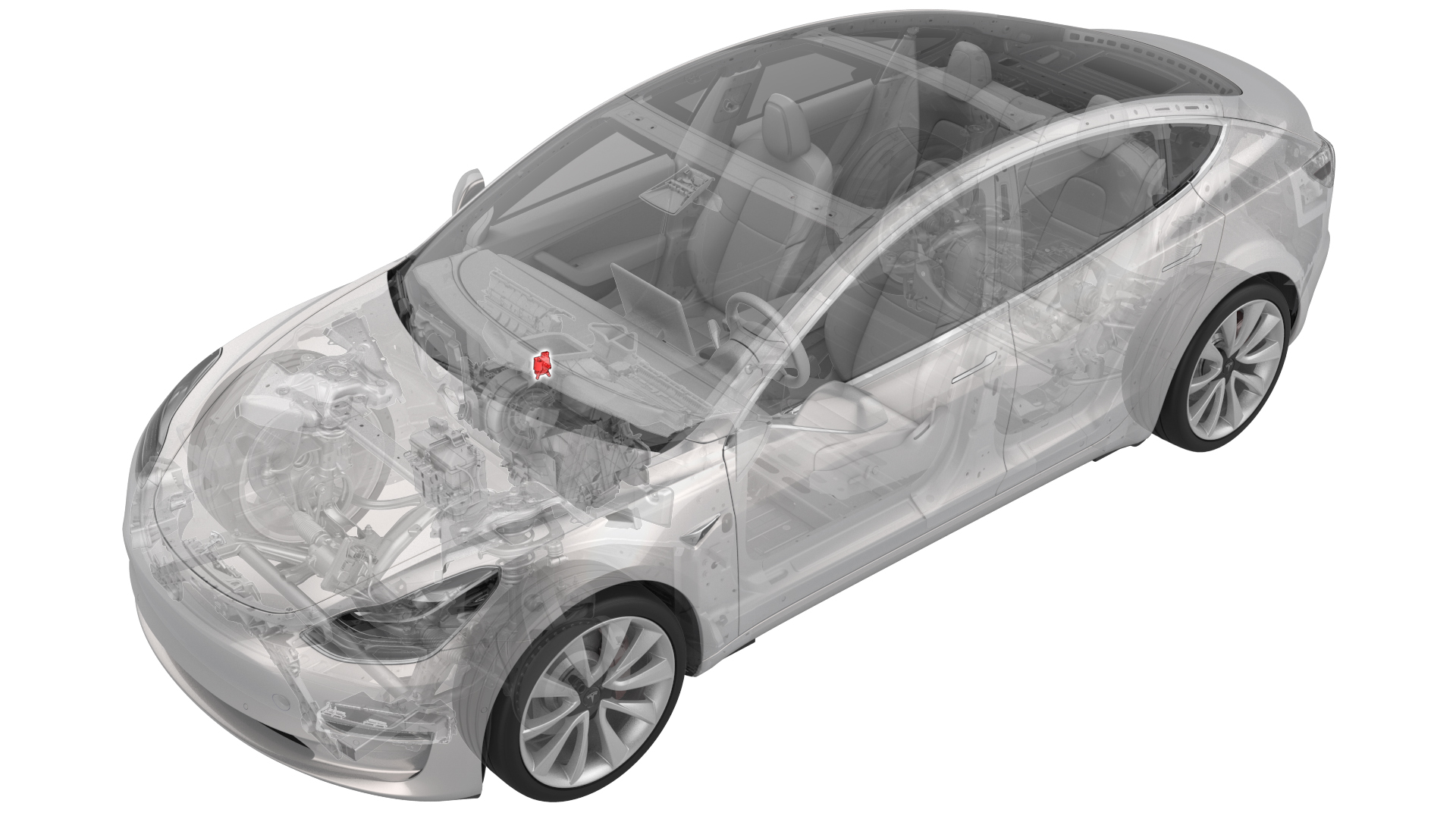
Remove
-
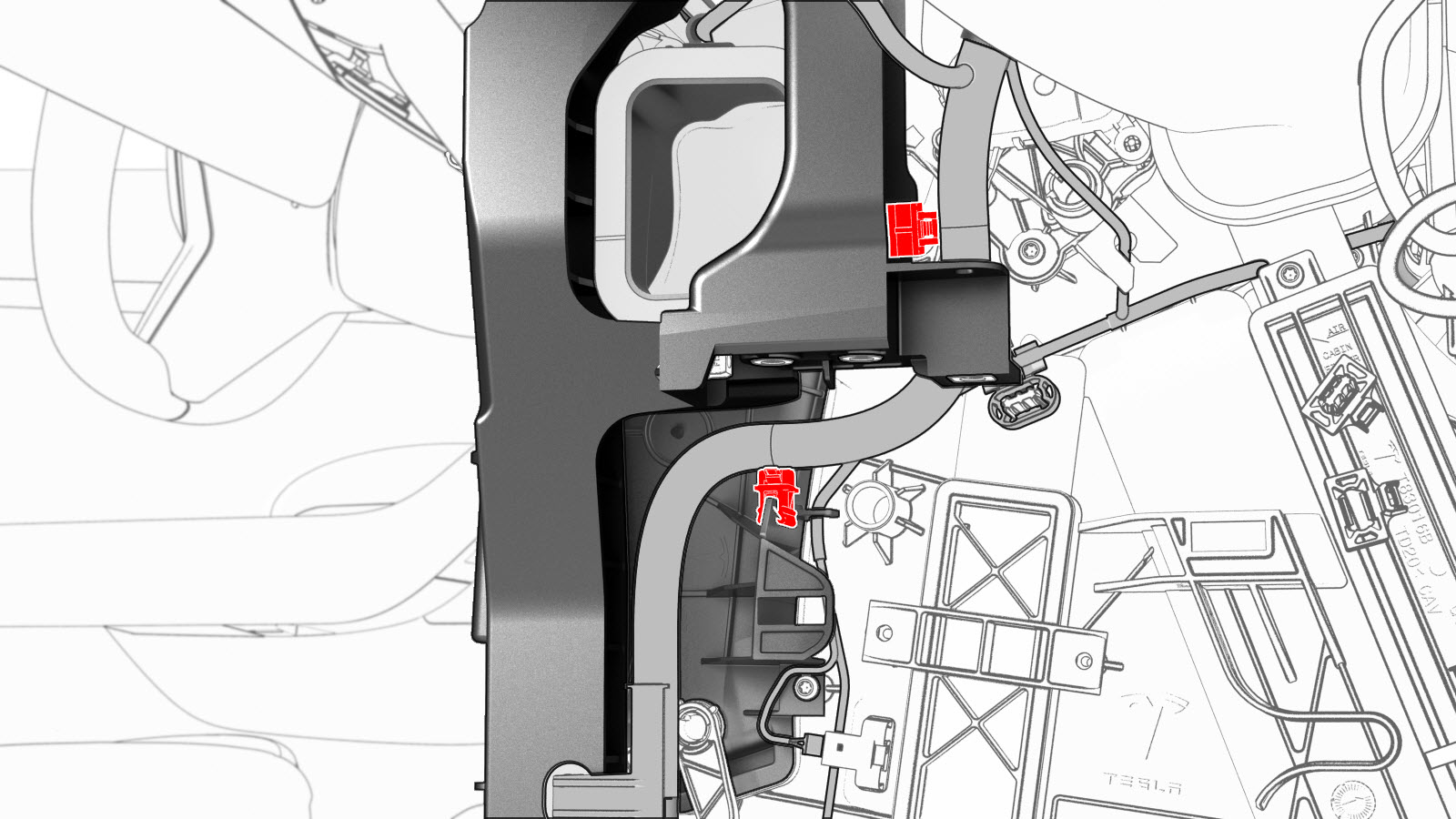
Release the clips that attach the instrument panel harness to the RH side of the HVAC assembly.
-
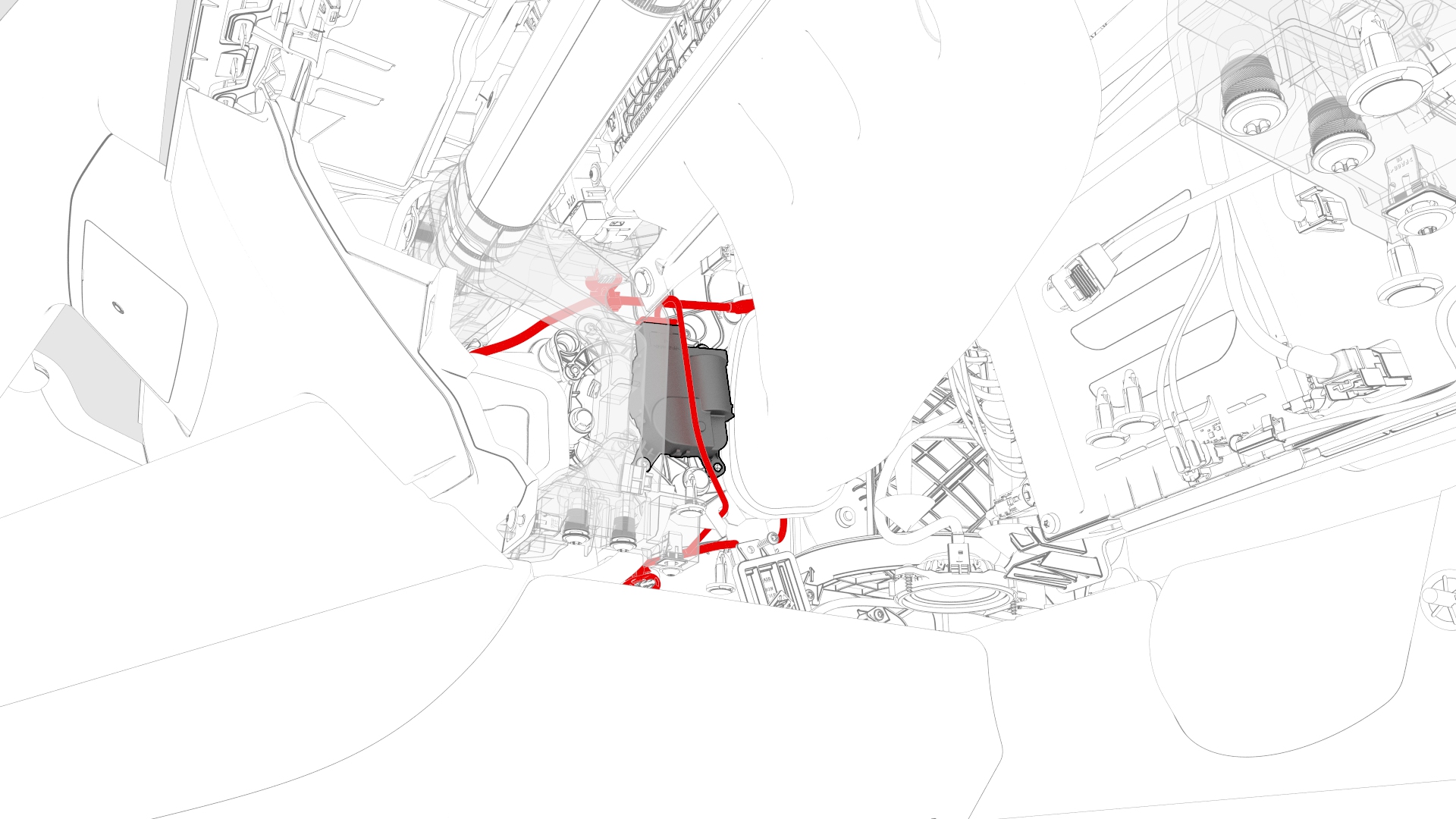
Disconnect the electrical connector from the upper mode actuator.
-
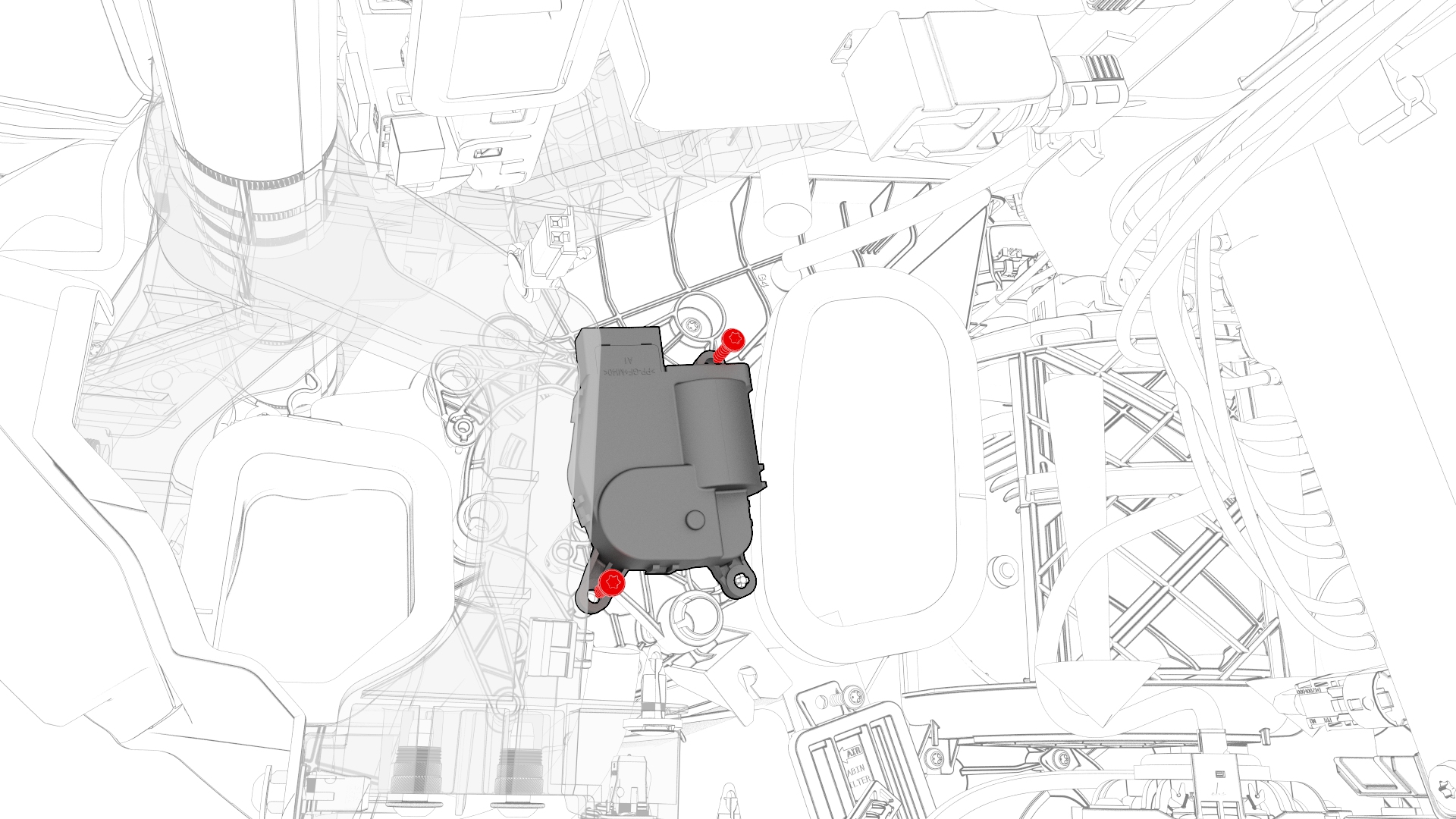
Remove the bolts that attach the upper mode actuator to the HVAC assembly, and then remove the upper mode actuator.
| 1 | Remove the 2nd lower seat cushion. See Seat Cushion - Lower - 2nd Row (Remove and Replace). | ||
| 2 | Remove the rear underhood apron. See Underhood Apron - Rear (Remove and Replace). | ||
| 3 | Disconnect 12V power. See 12V Power (Disconnect and Connect). | ||
| 4 | Remove the LH instrument panel end cap. See End Cap - Instrument Panel - LH (Remove and Replace). | ||
| 5 | Remove the LH air wave end cap. See End Cap - Air Wave - LH (Remove and Replace). | ||
| 6 | Remove the RH instrument panel end cap. See End Cap - Instrument Panel - LH (Remove and Replace). | ||
| 7 | Remove the front passenger floormat. | ||
| 8 | Remove the RH center console side panel carpet. See Carpet - Side Panel - Center Console - LH (Remove and Replace). | ||
| 9 | Remove the passenger footwell cover. See Cover - Footwell - Passenger (LHD) (Remove and Replace). | ||
| 10 | Remove the front passenger knee airbag. See Airbag - Knee - Front Passenger (Remove and Replace). | ||
| 11 | Remove the RH air wave end cap. See End Cap - Air Wave - LH (Remove and Replace). | ||
| 12 | Remove the main instrument panel decor trim. See Decor Trim - Instrument Panel - Main (Remove and Replace). | ||
| 13 | Remove the glove box. See Glove Box (LHD) (Remove and Replace). | ||
| 14 | Remove the RH footwell duct. See Duct - Footwell - RH (Remove and Replace). | ||
| 15 | Release the clips that attach the instrument panel harness to the RH side of the HVAC assembly. | |
| 16 | Disconnect the electrical connector from the upper mode actuator. | |
| 17 | Remove the bolts that attach the upper mode actuator to the HVAC assembly, and then remove the upper mode actuator. |
Install
-
Install the bolts that attach the upper mode actuator to the HVAC assembly.
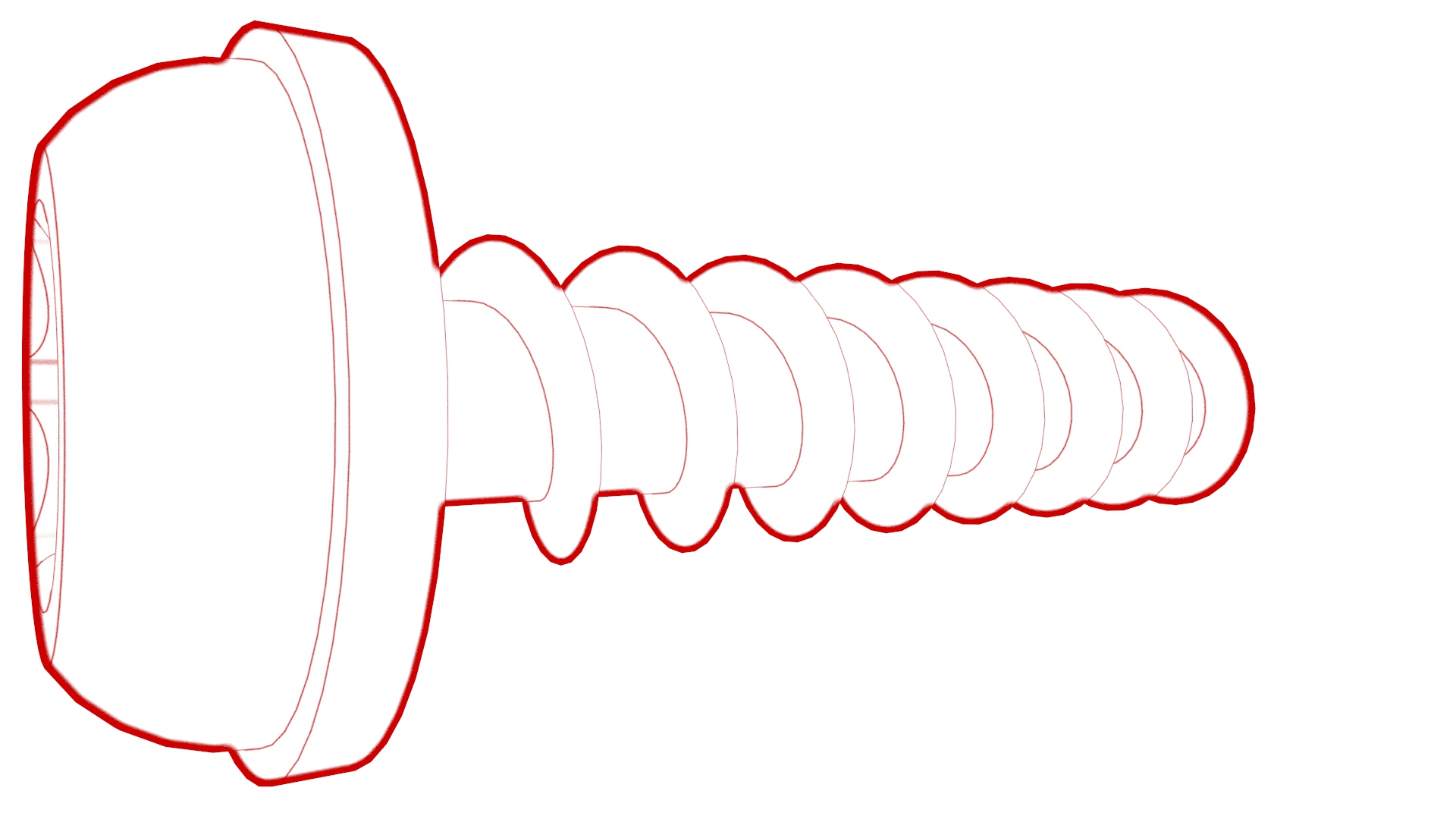 Torque 1.2 Nm
 -
Connect the upper mode actuator electrical connector.
-
Install the clips that attach the instrument panel harness to the RH side of the HVAC assembly.
| 1 | Position the upper mode actuator onto the HVAC assembly; align the guide and push the actuator towards the left to install. | ||
| 2 | Install the bolts that attach the upper mode actuator to the HVAC assembly. Torque 1.2 Nm | |
| 3 | Connect the upper mode actuator electrical connector. | |
| 4 | Install the clips that attach the instrument panel harness to the RH side of the HVAC assembly. | |
| 5 | Install the RH footwell duct. See Duct - Footwell - RH (Remove and Replace). | ||
| 6 | Install the glove box. See Glove Box (LHD) (Remove and Replace). | ||
| 7 | Install the main instrument panel decor trim. See Decor Trim - Instrument Panel - Main (Remove and Replace). | ||
| 8 | Install the RH air wave end cap. See End Cap - Air Wave - LH (Remove and Replace). | ||
| 9 | Install the front passenger knee airbag. See Airbag - Knee - Front Passenger (Remove and Replace). | ||
| 10 | Install the passenger footwell cover. See Cover - Footwell - Passenger (LHD) (Remove and Replace). | ||
| 11 | Install the RH center console side panel carpet. See Carpet - Side Panel - Center Console - LH (Remove and Replace). | ||
| 12 | Install the front passenger floormat. | ||
| 13 | Install the RH instrument panel end cap. See End Cap - Instrument Panel - LH (Remove and Replace). | ||
| 14 | Install the LH air wave end cap. See End Cap - Air Wave - LH (Remove and Replace). | ||
| 15 | Install the LH instrument panel end cap. See End Cap - Instrument Panel - LH (Remove and Replace). | ||
| 16 | Reconnect 12V power. See 12V Power (Disconnect and Connect). | ||
| 17 | Install the rear underhood apron. See Underhood Apron - Rear (Remove and Replace). | ||
| 18 | Install the 2nd lower seat cushion. See Seat Cushion - Lower - 2nd Row (Remove and Replace). |